AI Portrait Generator
AI Portrait Generator: striking portraits from a prompt
Start free — no credit card.


What is an AI portrait generator?
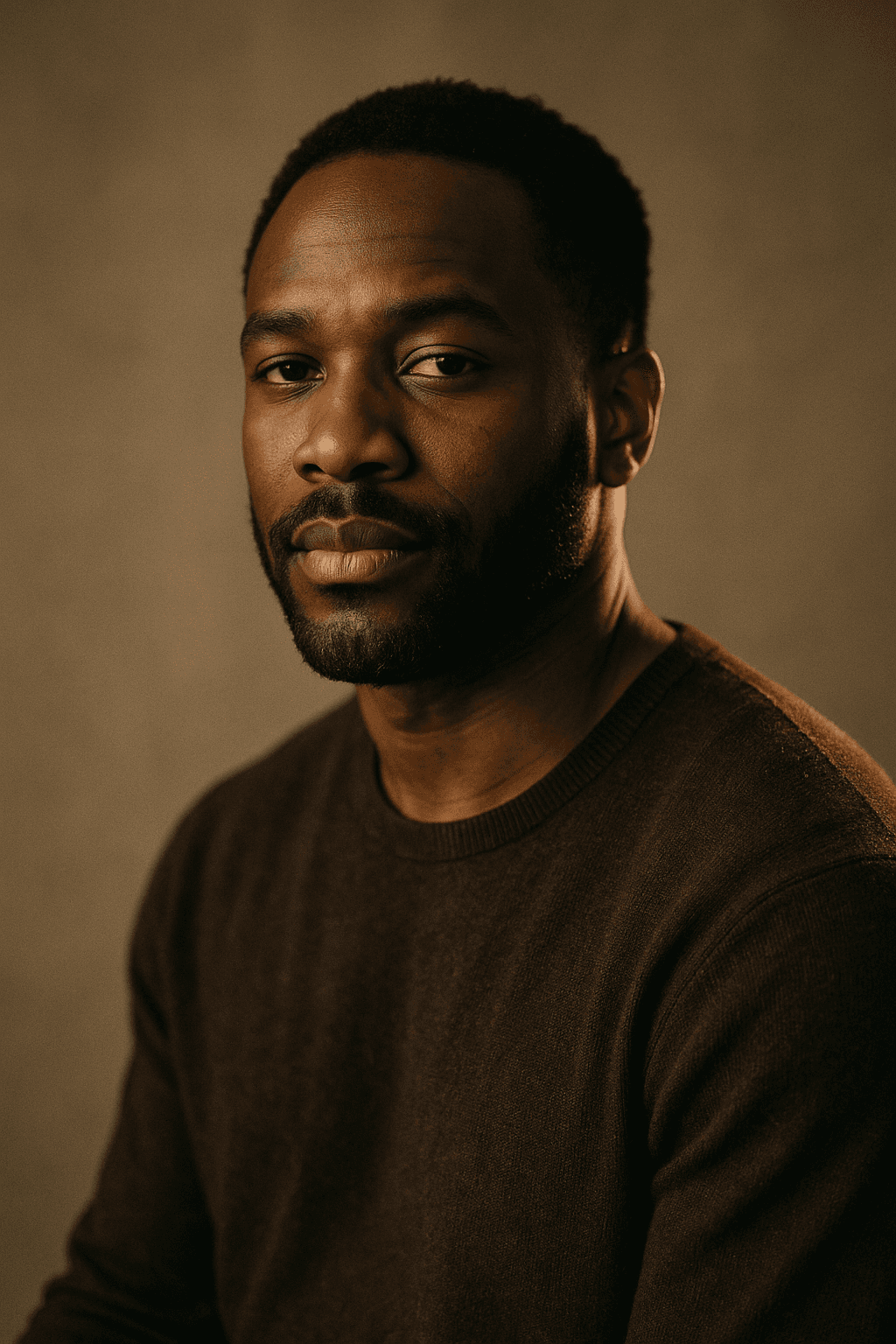
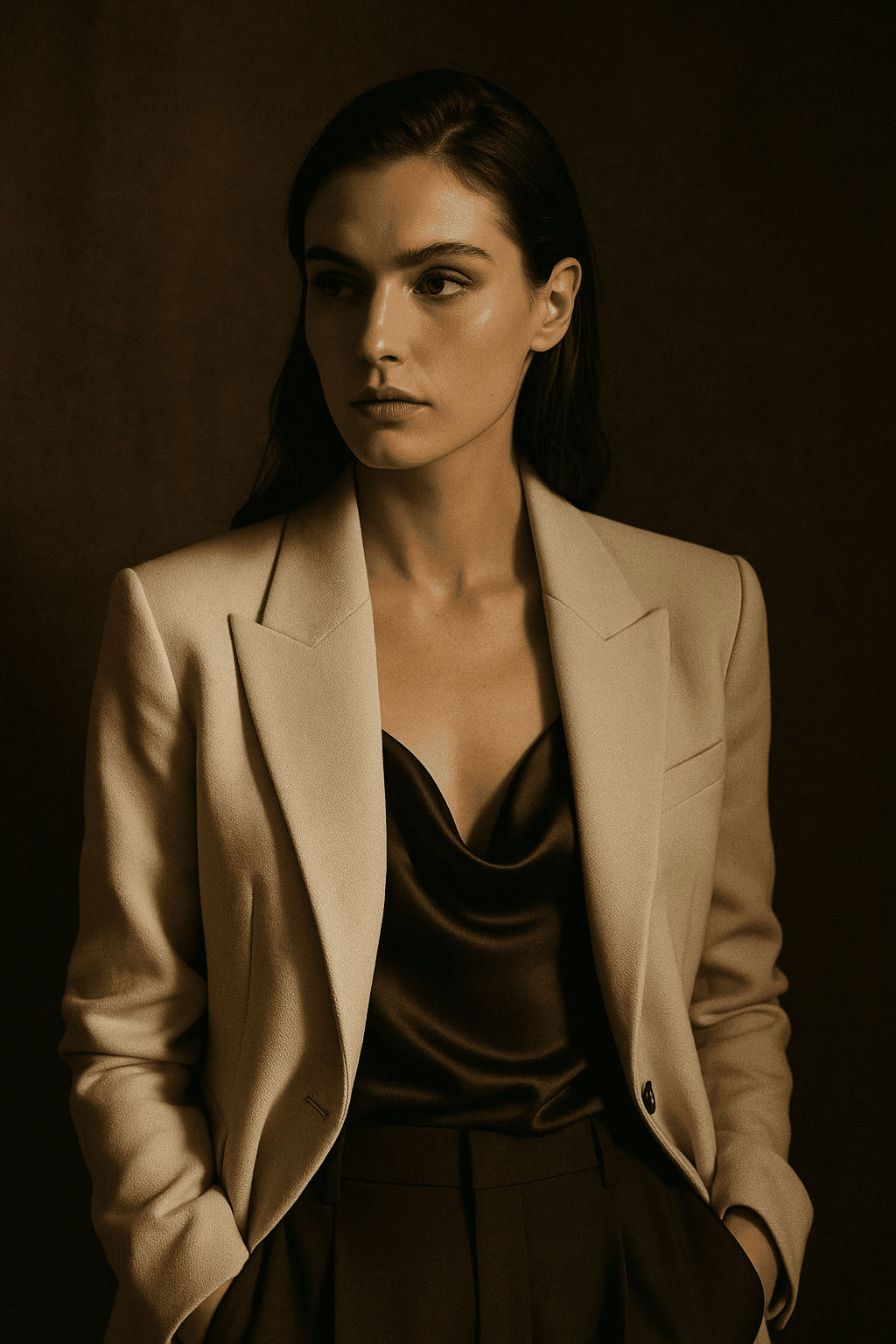
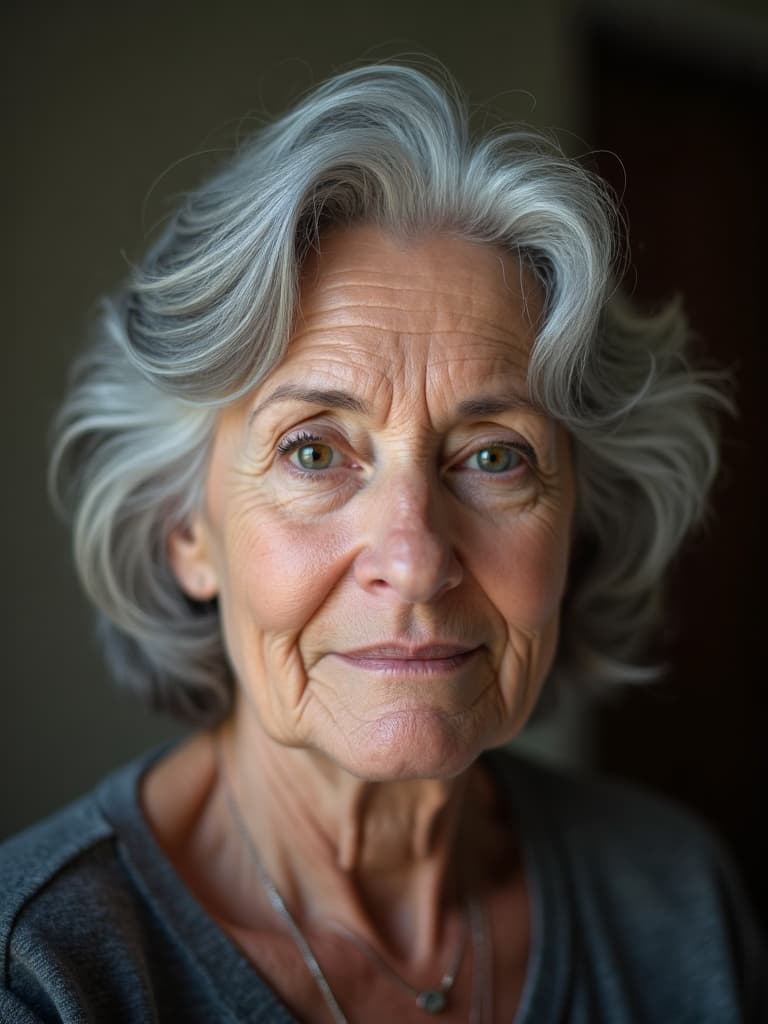
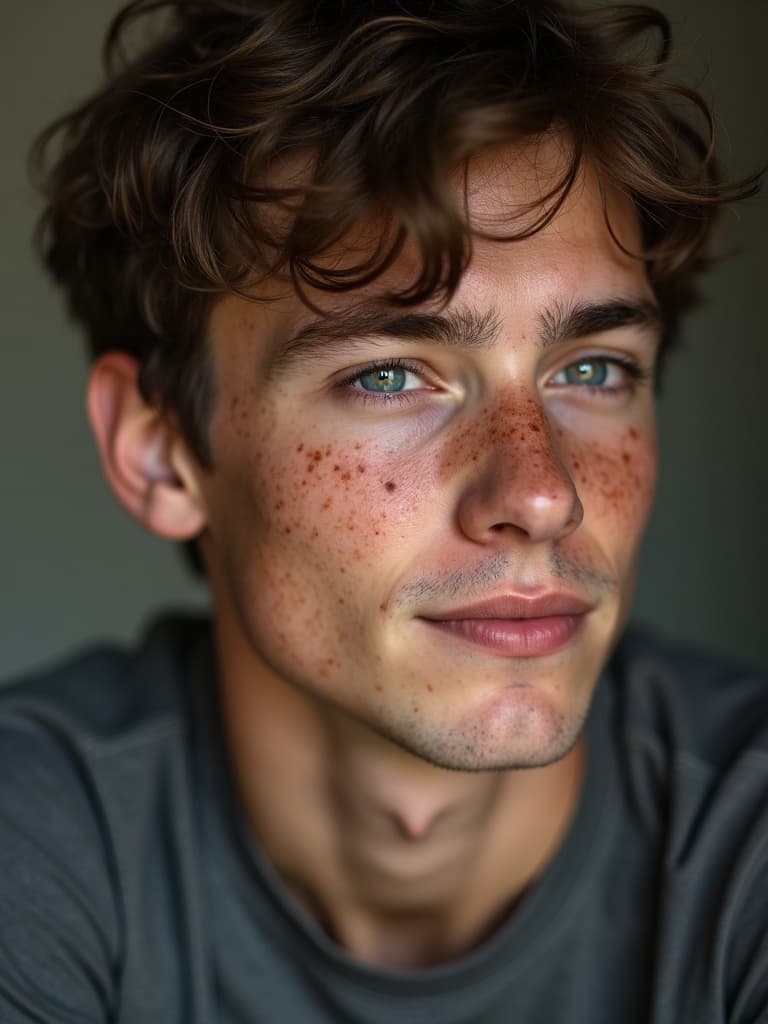
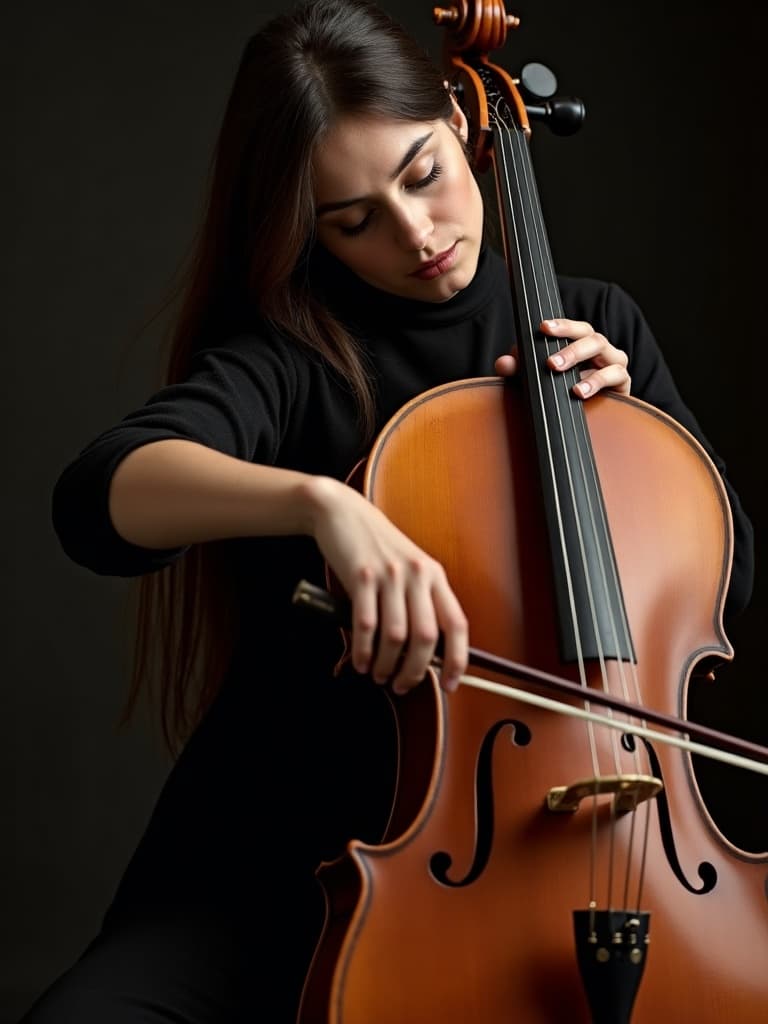
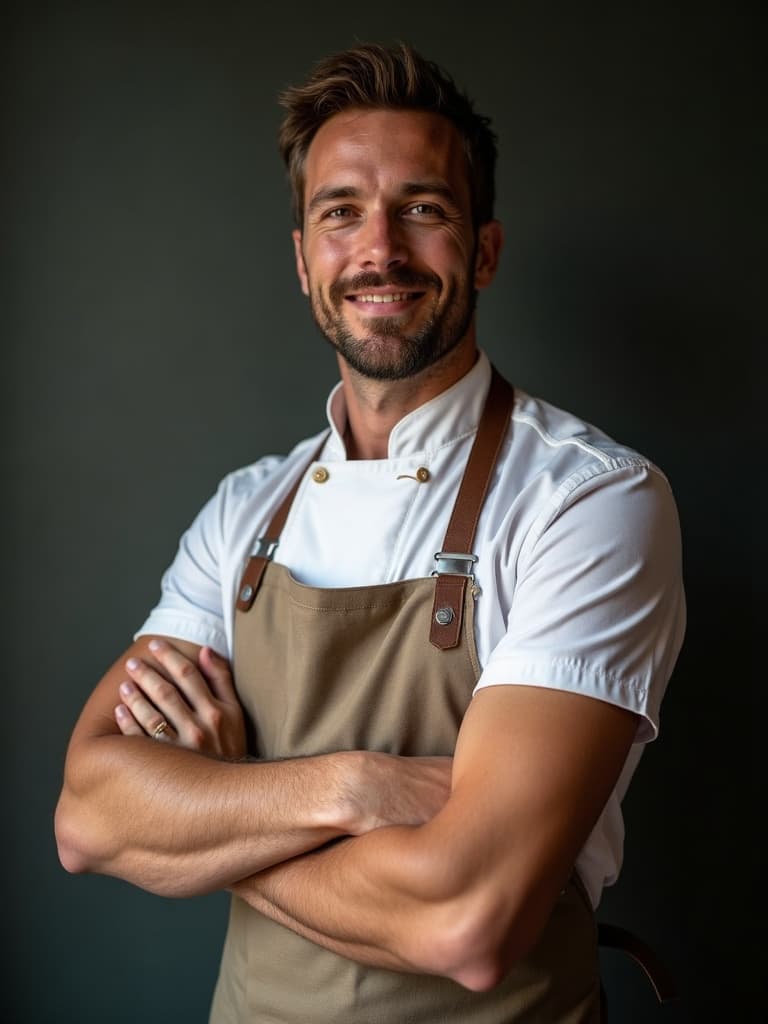
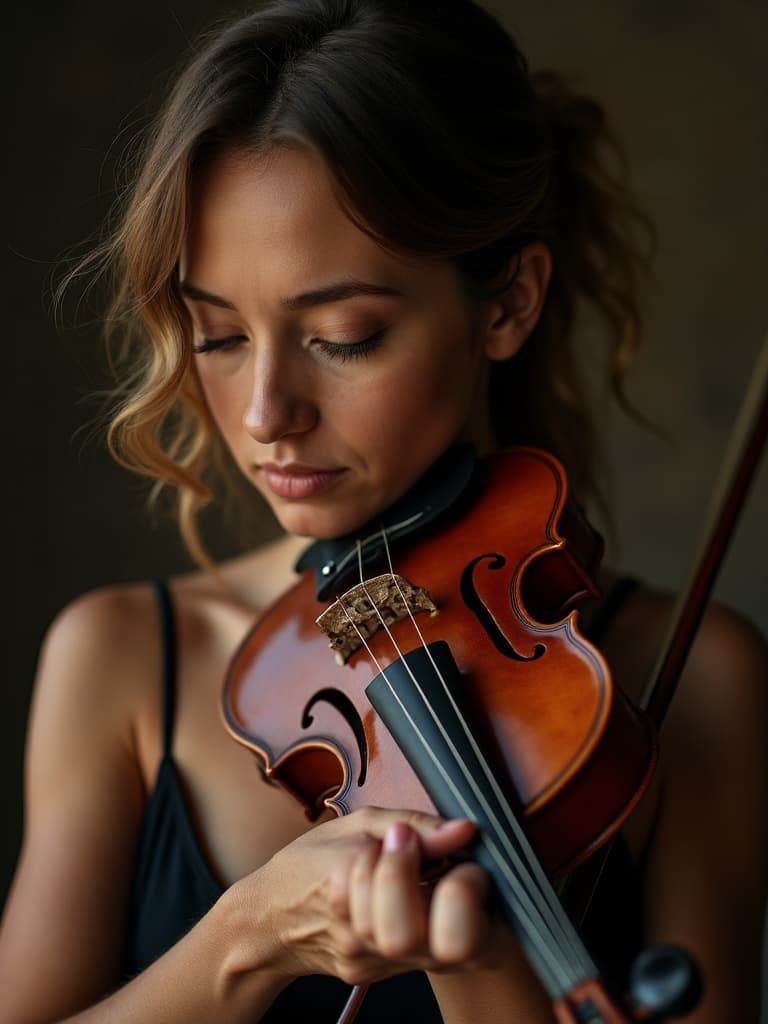
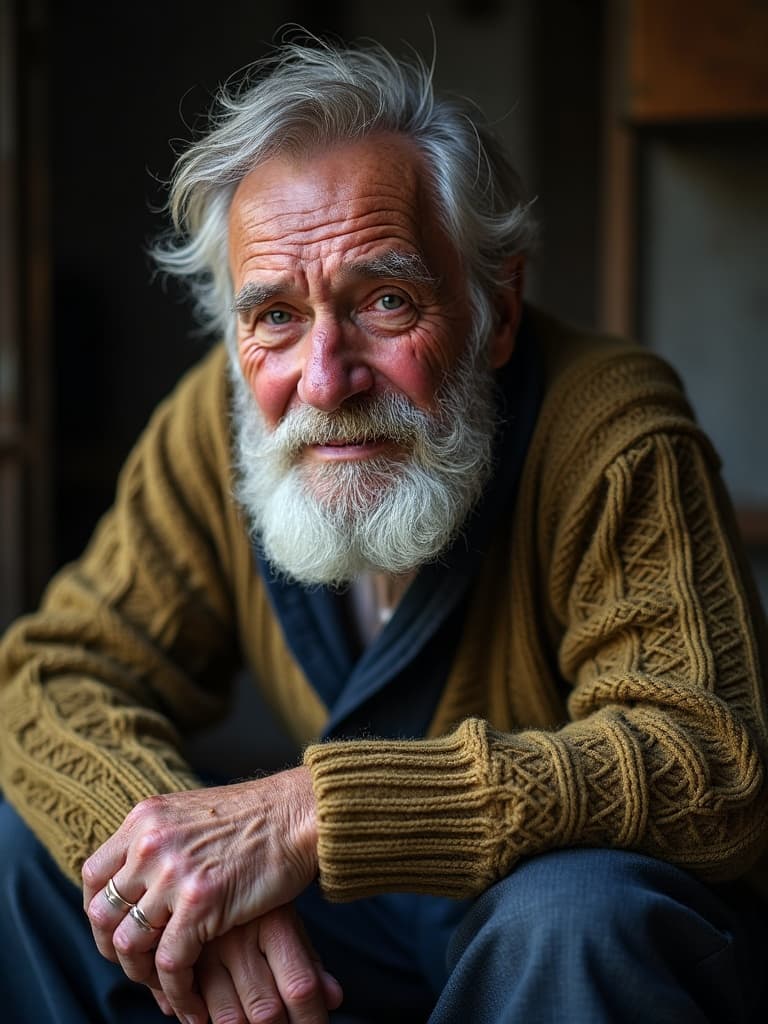
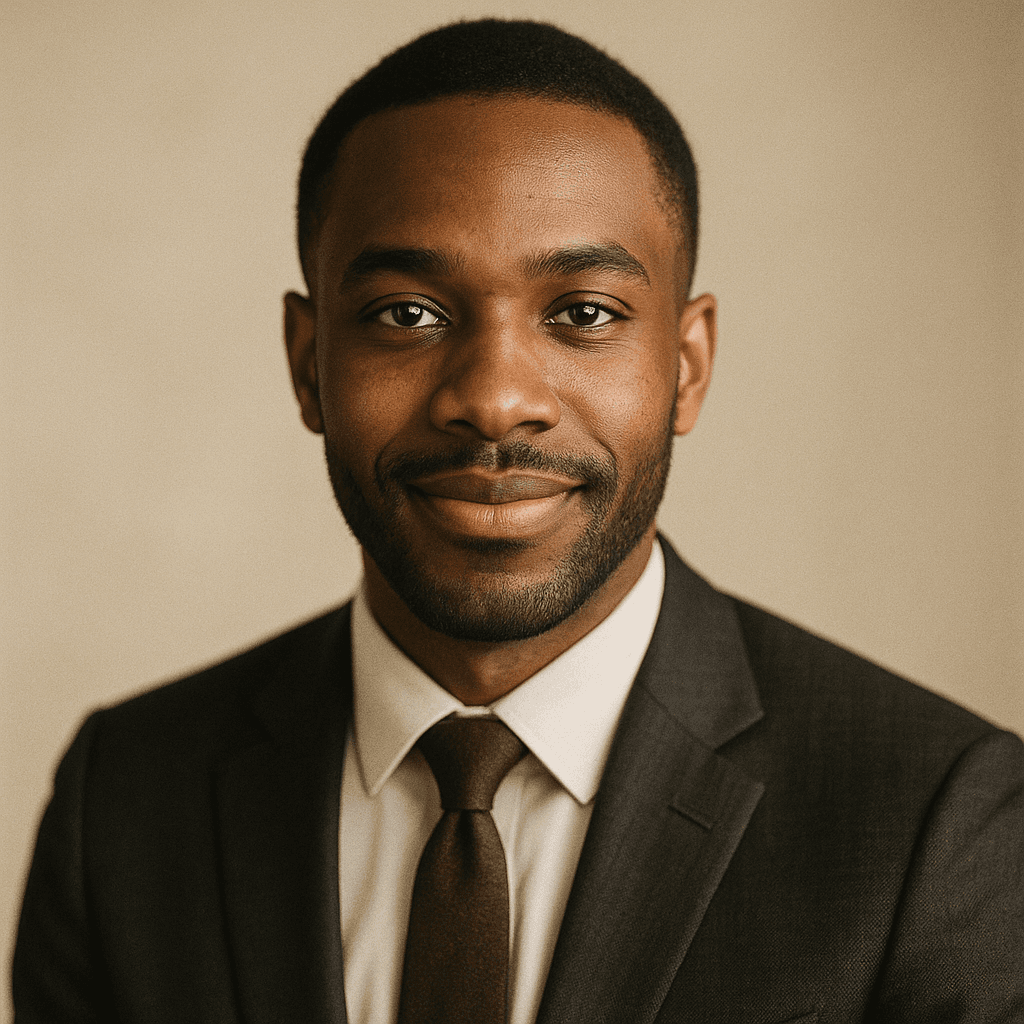
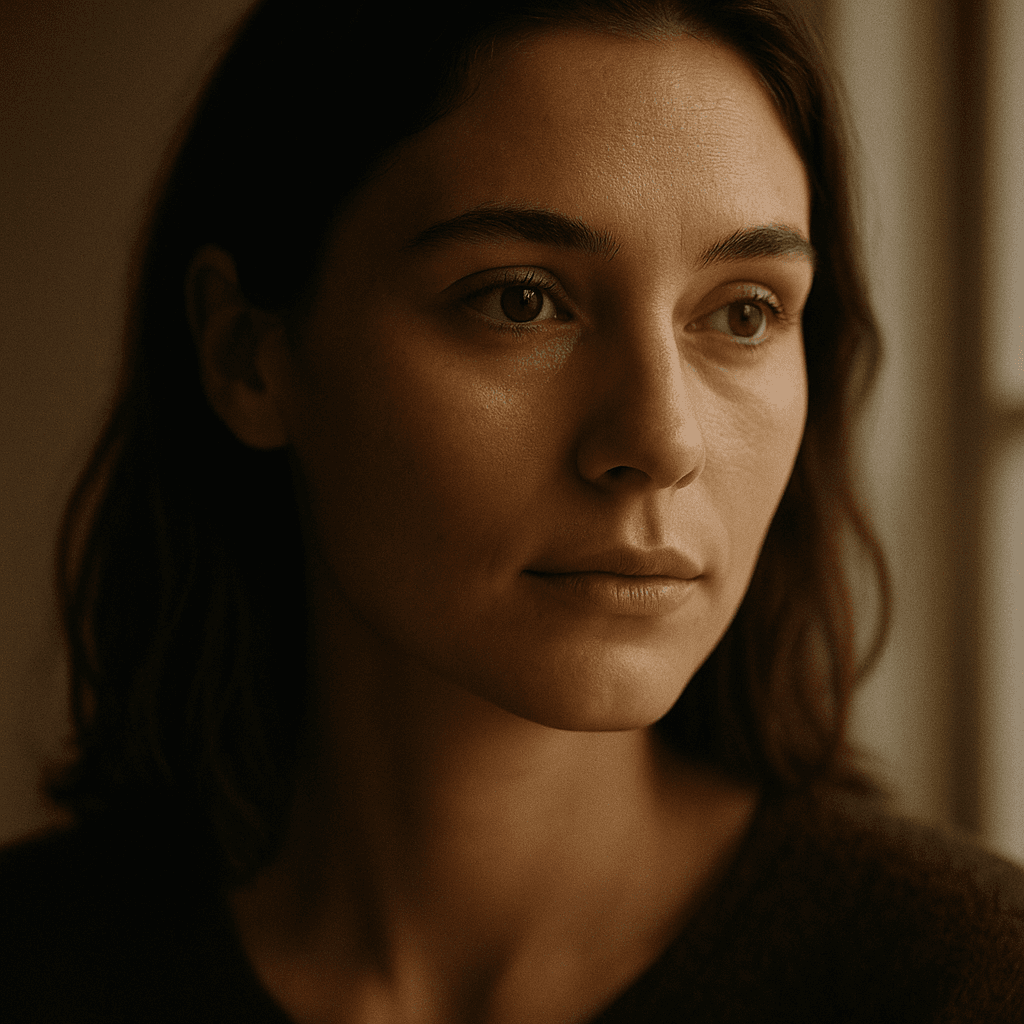
A portrait is all about the subject: the face, the expression, the lighting, and the mood. An AI portrait generator lets you describe those in words and renders a portrait image to match. Because it is an AI image generator at heart, you control everything from a soft editorial look to a bold, graphic style.
This is useful when you need a portrait but cannot — or do not want to — run a shoot: profile imagery, character concepts, avatars, mood exploration, or stylized portraits for a project. You describe the person and the feeling, and iterate toward the result.
Getting expressive results
Strong portraits come from specific direction. Name the expression ("a calm, confident half-smile"), the light ("soft window light from the left"), the framing ("head-and-shoulders, shallow depth of field"), and the wardrobe and setting. LaFoto is designed to make that direction easy and to return options you can compare.
Faces are one of the areas where modern AI image generation is strongest, but small details still benefit from refinement. The intended workflow is simple: generate a few portraits, choose the most believable, then refine the details rather than re-rolling.
How it works
AI Portrait Generator
- 01
Direct the portrait
Describe the person or character, the expression, the lighting, the framing, and the style.
- 02
Compare looks
Generate several portrait variations to explore different moods and directions side by side.
- 03
Refine the face
Pick the most believable portrait and refine details rather than starting over.
What people use the ai portrait generator for
Profile & avatar imagery
Create distinctive profile pictures and avatars in a consistent, intentional style.
Character concepts
Visualize characters for stories, games, or projects with full control over look and mood.
Editorial portraits
Produce stylized portrait imagery for articles, decks, and creative work.
Mood exploration
Try many lighting and expression directions quickly before committing to one.
Frequently asked questions
- What is an AI portrait generator?
- An AI portrait generator creates portrait images of a person or character from a text description — controlling expression, lighting, framing, and style. It is a focused use of an AI image generator, aimed at faces and the feeling of a portrait.
- How is a portrait generator different from a headshot generator?
- A portrait generator is broader and more creative — any mood, style, or character. A headshot generator is tuned for professional, business-appropriate results. LaFoto offers a dedicated AI headshot generator for that use case.
- How do I get a realistic portrait?
- Be specific about the expression, lighting, framing, and wardrobe, and add photographic terms (like an 85mm lens or soft key light). Generate a few options and refine the most believable one.
- Can I generate stylized portraits too?
- Yes. Because it is an AI image generator, LaFoto is designed to produce both realistic and stylized portraits depending on how you describe the look.
- When can I use the AI portrait generator?
- LaFoto is pre-launch and launching in 2026. The portrait generator is free to start when it opens, with no credit card.
- How do I get a consistent character across several portraits?
- Fix the seed, keep the subject description byte-identical, and change only one variable at a time. Consistency comes from holding the prompt still, not from asking for consistency — a request the model has no way to act on.
- Why do AI portraits look waxy or over-smoothed?
- Most models were tuned toward flattering skin, which reads as plastic at full size. Asking explicitly for visible skin texture, pores and fine lines pulls it back; so does naming a lens and film stock rather than a mood.
- Can I generate a portrait of a specific real person?
- No. LaFoto does not build for generating identifiable real people, whether public figures or someone from a photograph you supply. Portraits here are of people who do not exist, which is what makes them safe to publish.
AI Portrait Generator in the gallery
Real prompts, models and seeds — open any to see how it was made.
AI portrait generator at a glance
- Subjects
- People who do not exist
- Control
- Lens, light, expression, wardrobe
- Consistency
- Fixed seed plus identical description
- Watermark
- None on the download
- Will not do
- Identifiable real people
- Free tier
- Yes
In practice
A free AI portrait generator is still a lighting problem first
What makes a portrait read as good is almost never the face — it is the light. A single key at 45 degrees with soft falloff produces a completely different person-on-the-page than flat frontal light, using the same subject description.
So the highest-leverage words in a portrait prompt are the ones describing the light: its direction, its size relative to the subject, its colour temperature and what is filling the shadow side. Subject description gets you a person; light gets you a photograph.

Three ways in
What kind of portrait?
Magazine and narrative portraits
Editorial portraiture allows drama: harder light, deeper shadow, unusual crops. The subject is a character rather than a record.
- Name the key light direction and quality.
- Deep shadow is a choice, not a mistake.
- 85mm to 135mm compresses features flatteringly.

Consistent people across images
The AI portrait generator free tier covers this fully. Holding one invented person across several images needs a fixed seed and a byte-identical subject description. Change one clause and you get their sibling.
- Fix the seed before anything else.
- Keep the description word-for-word identical.
- Vary pose and light, never the subject text.

A wider likeness tolerance
An AI pet portrait generator is the same tool with a wider likeness tolerance, because the features identifying a specific animal are coarser than those identifying a person. The same lighting vocabulary applies.
- Eye-level framing reads as a portrait.
- Ask for fur or feather texture explicitly.
- Catchlights make the eyes read as alive.

Detail
What the portrait generator handles
The controls that separate a portrait from a headshot.
Keeping one character consistent
Fix the seed and hold the subject description identical. Consistency comes from not changing things, not from asking for consistency.
Generating a real person
Not supported. Portraits here are of people who do not exist, which is what makes them safe to publish.
Why portraits look over-retouched
Models default toward flattering skin. Ask for pores and fine lines explicitly and it pulls back immediately.
Group portraits
Harder than single subjects, because the model has to keep several faces coherent at once. Generate individually and compose where quality matters.
Difference from the headshot generator
A headshot optimises for recognisability at small size; a portrait optimises for the photograph. Different jobs, same underlying model.

Related
Tools that pair with portraits
Keep exploring
Every generator around portraits
People are one subject. These cover the rest.
- resize to exact pixels
- image converter
- shrink a file size
- image cropper
- image colour palette
- remove a background
- read photo metadata
- structure a prompt
- anime image style
- cartoon AI generator
- pixel art generator
- best AI image generators
- Midjourney alternative
- compared with Leonardo
- compared with Ideogram
- Canva alternative for images
- what is a seed
- denoise strength explained
- inpainting explained
- the LaFoto journal
AI Portrait Generator at a glance
- Runs in
- Your browser — nothing to install
- Account
- Not required to start
- Watermark
- None on the download
- Output
- PNG, JPEG or WebP
- Commercial use
- Permitted under plain-language terms
- Training
- Your images are never added to a training set
Keep exploring
Tools that work with the ai portrait generator
Every one runs on the same engine, so a result moves between them without re-uploading.
Start creating today
Generate your first image with the best AI image generator.
Turn a sentence into a finished, photorealistic image in seconds — then refine every detail. No setup, no Discord, no GPU.
Join 4,200+ creators using LaFoto