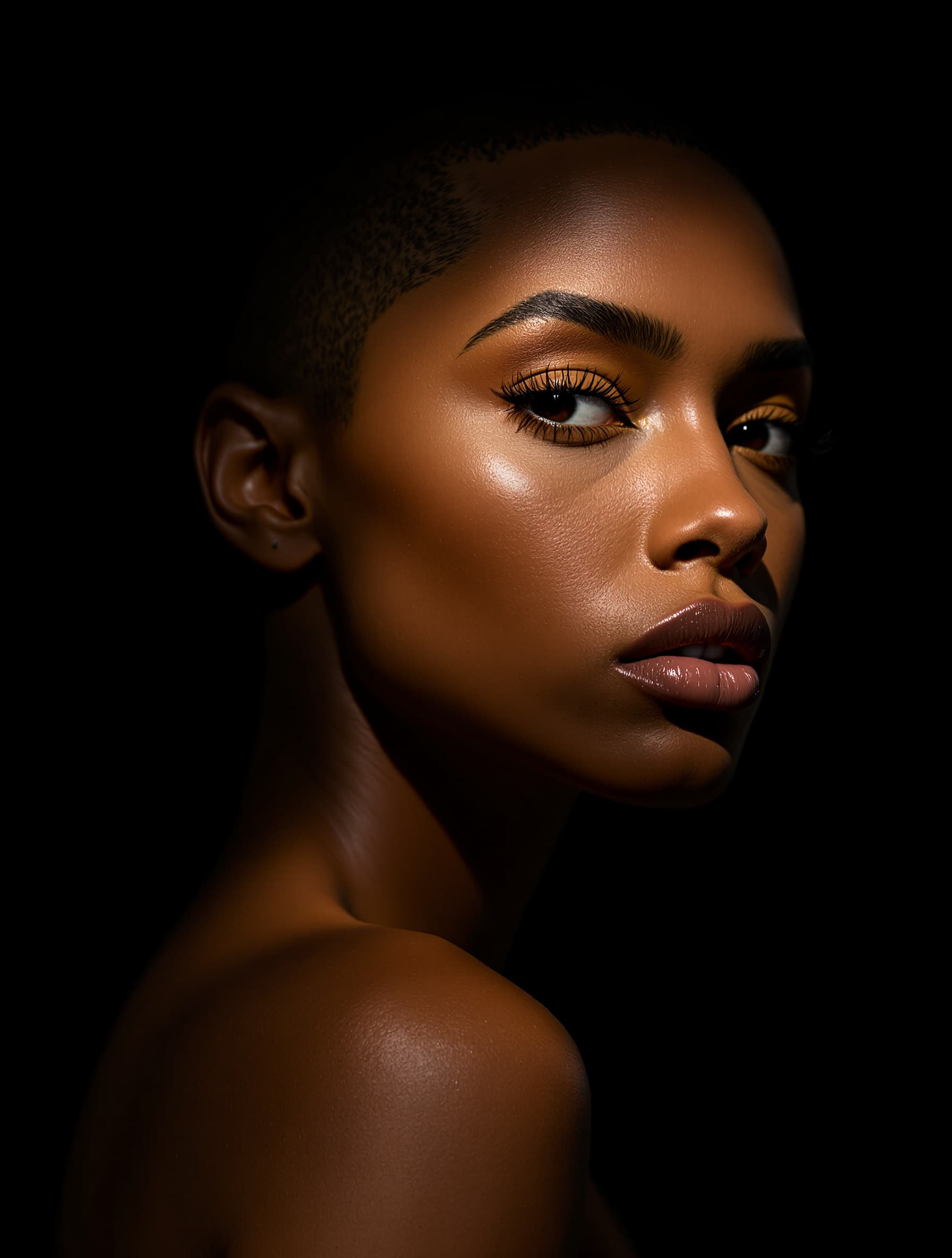
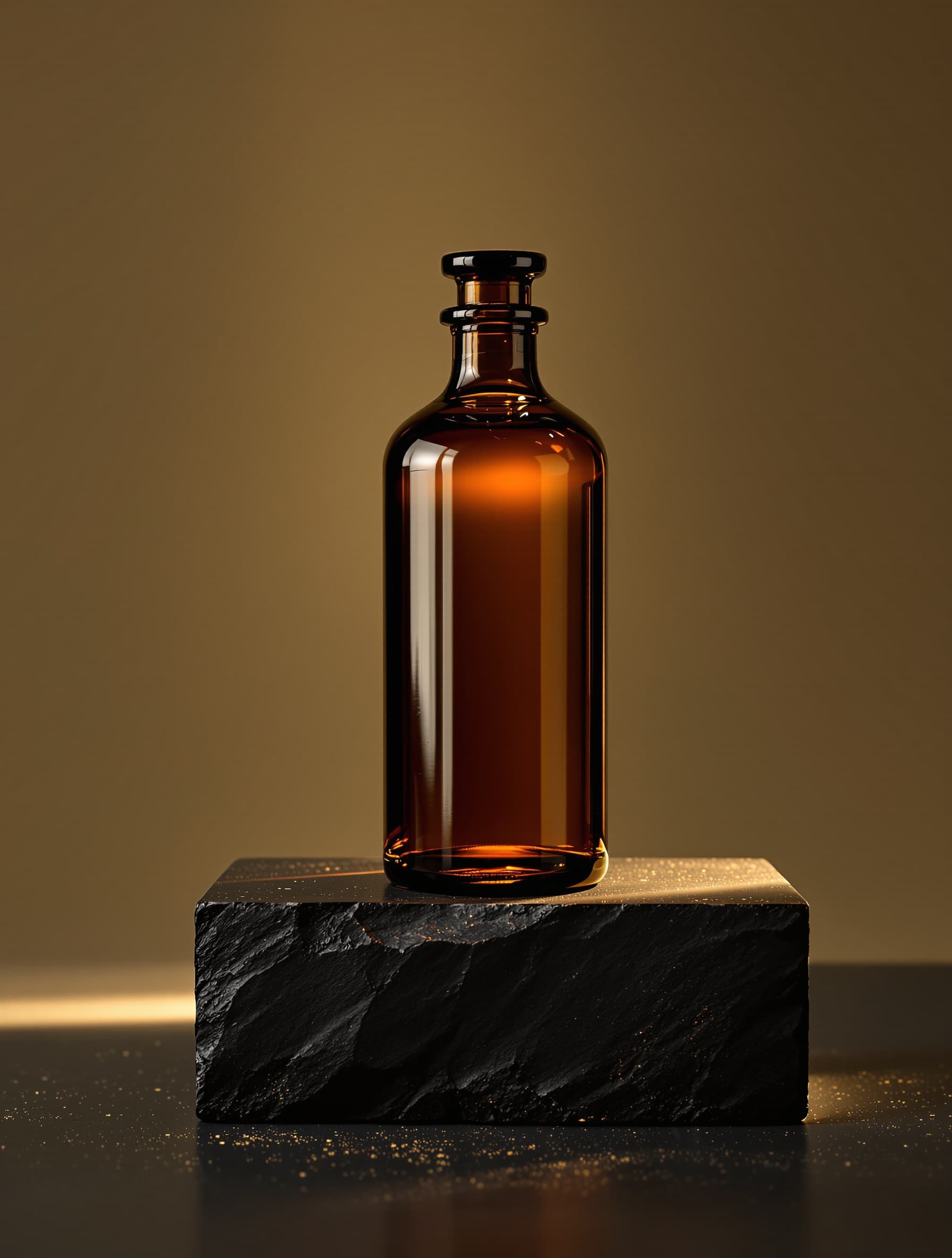
The best AI photo & image generator
The AI image generator for every kind of image.
Portraits, products, landscapes, logos, art, anime — one generator, not six niche tools. Turn a sentence into a finished image, then refine it instead of rolling again. Free to start, no watermark.
The category is exploding
AI image generation, by the numbers.
LaFoto is pre-launch — but the shift to AI photography is already here. Every figure below is real and sourced; it's why we're building the best AI image generator we can.
Figures are third-party market data, each linked to its source. Years noted where relevant.
One studio, every kind of photograph
From a sentence to a shot worth keeping.
Describe it in plain language. LaFoto composes, lights, and renders it — then hands you the controls to refine, not just regenerate.
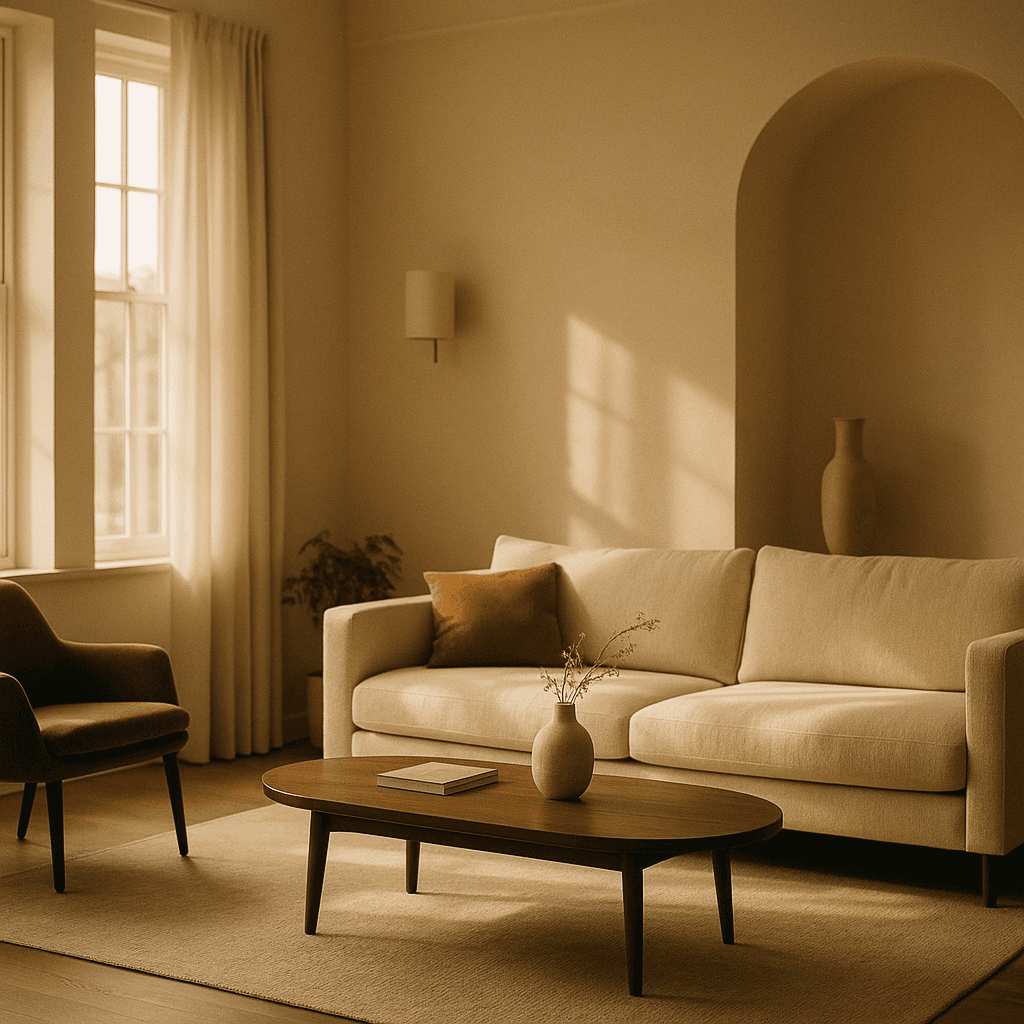
Illustrative — AI-generated
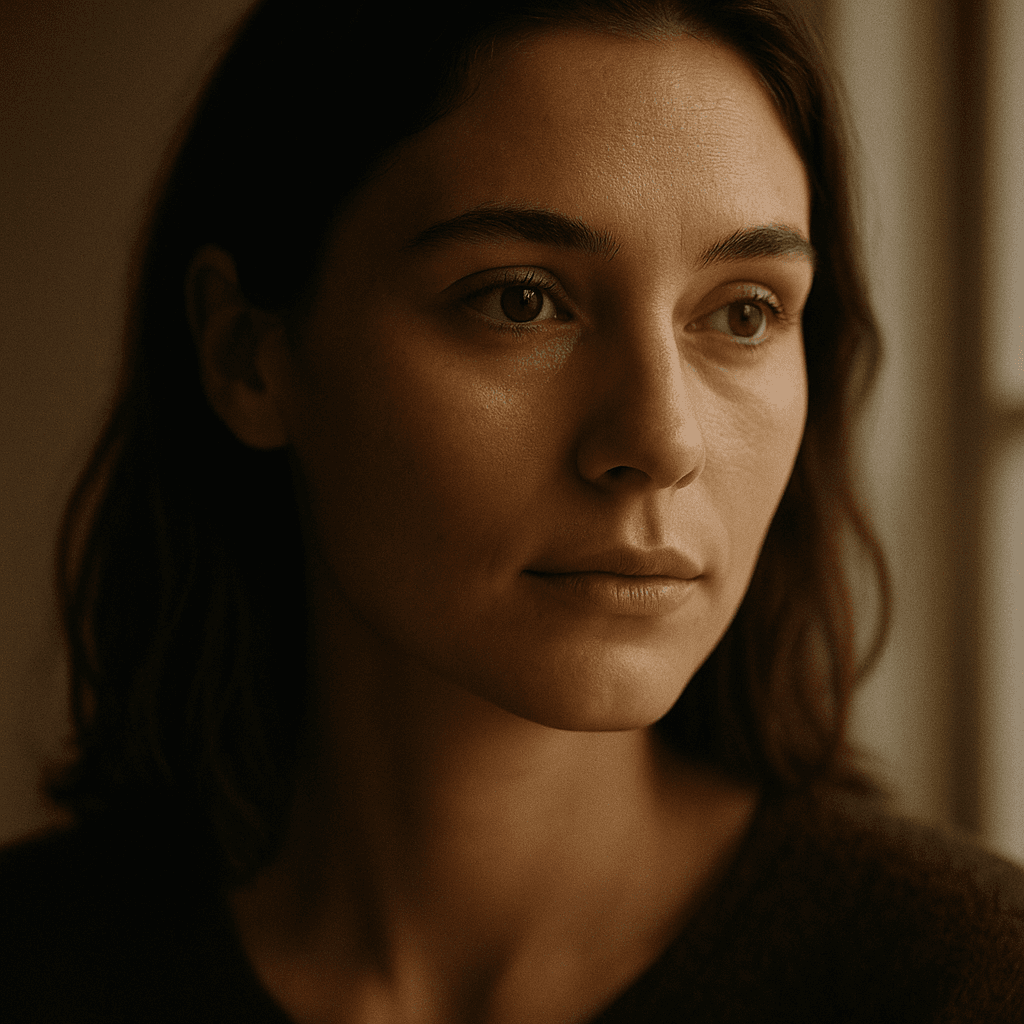
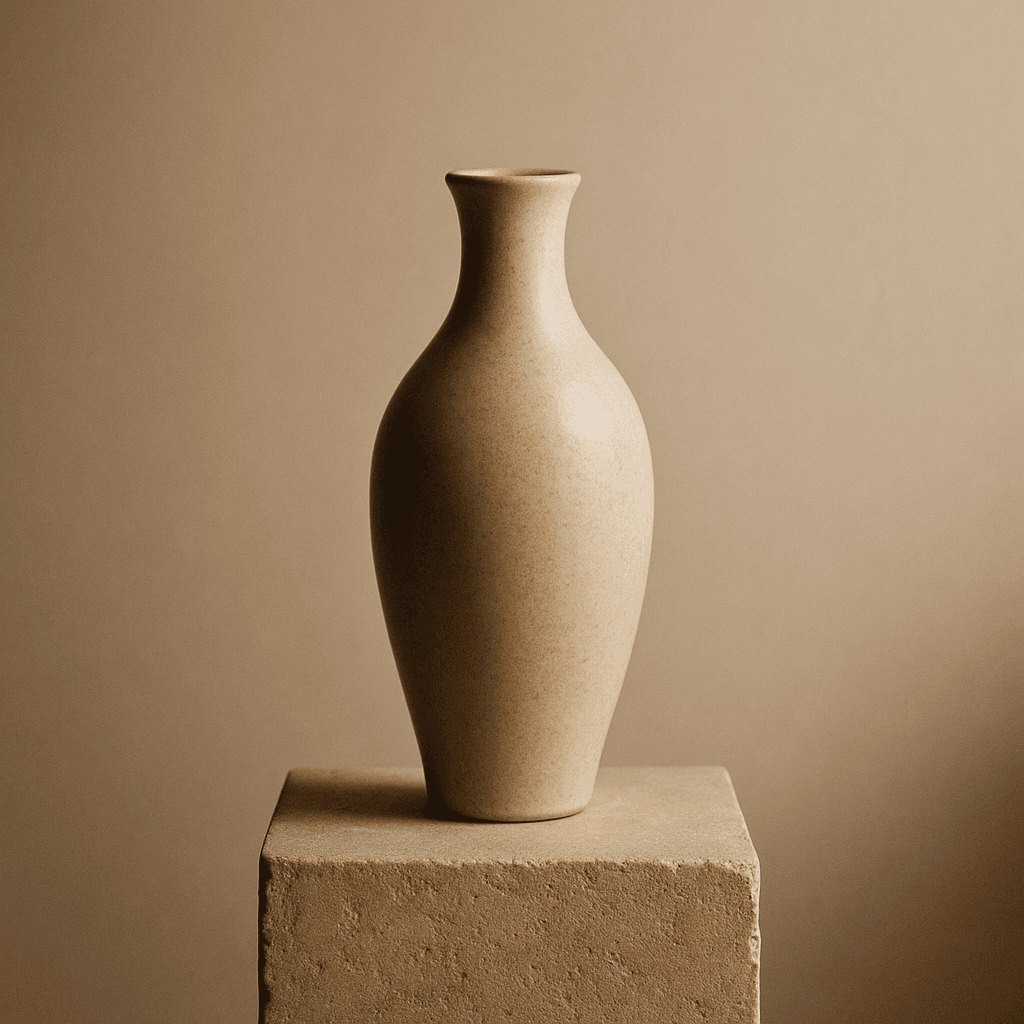
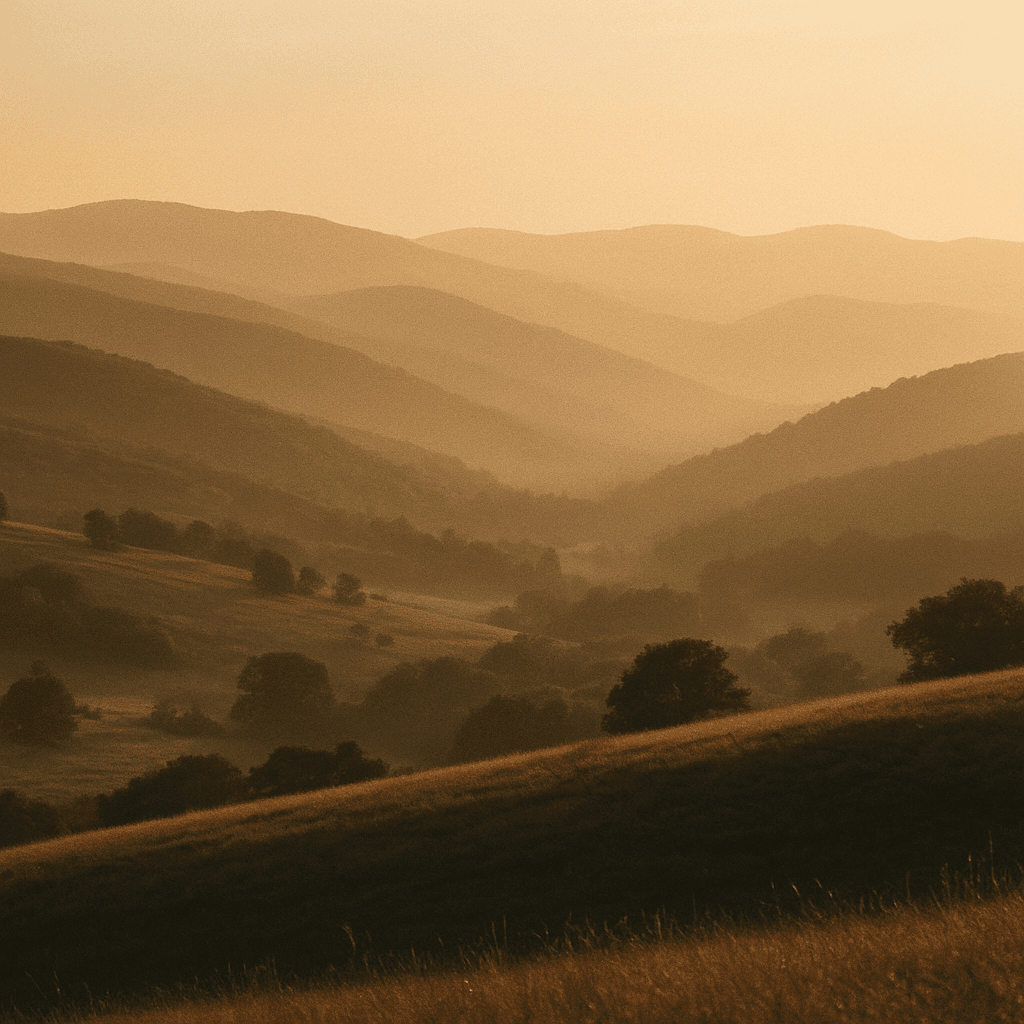
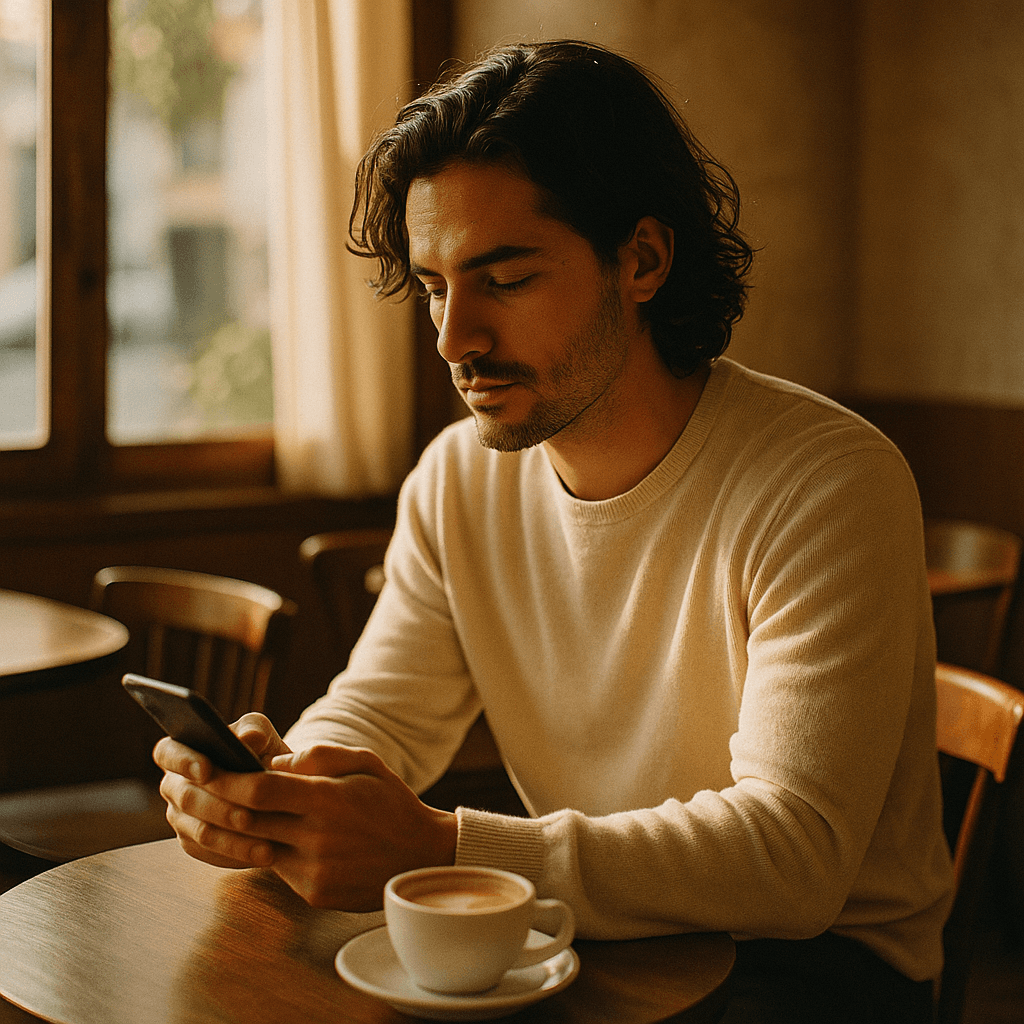
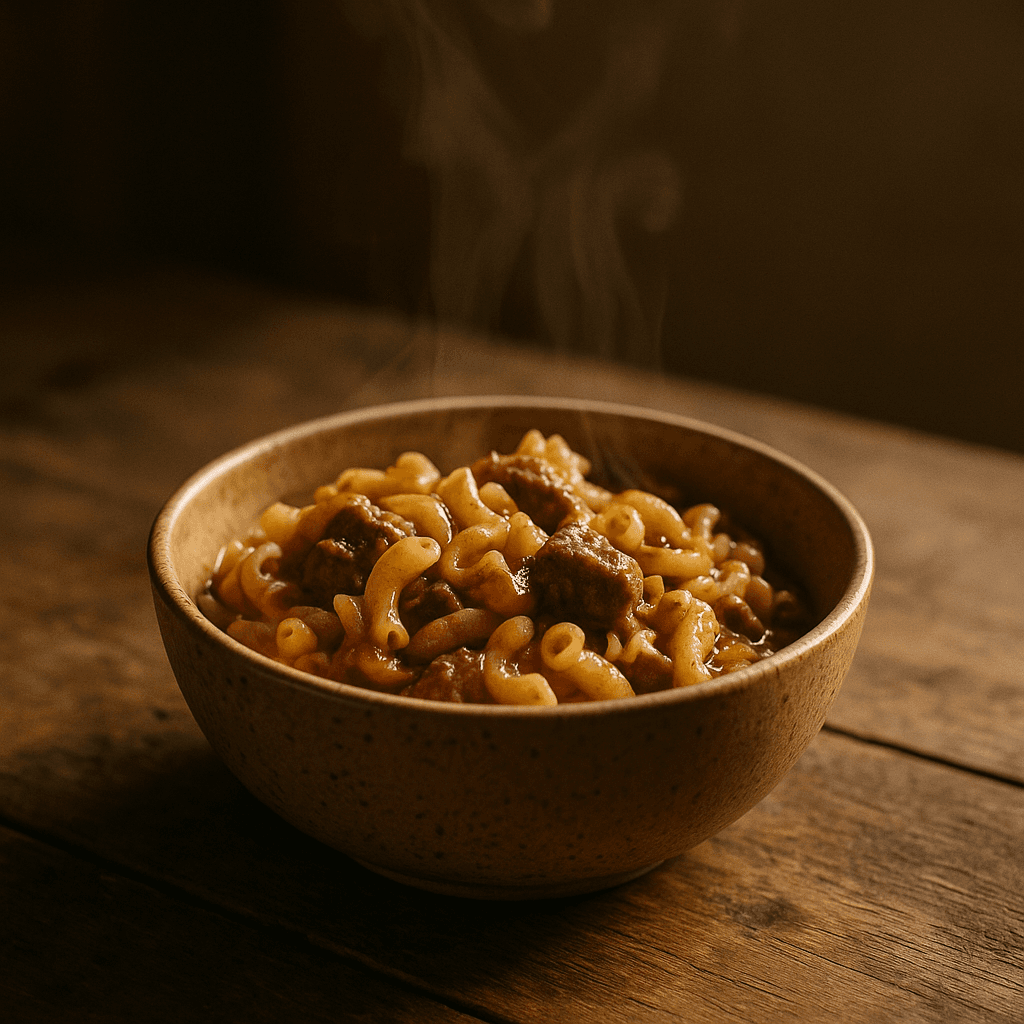
Built for every kind of photo
One studio — from headshots to product shots.
Each is a focused way to use the same photo-specialized engine. Start with the complete guide, or jump straight to what you need.
AI Photo Generator: the complete guide
How AI photo (and image) generation works, end to end — the complete guide.
ExploreAI Photo Editor
Edit photos with AI: change backgrounds, remove objects, and refine details. LaFoto is an AI photo editor (and AI image editor) built to refine, not re-roll.
ExploreAI Portrait Generator
Create portraits with an AI portrait generator. Describe the look and LaFoto renders a portrait — an AI image generator built for expressive, realistic faces.
ExploreAI Headshot Generator
Get professional headshots without a photographer. LaFoto is an AI headshot generator built for clean, business-ready portraits for profiles, teams, and bios.
ExploreAI Product Photos
Create AI product photos for your store. LaFoto is an AI image generator built for clean, catalogue-ready product shots and lifestyle scenes — no studio required.
ExploreImage Upscaler
Upscale an image 2x, 4x or 8x without the smearing. LaFoto is an AI image upscaler that rebuilds detail instead of interpolating it — free, browser-based, no watermark.
ExplorePhoto Enhancer
A free AI photo enhancer that corrects exposure, kills noise and recovers detail. Improve photo quality, restore old photos, and fix underexposed shots in one pass.
ExploreAI Logo Generator
A free AI logo generator that makes marks which still read at 16px. Describe your business and get logo directions with legible type, flat colour and clean edges.
ExploreAI Art Generator
A free AI art generator for illustration, painting and graphic work. Control style, palette and composition with real art vocabulary instead of preset filters.
ExploreImage to Image
Image-to-image AI generates a new picture from one you already have. Control how much changes with denoise strength — restyle, extend or vary without losing the composition.
ExplorePassport Photo
US passport photo requirements in full: 2x2 inches, 600–1200px, head 1–1 3/8 inch, plain white background. How to take and crop one at home, free.
ExploreAI Tattoo Generator
A free AI tattoo generator for flash, fine-line, blackwork and traditional designs. Built around what actually holds on skin — line weight, spacing and ageing.
ExploreAI Interior Design
Free AI interior design: photograph a room and restyle it while keeping the architecture. Test palettes, furniture and light before spending anything.
ExploreRemove Object
Remove an object from a photo online free. Masked AI removal that rebuilds the background behind it — including the shadow, which is what usually gives it away.
ExploreColorize Photo
Colorize black and white photos online free. What AI colourisation can infer reliably, what it guesses, and why the guesses matter for family history.
ExploreBlur Background
How to blur the background of a picture so it looks like a wide aperture rather than a filter. Depth-aware blur, edge handling and why uniform blur fails.
ExploreAI image generator, explained
What is an AI image generator, and what is an AI photo maker?
An AI image generator creates original pictures from a written description instead of from a camera. You describe the subject, the setting, the light and the framing in plain language, and the model synthesises a photograph that did not exist before. Because it is predicting plausible pixels rather than retrieving a stored file, nothing it returns is a stock photo someone else is also using.
The vocabulary around this is unusually messy, and it is worth being direct about it: an AI photo generator, an AI picture generator, an AI image maker, an AI photo maker, an AI picture maker and a photo AI are the same category of tool, and so is anything advertising itself as a way to make AI photos. So is an AI photo app, which usually just means the same generator with a phone-shaped interface. "Photo" tends to signal photorealistic intent and "image" covers everything from realistic shots to illustration and graphic work, but no meaningful product distinction sits behind the words. LaFoto is built for the photographic end of that range.
How an AI image generator from text turns a sentence into a photograph
Most current systems use diffusion. During training the model takes real photographs, adds visual noise step by step until the image is static, and learns to reverse that process. Once trained it can start from pure noise and denoise its way toward a coherent picture.
Your prompt is the steering. A language component turns your words into a numerical representation of meaning, and at each denoising step the model nudges the emerging image toward that meaning. After enough steps, static becomes the scene you described. This is why the category is also called text to image, or text to photo when the intended output is photographic.
Two consequences matter in practice. The same prompt run twice gives two different images, because generation starts from fresh random noise — fixing the seed is what makes a result repeatable. And guidance strength decides how literally the model follows your words: too low and it ignores you, too high and it produces something rigid and over-saturated.
Is there a genuinely free AI image generator — online, with no sign up?
People searching for the best free AI image generator are usually asking a narrower question than it sounds: which free tier is actually usable. Most answers disappoint: a free tier that watermarks the download, caps you at two images, or excludes commercial use is a demo with a friendlier name. The same is true of the promise of an AI image generator free with no sign up. An AI image generator free online with no sign up usually means a queue and a watermark rather than genuine access.
LaFoto runs entirely online in a browser, so there is nothing to install, and it generates on a free path with no watermark on the file you download, and the eight browser-based image tools — resizer, converter, compressor, cropper, colour picker, EXIF viewer, background remover, prompt generator — need no account at all. What genuinely costs money is compute: high resolutions, long batches and large sources. That is what the paid tiers cover, rather than unlocking features that were artificially withheld.
Generating a photo versus editing one
Text to photo starts from nothing: a blank canvas and a description, with the model building the whole scene. It is the right mode when you have no source material — a product on a marble counter, a location that does not exist, a portrait of nobody in particular.
AI photo editing starts from an image you already have and changes part of it: removing a background, replacing an object, extending the frame to a different aspect ratio. Inpainting edits inside a masked region; outpainting generates beyond the original edges. The underlying model is the same, and the distinction that matters is whether you are inventing a picture or preserving one.
The practical rule: create when you have nothing, edit when you have something close. Re-rolling a whole image to fix one wrong detail is the most common way people waste time with an AI picture generator.
See it in action
From a sentence to a finished photo.
Watch how LaFoto turns a single line of text into a studio-quality image you can actually use — then refine it instead of starting over.
Why it looks different
Made by people who treat a photograph as something to get right.
Composition first
Framing, light, and depth are treated as decisions — not happy accidents of a prompt.
Edit, don't reroll
Adjust a finished image like a negative in a darkroom, instead of spinning the wheel again.
Clear to use
Straightforward commercial terms, explained in plain language — no fine-print roulette.
How it compares
Where LaFoto fits among AI image generators.
Each tool wins for a different person. This is a quick orientation — open the full, sourced comparisons for detail. LaFoto is pre-launch; its column describes design intent.
| LaFoto | Midjourney | DALL·E / GPT Image | Adobe Firefly | Stable Diffusion | |
|---|---|---|---|---|---|
| Approach | Photo-specialized, easy | Artistic & stylized | In-chat (ChatGPT) | Commercially safe + CC | Open-source, local |
| Setup | Browser — no setup | Web or Discord | Inside ChatGPT | Web / Creative Cloud | GPU + install |
| Free to try | Yes — early access | No free tier | Limited (ChatGPT free) | Free tier ($0) | Free (run locally) |
| Refine vs re-roll | Built to refine | Re-roll variations | Chat prompts | Creative Cloud editing | Manual tooling |
| Best for | Realistic photos, easily | Art & aesthetics | Conversational use | Enterprise & legal cover | Developers & control |
What LaFoto does, in facts
- Scope
- General purpose — every kind of image
- Modes
- Text to image, image to image, editing
- Runs in
- A browser — no Discord, no GPU
- Watermark
- None on the download
- Commercial use
- Permitted on every tier
- Free to start
- Yes, no credit card
In practice
One generator instead of six subscriptions
The category has fragmented into single-purpose products: a headshot tool, a logo tool, an upscaler, a background remover, an anime generator. Each is fine and none covers a normal week, which is why people end up paying for several.
LaFoto is built as one general-purpose image generator with those capabilities inside it. Portraits, products, landscapes, logos, illustration, anime and pixel art are prompts and settings rather than separate products with separate bills.
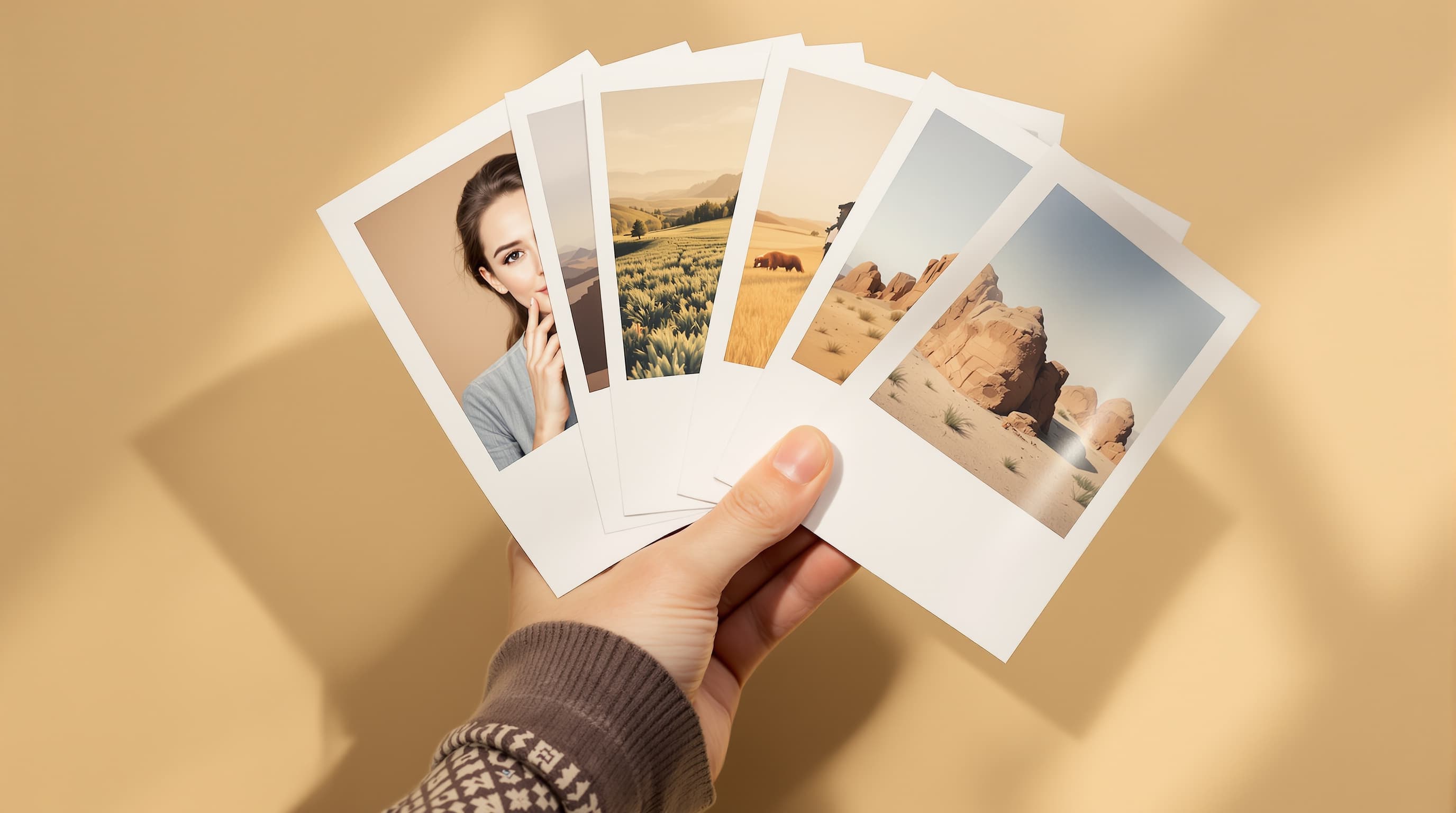
Three ways in
Three ways to make an image
Describe it and generate
Start from nothing but a description. Subject first, then setting, then light, then optics — the order matters more than the length, because models weight earlier words more heavily.
- Name the light, not just the subject.
- Fix the seed to make a result repeatable.
- 25 to 50 words beats 200.
Start from a picture you have
Supply a source and a prompt, and control how much survives with denoise strength. Low keeps the composition, high uses it as a mood board.
- Sweep denoise strength before rewording.
- Composition comes free from the source.
- Extend a frame rather than cropping it.
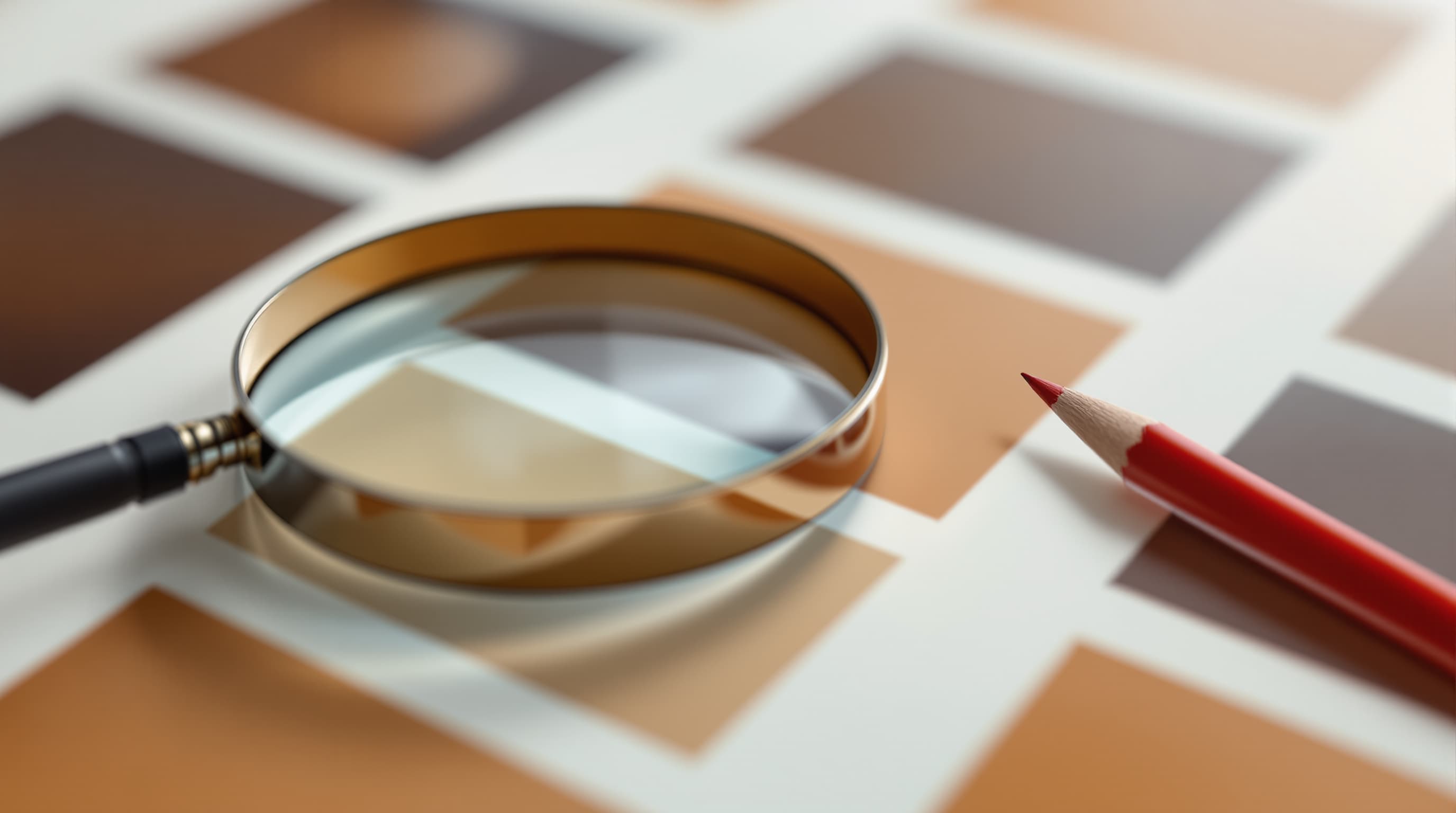
Change one region, keep the rest
Mask an area and regenerate only that. Everything outside the mask stays byte-identical, which is what makes an edit trustworthy on a photograph that has to stay accurate.
- Feather the mask edge to hide the seam.
- Match exposure after a large replacement.
- Editing beats regenerating for a small fix.
Detail
What LaFoto handles
The questions people ask before trying an AI image generator.
Whether it is really free to start
Yes, with no watermark on the download and no credit card. Paid tiers add capacity — resolution, batch size, volume — rather than unlocking withheld features.
Whether images can be used commercially
Yes on every tier. The honest caveat is industry-wide: purely AI-generated output generally cannot be copyrighted in the US without meaningful human authorship.
Whether your images train the model
No. What you generate or upload is processed to return your result and never added to a training set.
Whether you need a GPU or Discord
Neither. It runs in a browser, which is the practical difference from Stable Diffusion and from Midjourney's Discord heritage.
What it will not do
Generate identifiable real people, or copy a named living artist's style. Both take value directly from a specific person.
Related
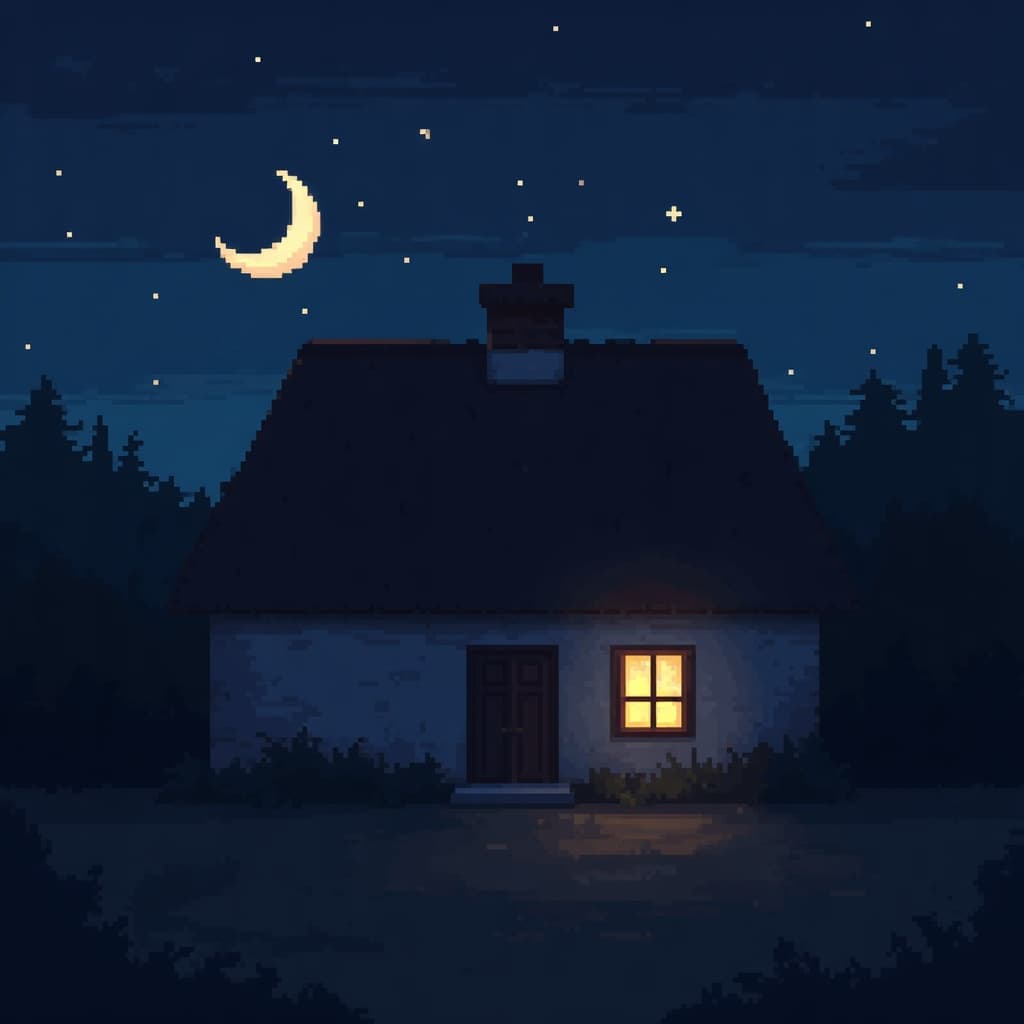
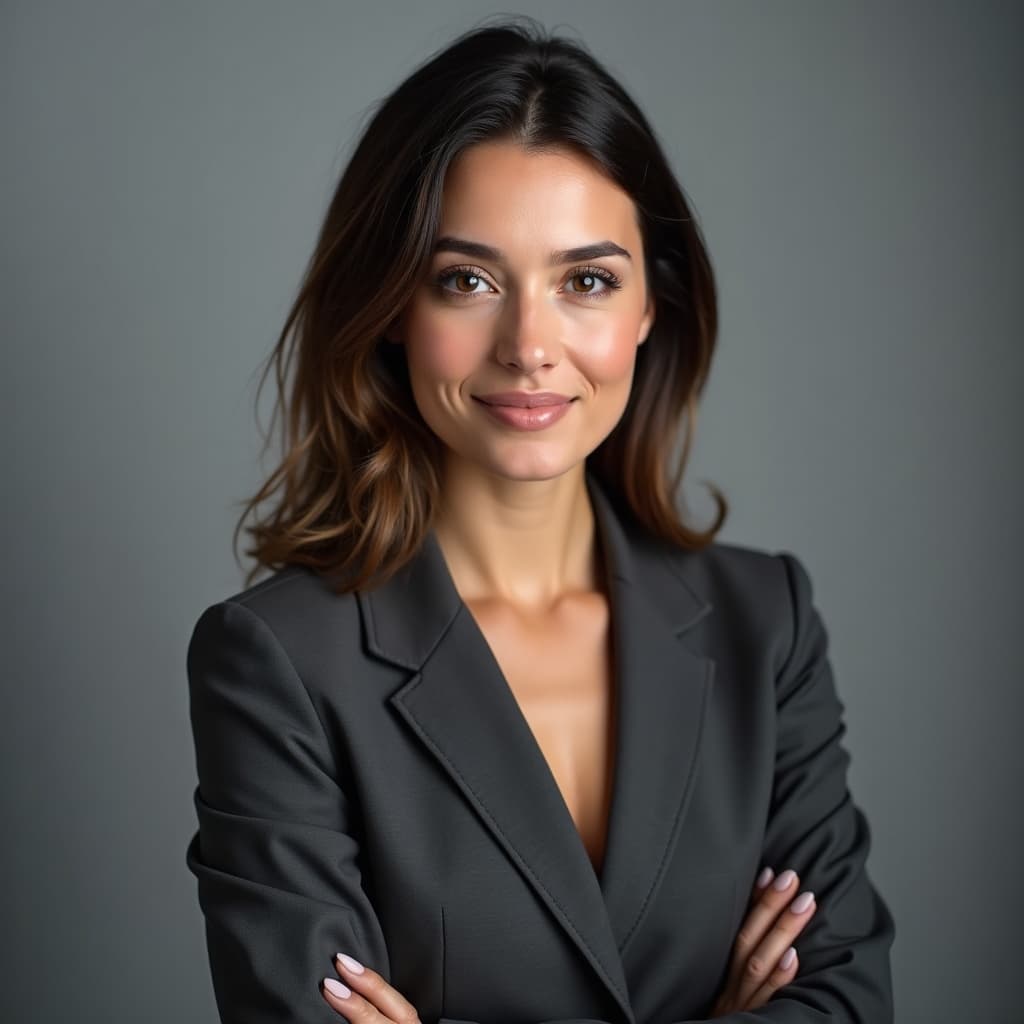
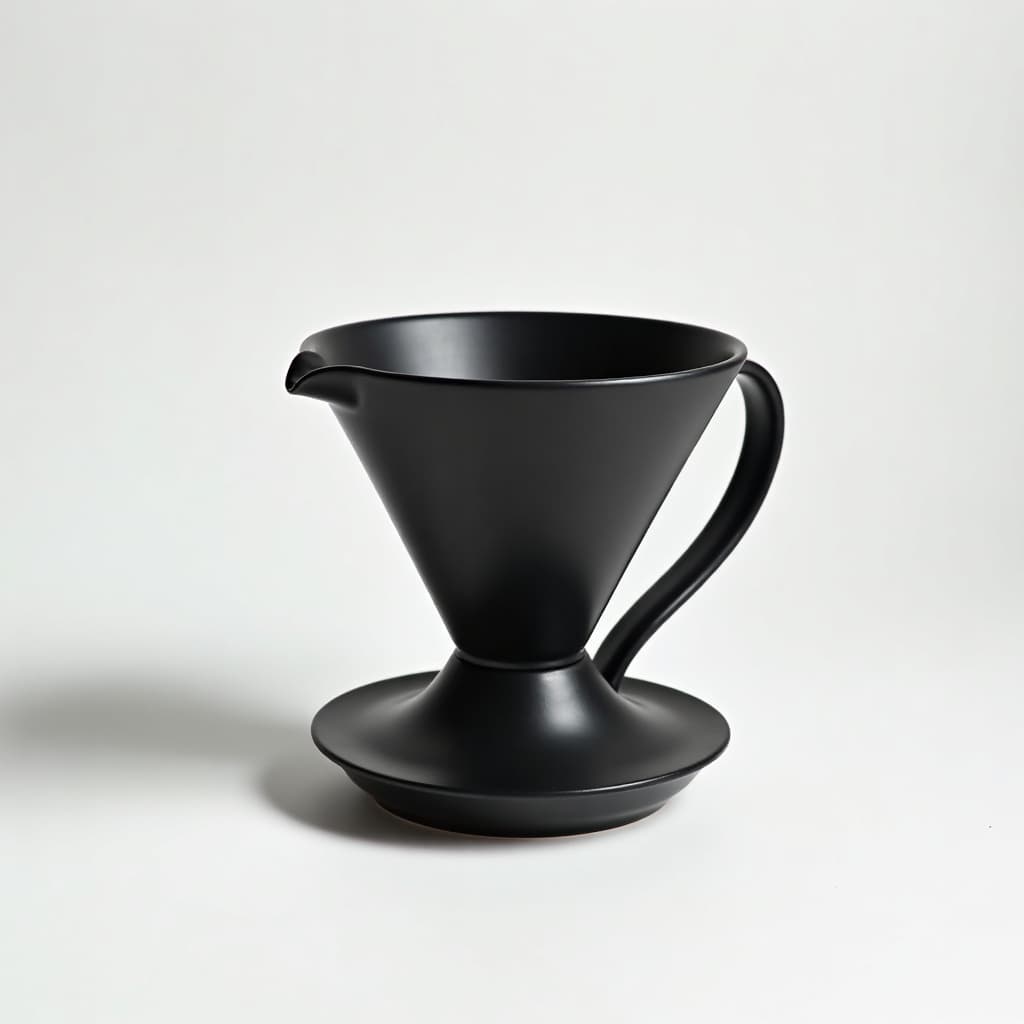
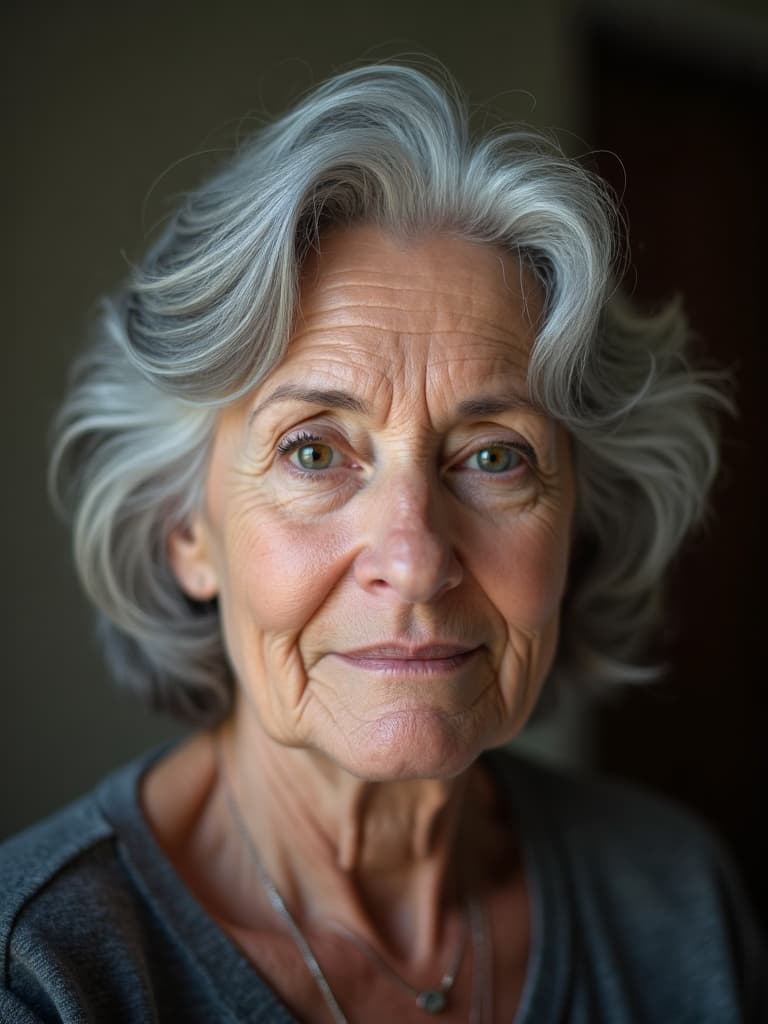
Every kind of image it makes

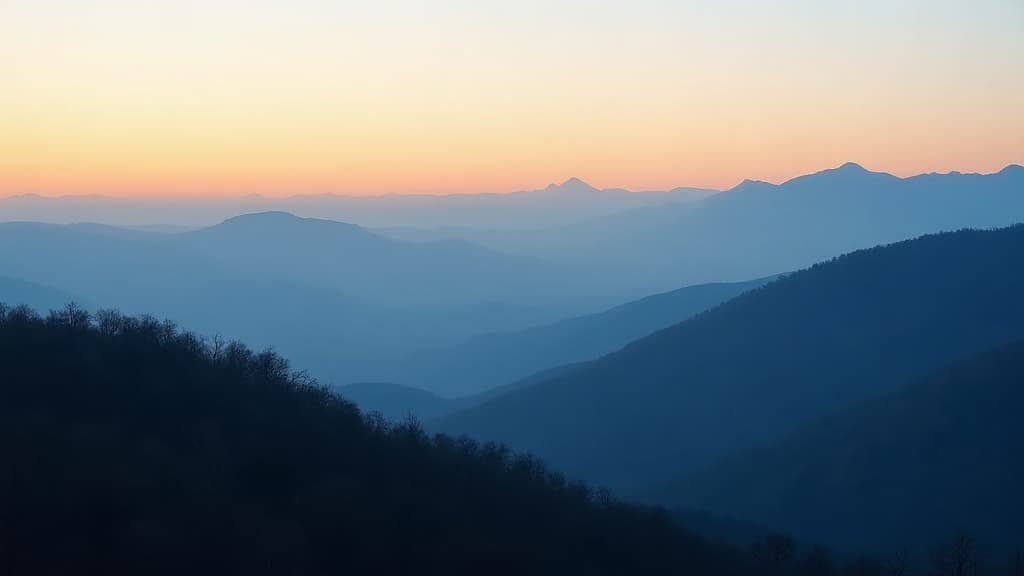
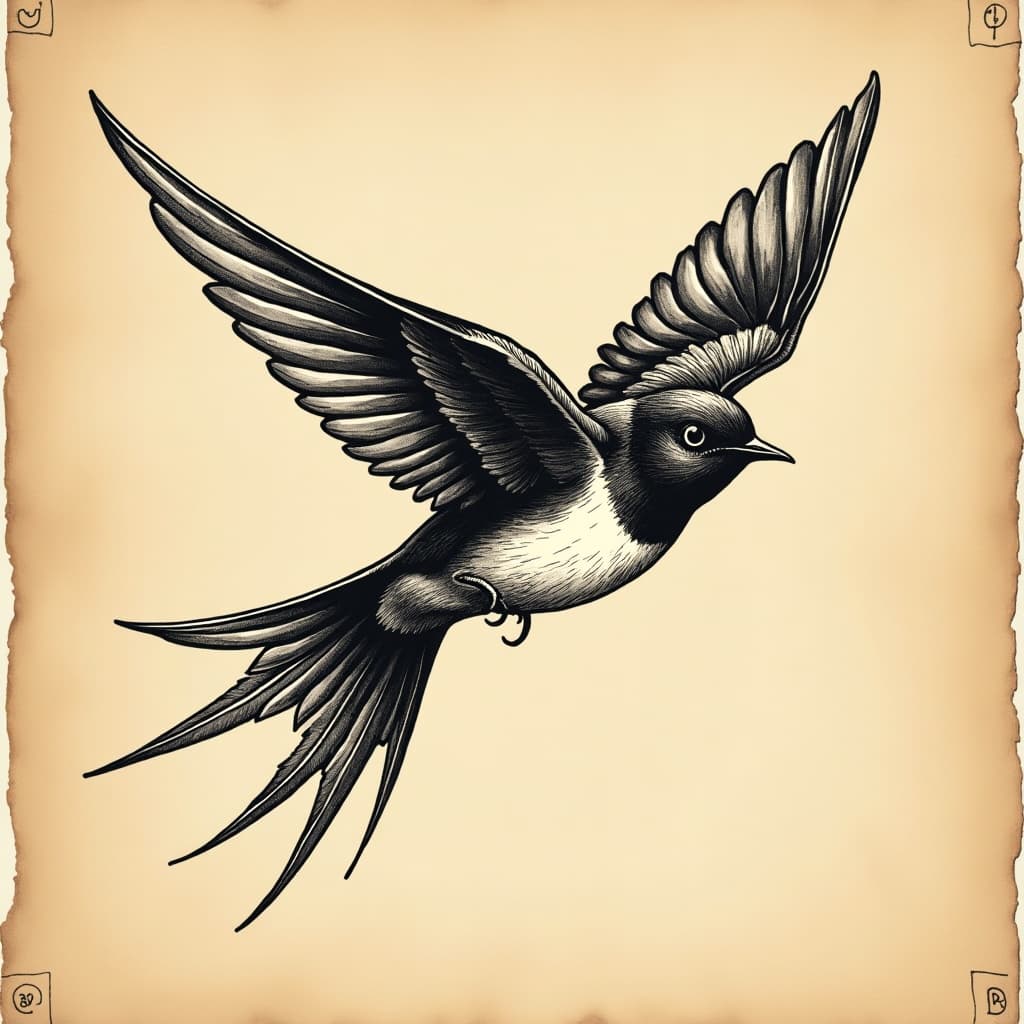
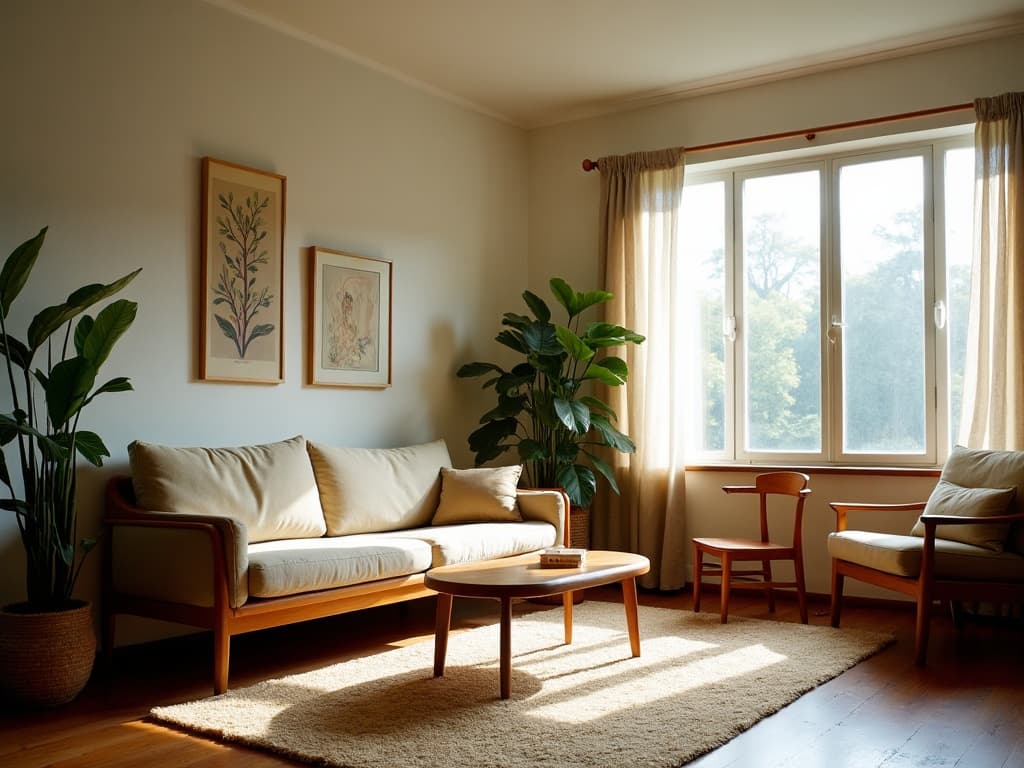
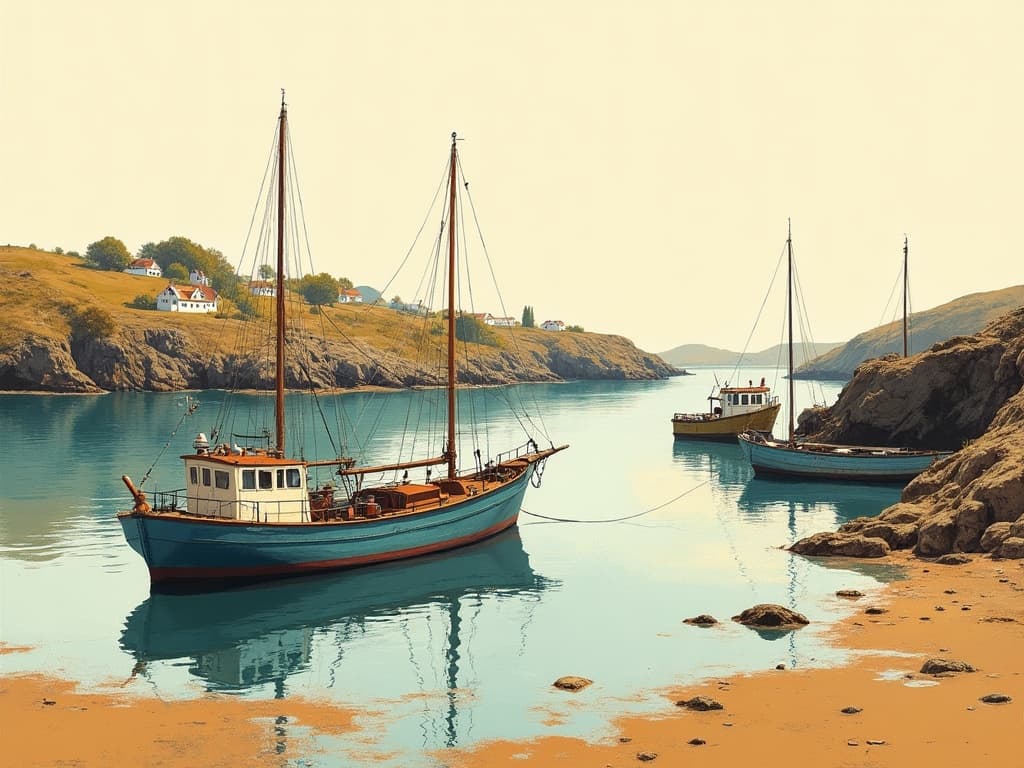
Keep exploring
Every tool inside the one generator
Capabilities of a single product, not separate subscriptions.
- resize to exact pixels
- JPG, PNG and WebP
- shrink a file size
- crop to a ratio
- colour picker from image
- cut out a subject
- read photo metadata
- build a prompt
- anime AI generator
- cartoon AI generator
- pixel art generator
- the ranked comparison
- Midjourney alternative
- compared with Leonardo
- LaFoto vs Ideogram
- LaFoto vs Canva
- what is a seed
- what is denoise strength
- what is inpainting
- guides and explainers
What creators keep asking for
IllustrativeThe workflow people want from an AI photo generator.
“I want product shots that look real, not like AI art. A photo-first tool with editing built in is exactly what my store needs.”
“The promise of refining a finished image instead of re-rolling the whole thing is the part that would actually save me time.”
“No Discord, no GPU, plain commercial terms — that lowers the bar enough that I would put it in front of clients.”
Questions
AI photo generation, answered.
- What is LaFoto?
- LaFoto is an AI photo generator (and AI image generator) that turns text into finished, photorealistic photos — portraits, products, headshots, and more — and lets you refine each frame with built-in AI photo editing. It is currently pre-launch.
- Is LaFoto an AI photo generator or an AI image generator?
- Both — they are the same kind of tool, and the terms are used interchangeably. LaFoto is designed to create everything from photorealistic photos to cleaner, graphic images depending on how you prompt it.
- Is LaFoto available yet?
- Not yet. LaFoto is pre-launch and launching in 2026. It is free to start when it opens, and there is no credit card at signup.
- Will it be free?
- Yes. You can start generating images free with no credit card. Full pricing for the paid tiers is announced at launch.
- Can I use the photos commercially?
- LaFoto is designed to offer commercial-use terms explained in plain language. Note a universal caveat: in the US, purely AI-generated output generally cannot be copyrighted without meaningful human authorship, so any tool's "you own it" is a usage license rather than enforceable copyright.
- How is LaFoto different from Midjourney, DALL·E, or Stable Diffusion?
- LaFoto focuses on realistic, photo-specialized results with a simple browser workflow and editing built in, rather than pure artistic output, an in-chat experience, or a self-hosted toolkit. See the comparison pages for sourced, side-by-side details on each.
- Is LaFoto the best AI image generator?
- That is exactly what we are building it to be: the best AI image generator for realistic, finished photos — easy enough for anyone, with editing built in. We are pre-launch, so we will let the results speak for themselves at launch. Our Best-Of guide compares every major tool honestly so you can decide for your use case.
- Does LaFoto do text to image (text-to-photo)?
- Yes — text to image is the core. Describe what you want in plain words and LaFoto is designed to render a finished, photorealistic photo, then let you refine it. It handles everything from portraits and product shots to landscapes and editorial looks, depending on how you prompt it.
- What can I create with LaFoto?
- Portraits and headshots, product and e-commerce photography, landscapes and places, editorial and lifestyle imagery, food and still life, and interiors — all from a text prompt, and all editable afterward instead of re-rolling.
- Will there be a mobile app and a browser extension?
- Yes — LaFoto is being built for the web, with iOS, Android, and a Chrome extension planned so you can create and edit wherever you work. The web app comes first, with the others following after launch.
- Are the free image tools really free and private?
- Yes. The free tools (resize, convert, compress, crop, color picker, background remover, EXIF viewer) run entirely in your browser — your images never leave your device, there is no sign-up, and there is no cost.
Start creating today
Generate your first image with the best AI image generator.
Turn a sentence into a finished, photorealistic image in seconds — then refine every detail. No setup, no Discord, no GPU.
Join 4,200+ creators using LaFoto