Image Upscaler
AI Image Upscaler: enlarge a photo without the mush
Start free — no credit card.
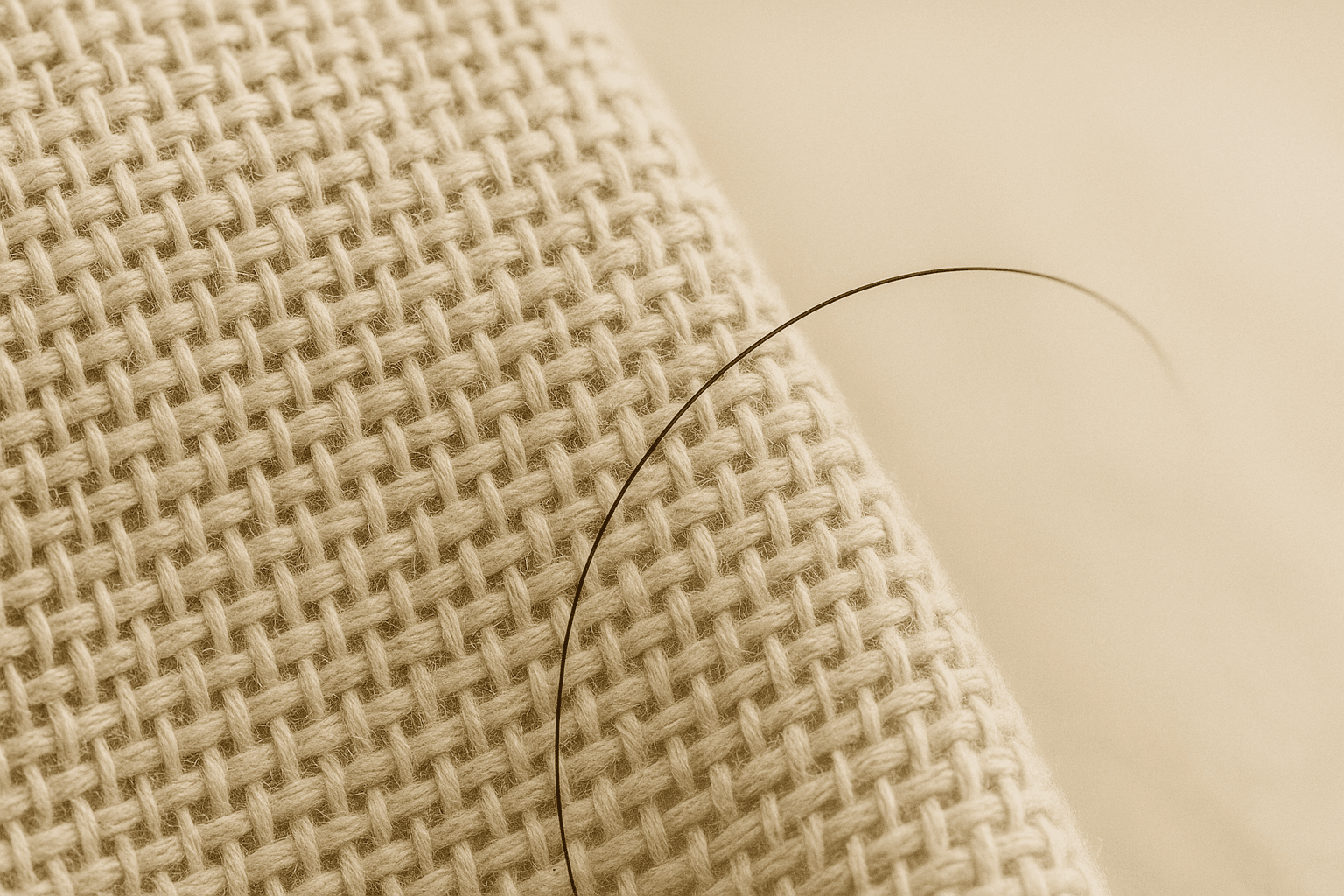
What an AI image upscaler actually does differently
Bicubic and Lanczos resampling — what your operating system uses when you drag a corner — solve a mathematical problem: given four known pixels, what colour sits between them? The answer is always an average, and averages are why upscaled photographs look like they are behind frosted glass.
A neural upscaler solves a different problem: given this patch, what was probably there? It has seen enough eyelashes, brick courses and denim weave to reconstruct plausible high-frequency detail rather than smear the low-frequency detail it already has. That is why the difference is most visible exactly where interpolation fails — hair, foliage, text and any hard edge at an angle.
How far can you upscale an image — 2x, 4x, or 8x?
Scale factor is not free. A 4K image upscaler is the common ask, and an image upscaler to 4K is realistic from a clean 1080p source at 2x, where almost any source holds up. At 4x the model is inventing three quarters of the output pixels, so the quality of the input starts to dominate: a clean 1024px JPEG upscales beautifully, a 400px screenshot that has already been through three rounds of re-compression does not.
The practical rule is to judge the source, not the target. Compression artefacts, chroma bleed and prior sharpening all get amplified, because to the model they look like detail worth reconstructing. Upscale from the largest original you have, not from a copy that has been resized down and back up.
The best free AI image upscaler in 2026: what to check
Enlarging a photo should not require an account, and a free image upscaler online that stamps its logo across the result has not solved your problem. Built-in options such as the Canva image upscaler are convenient and cap out early on resolution. The rest: LaFoto is built so the upscaled file you download is the upscaled file — full resolution, no watermark, no forced sign-up for the first results.
Where an upscaler genuinely costs money is compute at high scale factors on large sources; that is what the paid tier is for. Enlarging a photo to 4K for a print or a retina display sits comfortably in the free path.
How it works
AI Image Upscaler
- 01
Start from the largest original
Find the least-processed copy you have. A file that has already been resized and re-saved carries artefacts the upscaler will faithfully enlarge.
- 02
Pick a scale factor honestly
Choose 2x when you need a little more room and 4x when you genuinely need print resolution. Bigger is not better if the source cannot support it.
- 03
Check the edges, not the middle
Judge the result on hair, text and diagonal lines. Flat areas always look fine; edges are where an upscaler either worked or did not.
What people use the image upscaler for
Print from a small original
Take a web-resolution photo up to something a printer can use at 300dpi without visible softness.
Rescue an archive scan
Old scans are often small and noisy. Upscaling reconstructs edge detail the scanner never captured.
Enlarge a generated image
Generation often runs at 1024px for speed. Upscaling afterwards is faster than generating large and gives you a cleaner result.
Fix a low-res product shot
Marketplace listings reject images under a minimum size. Upscaling meets the requirement without a reshoot.
Frequently asked questions
- What is an image upscaler?
- An image upscaler enlarges a picture beyond its original pixel dimensions. An AI image upscaler reconstructs plausible detail rather than averaging neighbouring pixels, which is why the result stays sharp where ordinary enlargement goes soft.
- How is an AI image upscaler different from just resizing?
- Resizing interpolates: it averages the pixels it already has, so enlargement spreads existing detail thinner. An AI upscaler predicts missing high-frequency detail from what it has learned about edges, hair and texture, adding information rather than stretching it.
- Can I upscale an image to 4K?
- Yes. A 1080p source at 2x lands just past 4K, and a 1024px square at 4x gives you 4096px. Whether it looks good at 4K depends far more on how clean the source is than on the scale factor you pick.
- Is the image upscaler free?
- Enlarging a photo to 4K sits in the free path, with no watermark on the download. Very large sources at high scale factors cost real compute, and that is what the paid tier covers.
- Will upscaling fix a blurry photo?
- Partly. Upscaling reconstructs detail that resolution lost, but it cannot recover detail that motion blur or a missed focus never recorded. Out-of-focus stays out of focus — it just becomes a larger out-of-focus image.
- Does upscaling remove JPEG artefacts?
- A good upscaler suppresses them, because it recognises blocking and ringing as compression rather than as detail. Heavily compressed sources still upscale worse than clean ones, so start from the least-processed file you have.
- What is the maximum size I can upscale to?
- The practical ceiling is set by the source. Most photographs stop gaining anything past 4x, because beyond that the model is inventing more of the picture than it is reconstructing. 2x and 4x cover almost every real use.
- Can I upscale images in bulk?
- Batch upscaling is on the roadmap for the paid tier. For single images the browser path is immediate and needs no account.
Keep exploring
More from LaFoto
Image upscaler at a glance
- Scale factors
- 2x, 4x, 8x
- Method
- Detail reconstruction, not interpolation
- Best source
- Largest, least-processed original
- Watermark
- None on the download
- Typical use
- Print, retina displays, marketplace minimums
- Free tier
- Yes, up to 4K
In practice
What an upscaler can rebuild and what it cannot
Resolution loss and detail loss are different problems. An upscaler reconstructs detail that resolution discarded, because it has learned what eyelashes, brick courses and denim weave look like at higher magnification and can predict plausible high-frequency structure.
It cannot recover detail the camera never recorded. Motion blur, a missed focus and heavy sensor noise are absences in the source, and enlarging an absence produces a larger absence — a convincingly sharp image of something that was always out of focus is not available.
Three ways in
What are you enlarging for?
Getting to 300dpi at physical size
Print resolution is pixels per inch at the final size, so a 6x4 inch print at 300dpi needs 1800x1200 pixels regardless of how the file looks on screen. Upscaling to that target is the most common reason to use this at all.
- Work out pixels from physical size and dpi.
- Upscale before you soft-proof, not after.
- 2x from a clean source beats 4x from a poor one.
Retina and large displays
A 4K display shows a 1080p image at double size, so anything full-width needs roughly twice the pixels you would have used a decade ago. This is the least demanding case and 2x usually covers it.
- Twice the CSS display width is the practical target.
- Compress after upscaling, never before.
- WebP keeps the file reasonable at high resolution.
Generate small, enlarge after
Generation at 1024px is faster and more reliable than generating large, and upscaling afterwards produces a cleaner result than asking the model for a big canvas in the first place.
- Generate at 1024, upscale to final size.
- Fix the seed before you upscale a variation.
- Upscaling preserves the composition exactly.
Detail
What the image upscaler handles
The cases people bring, and what each one really needs.
A photo rejected for being too small
Marketplaces publish a minimum pixel dimension. Upscaling meets it without a reshoot, though the listing still has to represent the real item accurately.
An old scan that looks soft
Scanner softness is recoverable because it is a resolution limit rather than a focus error. Enhance first to clean the noise, then upscale.
A screenshot enlarged for a slide
Text in screenshots upscales poorly because letterforms are symbolic. Retake the screenshot at a higher resolution if you possibly can.
A crop that left too few pixels
Crop first, upscale second. Upscaling then cropping wastes the reconstruction on pixels you throw away.
A heavily compressed JPEG
Artefacts get amplified along with detail. Expect a noticeably worse result than from a clean source at the same dimensions.
Related
Tools that pair with upscaling
Keep exploring
Every generator behind the upscaler
Upscaling finishes an image. These make it.
- free image resizer
- image converter
- shrink a file size
- crop to a ratio
- colour picker from image
- cut out a subject
- check EXIF data
- structure a prompt
- anime AI generator
- cartoonize a picture
- pixel art generator
- best AI image generators
- Midjourney alternative
- compared with Leonardo
- LaFoto vs Ideogram
- Canva alternative for images
- seeds explained
- how far a result may drift
- what is inpainting
- guides and explainers
Image Upscaler at a glance
- Runs in
- Your browser — nothing to install
- Account
- Not required to start
- Watermark
- None on the download
- Output
- PNG, JPEG or WebP
- Commercial use
- Permitted under plain-language terms
- Training
- Your images are never added to a training set
Keep exploring
Tools that work with the image upscaler
Every one runs on the same engine, so a result moves between them without re-uploading.
Start creating today
Generate your first image with the best AI image generator.
Turn a sentence into a finished, photorealistic image in seconds — then refine every detail. No setup, no Discord, no GPU.
Join 4,200+ creators using LaFoto