Pixel Art
Pixel Art Generator: real grids, real palettes, no fake pixels
Start free — no credit card.
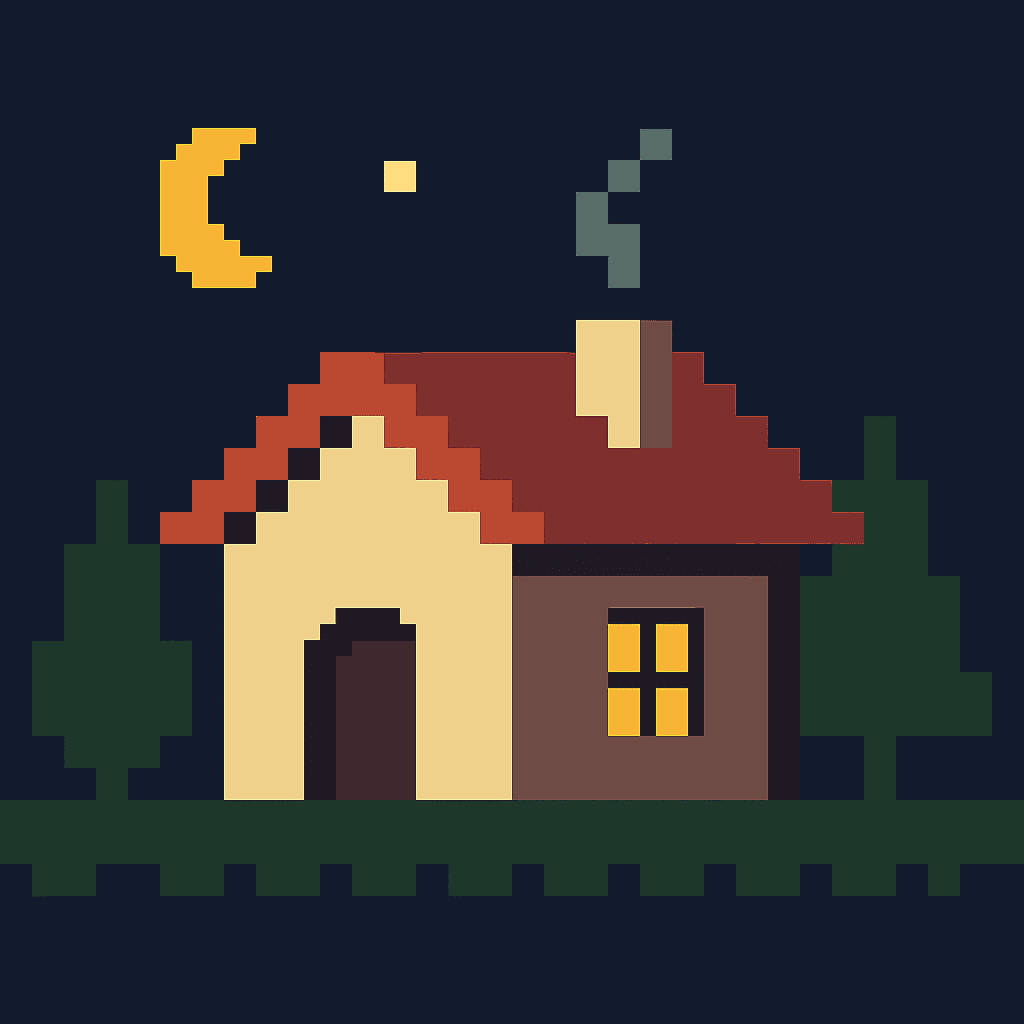
An AI pixel art generator is not a pixelate filter
This is the single most common disappointment with a pixel art AI generator. Downscaling a photograph gives you blocky output with soft edges and a colour count in the thousands. Actual pixel art has a fixed grid, a palette you could list on one hand, and hard edges where every boundary sits exactly on a pixel line. The difference is obvious to anyone who works in the medium and invisible in a thumbnail, which is why so many generators get away with the former.
The properties to ask for are concrete: a canvas resolution (32×32, 64×64, 128×128), a palette size (8, 16, 32 colours), and hard edges with no anti-aliasing. Those three constraints are what make output usable in an engine rather than merely pixel-flavoured.
Palette discipline is the whole craft
Restricted palettes are not a limitation to work around, they are the medium. A 16-colour palette forces decisions about which hues carry the form and which carry the light, and that constraint is why good pixel art reads instantly at tiny sizes.
Named historical palettes give the model a precise target, which is also why a Minecraft pixel art generator is a genuinely different request — it maps to a fixed block palette rather than a free one. NES gives you 54 fixed colours with characteristic hue jumps, Game Boy gives you four greens, CGA gives you that specific cyan-magenta clash. Naming a hardware palette is far more effective than asking for "retro colours".
Dithering, and when to ask for it
Dithering fakes intermediate colours by alternating two palette colours in a pattern. It is essential when a palette is very small and a gradient is unavoidable — skies, metal, curved surfaces — and it is a mistake almost everywhere else, because it destroys the flat areas that let pixel art read at small size.
Ask for it specifically ("Bayer dithering on the sky, flat fills elsewhere") rather than globally. Global dithering is the second most common way generated pixel art becomes unusable.
How it works
Pixel Art Generator
- 01
State the canvas resolution
32×32 for an icon, 64×64 for a character sprite, 128×128 for a detailed scene. Without this the model picks its own and it will not be a usable grid.
- 02
Name a palette, ideally a hardware one
NES, Game Boy, CGA, or an explicit colour count. "Retro" is not a palette; "16-colour NES palette" is.
- 03
Ask for hard edges
No anti-aliasing, no soft gradients. This is the single term that separates pixel art from a pixelated photograph.
What people use the pixel art for
Game sprites
Characters, items and effects on a consistent grid and palette across a whole project.
Tilesets and environments
Ground, wall and prop tiles that align on the grid and repeat cleanly.
Icons and UI
Small interface elements that must stay legible at 16 or 32 pixels.
Album and poster art
Pixel work as a finished aesthetic rather than as a game asset.
Frequently asked questions
- What is a pixel art generator?
- A pixel art generator produces images on an explicit low-resolution grid with a restricted palette, where each pixel is a deliberate placement. That is different from pixelating a photograph, which just enlarges soft-edged blocks.
- Why does my pixel art look like a blurry photo?
- Because the prompt asked for a look rather than a structure. State a canvas resolution, a palette size and hard edges with no anti-aliasing. Those three constraints are what produce a real grid instead of a pixel-flavoured image.
- Is the pixel art generator free?
- Yes, with no watermark on the download. Larger batches for full tilesets sit in the paid tier.
- What resolution should I generate at?
- 32×32 for icons, 64×64 for character sprites, 128×128 for detailed scenes. Pick before generating — upscaling pixel art afterwards must use nearest-neighbour or it stops being pixel art.
- What is dithering and do I need it?
- Dithering alternates two palette colours in a pattern to fake a third. Use it where a small palette meets an unavoidable gradient — skies, metal, curves — and nowhere else. Global dithering destroys the flat areas that make pixel art readable.
- Can I get a specific retro console palette?
- Yes, and naming one works much better than asking for "retro colours". NES gives 54 fixed colours with characteristic hue jumps; Game Boy gives four greens; CGA gives its particular cyan-magenta clash.
- Can I use the sprites in a game I sell?
- Yes, commercial use is permitted under the licence. For a shipping game you will usually still want to clean up the grid by hand — generated pixel art is a strong starting point rather than a final asset.
- How do I keep a whole tileset consistent?
- Fix the palette and the canvas resolution and keep both sentences identical across every prompt, varying only the subject. Consistency in pixel art comes from the constraints, not from the description.
Keep exploring
More from LaFoto
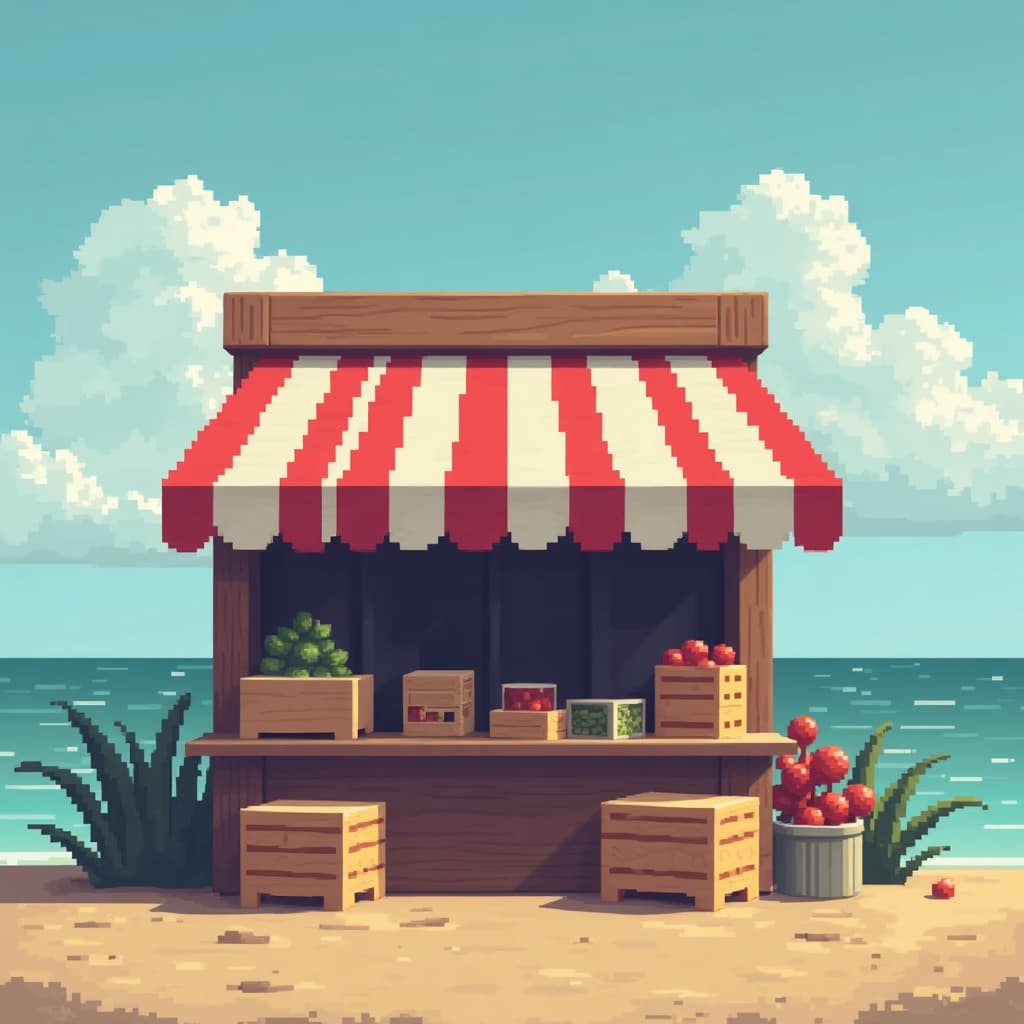
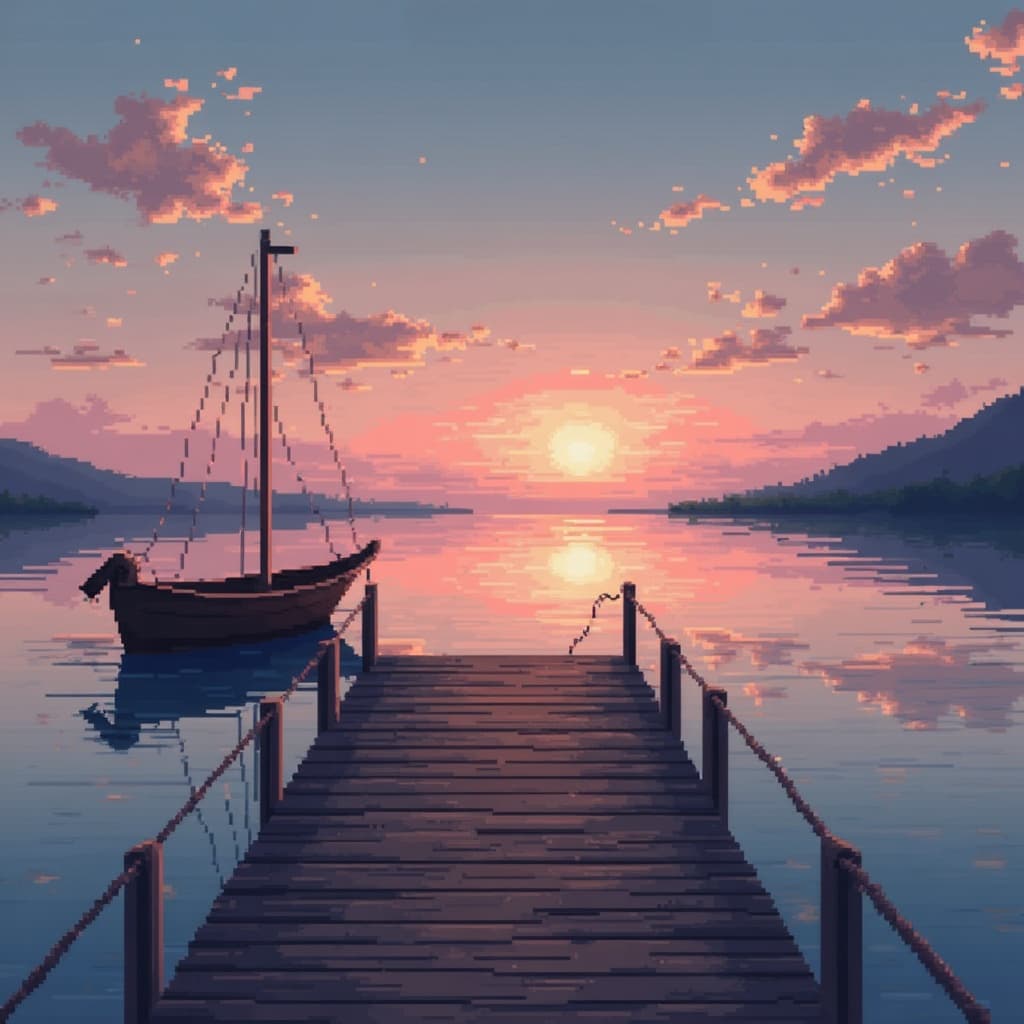
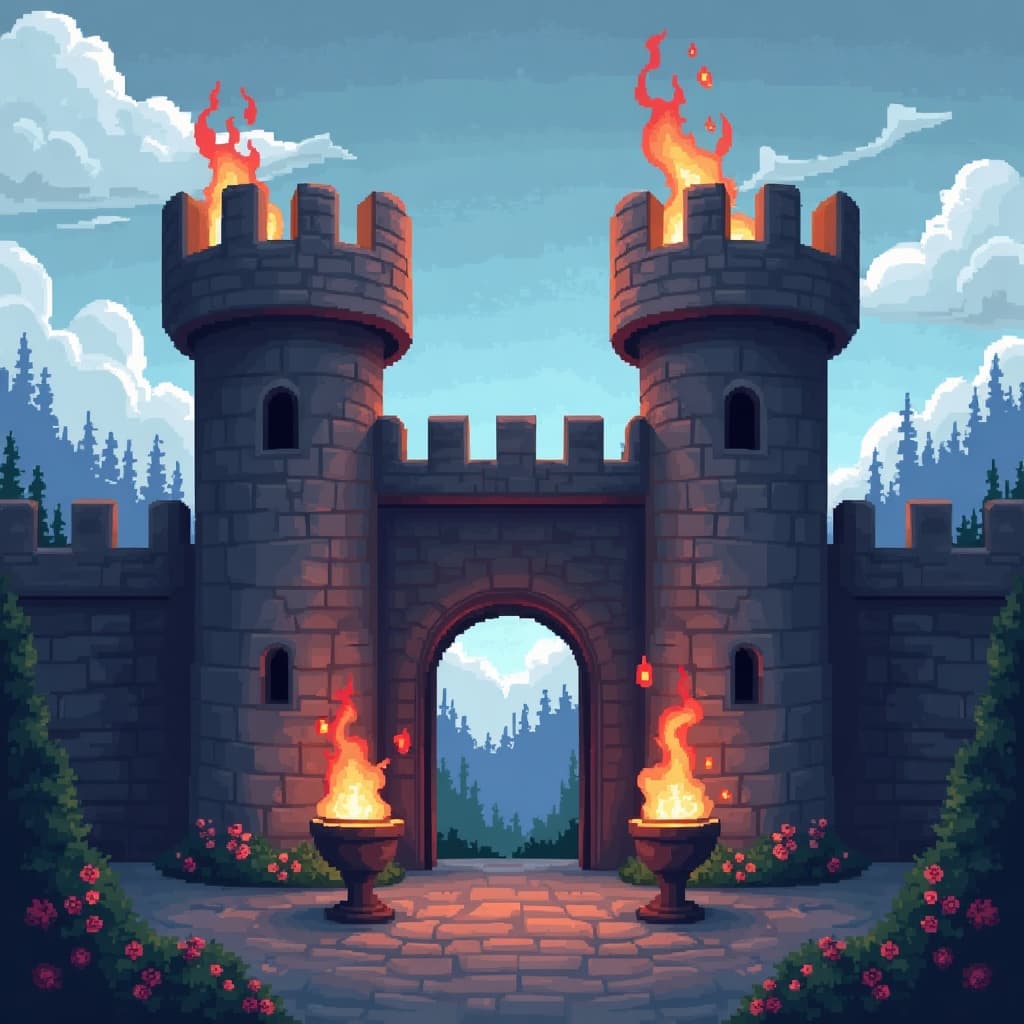
Pixel Art in the gallery
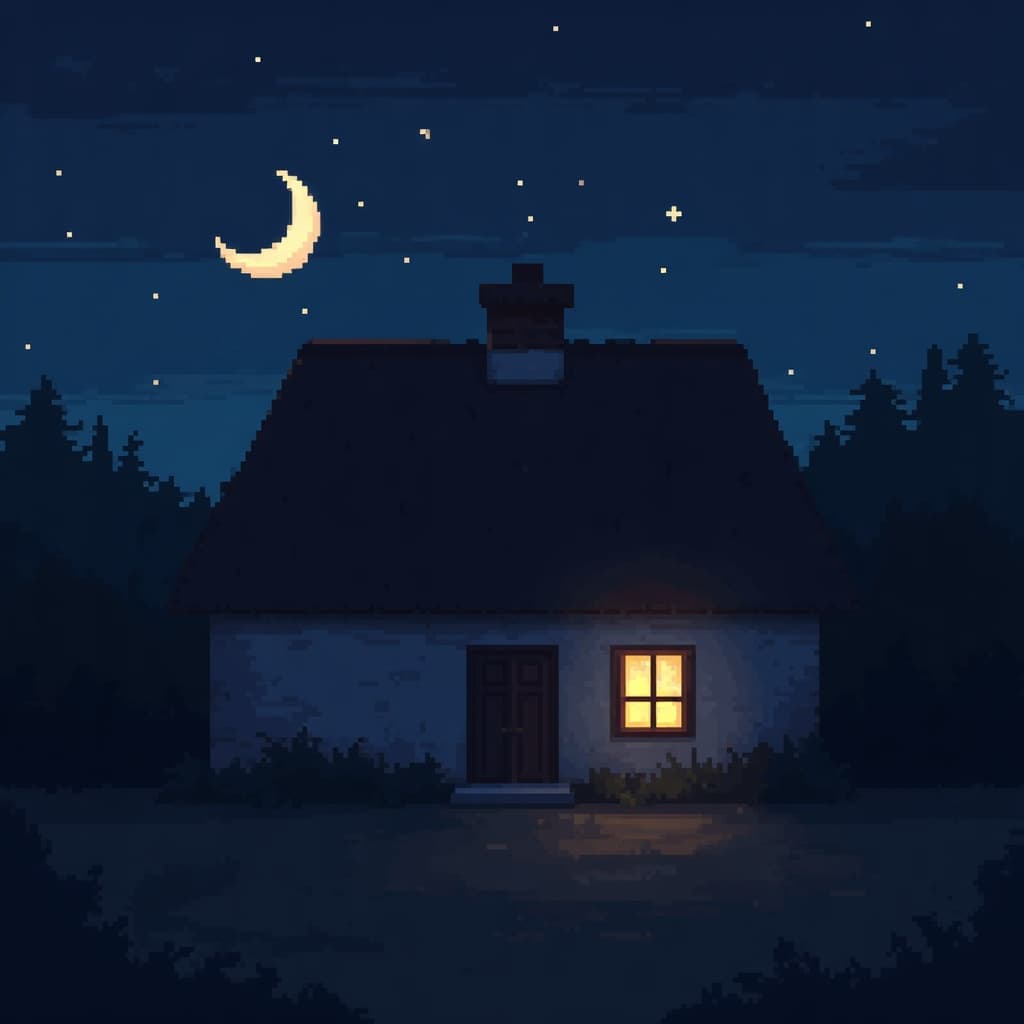
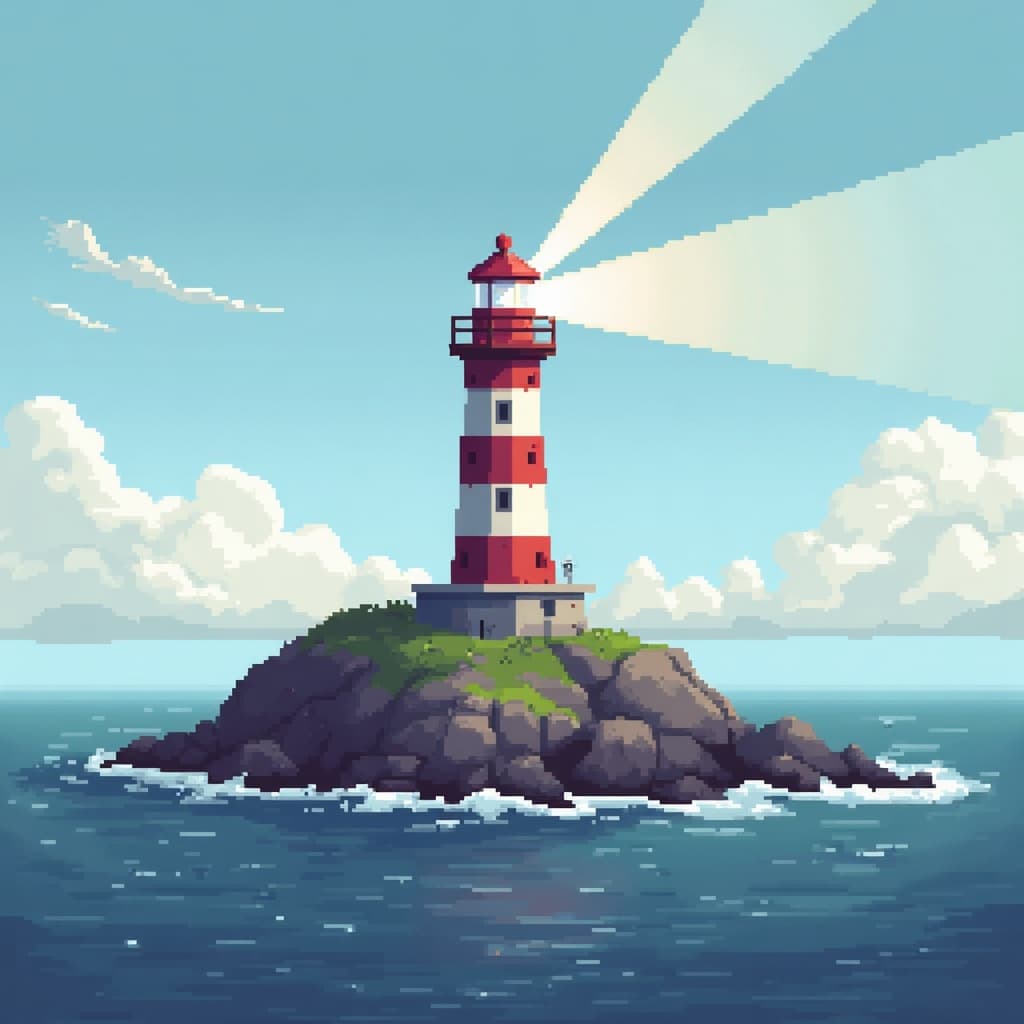
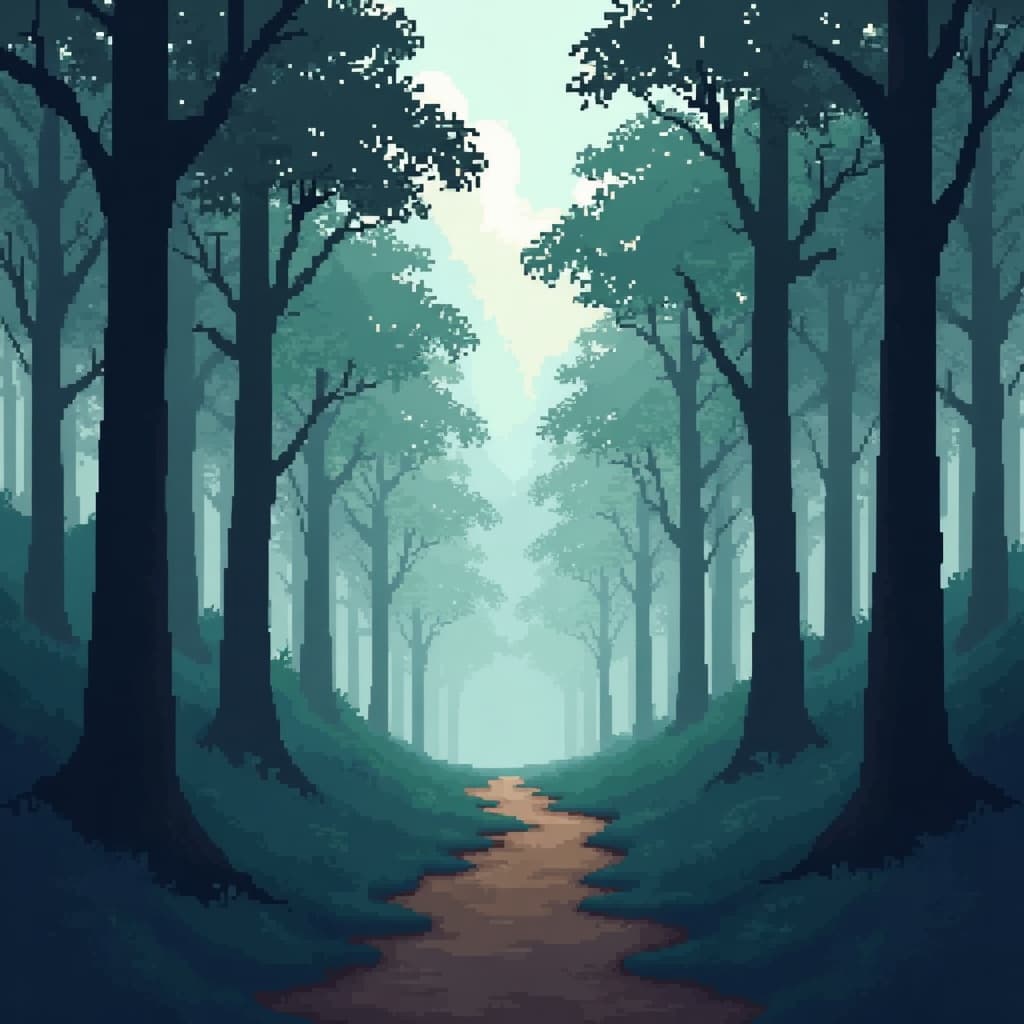
Real prompts, models and seeds — open any to see how it was made.
Pixel art generation at a glance
- Canvas
- Stated explicitly — 32x32, 64x64, 128x128
- Palette
- Restricted, ideally a named hardware one
- Edges
- Hard, no anti-aliasing
- Scaling
- Nearest-neighbour only
- Watermark
- None on the download
- Free tier
- Yes
In practice
Pixelated is not pixel art
Downscaling a photograph gives blocky output with soft edges and thousands of colours. Actual pixel art has a fixed grid, a palette you could list on one hand, and hard edges where every boundary sits exactly on a pixel line.
The difference is obvious to anyone who works in the medium and invisible in a thumbnail, which is why so many generators get away with producing the former and calling it the latter.
Three ways in
What are you building?
Characters and items
Sprite work needs a small canvas and a consistent palette across every asset, because inconsistency between sprites is far more visible than imperfection within one.
- 64x64 for characters, 32x32 for items.
- One palette across the whole set.
- Hard edges are non-negotiable for engine use.

Environments that repeat
Tilesets have to align on the grid and repeat without a visible seam, which is a structural requirement rather than an aesthetic one.
- State the tile size explicitly.
- Check edges align when repeated.
- Keep the palette identical across tiles.
Pixel work as the final piece
When pixel art is the artwork rather than a game asset, the canvas can be larger and dithering becomes a legitimate tool for gradient areas.
- 128x128 or larger for scenes.
- Dither skies and metal, nothing else.
- Nearest-neighbour when scaling up for display.
Detail
What pixel art generation handles
The requirements that separate real pixel art from a filter.
Why output looks like a blurry photo
The prompt asked for a look rather than a structure. State canvas resolution, palette size and hard edges with no anti-aliasing.
What resolution to use
32x32 for icons, 64x64 for character sprites, 128x128 for scenes. Decide before generating — resizing afterwards requires nearest-neighbour or it stops being pixel art.
Dithering
Alternates two palette colours to fake a third. Use it where a small palette meets an unavoidable gradient and nowhere else; global dithering destroys the flat areas that make it readable.
Retro console palettes
Naming one works far better than asking for retro colours. Minecraft is a genuinely different request again, because it maps to a fixed block palette.
Using sprites in a game you sell
Commercial use is permitted. For a shipping game you will usually still clean up the grid by hand — generated pixel art is a strong start rather than a final asset.
Related
Related styles and tools
Keep exploring
Every generator pixel style applies to
A grid is a constraint you can ask any of these for.
- free image resizer
- convert an image format
- compress an image
- image cropper
- colour picker from image
- background remover
- check EXIF data
- structure a prompt
- make anime art
- cartoon image style
- pixel art generator
- the ranked comparison
- compared with Midjourney
- Leonardo AI alternative
- compared with Ideogram
- LaFoto vs Canva
- reproducing an image
- how far a result may drift
- editing inside a mask
- guides and explainers
Pixel Art at a glance
- Runs in
- Your browser — nothing to install
- Account
- Not required to start
- Watermark
- None on the download
- Output
- PNG, JPEG or WebP
- Commercial use
- Permitted under plain-language terms
- Training
- Your images are never added to a training set
Keep exploring
Tools that work with the pixel art
Every one runs on the same engine, so a result moves between them without re-uploading.
Start creating today
Generate your first image with the best AI image generator.
Turn a sentence into a finished, photorealistic image in seconds — then refine every detail. No setup, no Discord, no GPU.
Join 4,200+ creators using LaFoto