Photo Enhancer
AI Photo Enhancer: fix exposure, noise and softness in one pass
Start free — no credit card.
What photo quality enhancement actually fixes
Most photographs that look wrong are wrong in four separable ways: exposure, white balance, noise and micro-contrast. A global slider moves all of them at once, which is why pulling up the brightness on a backlit portrait gives you a grey sky and a face that still looks flat.
Region-aware enhancement treats the face, the background and the highlights as different problems. Shadows lift where there is recoverable information and stay put where lifting would only amplify noise. That single distinction is most of the difference between a photo that has been enhanced and one that has been brightened.
Restore old photos: scans, fading and physical damage
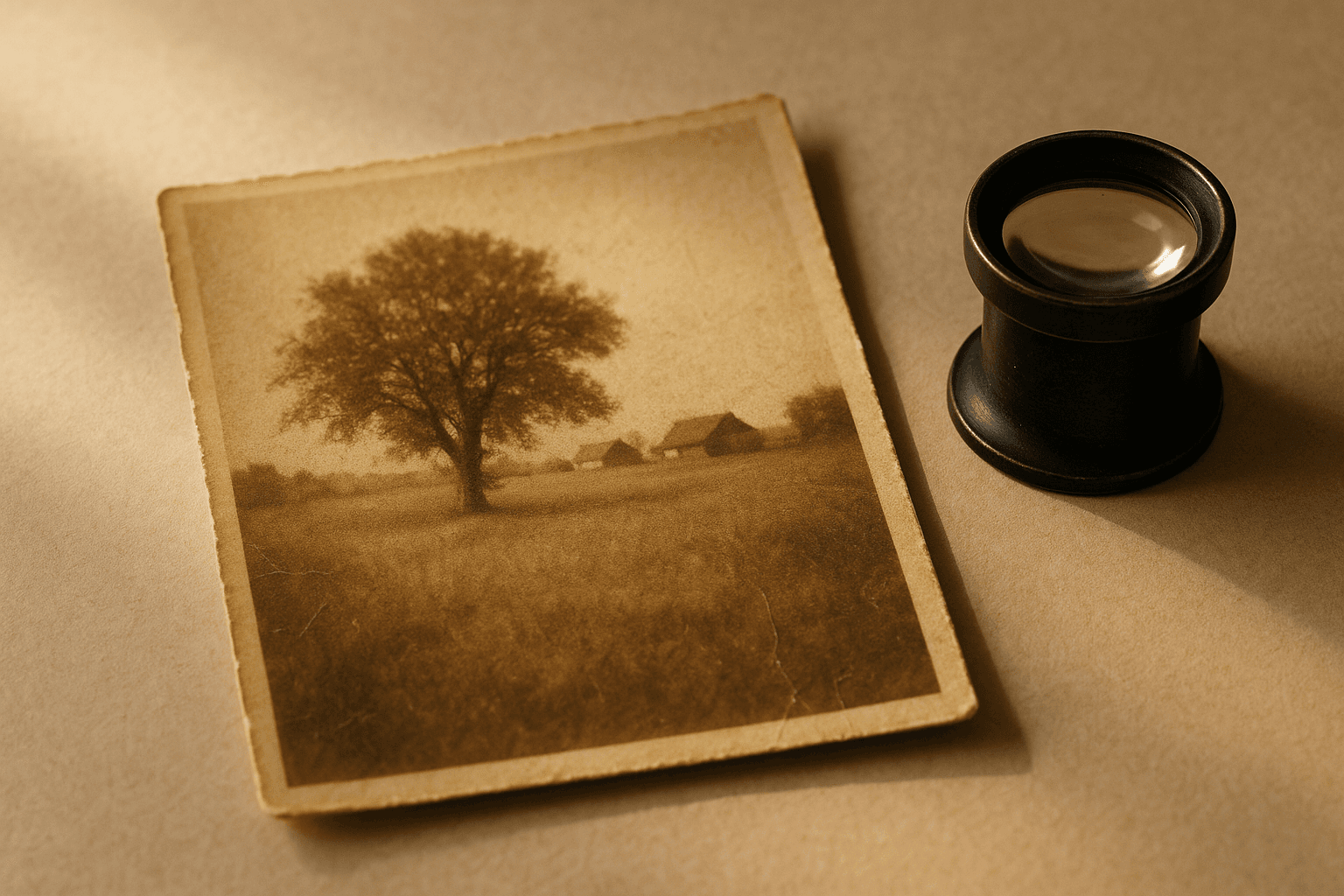
Old photo restoration is a different job from enhancement, though the same tool does both. A scan of a 1970s print carries three problems at once: the dye has shifted (usually toward magenta or yellow), the paper has physical damage, and the scan itself added its own noise and softness.
Colour shift is the most correctable — the model knows what skin, sky and foliage are supposed to look like, so it can invert decades of fading with more confidence than a white-balance slider. Tears and missing corners are inpainting: the surrounding texture is reconstructed rather than recovered, so the result is plausible rather than literally true. That distinction matters if the photograph is evidence rather than a keepsake.
Free photo quality enhancer, online, no install
Enhancement is the most common thing anyone wants to do to a photograph, and it should not require a subscription or a 2GB desktop install. LaFoto runs enhancement in the browser path so a free photo enhancer is genuinely free at the point of use.
The trade LaFoto makes deliberately: the enhancer will not silently smooth skin, slim faces or saturate a sunset beyond what was there. Those are edits, not enhancements, and hiding them inside an "enhance" button is how photographs stop being photographs.
AI photo enhancer free, and old photo restoration online free
The free AI photo enhancer path covers the cases most people bring: an underexposed phone shot, a noisy indoor frame, a scan whose colour has drifted. It runs in the browser and the download carries no watermark.
AI photo restoration is the same capability pointed at a different problem, and unlike a photo restoration app that runs on device, it has the compute to reconstruct properly, and it is worth knowing which parts are reliable. Reversing dye fade is strong, because the model knows what skin and sky should look like. Cleaning scanner noise is strong. Repairing a tear is inpainting — the result is plausible rather than recovered, which matters if the photograph is evidence rather than a keepsake.
How it works
AI Photo Enhancer
- 01
Enhance before you crop
Give the model the whole frame. Exposure and white balance decisions are better when the tool can see the full range of the scene, including the parts you plan to cut.
- 02
Judge on skin and sky
These are the two regions where over-enhancement shows first — plastic skin, or a gradient that has banded. If both look right, the rest usually is.
- 03
Enhance, then upscale
Run enhancement first and enlargement second. Upscaling a noisy photo faithfully enlarges the noise.
What people use the photo enhancer for
Underexposed phone shots
Indoor and evening photographs where the subject is dark and the light source is blown out.
Family archive scans
Prints and negatives whose colour has shifted over decades and whose scans added their own softness.
Listing photographs
Marketplace and property shots taken in mixed lighting, where white balance is fighting daylight against tungsten.
Event photos in bad light
High-ISO frames from venues, where the alternative is discarding otherwise good pictures.
Frequently asked questions
- What does a photo enhancer do?
- A photo enhancer improves an existing image: exposure, white balance, noise and sharpness. Unlike a generator it adds no new content — it recovers and corrects what the camera recorded but rendered badly.
- Is the photo enhancer free?
- Yes, the browser enhancement path is free with no watermark. Batch processing and very large files sit in the paid tier, because those are where the compute cost is real.
- Can it restore old photos?
- Yes. Reversing dye fade and cleaning scan noise are the most reliable parts, because the model knows what skin and sky should look like. Repairing tears is inpainting, so the reconstructed area is plausible rather than literally recovered.
- Will enhancing a photo make it look artificial?
- It can, if a tool over-applies. LaFoto deliberately will not smooth skin, reshape faces or push saturation past what was in the scene — those are edits, not enhancement, and burying them in an enhance button is how photographs stop being photographs.
- What is the difference between enhancing and upscaling?
- Enhancing fixes quality at the current size — exposure, noise, colour. Upscaling changes the size. Run enhancement first: upscaling a noisy image faithfully enlarges the noise.
- Can it fix a blurry photo?
- It can recover softness from noise reduction and slight missed focus. It cannot undo motion blur or a badly missed focus, because the detail was never recorded — sharpening that only amplifies what noise is there.
- Does it work on scanned negatives?
- Yes, though scan quality dominates the result. A flatbed scan at 1200dpi or higher gives the enhancer real information to work with; a phone photograph of a print gives it much less.
- Will my photos be used to train models?
- No. Images you enhance are processed for your request and not added to a training set. That is a deliberate product decision, not a setting you have to find and switch off.
Keep exploring
More from LaFoto
Photo enhancer at a glance
- Corrects
- Exposure, white balance, noise, softness
- Method
- Region-aware, not a global slider
- Restoration
- Dye fade, scan noise, physical damage
- Will not do
- Skin smoothing or face reshaping
- Watermark
- None on the download
- Free tier
- Yes
In practice
Why brightening a photo usually makes it worse
A global exposure slider moves every pixel by the same amount, which is why pulling up a backlit portrait gives you a grey sky and a face that is still flat. The picture had two different problems and got one solution.
Region-aware enhancement treats the face, the background and the highlights as separate problems. Shadows lift where there is recoverable information and stay put where lifting would only amplify noise, which is most of the difference between enhanced and merely brightened.
Three ways in
What kind of problem are you fixing?
Underexposed and backlit frames
Indoor and evening photographs where the subject is dark and the window behind is blown out. This is the case region-aware processing was built for, and the improvement is usually dramatic.
- Enhance the full frame before cropping.
- Judge the result on skin and sky first.
- Recover highlights before lifting shadows.
High-ISO and low-light grain
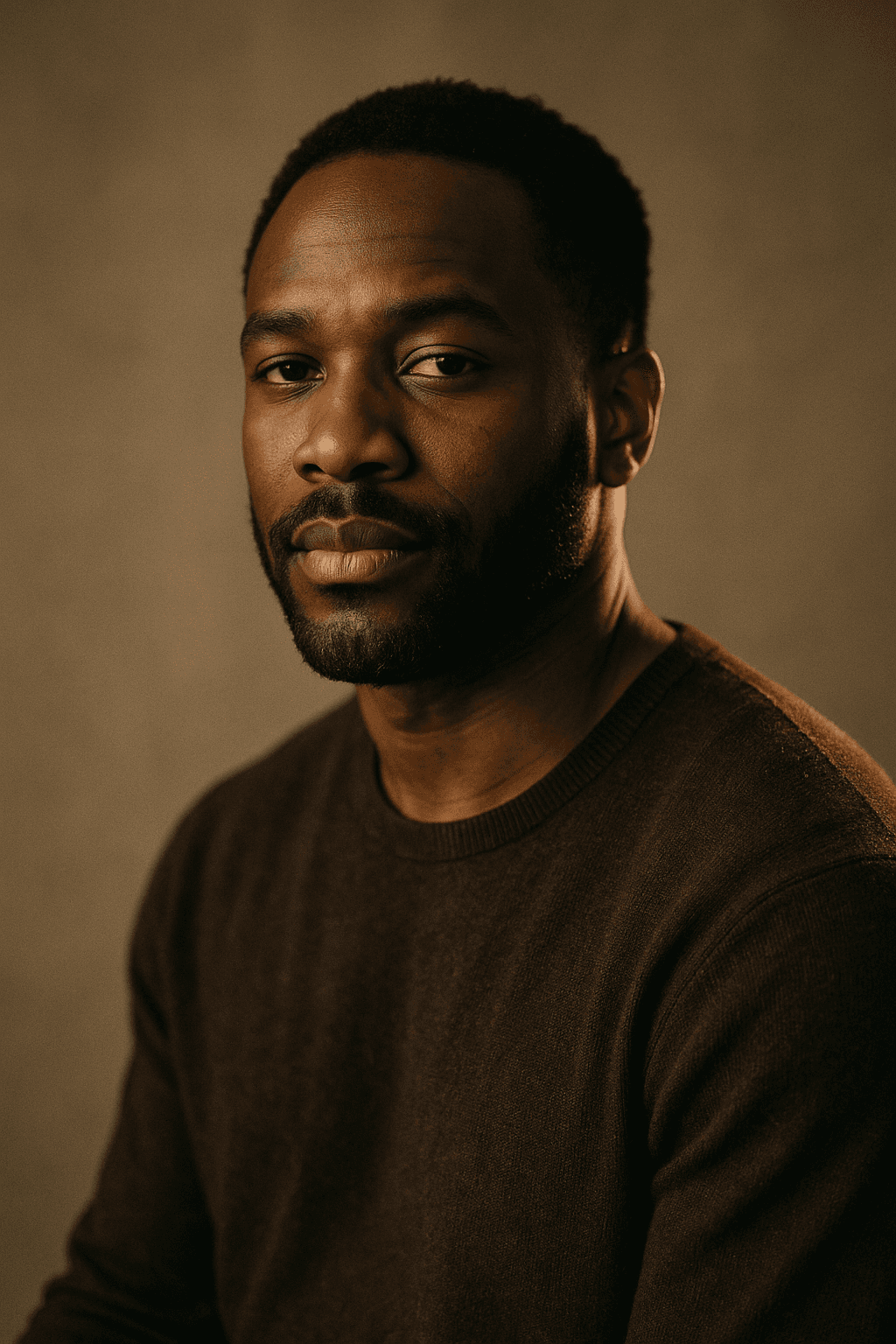
Noise reduction always trades against texture. The goal is removing sensor noise while keeping fabric weave and skin pores, which is exactly where crude denoising fails.
- Check fabric and hair for over-smoothing.
- Denoise before upscaling, never after.
- Some grain is more honest than plastic skin.
Faded prints and old scans
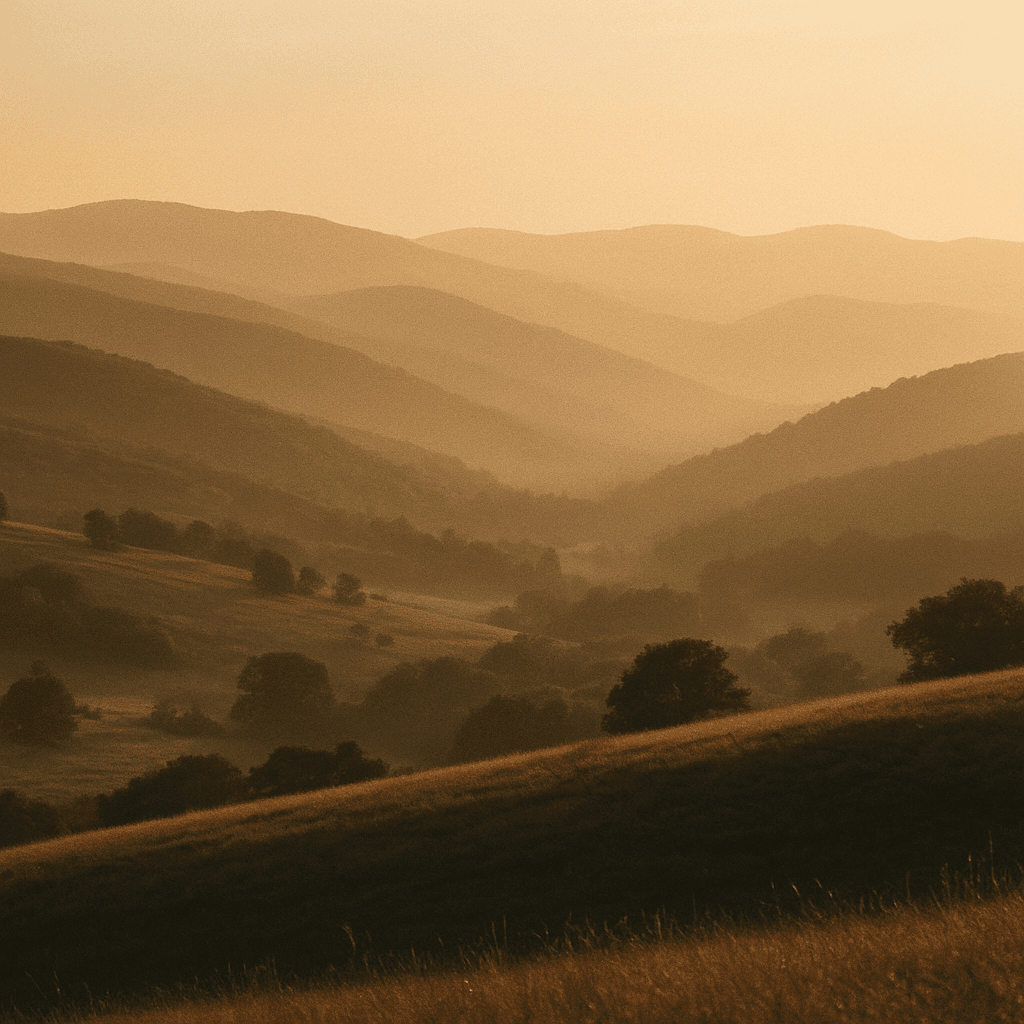
Scans of prints carry three problems at once: dye shift, physical damage, and softness introduced by the scanner itself. They respond to different parts of the process.
- Scan at 1200dpi or higher if you can.
- Colour correction is reliable; damage repair is invented.
- Keep the unretouched scan as the archive copy.

Detail
What the photo enhancer handles
The photographs people bring, and what is realistically recoverable.
A dark photo of a lit stage
Highlight recovery matters more than shadow lifting here. Blown highlights carry no information at all, so protect them first.
A group photo with mixed lighting
Tungsten indoors against daylight through a window cannot be corrected with one white balance. Region-aware correction is the only approach that works.
A scan with a torn corner
Inpainting reconstructs plausible surrounding texture. Say so if the image is being used as a record rather than a keepsake.
A photo that looks plastic after enhancing
Over-application. LaFoto deliberately will not smooth skin, but any denoising pushed far enough removes texture.
A blurry photo
Softness from noise reduction is recoverable; motion blur and missed focus are not. The detail was never recorded.
Related
Tools that pair with enhancement
Keep exploring
Every generator behind the enhancer
Enhancement repairs what exists. These create what does not.
- free image resizer
- convert an image format
- shrink a file size
- crop to a ratio
- pull colours from an image
- remove a background
- check EXIF data
- structure a prompt
- make anime art
- cartoon image style
- pixel art generator
- best AI image generators
- Midjourney alternative
- LaFoto vs Leonardo AI
- compared with Ideogram
- Canva alternative for images
- reproducing an image
- denoise strength explained
- editing inside a mask
- AI photography guides
Photo Enhancer at a glance
- Runs in
- Your browser — nothing to install
- Account
- Not required to start
- Watermark
- None on the download
- Output
- PNG, JPEG or WebP
- Commercial use
- Permitted under plain-language terms
- Training
- Your images are never added to a training set
Keep exploring
Tools that work with the photo enhancer
Every one runs on the same engine, so a result moves between them without re-uploading.
Start creating today
Generate your first image with the best AI image generator.
Turn a sentence into a finished, photorealistic image in seconds — then refine every detail. No setup, no Discord, no GPU.
Join 4,200+ creators using LaFoto