AI Tattoo Generator
AI Tattoo Generator: designs that survive being tattooed
Start free — no credit card.
Why most generated tattoo designs would not tattoo well
A screen renders a hairline at one pixel forever. Skin does not: ink migrates into surrounding tissue over years, so every line thickens and every gap between lines narrows. A design with 0.5mm spacing reads perfectly today and becomes a solid mass by year ten.
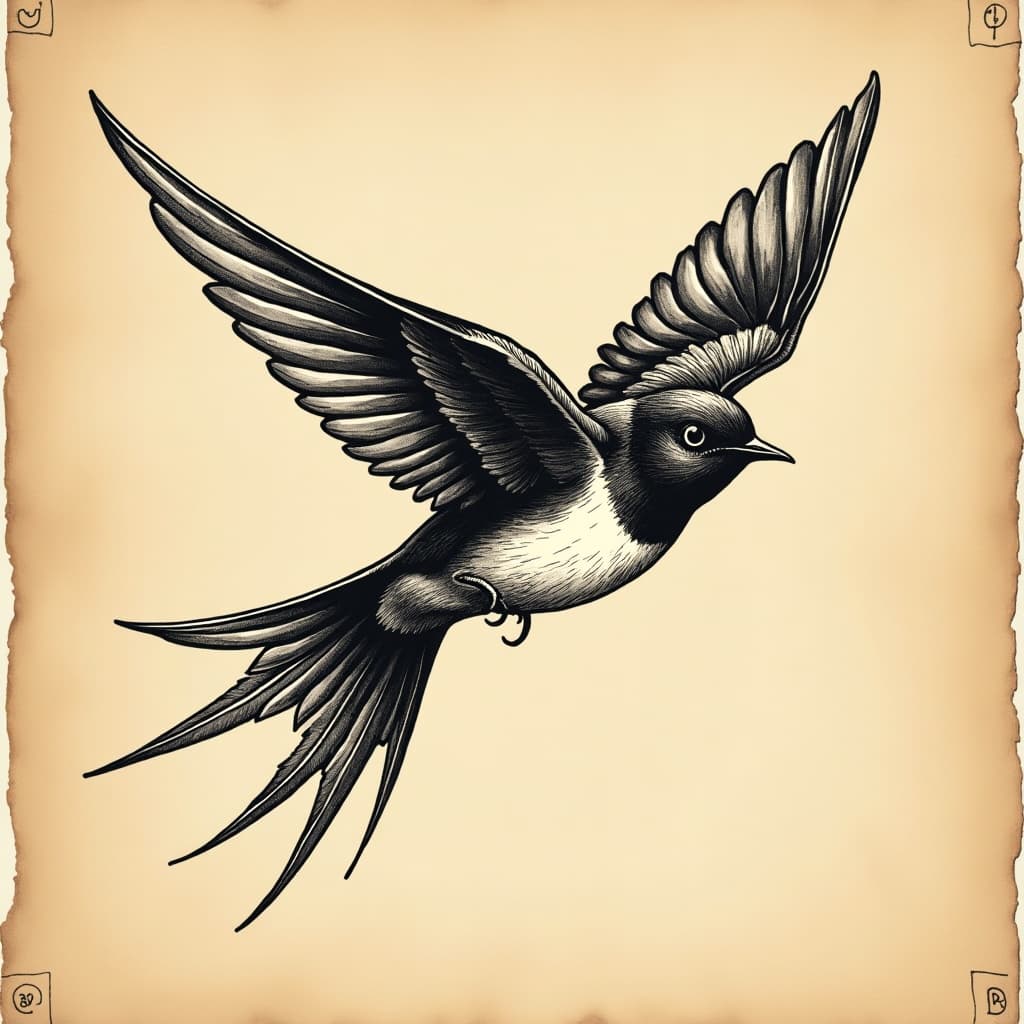
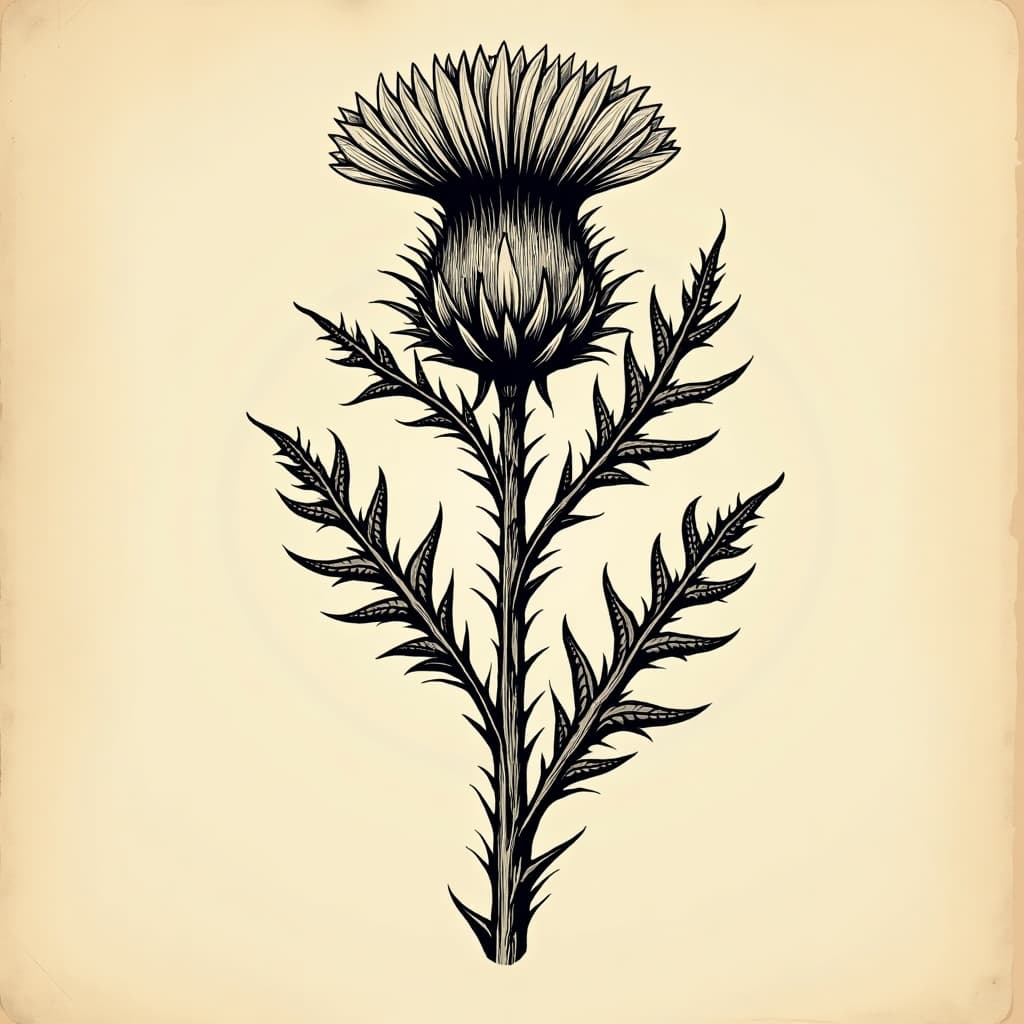
That is why traditional American tattooing uses bold outlines and limited shading, and why it still looks correct on eighty-year-old arms. It was designed around the medium rather than around a drawing. A generator that does not know this produces beautiful illustrations that no responsible artist will take on.
The vocabulary that produces tattooable artwork
Ask for bold consistent line weight, generous negative space between elements, and high contrast rather than subtle gradient. Those three properties are what let a design stay readable as it ages and at the size it will actually be worn.
Naming a tradition is more effective than describing a mood. American traditional means heavy black outline, limited palette and flat fill. Fine-line means single-weight thin work that suits small placements and needs touching up sooner. Blackwork means solid fields and negative-space design. Each has its own rules and its own failure mode.
Placement changes the design, not just where it goes
A design is drawn for a body part. Forearms are cylindrical, so a wide design wraps and distorts. Ribs and spines are long and narrow. Hands and fingers move constantly and hold ink worst of all, which is why fine detail there fades fastest.
Ask for the placement in the prompt and the composition changes with it — vertical for a spine, curved for a shoulder cap, compact and bold for a finger. Generating a square design and then trying to fit it to a forearm is how proportion problems start.
Take it to an artist, not to a machine
A generated design is a reference, not a stencil. Tattoo artists redraw everything anyway, because a design has to be adjusted for your specific anatomy, the way your skin takes ink, and the constraints of the machine and needle grouping they use.
Bringing a clear reference is genuinely useful and most artists welcome it. Bringing a generated image and asking for it to be copied exactly usually is not, because the thing you are asking for is often not tattooable as drawn.
How it works
AI Tattoo Generator
- 01
Name the tradition
American traditional, fine-line, blackwork, neo-traditional or illustrative. Each carries its own line weight and palette rules.
- 02
State the placement
Forearm, spine, shoulder cap, ankle. Placement determines proportion and orientation before anything else.
- 03
Ask for tattooable properties
Bold consistent line weight, generous negative space, high contrast rather than gradient. Then take it to an artist to redraw.
What people use the ai tattoo generator for
Exploring an idea
Generating twenty directions to find the one you can point at is far faster than describing it in words to an artist.
Flash sheets
Artists building a sheet of repeatable designs in a consistent house style.
Cover-up planning
Designs with enough solid black and density to sit over existing work.
Matching an existing piece
Extending a sleeve or matching a partner design in the same tradition and weight.
Frequently asked questions
- Is the AI tattoo generator free?
- Yes. Designs generate on the free path with no watermark on the download, which matters because you will want to hand the file to an artist.
- Can a tattoo artist actually use a generated design?
- As a reference, yes, and most welcome one. As a stencil, rarely — artists redraw everything to suit your anatomy and their needle grouping, and generated designs frequently include detail that will not hold in skin.
- Why do generated tattoo designs have lines that are too fine?
- Because a screen renders a hairline forever and skin does not. Ink spreads over years, so fine lines thicken and close gaps. Ask explicitly for bold consistent line weight and generous negative space.
- What tattoo styles work best?
- Named traditions with established rules: American traditional, fine-line, blackwork, neo-traditional, illustrative. Each has a specific line weight and palette, which is far more useful to state than an adjective.
- Should I mention placement in the prompt?
- Yes. A forearm is cylindrical, a spine is long and narrow, a shoulder cap is curved. Composition should be generated for the body part rather than fitted to it afterwards.
- Can it copy a specific tattoo artist's style?
- Not by name. Copying an identifiable living artist takes value directly from them, and tattooing is a field where personal style is an artist's livelihood. Describe the tradition and line weight instead.
- Will the design look the same in ten years?
- No tattoo does. Ink migrates and lines thicken, which is exactly why bold traditional work ages well and dense fine-line work often needs touching up. Design for how it will look later, not only for today.
- Can I generate a tattoo from a photo?
- Yes, via image-to-image — a portrait or object can be converted toward a tattoo register. Expect to reduce detail substantially, because photographic detail is precisely what does not survive in skin.
Keep exploring
More from LaFoto
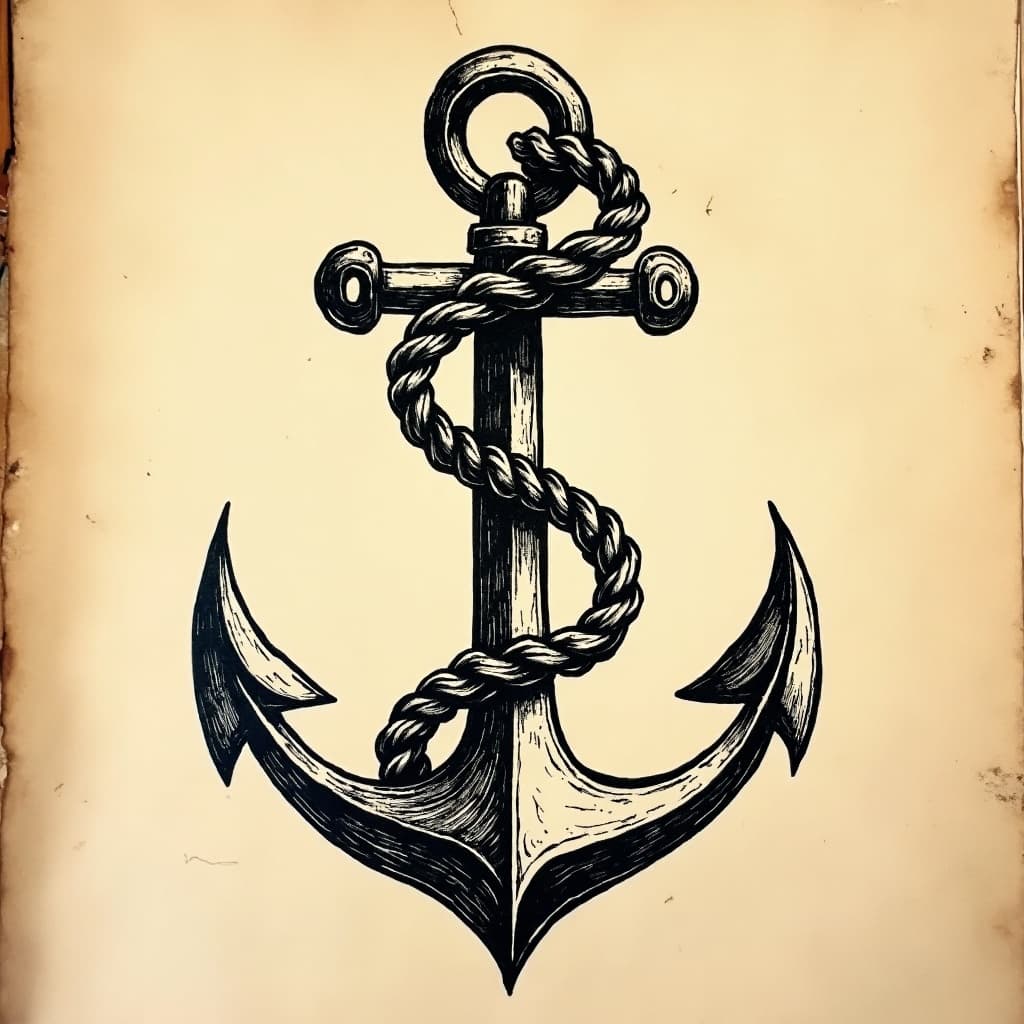
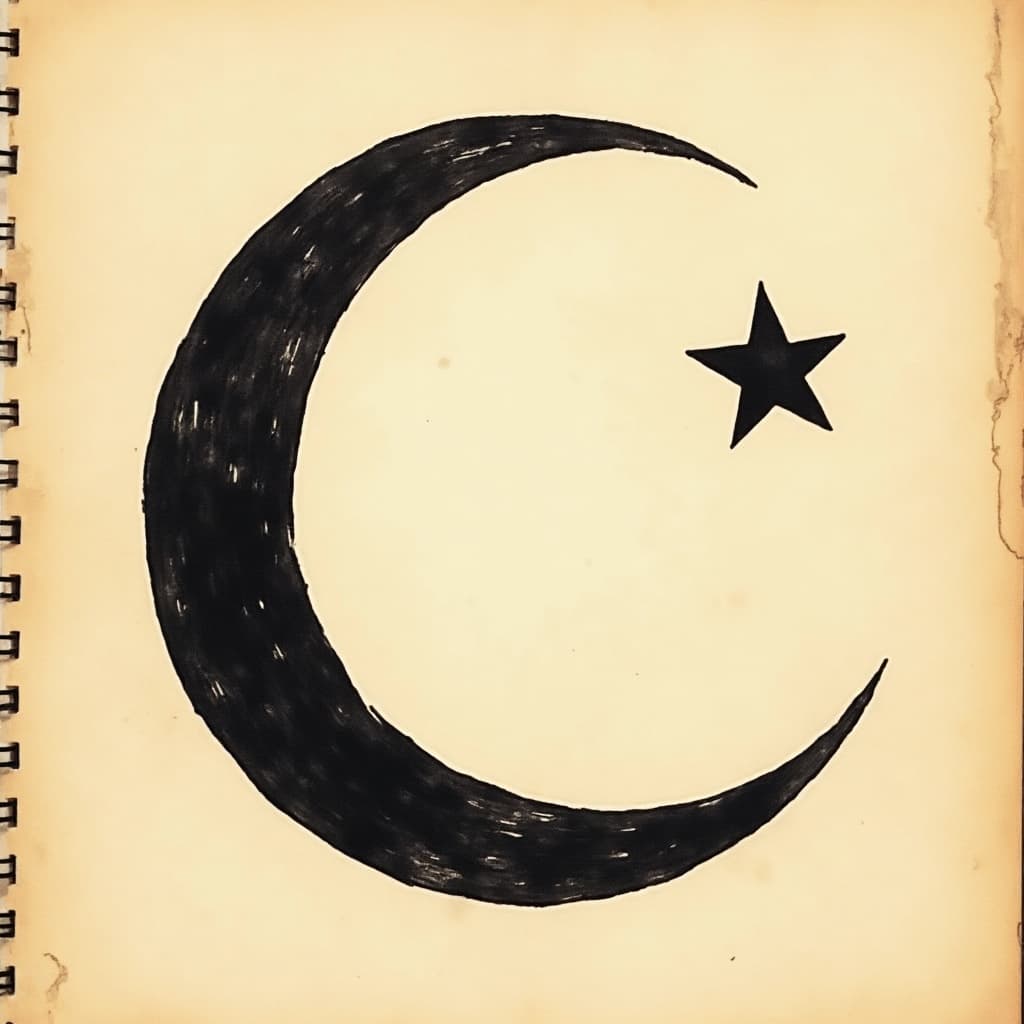
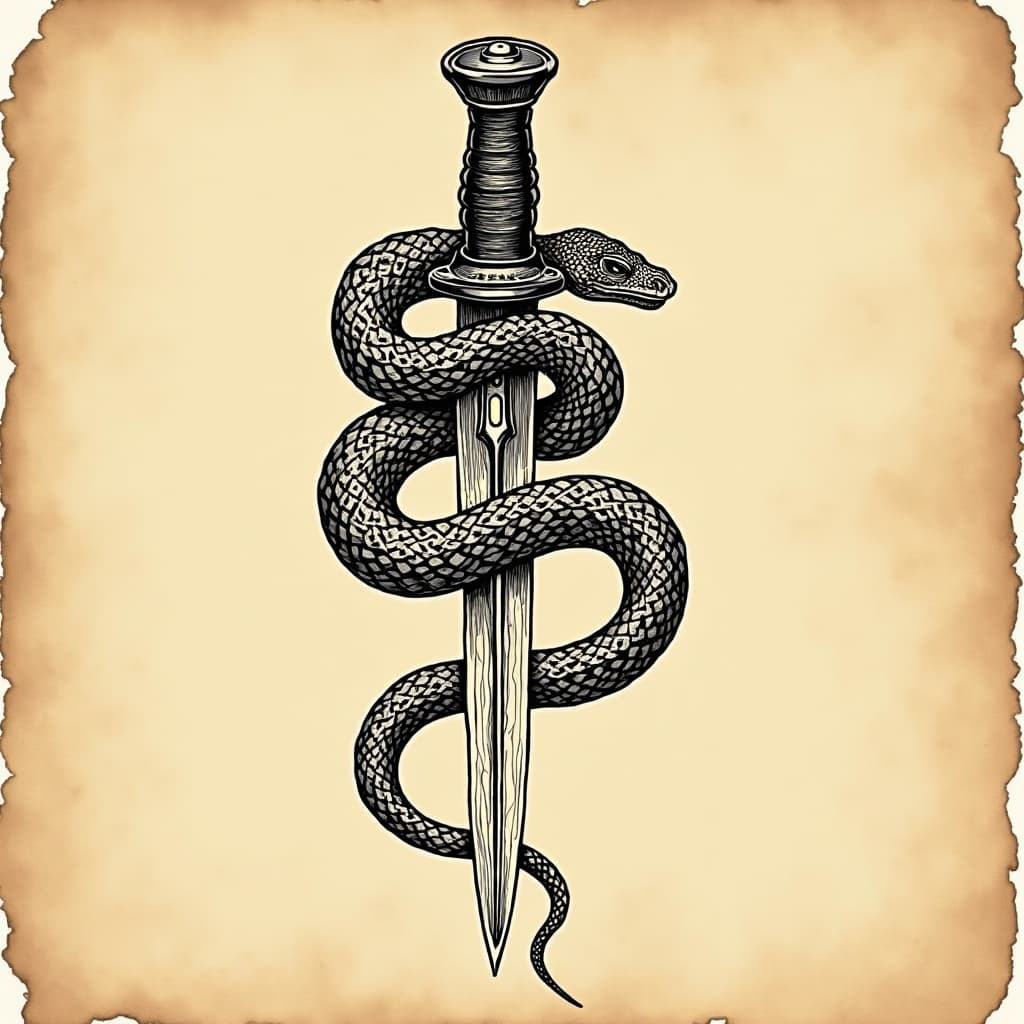
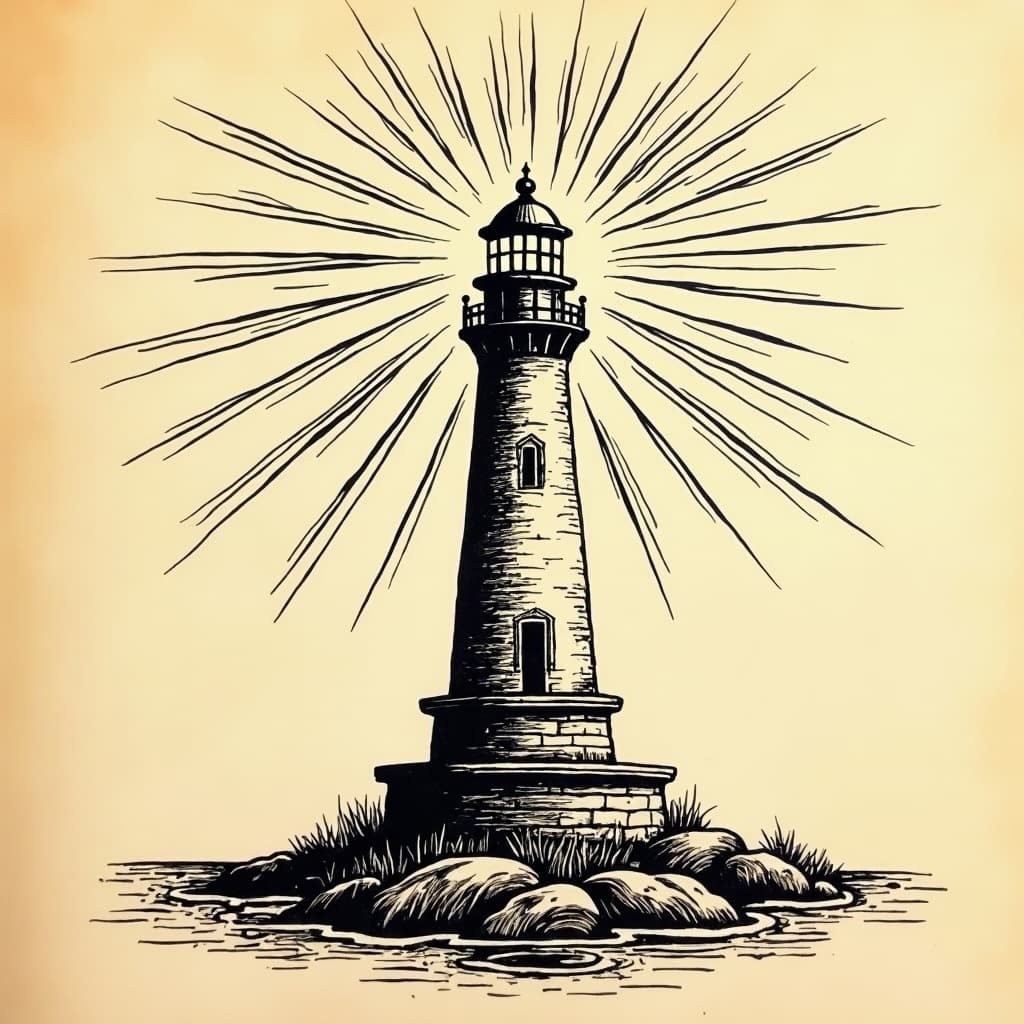
AI Tattoo Generator in the gallery
Real prompts, models and seeds — open any to see how it was made.
AI tattoo generator at a glance
- Output
- Reference artwork, not a stencil
- Line weight
- Bold and consistent by default
- Traditions
- Traditional, fine-line, blackwork, illustrative
- Placement
- Composed for the body part named
- Watermark
- None on the download
- Free tier
- Yes
In practice
Design for year ten, not for today
Ink migrates into surrounding tissue over years. Every line thickens, every gap narrows, and a design with half-millimetre spacing becomes a solid mass within a decade. That is not a flaw in the tattoo; it is what skin does.
American traditional exists because of this. Bold outlines, limited palette and flat fill still read correctly on eighty-year-old arms, because the style was designed around the medium rather than around a drawing that looked good on paper.
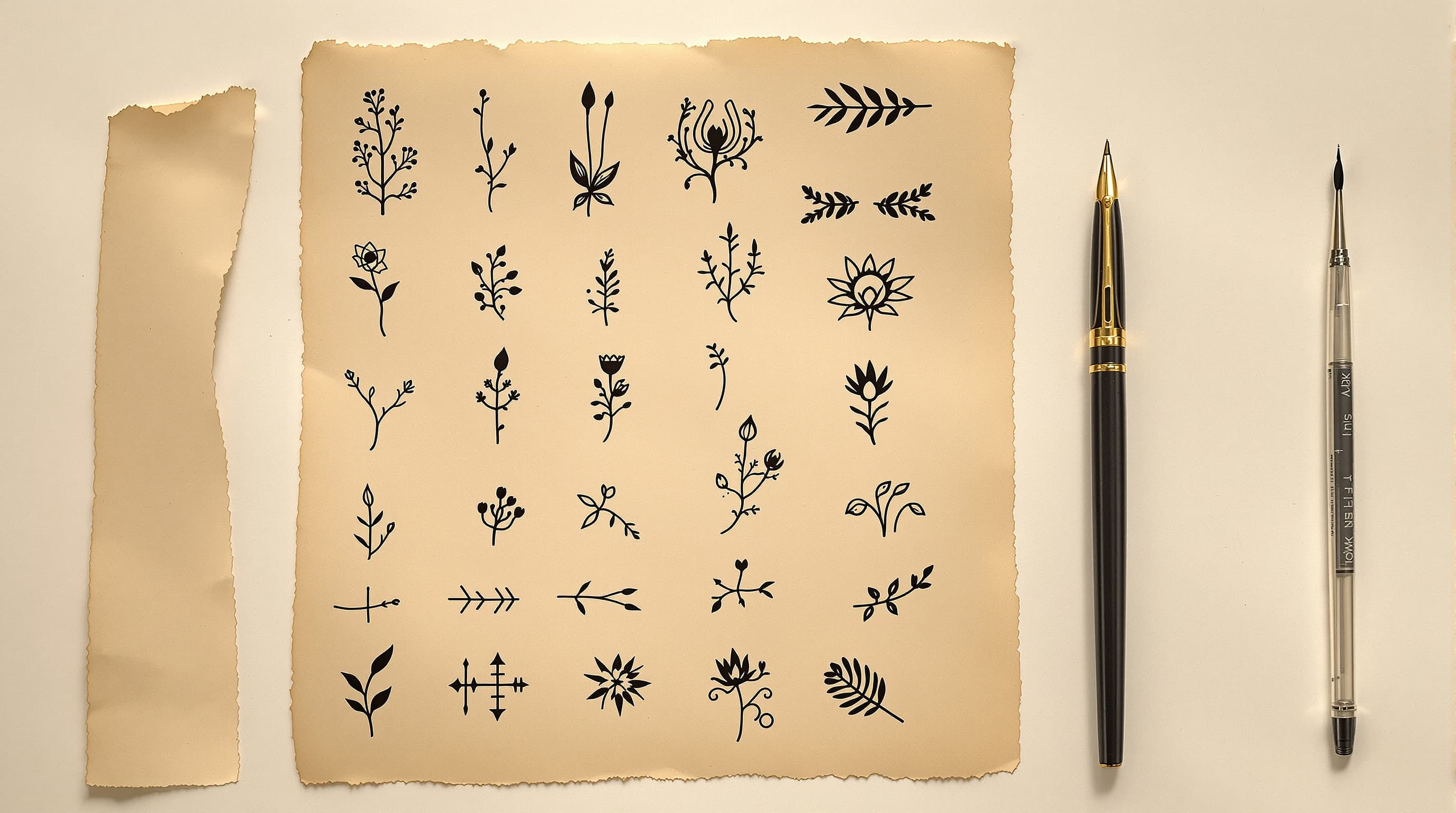
Three ways in
Which tradition are you working in?
Bold line, flat colour, built to last
Heavy black outlines, a limited palette and flat fill. The style ages better than any other because every element was chosen to survive ink spread.
- Heavy consistent outline weight.
- Limited palette, flat fill.
- Ages more predictably than any alternative.
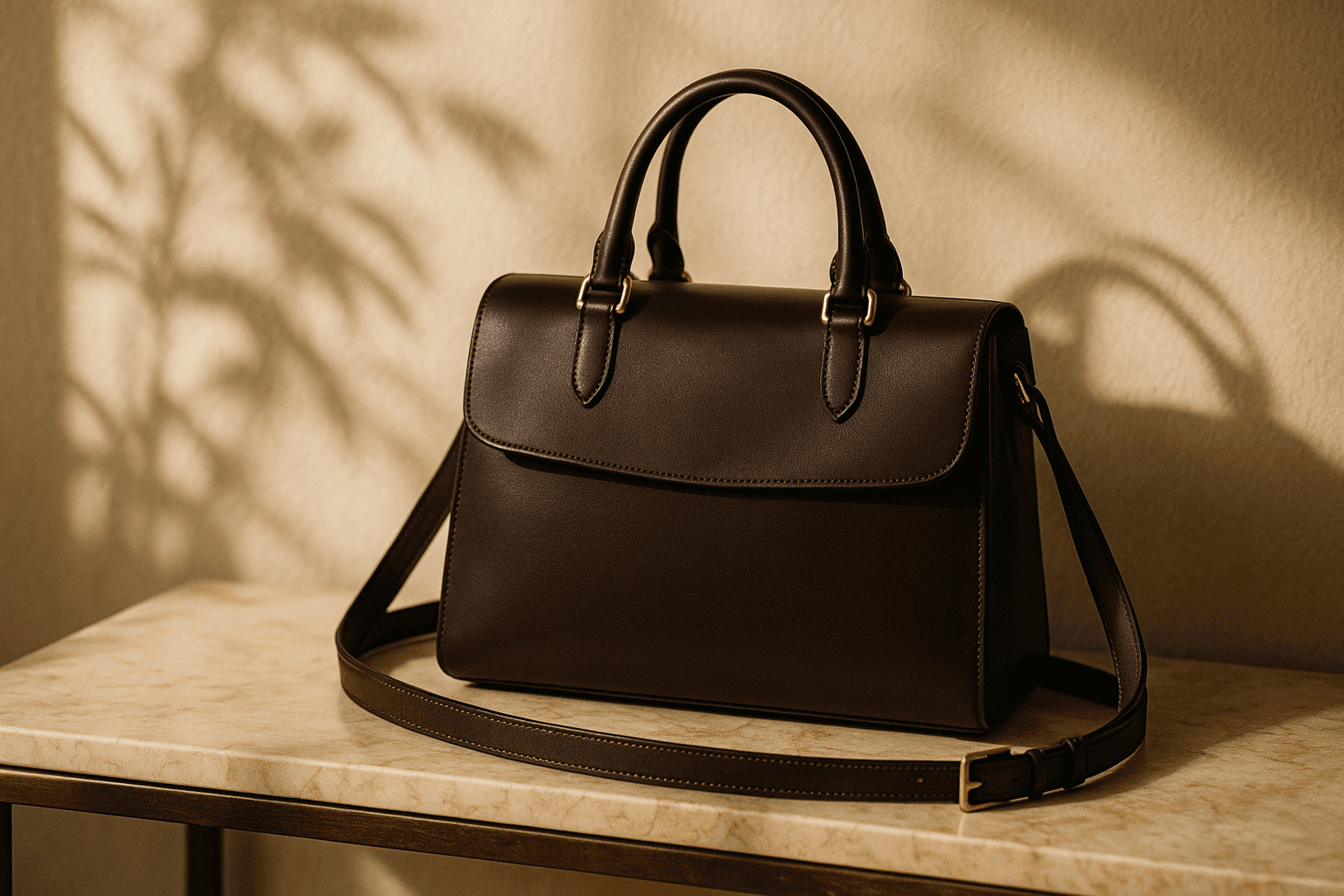
Delicate, and higher maintenance
Single-weight thin work suits small placements and reads beautifully when fresh. It also blurs sooner and needs touching up, which an honest design accounts for.
- Suits small, low-friction placements.
- Expect touch-ups sooner than traditional.
- Avoid dense detail — it closes up first.

Solid fields and negative space
Design by subtraction: large solid black areas with the image formed by what is left unfilled. Strong at scale and excellent for cover-ups.
- Negative space carries the image.
- Excellent for covering existing work.
- High contrast survives ageing well.
Detail
Tattoo design questions
What a generated design can and cannot be used for.
Whether an artist will use it
As a reference, usually yes. As a stencil, rarely — every artist redraws for your anatomy and their needle grouping.
Why the lines are too fine
A screen renders a hairline forever; skin does not. Ask explicitly for bold consistent weight and generous negative space.
Copying a specific artist
Not supported. Personal style is a tattoo artist's livelihood, and copying an identifiable one takes value directly from them.
Generating from a photo
Possible via image-to-image, but expect to reduce detail substantially. Photographic detail is exactly what does not survive in skin.
Cover-up designs
Need enough solid black and density to sit over existing work, which is why blackwork suits them and fine-line does not.
Related
Related styles and tools
Keep exploring
Elsewhere on LaFoto
Tattoo flash is one register. These cover the rest.
- resize to exact pixels
- convert an image format
- shrink a file size
- image cropper
- image colour palette
- remove a background
- EXIF viewer
- structure a prompt
- anime AI generator
- cartoon image style
- make pixel art
- best AI image generators
- Midjourney alternative
- Leonardo AI alternative
- Ideogram alternative
- LaFoto vs Canva
- reproducing an image
- how far a result may drift
- what is inpainting
- guides and explainers
AI Tattoo Generator at a glance
- Runs in
- Your browser — nothing to install
- Account
- Not required to start
- Watermark
- None on the download
- Output
- PNG, JPEG or WebP
- Commercial use
- Permitted under plain-language terms
- Training
- Your images are never added to a training set
Keep exploring
Tools that work with the ai tattoo generator
Every one runs on the same engine, so a result moves between them without re-uploading.
Start creating today
Generate your first image with the best AI image generator.
Turn a sentence into a finished, photorealistic image in seconds — then refine every detail. No setup, no Discord, no GPU.
Join 4,200+ creators using LaFoto