AI Photo Editor
AI Photo Editor: refine your images like a darkroom
Start free — no credit card.
What does an AI photo editor do?
AI photo editing starts from a source image and changes it intelligently. Common operations include removing or replacing a background, erasing a distracting object, swapping a color or outfit, and expanding the canvas beyond the original frame. Under the hood this is image-to-image generation, with targeted techniques like inpainting (editing inside a selected region) and outpainting (extending beyond it).
Because it understands content, an AI image editor can do in one step what used to take careful manual masking — and it keeps the parts you did not touch intact. That is the difference between editing and re-generating: you preserve a result you like and fix only what needs fixing.
Refine, don’t re-roll
The most common frustration with AI image generators is throwing away a near-perfect image because of one flaw — an awkward hand, a stray object, a background that is slightly off. Re-rolling gambles the whole picture to fix a detail.
LaFoto is designed around the opposite habit: when an image is close, refine it. Regenerate just the problem region, nudge the prompt, or edit directly, and keep the composition you already love. It is a calmer, more controllable way to reach a finished photo.
Is there a free AI photo editor online?
A free AI photo editor online is what most people actually search for, and the phrase hides a wide range. Some free tiers watermark the export, some cap resolution below anything printable, and some allow editing but not commercial use of the result — which makes them useless for the listing photo or the company page you were editing for.
LaFoto edits in the browser on a free path with no watermark, no install and no account for the browser-based tools. What the paid tier buys is throughput and output size rather than access to features that were being withheld.
What makes the best AI photo editor for your work
Judge an AI image editor on three things rather than on its feature list. Whether it preserves the parts you did not select — a tool that subtly re-renders the whole frame is regenerating, not editing. Whether the seam between edited and untouched areas survives at full size. And whether it will export at the resolution you actually need.
The best free AI photo editor for a social crop and the best one for a print-resolution catalogue are rarely the same tool, which is why a single ranking is less useful than knowing which of those three constraints binds for you.
How it works
AI Photo Editor
- 01
Start from an image
Bring in a generated image or an existing photo you want to improve.
- 02
Mark what to change
Point at the area or attribute you want different — a background, an object, a color, or the frame.
- 03
Refine and keep
LaFoto is built to regenerate only that part, leaving the rest untouched, so you converge on the result rather than starting over.
What people use the ai photo editor for
Clean-ups
Remove a stray object, a logo, or a background distraction from an otherwise great shot.
Background swaps
Drop a subject into a new setting — a studio backdrop, a lifestyle scene, or a solid color.
Reframing
Extend an image to a new aspect ratio for a different platform without cropping out your subject.
Final polish
Fix the one detail standing between a near-perfect generation and a publishable photo.
Frequently asked questions
- What is an AI photo editor?
- An AI photo editor transforms an existing image — changing backgrounds, removing objects, adjusting colors, or extending the frame — using AI rather than manual tools. It is also called an AI image editor, and it works on both generated images and your own photos.
- What’s the difference between editing and generating?
- Generating creates a new picture from a text prompt; editing starts from an image you already have and changes it. LaFoto is designed to do both, so you can create a photo and then refine it in the same flow.
- What is inpainting and outpainting?
- Inpainting regenerates a selected area of an image — for example, removing an object — while leaving everything else intact. Outpainting extends the image beyond its original borders to widen the scene or change the aspect ratio.
- Can I edit my own photos, not just AI ones?
- That is the intent. An AI image editor works on any source image, so LaFoto is being built to refine both AI-generated pictures and photos you already have.
- Is the AI photo editor available now?
- LaFoto is pre-launch and launching in 2026. The editor is free to start when it opens, with no credit card required.
- What is the difference between inpainting and outpainting?
- Inpainting regenerates a region inside the existing frame — removing an object, changing a jacket. Outpainting generates new content beyond the original edges to extend the canvas. Both are the same operation pointed at different areas.
- Why does an edited area look slightly different in colour?
- The regenerated region is rendered fresh and does not inherit the original's exact grade, so it can land a few points off in white balance or contrast. Feathering the mask edge and matching exposure afterwards fixes almost every visible seam.
- Can I edit a photo without changing the parts I like?
- Yes — that is the point of masked editing. Only the masked region is regenerated; everything outside it is the untouched original file. This is the difference between editing and re-rolling, and it is why a mask beats a new prompt for a small fix.
AI Photo Editor in the gallery
Real prompts, models and seeds — open any to see how it was made.
AI photo editor at a glance
- Edits
- A masked region, not the whole frame
- Preserves
- Every pixel outside the mask
- Operations
- Inpaint, outpaint, replace, remove
- Watermark
- None on the download
- Runs in
- A browser — no Creative Cloud
- Free tier
- Yes
In practice
Editing means keeping the parts you did not select
The defining property of an editor is what it leaves alone. Mask a region, change only that, and every pixel outside the mask is the untouched original file — which is why a masked edit can be trusted on a photograph that has to stay accurate.
Regeneration does the opposite. It renegotiates the whole frame, so fixing a hand also subtly changes the face, the background and the light. That difference is the single largest hidden time cost in AI image work.
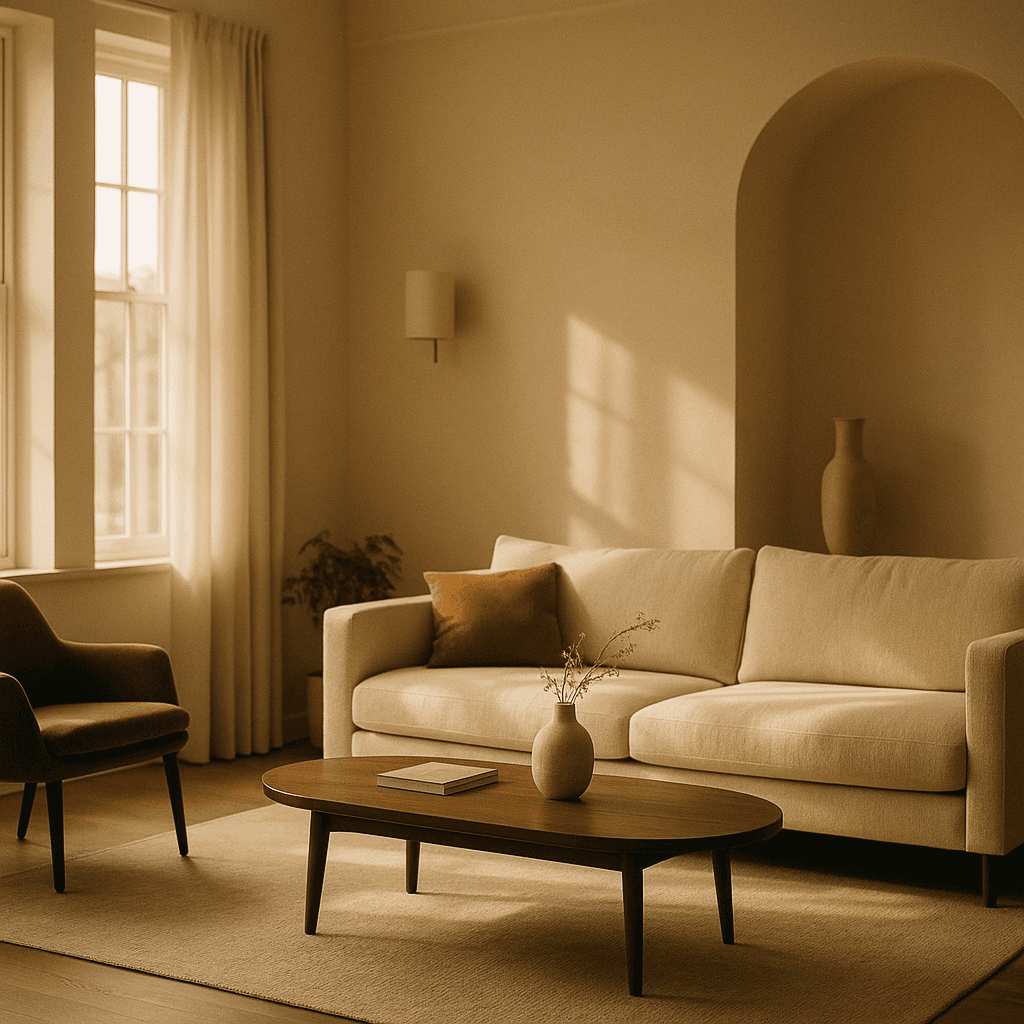
Three ways in
What kind of edit is it?
Taking something out
The most common request and the most forgiving, because the model only has to invent plausible background. Larger removals need more surrounding context to sample from.
- Mask generously around the object.
- Include its shadow or the removal reads as fake.
- Complex backgrounds are harder than plain ones.
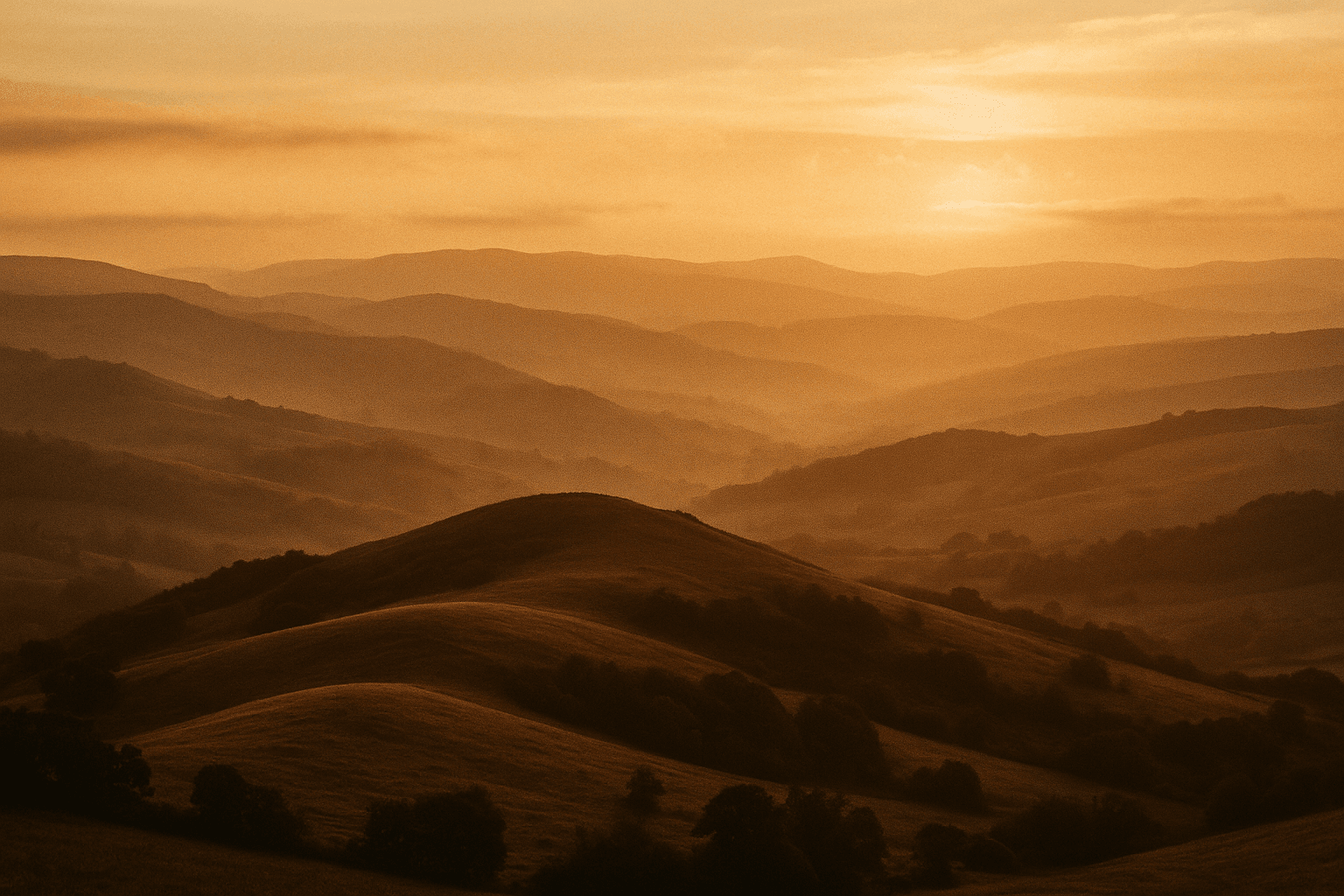
Swapping one thing for another
Harder, because the new element has to match the existing light direction and colour temperature. Stating the light in the prompt helps considerably.
- Describe the light you already have.
- Match perspective, not just the object.
- Small replacements are far more reliable.
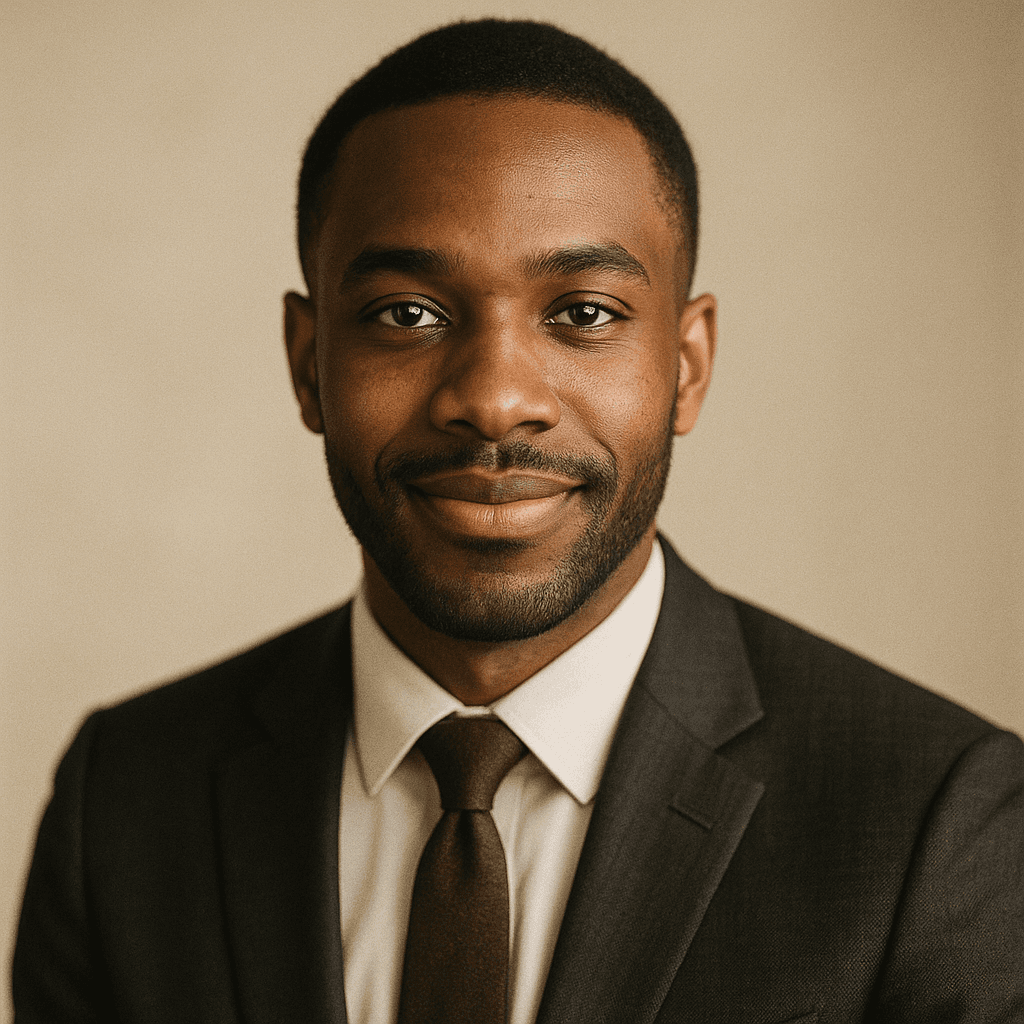
Adding beyond the frame
Outpainting generates new content past the original edges, which is how a portrait becomes a banner without cropping the subject out of it.
- Extend into simple areas where possible.
- Generate in steps rather than one large jump.
- Keep the original centre untouched.
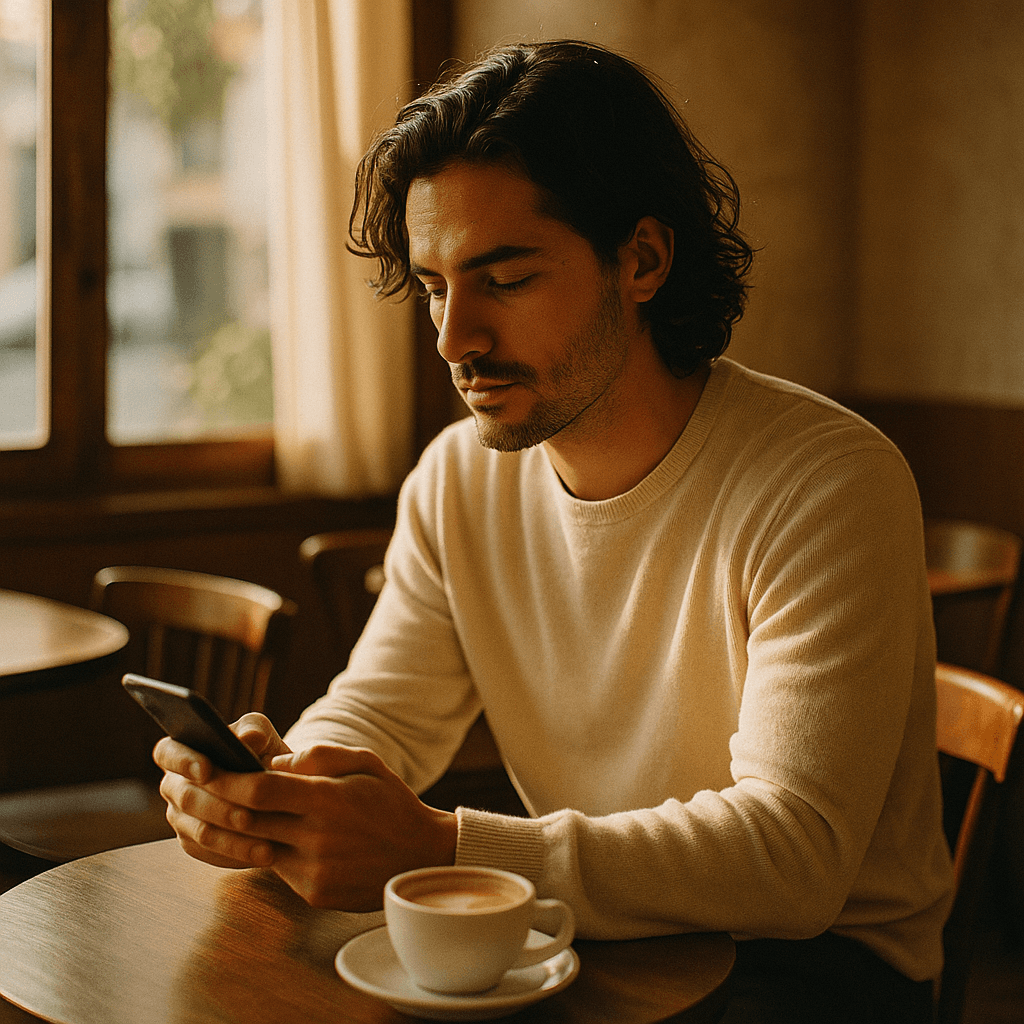
Detail
What the photo editor handles
The edits people actually bring, and their difficulty.
Removing a person from a background
Reliable when the background behind them is simple. A busy scene means the model is inventing a lot, and invented detail is where the eye lands.
Changing a product's colour
Works, but for a listing image the colour must match what ships. Verify against the real item rather than trusting the render.
Fixing hands in a generated image
Mask just the hand and regenerate at low strength. Regenerating the whole image usually breaks something else.
Editing text in a photograph
Unreliable. Lettering is symbolic and comes back subtly wrong; replace text as an overlay instead.
Whether the rest of the file is really untouched
Yes — outside the mask the original pixels are preserved exactly, which is what separates editing from regeneration.
Keep exploring
Every generator around the editor
Editing changes an image. These make one.
- free image resizer
- image converter
- image compressor
- crop an image
- image colour palette
- cut out a subject
- check EXIF data
- AI prompt generator
- make anime art
- cartoon AI generator
- make pixel art
- the ranked comparison
- LaFoto vs Midjourney
- Leonardo AI alternative
- Ideogram alternative
- compared with Canva
- what is a seed
- what is denoise strength
- editing inside a mask
- the LaFoto journal
AI Photo Editor at a glance
- Runs in
- Your browser — nothing to install
- Account
- Not required to start
- Watermark
- None on the download
- Output
- PNG, JPEG or WebP
- Commercial use
- Permitted under plain-language terms
- Training
- Your images are never added to a training set
Keep exploring
Tools that work with the ai photo editor
Every one runs on the same engine, so a result moves between them without re-uploading.
Start creating today
Generate your first image with the best AI image generator.
Turn a sentence into a finished, photorealistic image in seconds — then refine every detail. No setup, no Discord, no GPU.
Join 4,200+ creators using LaFoto