Anime Style
Anime AI Generator: cel shading, line weight and flat colour
Start free — no credit card.
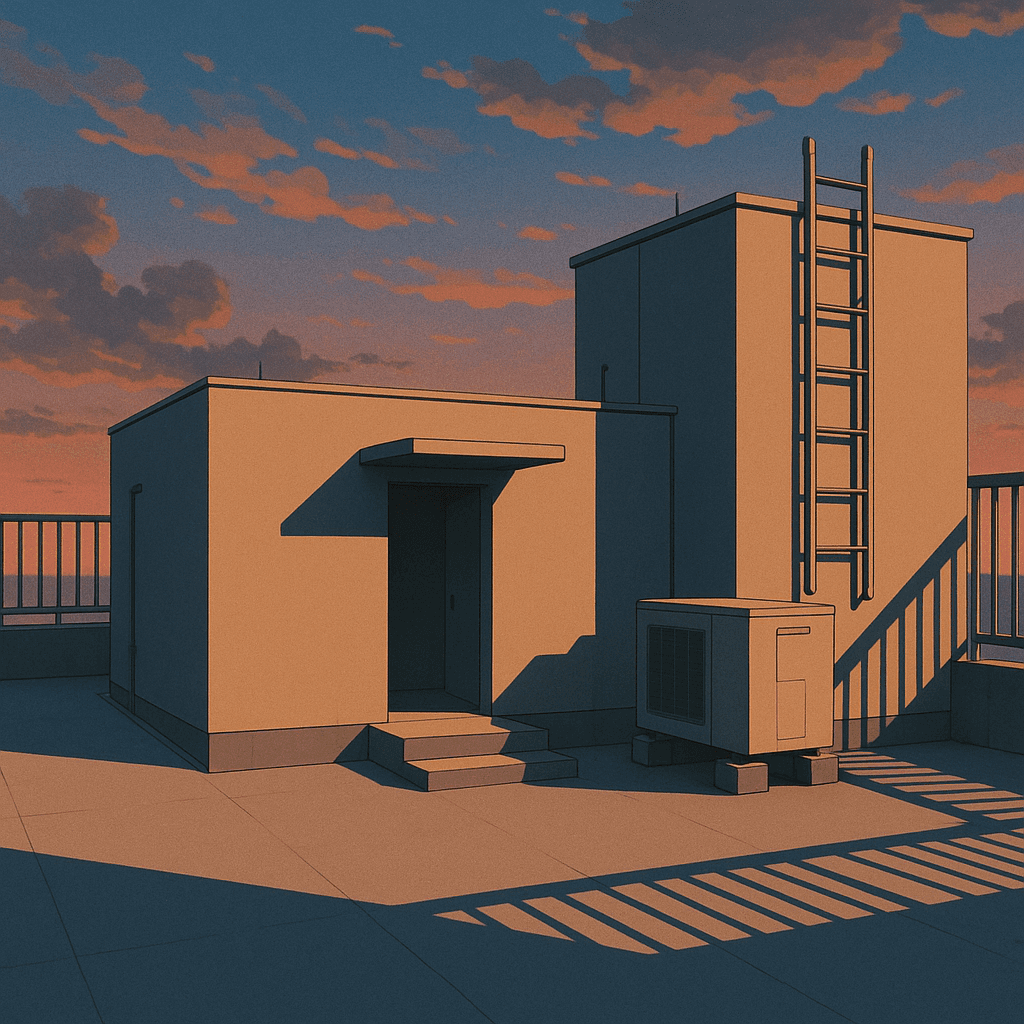
What actually makes an image read as anime
Three things do most of the work, and none of them is the subject. Flat colour: large areas of unmodulated fill rather than photographic gradient. Hard shadow terminators: the boundary between lit and unlit is a line, not a fade. And deliberate line weight: heavier outside the silhouette, lighter inside it.
Get those three and almost anything reads as anime. Miss them and you get a photograph with large eyes, which is the characteristic failure of prompting "anime style" and nothing else.
Prompt terms that steer an anime AI art generator
Production vocabulary works because the model learned from material that used it. "Cel shading" and "flat colour" control rendering. "Key visual" and "promotional illustration" pull toward polished, composed single images rather than animation frames. "Screentone" and "monochrome manga" move you to print.
Era terms are the strongest single lever and the least used: 1980s OVA gives you heavy grain, muted palette and painted backgrounds; modern digital gives you clean gradients and rim light. Naming a decade changes far more than naming an adjective.
Backgrounds are a separate discipline
Anime backgrounds are traditionally painted rather than cel-shaded, which is why a character prompt and a background prompt want different words. Ask for "painted background, soft edges, atmospheric perspective" alongside a cel-shaded character and the contrast is the point — it is how the tradition itself separates figure from ground.
If you prompt the whole frame in one register you get either a flat character in a flat void or a painted character who no longer reads as animation.
How it works
Anime AI Generator
- 01
Name the rendering, not the mood
Cel shading, flat colour, hard shadow terminator. These are the terms that change the image; "cool anime vibes" is not.
- 02
Pick an era
1980s OVA, 1990s TV, modern digital. Era carries palette, grain and line weight all at once — the highest-leverage word in the prompt.
- 03
Separate figure from ground
Cel-shade the character and paint the background. Prompting both in one register is why frames come back flat.
What people use the anime style for
Character design sheets
Explore a character across outfits and expressions before committing to a final design.
Visual novel art
Consistent sprites and backgrounds for interactive fiction and game jams.
Profile and banner art
Avatars and headers in a consistent style across platforms.
Storyboard and key visuals
Composed single images to sell a scene or a project direction.
Frequently asked questions
- What is an anime AI generator?
- It is an image generator prompted toward the visual language of Japanese animation: flat colour fills, hard-edged cel shading, controlled line weight and stylised proportion. The same model produces photographs; the vocabulary is what changes.
- Is the anime AI art generator free?
- Yes, the standard generation path is free and the download carries no watermark. Larger batches and higher resolutions sit in the paid tier.
- Why do my anime prompts look like photos with big eyes?
- Because "anime style" alone does not specify rendering. Add flat colour, cel shading and a hard shadow terminator — those three terms do most of the work of making an image read as animation rather than photography.
- How do I get a specific anime era?
- Name the decade and format: "1980s OVA" brings heavy grain, a muted palette and painted backgrounds; "modern digital" brings clean gradients and rim light. Era changes more of the image than any adjective.
- Can I generate anime backgrounds without a character?
- Yes, and you should prompt them differently. Anime backgrounds are painted rather than cel-shaded, so ask for painted texture, soft edges and atmospheric perspective instead of flat fills.
- Can it copy a specific anime studio or artist?
- Not by name. LaFoto does not build for copying an identifiable living artist or a studio's house style. Describing the rendering, era and palette you want gets you there, and gives you more control besides.
- Can I make manga-style black and white art?
- Yes — ask for monochrome, screentone and inked line art. That moves the output from broadcast animation to print manga, which is a genuinely different rendering tradition.
- What aspect ratio should I use for anime art?
- 16:9 matches broadcast and suits key visuals; 3:4 or 2:3 suits character sheets and print. Choose before generating — extending an anime frame afterwards is harder than for photographs, because the flat fills make seams visible.
Keep exploring
More from LaFoto
Anime Style in the gallery
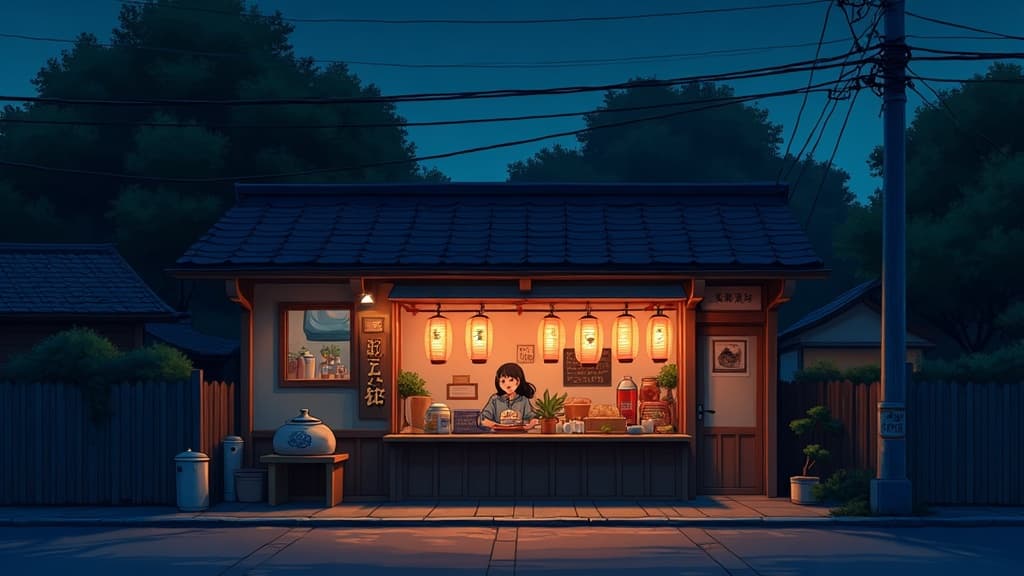
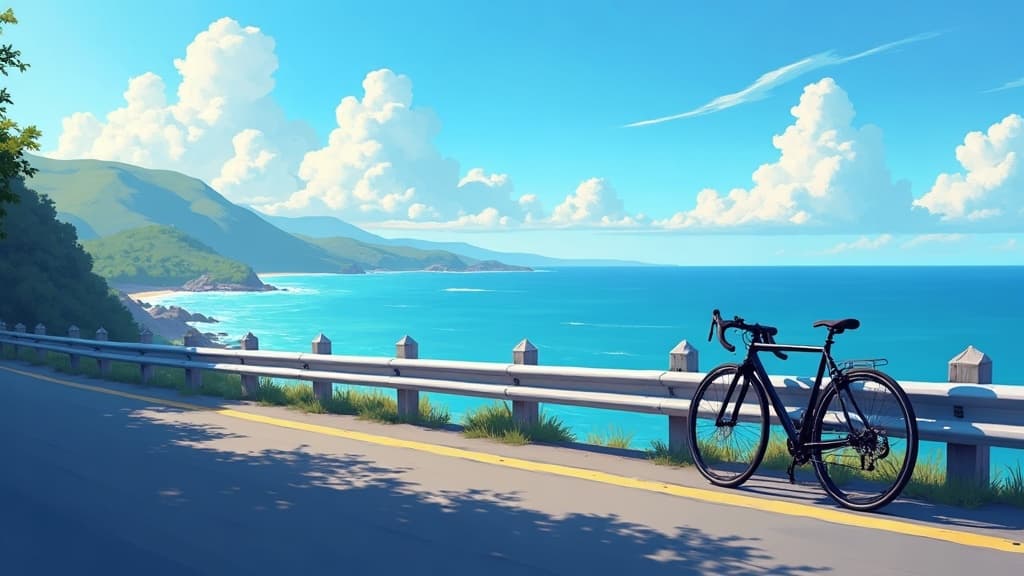
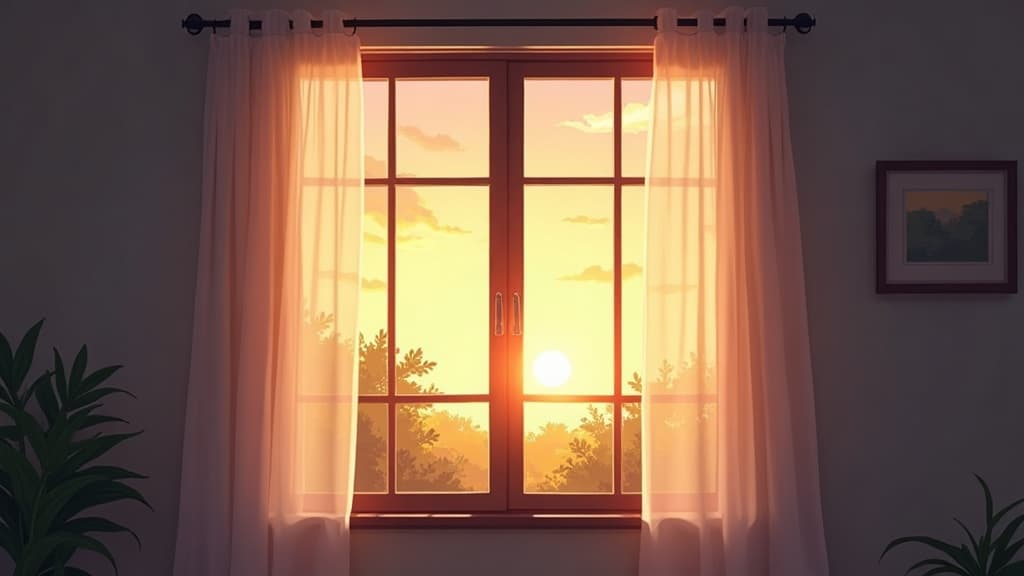
Real prompts, models and seeds — open any to see how it was made.
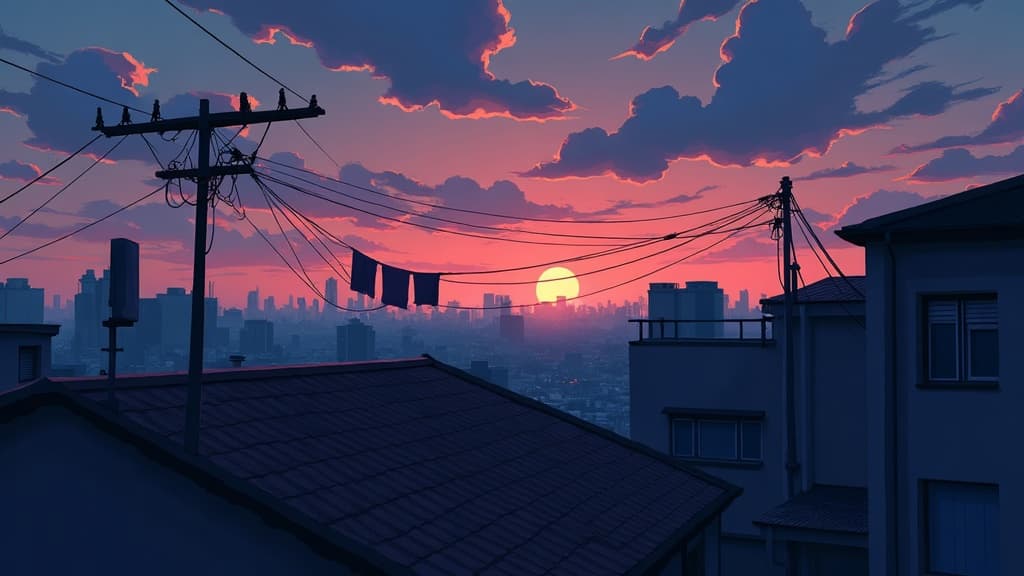
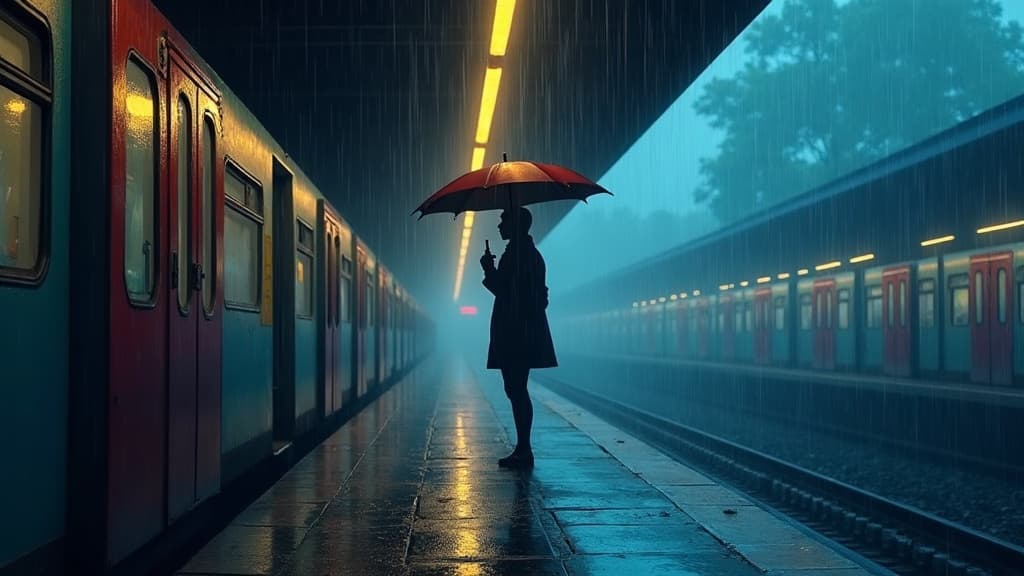
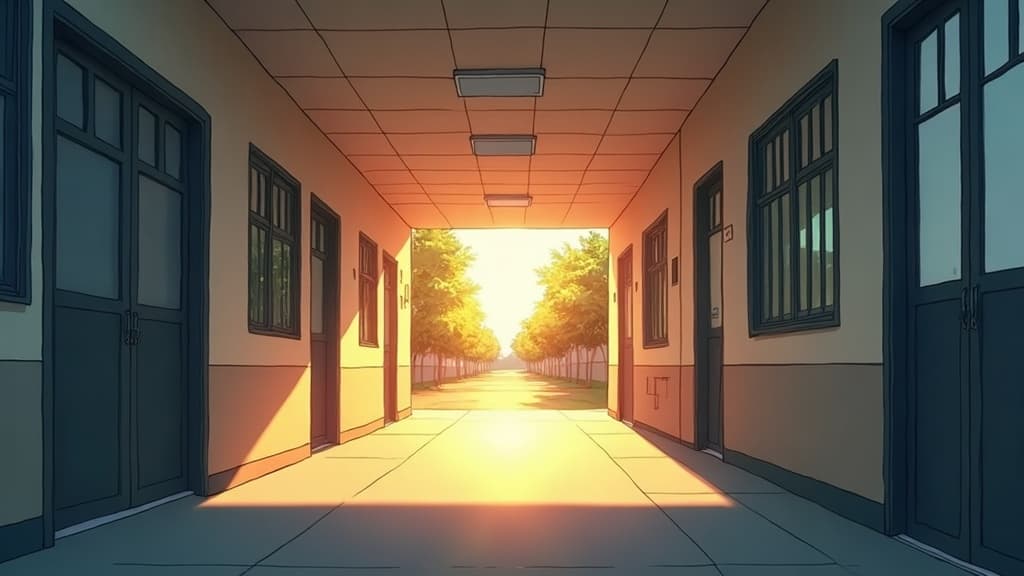
Anime generation at a glance
- Rendering
- Cel shading, flat fills
- Highest-leverage term
- The era
- Backgrounds
- Painted, not cel-shaded
- Also does
- Monochrome screentone manga
- Watermark
- None on the download
- Free tier
- Yes
In practice
Three properties make an image read as anime
Flat colour, hard shadow terminators and deliberate line weight do almost all the work, and none of them is the subject. Large areas of unmodulated fill rather than photographic gradient; a boundary between lit and unlit that is a line rather than a fade; heavier line outside the silhouette than inside it.
Get those three and nearly anything reads as animation. Miss them and you get a photograph with large eyes, which is the characteristic result of prompting 'anime style' and nothing else.
Three ways in
What are you making?
Sheets, sprites and portraits
Using an AI anime character generator well means consistency across images, which needs a fixed seed and an unchanged description. Cel shading and line weight are the terms that matter most, and the AI anime generator free path handles all of it.
- Fix the seed for a consistent character.
- Name the line weight explicitly.
- 3:4 suits sheets; 16:9 suits key visuals.
Painted environments
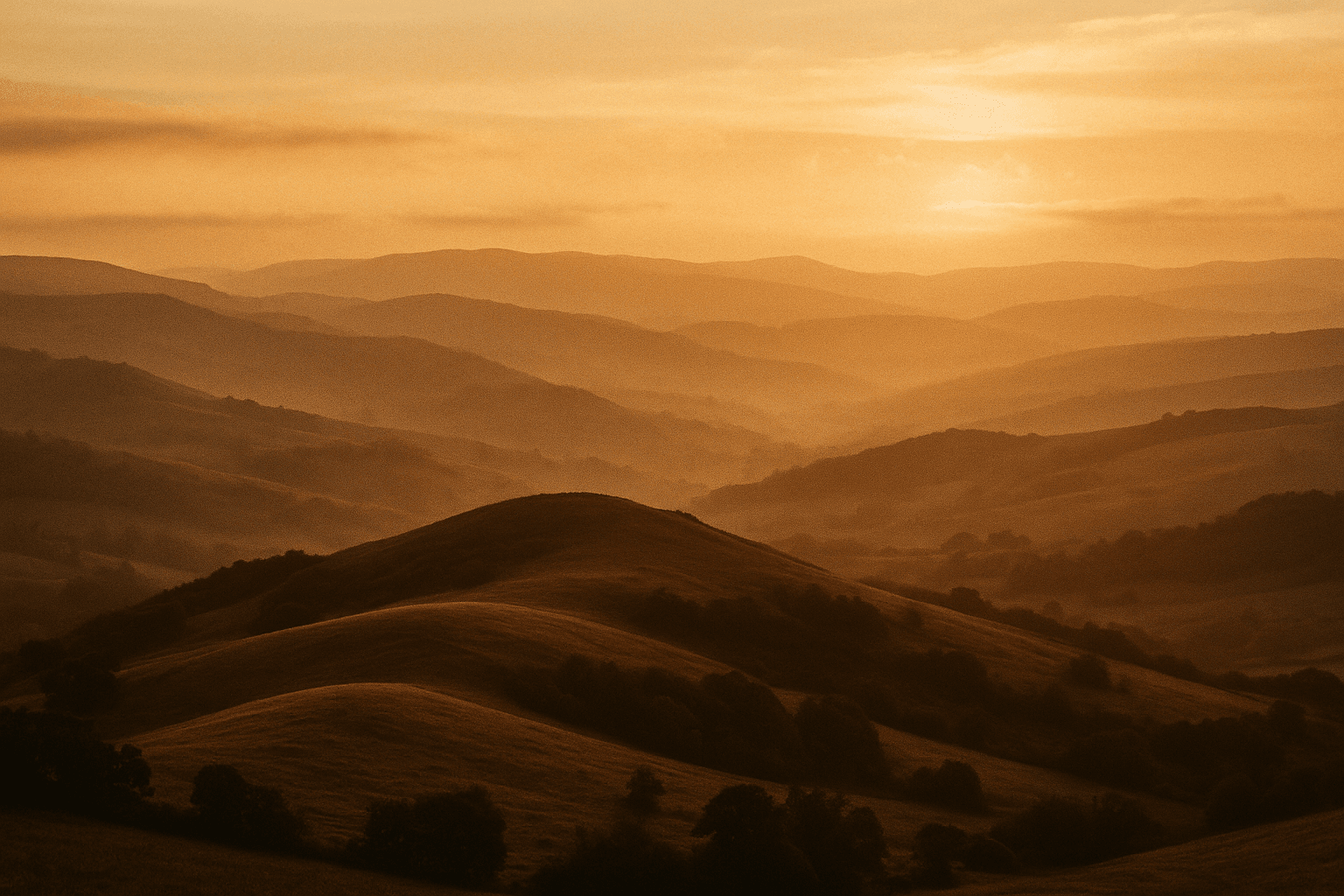
Anime backgrounds are a separate discipline from characters — traditionally painted rather than cel-shaded, with atmospheric perspective and soft edges.
- Ask for painted texture, not flat fill.
- Atmospheric perspective creates depth.
- Prompt backgrounds separately from figures.
Monochrome and screentone
Print manga is a different rendering tradition again: inked line, screentone rather than colour, and much heavier reliance on hatching for value.
- Ask for screentone and inked line.
- Monochrome changes the whole value structure.
- Panel compositions differ from single illustrations.
Detail
What anime generation handles
The failures that come up and what causes each.
Prompts that return photos with big eyes
'Anime style' alone does not specify rendering. Add flat colour, cel shading and a hard shadow terminator.
Copying a studio or artist
Not supported. Describing the rendering, era and palette gets you there with more control.
Backgrounds that look flat and empty
They were prompted in the same register as the character. Painted backgrounds need painted vocabulary.
Keeping a character consistent
Fix the seed and keep the subject description byte-identical. Any wording change gives you their sibling.
Which aspect ratio to use
Choose before generating. Flat fills make seams visible, so extending an anime frame afterwards is harder than extending a photograph.
Related
Related styles and tools
Keep exploring
Every generator anime style applies to
Style is a control that works across all of these.
- resize an image
- JPG, PNG and WebP
- compress an image
- crop an image
- image colour palette
- remove a background
- read photo metadata
- build a prompt
- anime AI generator
- cartoon image style
- pixel art style
- which generator to pick
- LaFoto vs Midjourney
- Leonardo AI alternative
- Ideogram alternative
- compared with Canva
- reproducing an image
- how far a result may drift
- what is inpainting
- AI photography guides
Anime Style at a glance
- Runs in
- Your browser — nothing to install
- Account
- Not required to start
- Watermark
- None on the download
- Output
- PNG, JPEG or WebP
- Commercial use
- Permitted under plain-language terms
- Training
- Your images are never added to a training set
Keep exploring
Tools that work with the anime style
Every one runs on the same engine, so a result moves between them without re-uploading.
Start creating today
Generate your first image with the best AI image generator.
Turn a sentence into a finished, photorealistic image in seconds — then refine every detail. No setup, no Discord, no GPU.
Join 4,200+ creators using LaFoto