AI Logo Generator
AI Logo Generator: marks that survive being shrunk
Start free — no credit card.
Why most AI logo generators produce unusable type
Diffusion models learn images as texture and structure, not as symbols. That works beautifully for a photograph of a market stall and fails specifically at lettering, because letters are a symbolic system where "nearly right" is simply wrong. The characteristic failure is a logo that looks convincing at a glance and turns out to read GENERAII or COMPPANY.
The fix is not a better prompt, it is a different model. Text-capable image models handle glyph rendering as a distinct problem from scene synthesis. LaFoto routes logo generation to a text-capable model for exactly this reason, and it is why we would rather tell you the constraint than let you discover it at the printer.
What makes a logo work at 16 pixels
A logo has to survive being shrunk to a favicon, printed in a single colour, embroidered on a shirt and stamped on an invoice. Those constraints kill most attractive designs: gradients band, thin strokes disappear, and a mark with more than about three distinguishable shapes becomes a grey blob at small sizes.
So the useful prompt vocabulary is not "modern and clean" — it is flat colour, closed counters, uniform stroke weight, generous negative space, and a silhouette that is recognisable with the detail removed. Ask for the mark to work in one colour first and add colour after; a logo that only works in full colour is a logo that fails half its jobs.
Free AI logo generator, no watermark on the download
A logo you cannot use is not a logo. Generators that watermark the export or hold the high-resolution file behind a purchase are selling you the preview, not the mark.
LaFoto generates logo directions free and lets you download what you generated. What we will not do is tell you the output is automatically yours to trademark: a generated mark may resemble existing marks, and clearing a logo for commercial use is a legal check no image model can perform for you.
The best AI logo generator is free and without a watermark
Search for a free AI logo generator and most results are generators that are free to *use* and paid to *download* — you design a mark, then discover the usable file costs money. That is selling the preview, not the logo.
LaFoto is an AI logo generator free without watermark on the export. On comparisons: The comparison worth making against the Canva AI logo generator and other template-based makers is not price but origin: template logo makers assemble a mark from a stock icon library, so the icon in yours may appear in a hundred others. Generation produces something that did not previously exist, which is a different starting point even when both need a designer afterwards.
How it works
AI Logo Generator
- 01
Describe the business, not the picture
What it does, who it serves, and the one adjective that should survive. "Bakery, neighbourhood, unfussy" produces better marks than "beautiful modern logo".
- 02
Ask for one colour first
Generate the silhouette in a single colour so you can judge the shape. Colour hides weak structure and you will not notice until it is on a shirt.
- 03
Test it small before you commit
Shrink the candidate to 16px and to 32px. Whatever still reads is the logo; whatever turns to mush was decoration.
What people use the ai logo generator for
Naming a new venture
Explore visual directions early, while the name is still moving, without booking a designer for round one.
Side projects and apps
Get a serviceable app icon and favicon for something that does not yet justify a branding budget.
Event and club marks
One-off logos for a tournament, a supper club or a community group, where the alternative is clip art.
A brief for a designer
Generate twenty directions to find the one you can point at, then hand a human the direction rather than a blank page.
Frequently asked questions
- Can an AI logo generator spell my company name correctly?
- Only if it uses a text-capable model. General diffusion models learn images as texture and reliably mangle lettering — the classic failure is a logo that reads GENERAII at full size. LaFoto routes logo work to a model built for glyph rendering.
- Is the AI logo generator free?
- Yes, and the download carries no watermark. Generators that watermark the export or paywall the high-resolution file are selling you a preview rather than a usable mark.
- Do I own the logo it generates?
- You can use what you generate, but ownership and trademarkability are legal questions no image model can settle. A generated mark may resemble existing marks; clearing it for commercial use requires a trademark search, not a checkbox.
- What makes a good logo prompt?
- Describe the business rather than the picture — what it does, who it serves, one adjective that must survive. Then ask for flat colour, uniform stroke weight and generous negative space, which are the properties that let a mark shrink.
- Will the logo work as a favicon?
- If it was generated for it. Ask for a single-colour silhouette and test at 16px and 32px before committing. Gradients band, thin strokes vanish, and anything with more than about three distinct shapes becomes a grey blob at that size.
- Can I get a vector or SVG file?
- Generation produces raster output. For a final mark, the usual path is to redraw the chosen direction as vector — which is also the point at which stroke weights and spacing get properly resolved.
- How many logo options should I generate?
- Enough to find a direction rather than a favourite — usually fifteen to thirty. The value of generation is breadth early, not polish; polish belongs after you know which shape you are committing to.
- Can it match my existing brand colours?
- Yes — name the hex values in the prompt. Colour fidelity is more reliable than type fidelity, though you should still verify the exported values rather than trusting them by eye.
Keep exploring
More from LaFoto
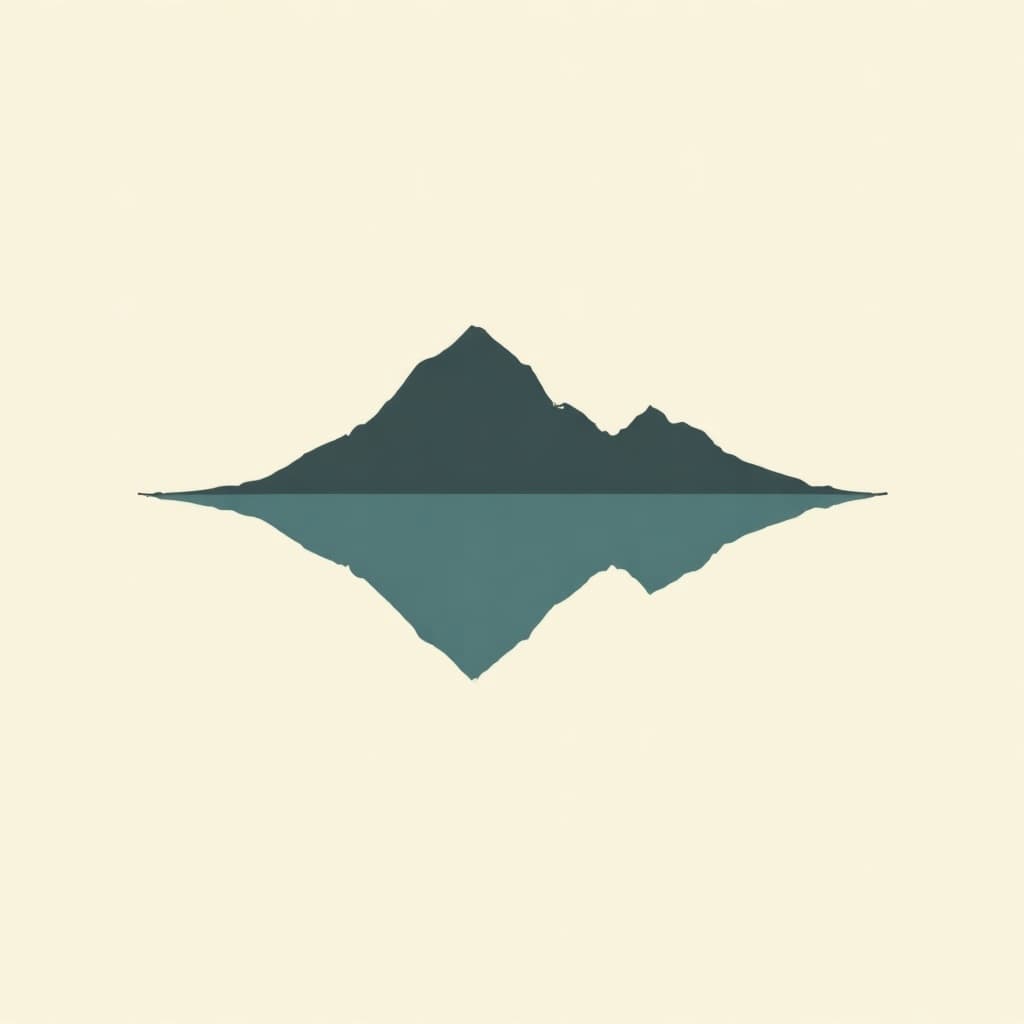
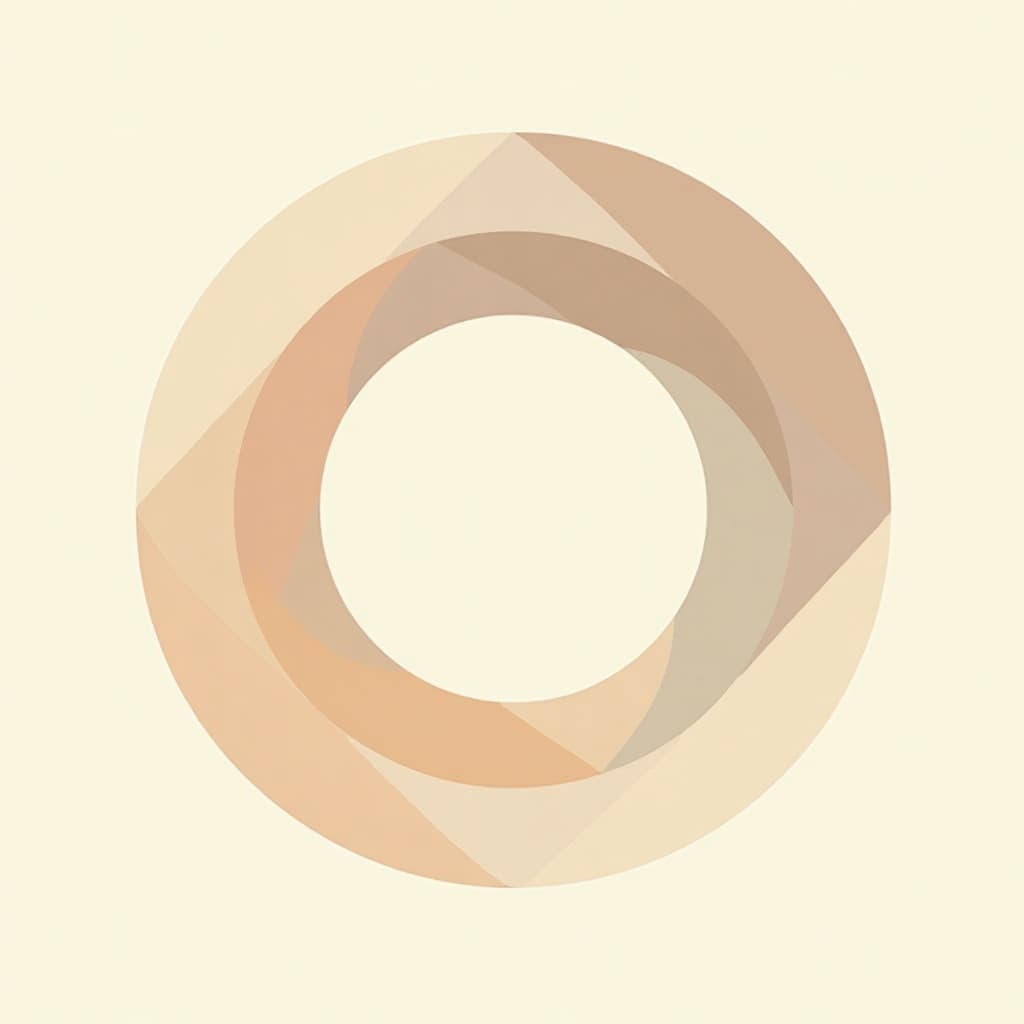
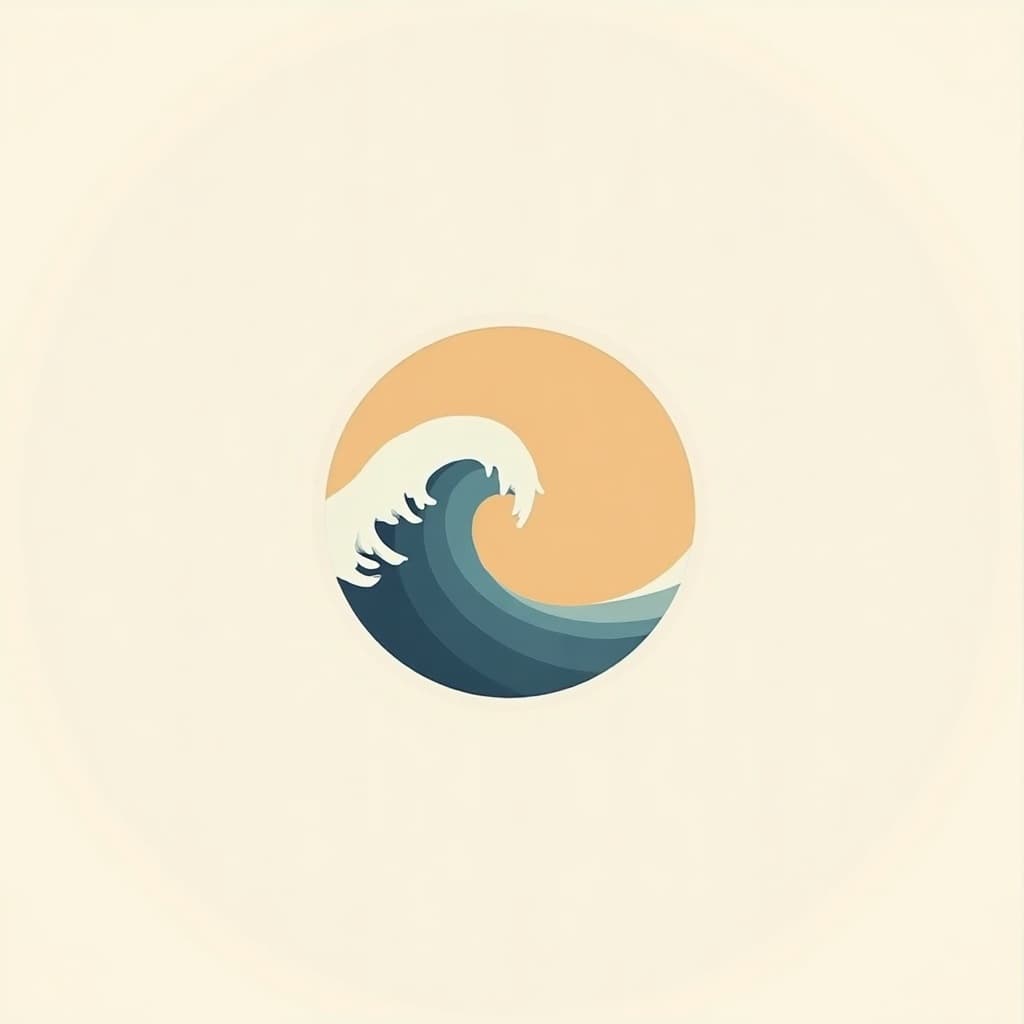
AI Logo Generator in the gallery
Real prompts, models and seeds — open any to see how it was made.


AI logo generator at a glance
- Model
- Text-capable, for legible lettering
- Output
- Raster — redraw as vector to finish
- Watermark
- None on the download
- Best format
- Flat colour, uniform stroke
- Test at
- 16px and 32px
- Free tier
- Yes
In practice
Why most generated logos spell the company name wrong
Diffusion models learn images as texture and structure rather than as symbols. That works beautifully for a photograph of a market stall and fails specifically at lettering, because letters are a symbolic system where nearly right is simply wrong.
The characteristic failure is a mark that looks convincing at a glance and turns out to read GENERAII or COMPPANY. The fix is not a better prompt but a different model, one that treats glyph rendering as a distinct problem from scene synthesis.
Three ways in
What kind of mark do you need?
When the name is the logo
A wordmark lives or dies on letterforms, so this is the case that most needs a text-capable model. Specify the tone of the type, geometric or humanist or condensed, rather than naming a typeface the model has no reliable concept of.
- Check every letter at full size before committing.
- Ask for uniform stroke weight across characters.
- Redraw as vector to fix spacing properly.
When you need a mark that stands alone
A symbol has to be recognisable with detail removed, which means testing the silhouette before the colour. Generate in a single flat colour so weak structure has nowhere to hide.
- Judge the silhouette before adding any colour.
- Three shapes maximum for small-size legibility.
- Closed counters survive shrinking; open ones fill in.
Symbol and name together
A lockup is a spacing problem as much as a drawing one, and the relationship between mark and name is what makes it look considered rather than improvised.
- Generate symbol and wordmark separately, then compose.
- Decide horizontal and stacked versions up front.
- Leave clear space equal to the cap height.

Detail
What the logo generator handles
The realities of using generated marks commercially.
Whether you can trademark it
Ownership and trademarkability are legal questions no model settles. A generated mark may resemble existing marks; clearing it requires a trademark search.
Getting a vector file
Generation produces raster output. A final mark is normally redrawn as vector, which is also where stroke weights and spacing get properly resolved.
Matching exact brand colours
Name the hex values in the prompt. Colour fidelity is far more reliable than type fidelity, though you should verify the exported values rather than trusting them by eye.
How many options to generate
Fifteen to thirty, to find a direction rather than a favourite. The value of generation is breadth early; polish belongs after you know the shape.
Why the mark looks wrong when shrunk
Almost always thin strokes or too many elements. Both are invisible at full size and fatal at favicon size.
Related
Tools that pair with logo work
Keep exploring
Every generator behind the logo maker
A mark is one output. These are the rest.
- resize an image
- JPG, PNG and WebP
- compress an image
- crop an image
- image colour palette
- remove a background
- check EXIF data
- build a prompt
- anime image style
- cartoonize a picture
- make pixel art
- which generator to pick
- Midjourney alternative
- compared with Leonardo
- compared with Ideogram
- Canva alternative for images
- seeds explained
- how far a result may drift
- editing inside a mask
- AI photography guides
AI Logo Generator at a glance
- Runs in
- Your browser — nothing to install
- Account
- Not required to start
- Watermark
- None on the download
- Output
- PNG, JPEG or WebP
- Commercial use
- Permitted under plain-language terms
- Training
- Your images are never added to a training set
Keep exploring
Tools that work with the ai logo generator
Every one runs on the same engine, so a result moves between them without re-uploading.
Start creating today
Generate your first image with the best AI image generator.
Turn a sentence into a finished, photorealistic image in seconds — then refine every detail. No setup, no Discord, no GPU.
Join 4,200+ creators using LaFoto