AI image styles
AI Photo and Art Styles: how to steer a generator on purpose
Every style below is a set of concrete rendering decisions — line weight, palette size, how a shadow ends. Naming those decisions steers an AI image generator far more reliably than naming a mood.
Browse AI art styles
Anime Style
A free anime AI generator for cel-shaded characters and backgrounds. Control line weight, flat colour and eye style instead of hoping a preset lands.
Cartoon Style
Turn a photo into a cartoon while keeping the likeness. Control line weight, colour flattening and how far the caricature goes — free, no watermark.
Pixel Art
A free pixel art generator that produces a true pixel grid, not a downscaled photo. Control resolution, palette size and dithering for sprites and tiles.
What separates a style from a filter
A filter maps colours. A style decides how form is described in the first place: whether a shadow ends in a line or a fade, whether an edge is drawn or implied, how many colours are allowed to exist. Those decisions happen during generation, which is why they cannot be added afterwards without the image fighting itself.
It also means the useful prompt terms are technical rather than emotional. “Dreamy” gives the model nothing to act on; “flat opaque colour, hard shadow terminator, heavy outside line weight” gives it three specific instructions and produces a consistent result across a whole series.
Styles and AI image generator questions
- What does "style" mean in an AI image generator?
- Style is the set of rendering decisions applied to a subject: medium, mark-making, palette, edge treatment and how light is described. It is not a filter applied afterwards — the model generates in the style, so the terms belong in the prompt from the start.
- Why does asking for a style by name not work well?
- A single style word averages across everything the model has seen under that label. Naming the underlying properties instead — flat colour, hard shadow terminator, 16-colour palette — produces a specific result, because those terms describe what the image should actually do.
- Can I copy a specific artist's style?
- Not by name. LaFoto does not build for copying an identifiable living artist, because that takes value directly from a specific person. Describing the medium, palette and mark-making you admire produces a better image anyway, and it is yours.
- How do I keep a style consistent across many images?
- Keep the style sentence byte-identical across prompts and vary only the subject. Style continuity comes from the rendering terms and the palette, not from the description of what is depicted.
- Which style is best for profile pictures?
- Cartoon at light-to-mid stylisation, because likeness survives simplification only when distinguishing features are exaggerated rather than flattened. Anime and pixel art both push proportion far enough that recognisability usually goes with it.
- Are the style pages free to use?
- Yes. Every style generates on the free path with no watermark on the download. Higher resolutions and larger batches sit in the paid tier where the compute cost is real.
- Can I mix two styles in one image?
- You can, and it usually degrades both. Two rendering traditions with conflicting rules — cel shading and painterly blending, say — average into something that reads as neither. Mixing works better when one style governs the figure and another the background.
- Does style choice change the resolution or aspect ratio?
- It should change the aspect ratio you pick. Anime key visuals suit 16:9, character sheets suit 3:4, and pixel art needs an explicit small canvas like 64×64. Pixel art in particular cannot be resized afterwards without nearest-neighbour scaling.
Keep exploring the AI image generator
How style control works here
- Applied
- During generation, not afterwards
- Controlled by
- Medium, palette, edge treatment
- Not a filter
- The model generates in the style
- Consistency
- Identical style sentence plus fixed seed
- Watermark
- None on the download
- Free tier
- Yes
In practice
A style is a set of decisions, not a preset
Style in an AI image generator is not a filter applied after the fact. The model generates in the style, so the words controlling it have to be in the prompt from the start — and the words that work are technical rather than emotional.
Cel shading, flat opaque colour, hard shadow terminator, sixteen-colour palette, no anti-aliasing: each of those changes the output measurably. Dreamy, epic and stunning do not, because they have no consistent visual referent for the model to act on.
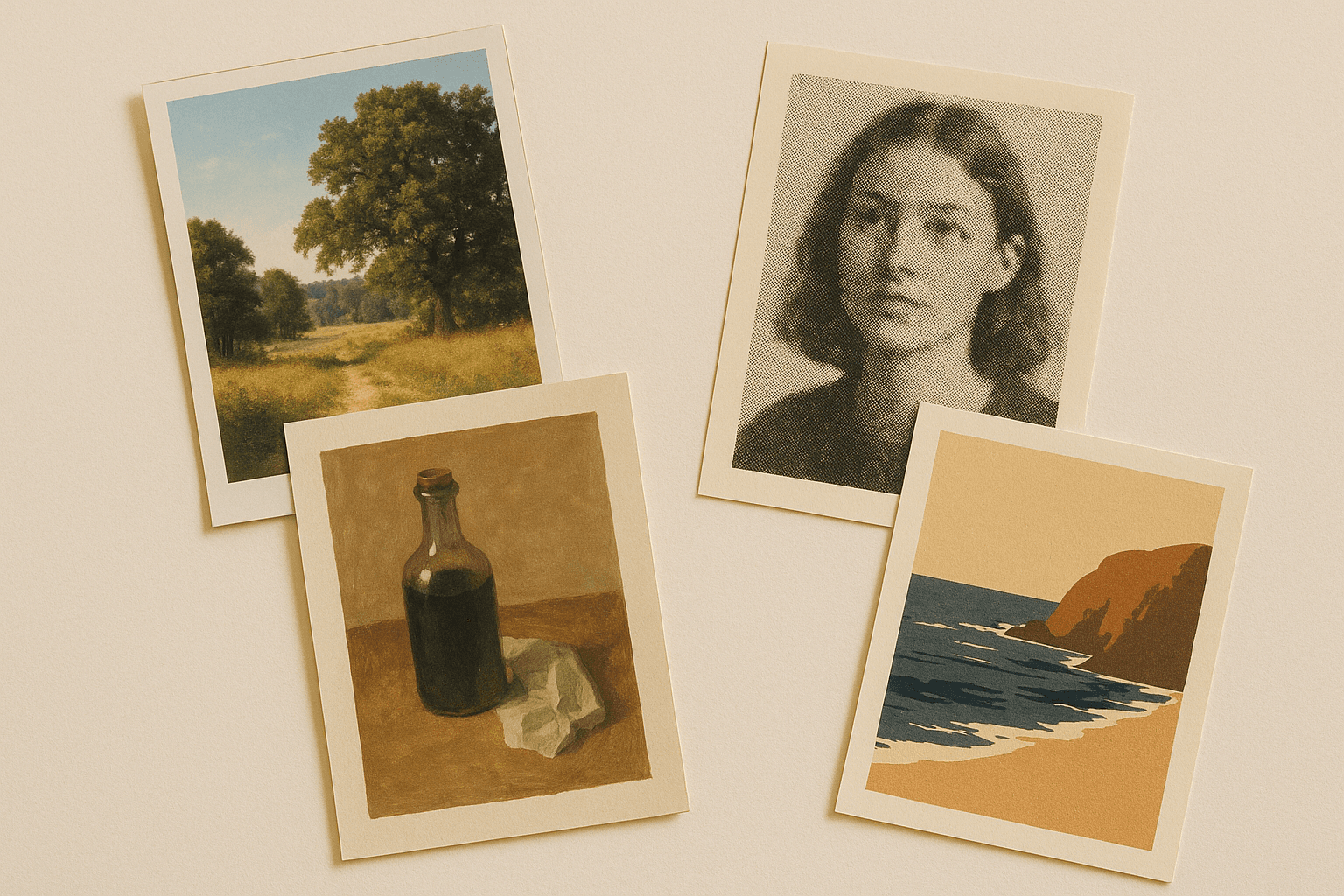
Three ways in
Pick a tradition to work in
Japanese animation conventions
Flat colour fills, hard-edged cel shading and deliberate line weight. Era is the highest-leverage word: 1980s OVA and modern digital are visibly different worlds.
- Name the rendering, not the mood.
- Pick an era — it carries palette and grain.
- Paint backgrounds, cel-shade characters.
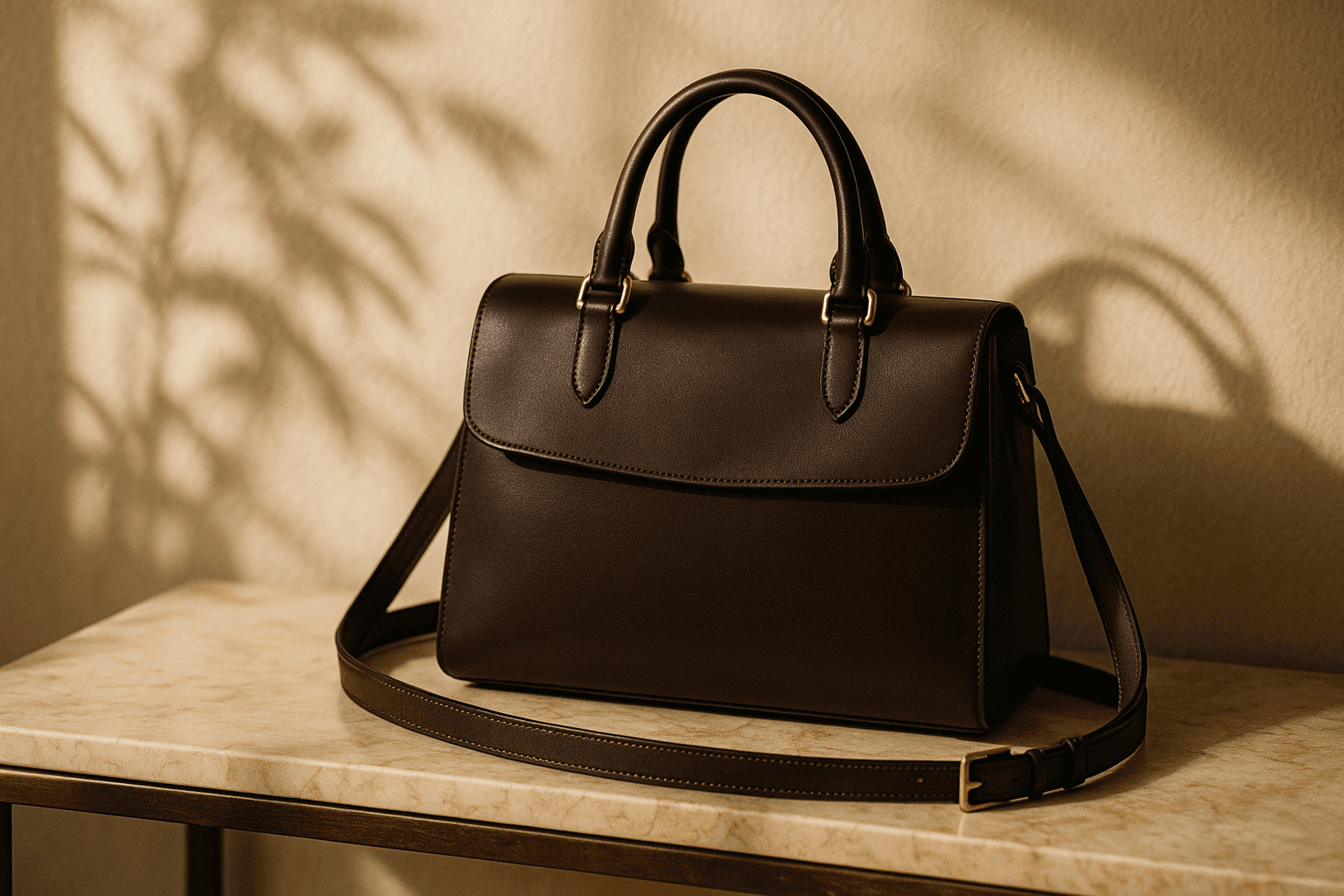
Western cartoon traditions
Uniform outlines, flat fills and simplified proportion. The difficulty is likeness: simplification deletes exactly the cues that identify a specific face.
- Exaggerate distinguishing features, simplify the rest.
- Name a tradition, not just 'cartoon'.
- Test at avatar size for recognisability.
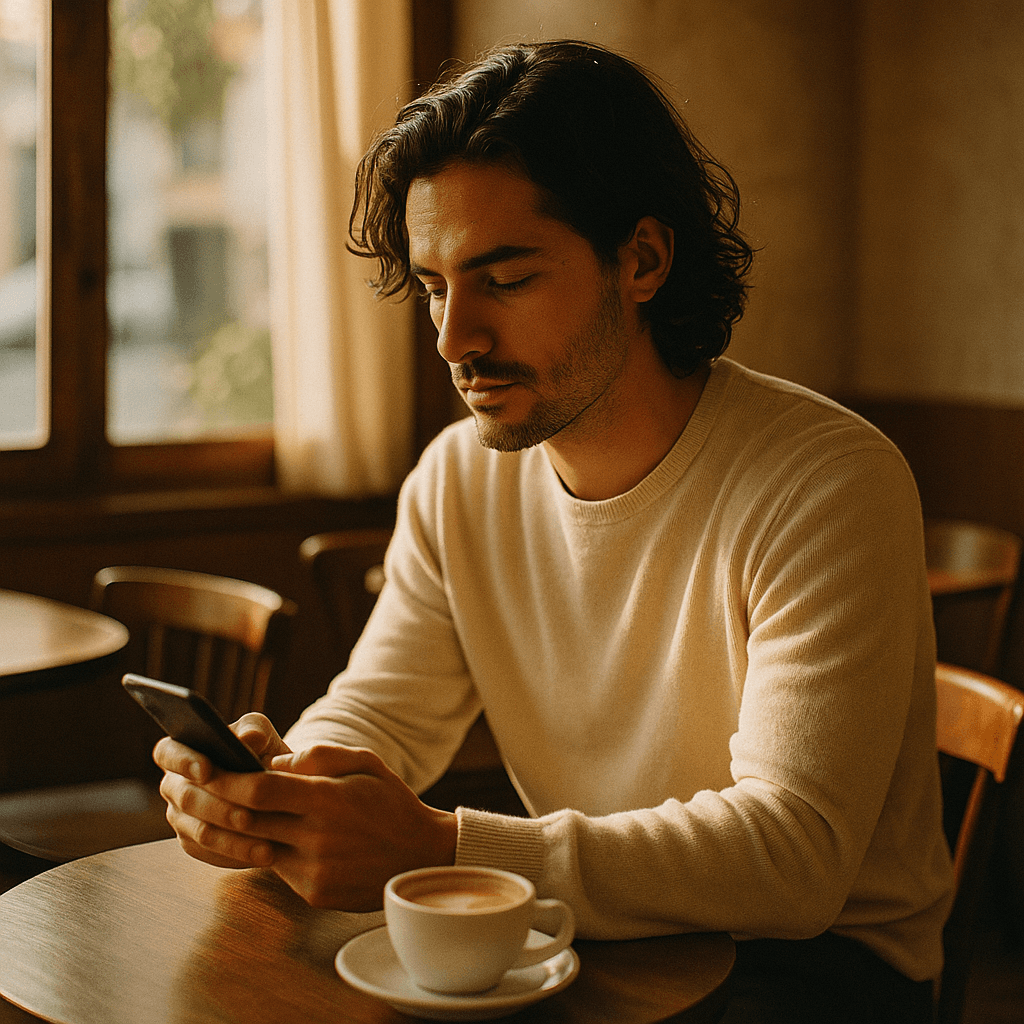
An explicit grid and a fixed palette
The one style where the output has structural requirements: a stated canvas resolution, a restricted palette, and hard edges with no anti-aliasing.
- State a canvas size like 32x32 or 64x64.
- Name a hardware palette, not 'retro'.
- Dither selectively, never globally.
Detail
What style control handles
The questions that come up across every tradition.
Why naming a style by itself does not work
One style word averages across everything the model has seen under that label. Naming the underlying properties produces a specific result instead.
Copying a specific artist
Not supported. Describing the medium, palette and mark-making you admire gets you there and gives you more control besides.
Keeping a style consistent across images
Hold the style sentence byte-identical and vary only the subject. Continuity comes from the constraints.
Mixing two styles
Usually degrades both, because conflicting rendering rules average into something that reads as neither. It works better when one governs the figure and another the background.
Whether style changes the aspect ratio you need
It should. Anime key visuals suit 16:9, character sheets suit 3:4, and pixel art needs an explicit small canvas that cannot be resized afterwards.
Related
The styles in detail
Keep exploring
Every generator these styles apply to
Style is a control, not a separate product.
- resize an image
- JPG, PNG and WebP
- shrink a file size
- crop to a ratio
- pull colours from an image
- remove a background
- read photo metadata
- build a prompt
- anime AI generator
- cartoonize a picture
- pixel art generator
- the ranked comparison
- compared with Midjourney
- Leonardo AI alternative
- LaFoto vs Ideogram
- LaFoto vs Canva
- what is a seed
- denoise strength explained
- editing inside a mask
- guides and explainers
Start creating today
Generate your first image with the best AI image generator.
Turn a sentence into a finished, photorealistic image in seconds — then refine every detail. No setup, no Discord, no GPU.
Join 4,200+ creators using LaFoto