Colorize Photo
Colorize a Photo: plausible colour, not recovered colour
Start free — no credit card.
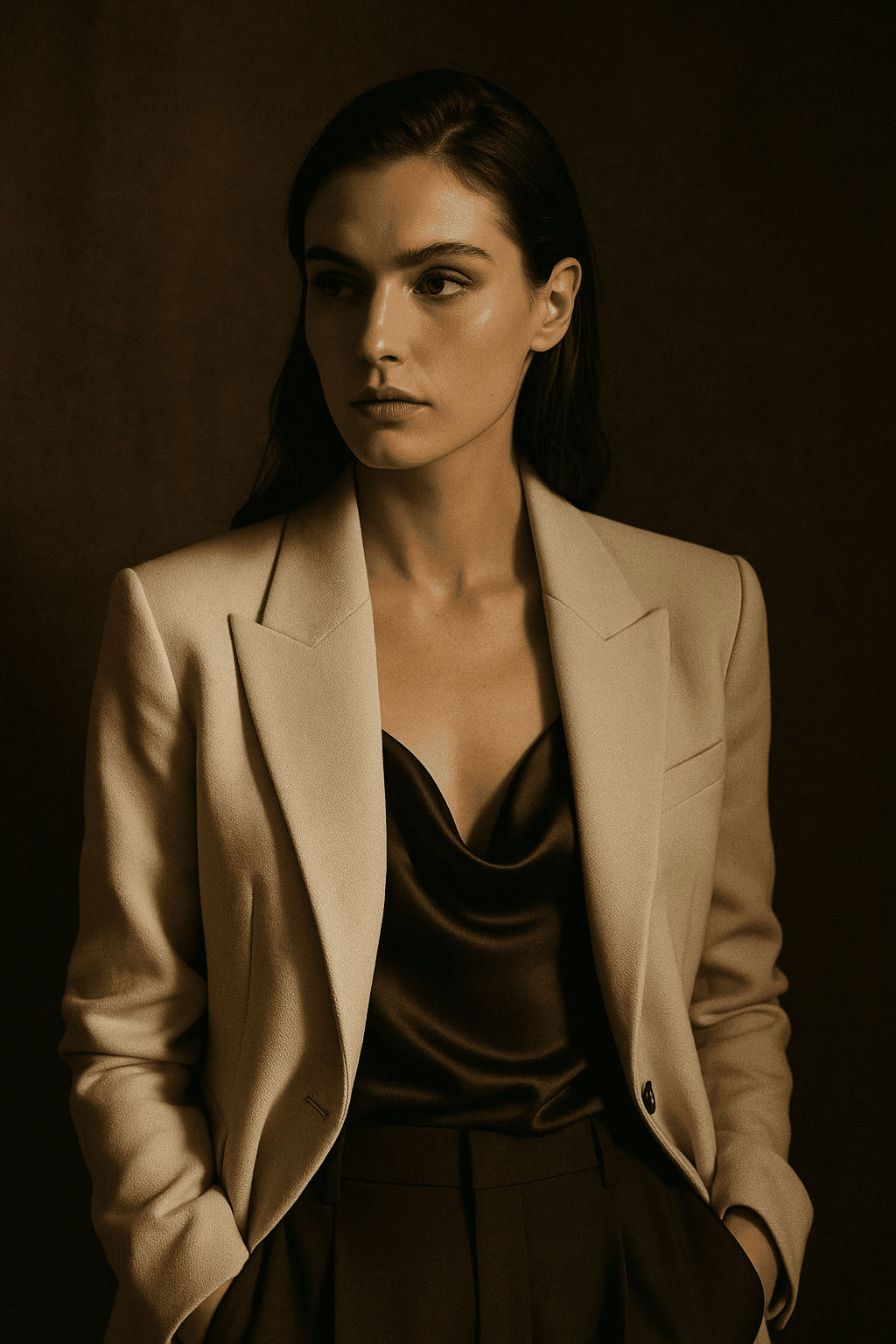
What the model can infer and what it invents
Some colours are nearly determined by context. Skin falls within a known range, grass is green, sky is blue, wood and brick have characteristic hues. A colouriser gets these right because there is only a narrow band of plausible answers.
Everything else is invention. A dress could be any colour; so could a car, a front door or a military uniform whose specific shade carried meaning. The output will be confident and plausible and may be completely wrong, and nothing in the image tells you which parts are which.
Why this matters for family and historical photographs
A colourised photograph is a new interpretation, not a restored original. Once it circulates in a family, the colours become what people remember — and if the model guessed a blue dress that was actually green, that guess quietly becomes the family record.
The honest practice is to keep the monochrome original as the archive copy, label the colourised version as an interpretation, and note any colours you actually know. Where someone remembers a detail, correcting the model beats accepting its guess.
Getting a better colourisation
Start from the cleanest scan you have. Dust, creases and scanner noise all get interpreted as image content, and a speck reconstructed as a coloured object is a common and distracting artefact.
Correct contrast before colourising rather than after. A flat, low-contrast scan gives the model poor luminance information to work from, and luminance is what it uses to infer material and depth. Enhancing first improves the colour decisions, not just the tone.
Colourising is not the same as restoring
Restoration repairs what age damaged: fading, tears, scanner noise, contrast loss. Every one of those is a recovery of information the photograph still partly holds, and the result can be verified against the original.
Colourisation adds information that was never there. They are often done together and they are different operations with different standards of truth — which is why the restoration tools and this page are separate.
How it works
Colorize a Photo
- 01
Scan cleanly first
At least 1200dpi, dust removed. Specks get interpreted as content and reconstructed as coloured objects.
- 02
Fix contrast before colour
Luminance is what the model reads to infer material. A flat scan produces flat, uncertain colour decisions.
- 03
Label the result honestly
Keep the monochrome original as the archive copy and mark the colour version as an interpretation.
What people use the colorize photo for
Family archives
Bringing older relatives into colour, with the caveat that specific garment colours are guesses.
Historical research
Useful as a visualisation aid, never as evidence of what colour something actually was.
Print and display
Colourising a monochrome print for a wall, where interpretation is understood and expected.
Restoration projects
Combined with damage repair and fade correction as part of a full restoration workflow.
Frequently asked questions
- How do I colorize a photo online free?
- Upload the cleanest scan you have and let the model infer colour from context. The free path adds no watermark, and the original monochrome file is never altered.
- Is the colour historically accurate?
- Only where context determines it. Skin, sky and foliage are reliable; a specific dress, vehicle or uniform colour is a plausible guess. Treat the result as an interpretation rather than a record.
- What is the difference between colourising and restoring?
- Restoration recovers information the photograph still holds — fading, damage, contrast. Colourisation adds information that was never recorded. Different operations with different standards of truth.
- Should I scan at a higher resolution?
- Yes. 1200dpi or higher gives the model more luminance detail to infer from, and dust removed before scanning prevents specks being reconstructed as coloured objects.
- Can I correct a colour the model got wrong?
- Yes — mask the region and specify the colour you know is right. Where a family member remembers a detail, that memory beats the model's guess.
- Will it work on a faded colour photo?
- That is a different job. A faded colour photograph still holds its original colour information in shifted form, so correcting the dye shift recovers it. Use the photo enhancer instead.
- Does colourising damage the original?
- No. The output is a new file and your scan is untouched. Keep the monochrome version as the archive copy regardless.
- Can I colourise a photo of a person who has died?
- Technically yes, and it is one of the most common uses. Consider how the result will be shared, since colourised images tend to become the version a family remembers.
Keep exploring
More from LaFoto
Colourisation at a glance
- Adds
- Colour that was never recorded
- Reliable on
- Skin, sky, foliage, common materials
- Guesses
- Garments, vehicles, painted surfaces
- Best input
- Clean scan at 1200dpi or higher
- Watermark
- None on the download
- Free tier
- Yes
In practice
Some colours are inferred, others are invented
Skin falls in a known range. Grass is green, sky is blue, brick and wood have characteristic hues. A colouriser gets these right because only a narrow band of answers is plausible.
Everything else is a guess. A dress, a car, a front door, a uniform whose specific shade carried meaning — the output will be confident, plausible, and possibly wrong, and nothing in the image marks which parts are which.
Three ways in
What are you colourising?
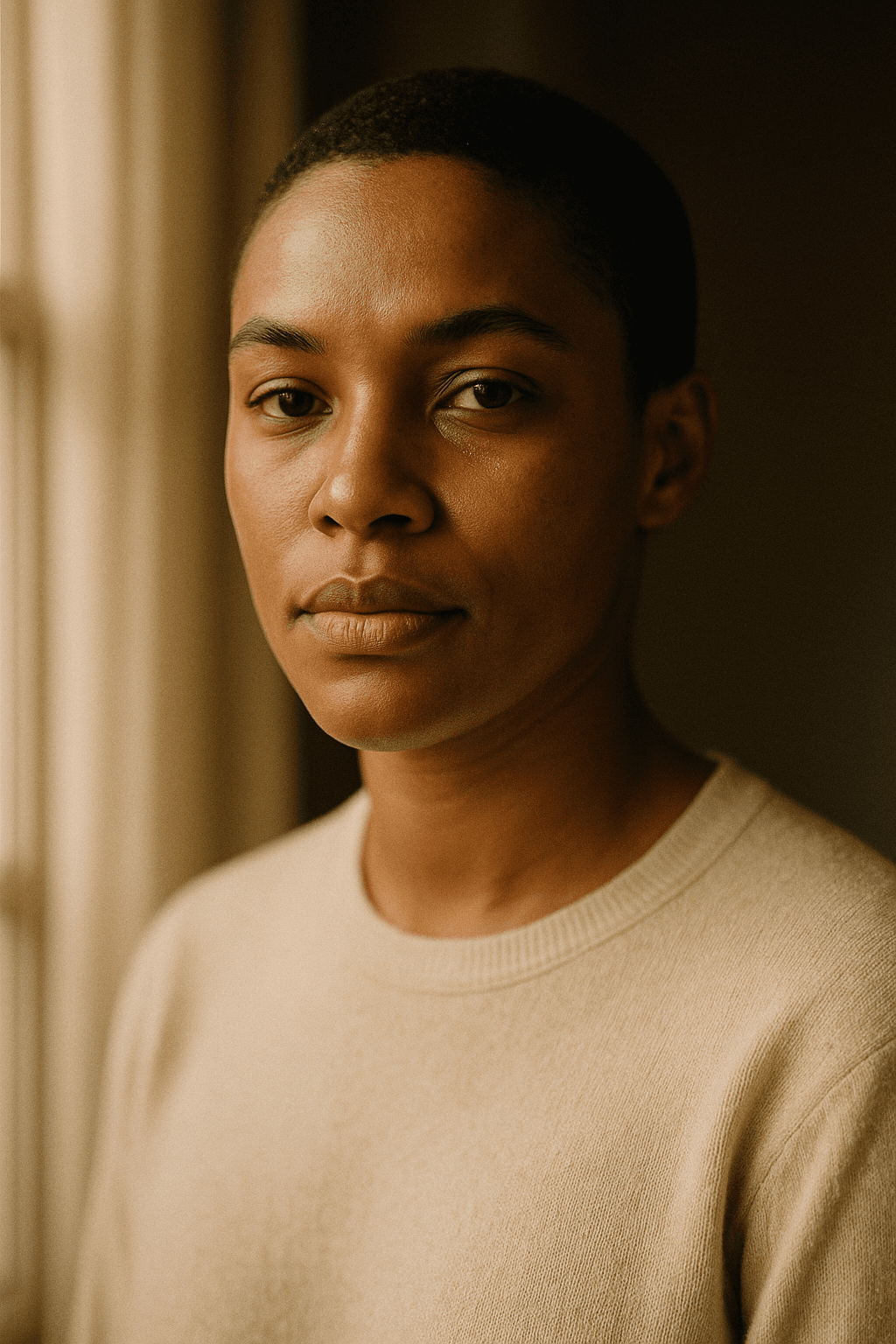
People and faces
Skin, hair and eye colour are among the most reliably inferred, which makes portraits the strongest case. Clothing is the guess.
- Skin tone is reliably inferred.
- Garment colour is invention.
- Correct anything a relative remembers.
Outdoor and architectural
Sky, foliage, stone and water are all strongly determined by context, so landscapes colourise convincingly with little intervention.
- Vegetation and sky are near-certain.
- Painted surfaces are guesses.
- Season affects foliage colour — state it if known.
Historical and archival material
Useful as a visualisation aid and never as evidence. Colour in a historical image carried meaning that a guess can misrepresent.
- Never treat as a record of actual colour.
- Keep and cite the monochrome original.
- Label the result as an interpretation.
Detail
Colourisation questions
Where the colour comes from, and how far to trust it.
Whether the colour is accurate
Only where context determines it. Skin, sky and foliage are reliable; specific garment and object colours are plausible guesses.
The difference from restoration
Restoration recovers information the photograph still holds. Colourisation adds information that was never recorded.
Improving the result
Scan at 1200dpi or higher, remove dust first, and correct contrast before colourising — luminance is what the model reads to infer material.
Correcting a wrong colour
Mask the region and specify the colour you know. Where someone remembers a detail, that memory beats the model.
Faded colour photographs
A different job. A faded colour photo still holds its original information in shifted form, so use the photo enhancer to correct the dye shift.

Keep exploring
Elsewhere on LaFoto
Old photographs are one job. These are the others.
- free image resizer
- JPG, PNG and WebP
- shrink a file size
- crop to a ratio
- image colour palette
- remove a background
- EXIF viewer
- AI prompt generator
- anime AI generator
- cartoon AI generator
- make pixel art
- the ranked comparison
- compared with Midjourney
- LaFoto vs Leonardo AI
- compared with Ideogram
- LaFoto vs Canva
- seeds explained
- what is denoise strength
- what is inpainting
- guides and explainers
Colorize Photo at a glance
- Runs in
- Your browser — nothing to install
- Account
- Not required to start
- Watermark
- None on the download
- Output
- PNG, JPEG or WebP
- Commercial use
- Permitted under plain-language terms
- Training
- Your images are never added to a training set
Keep exploring
Tools that work with the colorize photo
Every one runs on the same engine, so a result moves between them without re-uploading.
Start creating today
Generate your first image with the best AI image generator.
Turn a sentence into a finished, photorealistic image in seconds — then refine every detail. No setup, no Discord, no GPU.
Join 4,200+ creators using LaFoto