AI Headshot Generator
AI Headshot Generator: studio-quality headshots, no studio
Start free — no credit card.
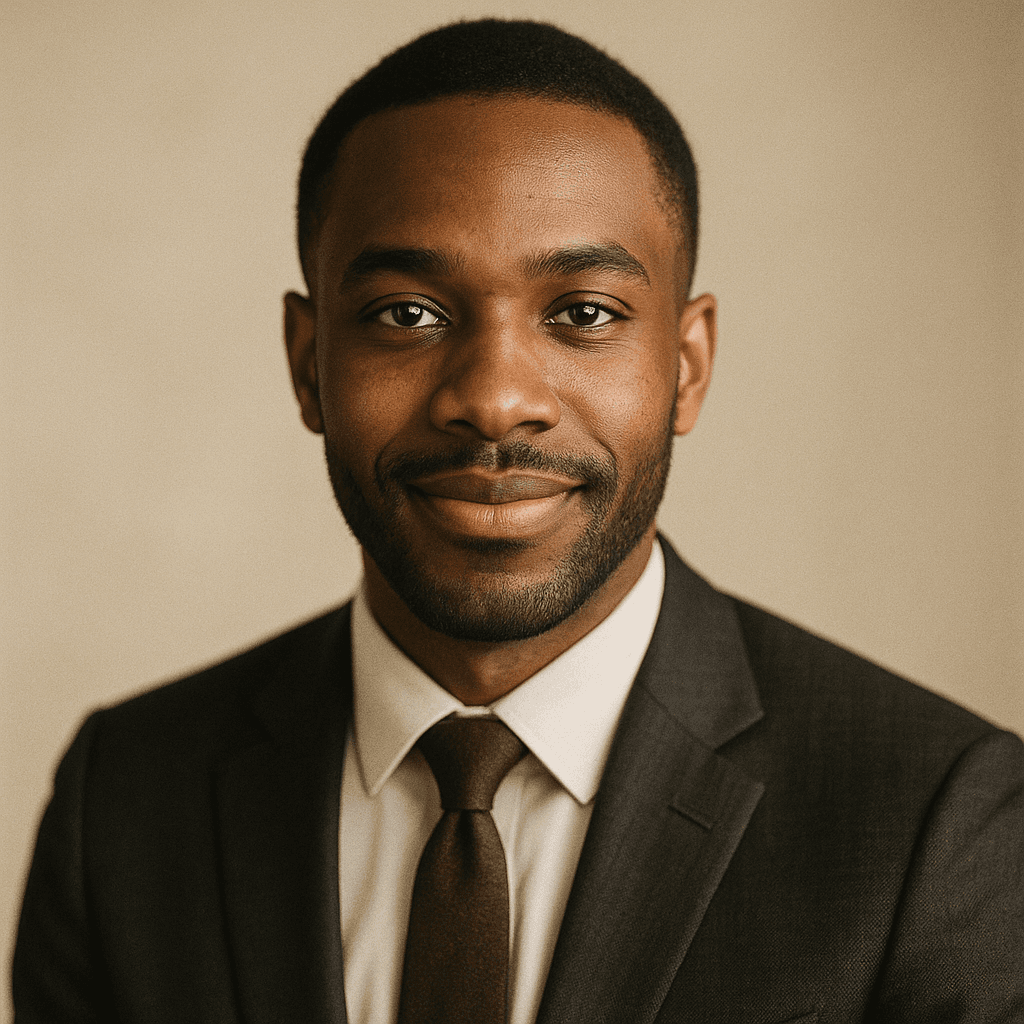
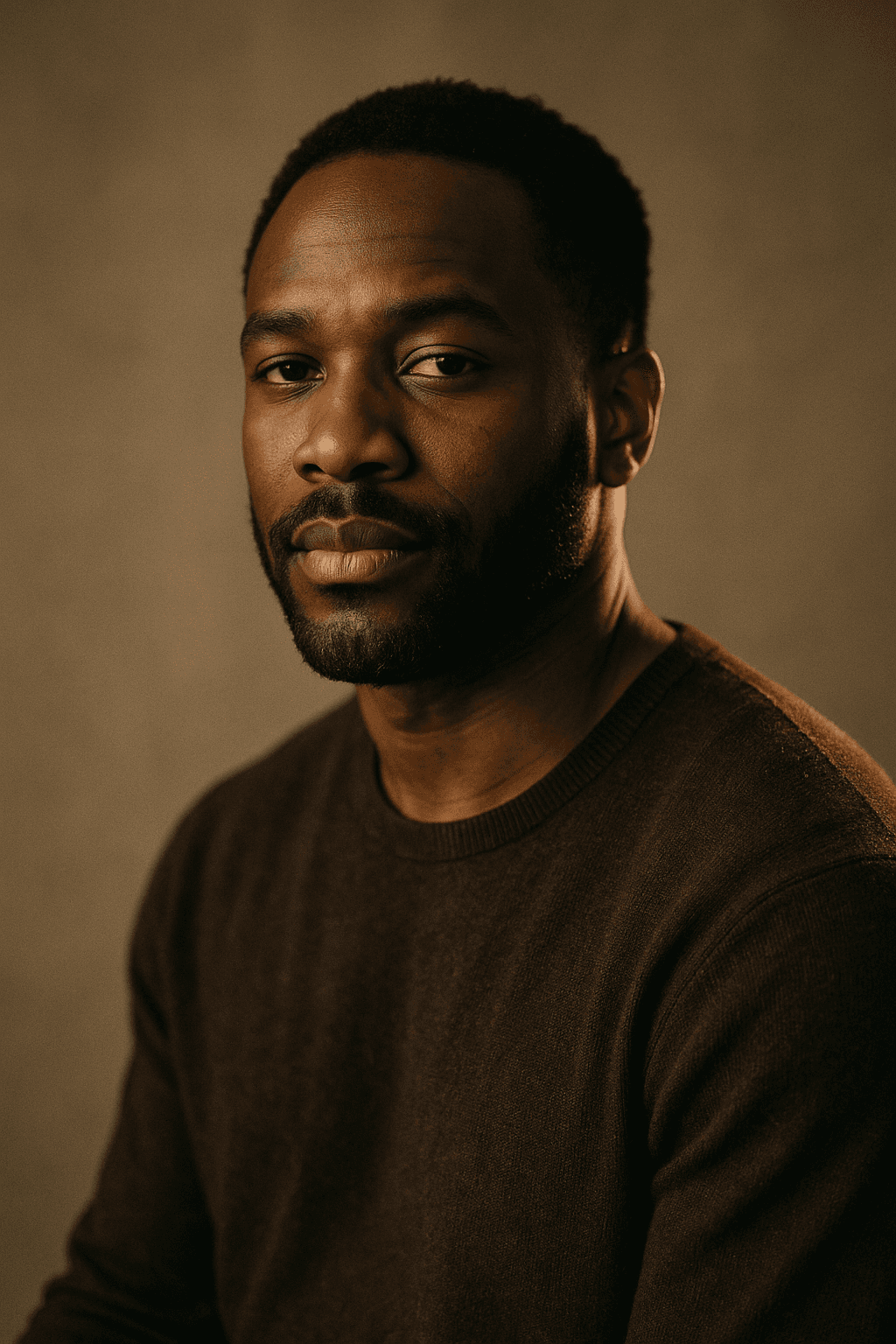
Professional headshots, on demand
A good headshot is simple but exacting: flattering light, a clean or tasteful background, a natural expression, and framing that reads as professional. Booking that traditionally means scheduling a photographer, which is slow and expensive — especially for a whole team that needs a consistent look.
An AI headshot generator removes that friction. You describe (or upload a reference for) the look you want, and generate polished headshots in minutes. LaFoto is designed to make consistency easy, so an entire team can share one cohesive style across profiles and bios.
When to use AI headshots — and when not to
AI headshots are ideal for professional profiles, team pages, speaker bios, résumés, and internal directories, where a clean, consistent, on-brand look matters more than documentary accuracy. They are fast, repeatable, and easy to refresh.
Be thoughtful where authenticity is the point — for example, identity verification or contexts that imply an unedited photo. The honest rule of thumb: use AI headshots where a polished, representative image is appropriate, and disclose AI involvement whenever it matters.
What makes the best AI headshot generator, free or paid?
A free AI headshot generator is the most searched version of this tool, and the free tiers vary enormously. Judging the best AI headshot generator free of charge comes down to three checks rather than to output quality, because every serious tool clears the quality bar. The three: The three things to check before spending time on one: whether the download carries a watermark, what resolution you get, and whether commercial use — which for a headshot means LinkedIn, a company site, a conference badge — is permitted at all.
LaFoto generates professional headshots free with no watermark on the file. What the paid tier adds is volume and resolution: more variations per session and print-size output. If you need one good headshot, the free path is the whole product; if you are producing a set for a team, the paid tier is what makes that practical.
An AI LinkedIn photo: what a professional LinkedIn photo has to do
An AI generated professional headshot for LinkedIn has a specific job a general portrait does not: it appears at 400px on a profile and at roughly 48px in a feed, so it has to survive being tiny. That argues for a tight crop, a plain background with tonal separation from your hair, and even light on the face rather than a dramatic key.
Built-in options such as the Canva AI headshot generator handle the basic crop well and stop short of identity preservation across angles. The most common failure with an AI professional headshot is over-idealisation — a generated face that flatters past the point of recognition. If a colleague would hesitate to match the photo to you across a meeting room table, it has failed at the one job it had, however good it looks in isolation.
How it works
AI Headshot Generator
- 01
Choose the look
Pick the background, wardrobe style, and framing — or describe the professional look you are after.
- 02
Generate headshots
LaFoto is designed to produce several polished options with consistent, flattering lighting.
- 03
Pick and refine
Choose the best headshot and refine small details, then export it for your profile or team page.
What people use the ai headshot generator for
LinkedIn & profiles
A sharp, professional profile photo without scheduling a shoot.
Team & about pages
A consistent headshot style across your whole team in one pass.
Speaker & author bios
Polished bios for talks, panels, and bylines.
Résumés & directories
Clean, business-appropriate portraits for applications and internal directories.
Frequently asked questions
- What is an AI headshot generator?
- An AI headshot generator creates professional, business-appropriate headshots using AI instead of a photographer — with consistent lighting and clean backgrounds suitable for profiles, team pages, and bios.
- Are AI headshots good enough for LinkedIn or a company bio?
- That is exactly the target. LaFoto is being built to produce polished, professional headshots appropriate for LinkedIn, company bios, speaker pages, and résumés, with a consistent look you can apply across a team.
- Can a whole team get a consistent style?
- Yes — consistency is a core goal. An AI headshot generator can apply the same background, lighting, and framing across many people, which is hard to achieve with separate photo shoots.
- Should I disclose that a headshot is AI-generated?
- Use AI headshots where a polished, representative image is appropriate, and disclose AI involvement whenever authenticity matters — for example in identity verification or contexts that imply an unedited photo.
- When does the AI headshot generator launch?
- LaFoto is pre-launch and launching in 2026. The headshot generator is free to start at launch, with no credit card.
- What should I wear for an AI headshot?
- Whatever you would wear to the meeting the headshot is for. Solid mid-tones photograph better than tight patterns, which can shimmer under regeneration, and a collar gives the frame a structural line that a round neckline does not.
- Why does my AI headshot not look like me?
- Usually too few reference angles. A model given one front-facing photo infers the rest of the head and infers it generically. Several angles under different light give it enough to keep the features that actually identify you.
- Are AI headshots acceptable on LinkedIn?
- They are widely used and LinkedIn does not prohibit them. The practical test is whether a colleague would recognise you from it — an over-idealised headshot that flatters past recognisability works against you at the meeting.
Keep exploring
More from LaFoto
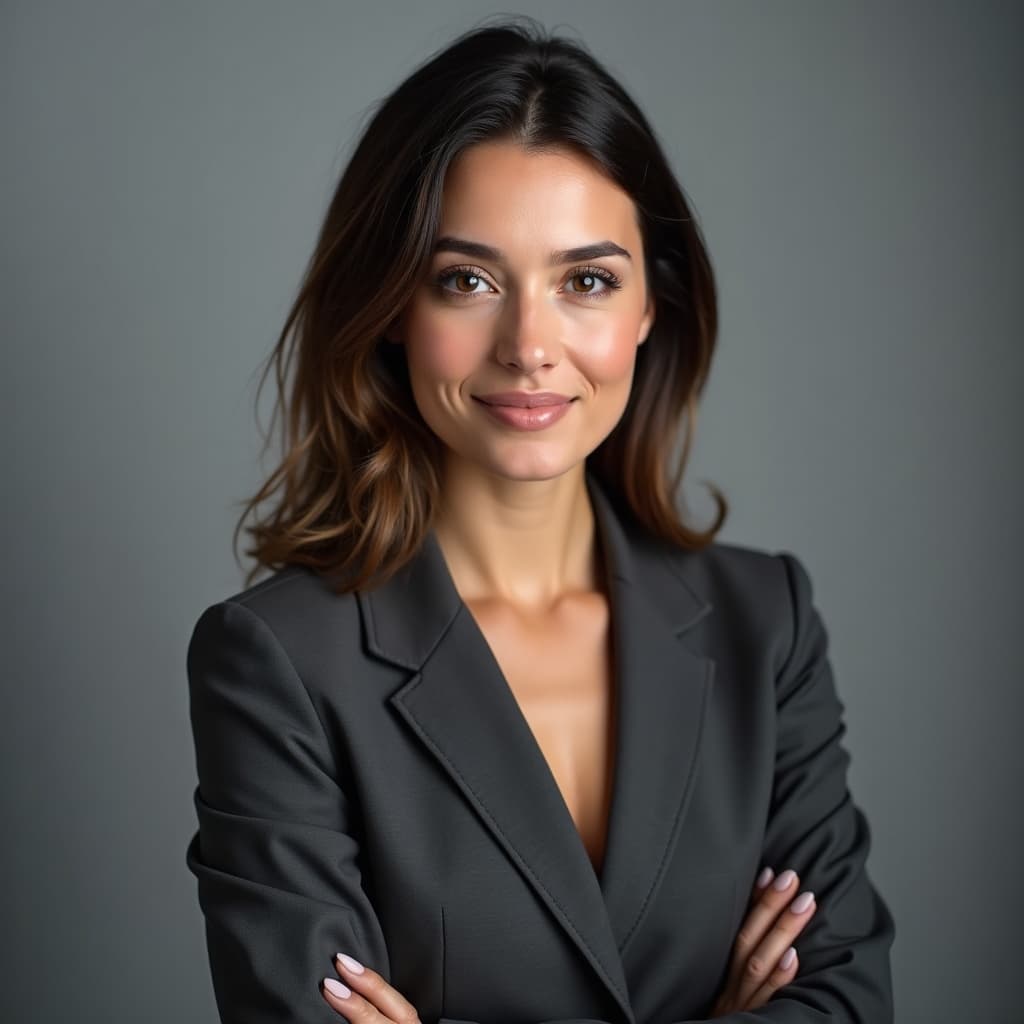
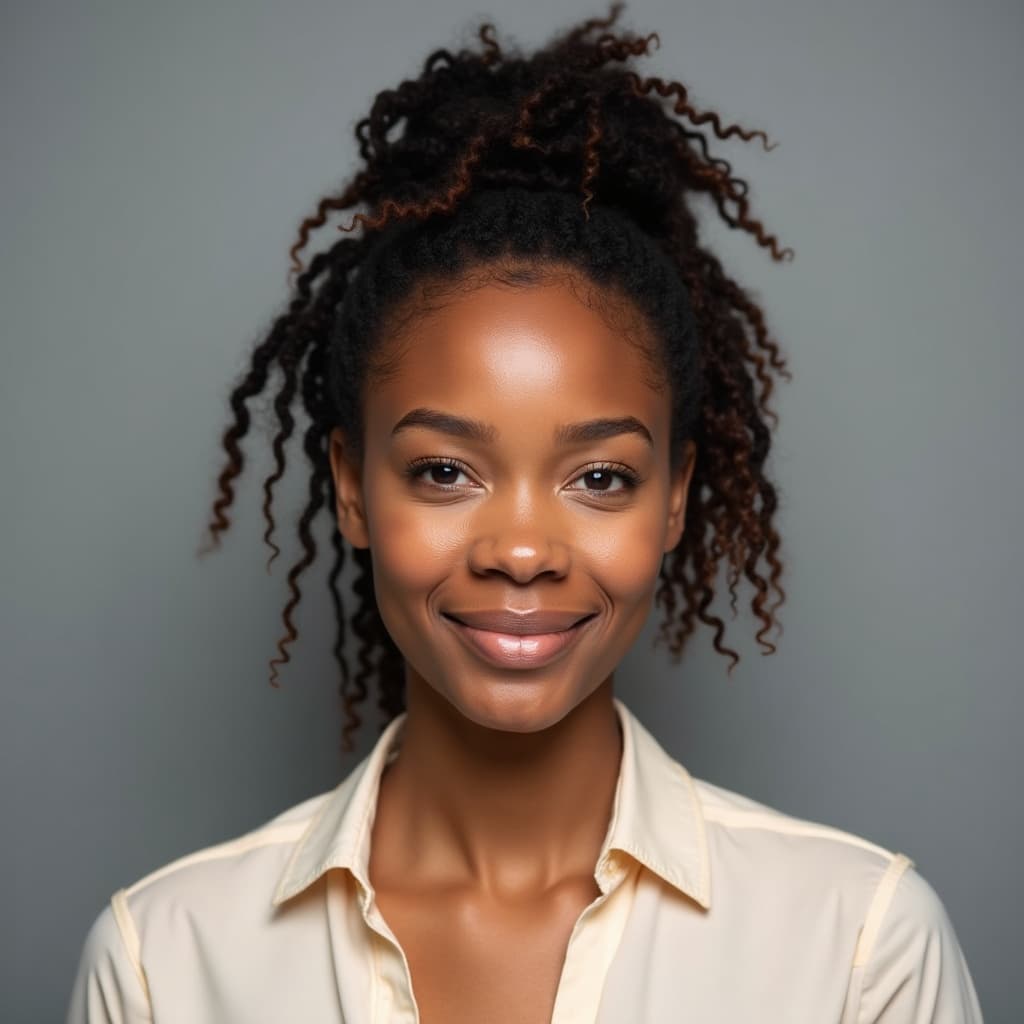
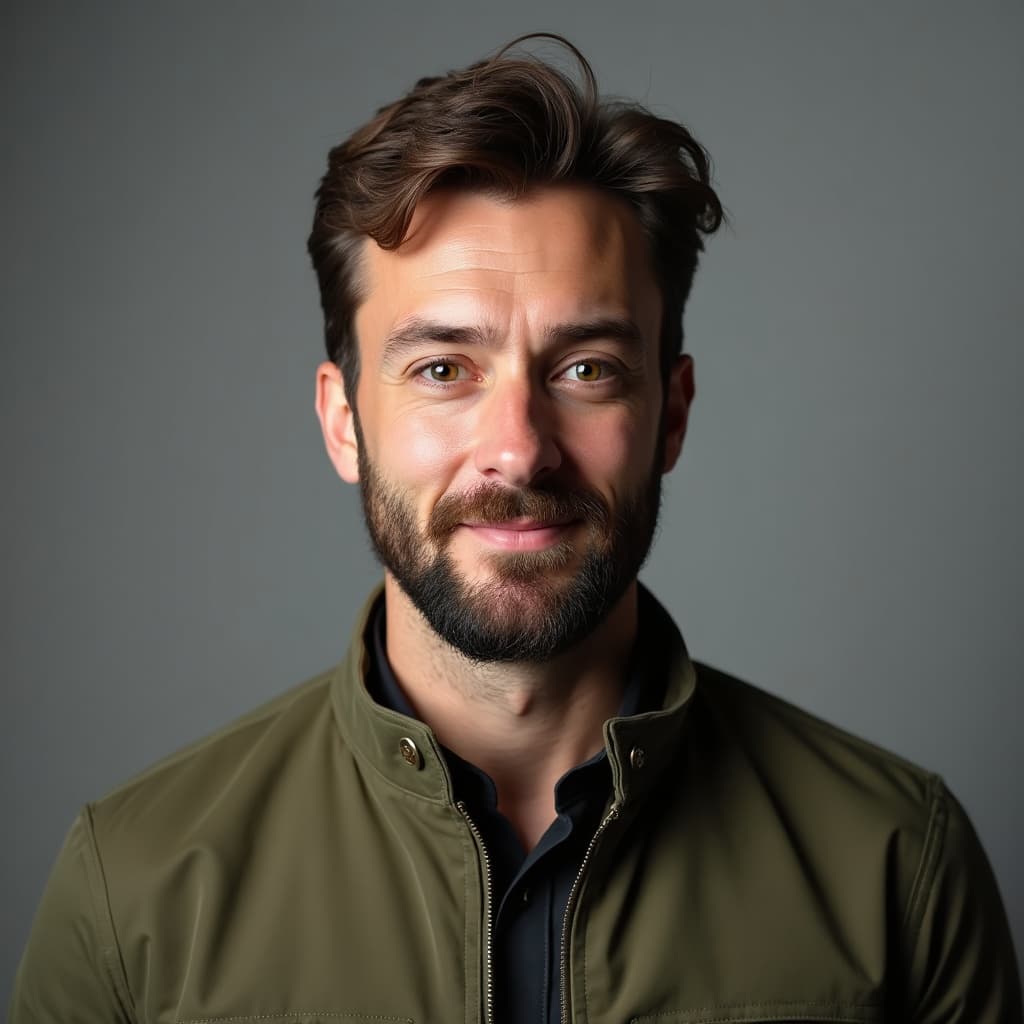
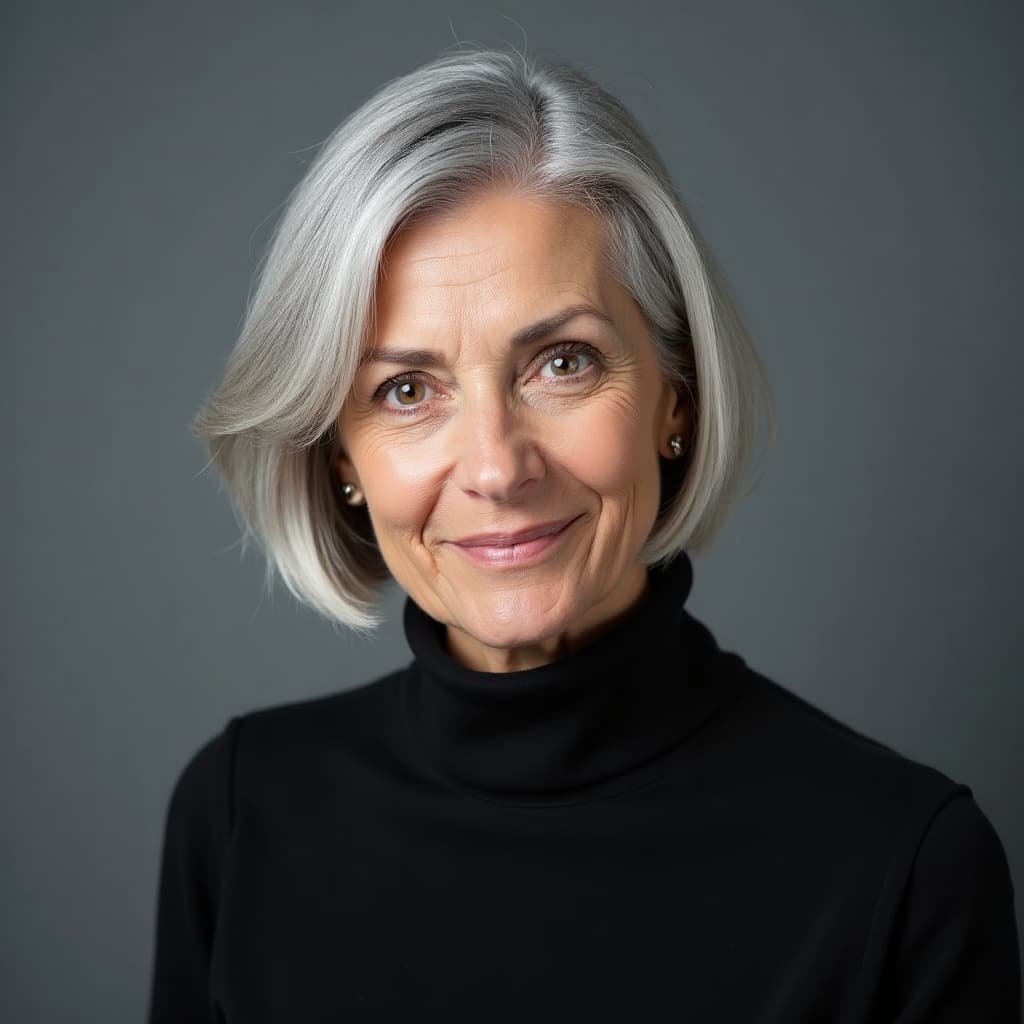
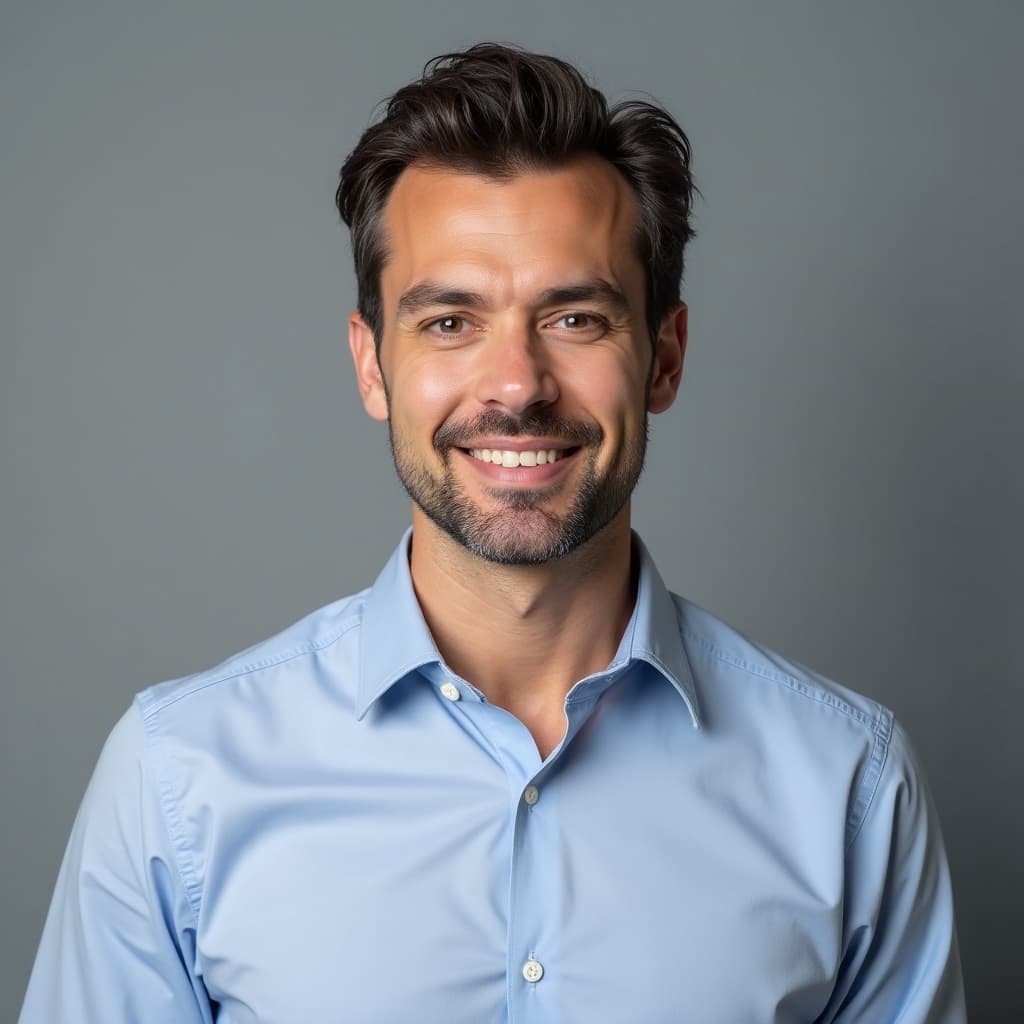
AI Headshot Generator in the gallery
Real prompts, models and seeds — open any to see how it was made.

AI headshot generator at a glance
- Best input
- Several angles, even light
- Output
- Studio-style portrait, no studio
- Watermark
- None on the download
- Use
- LinkedIn, team pages, speaker bios
- Will not do
- Generate an identifiable real person from one photo
- Free tier
- Yes
In practice
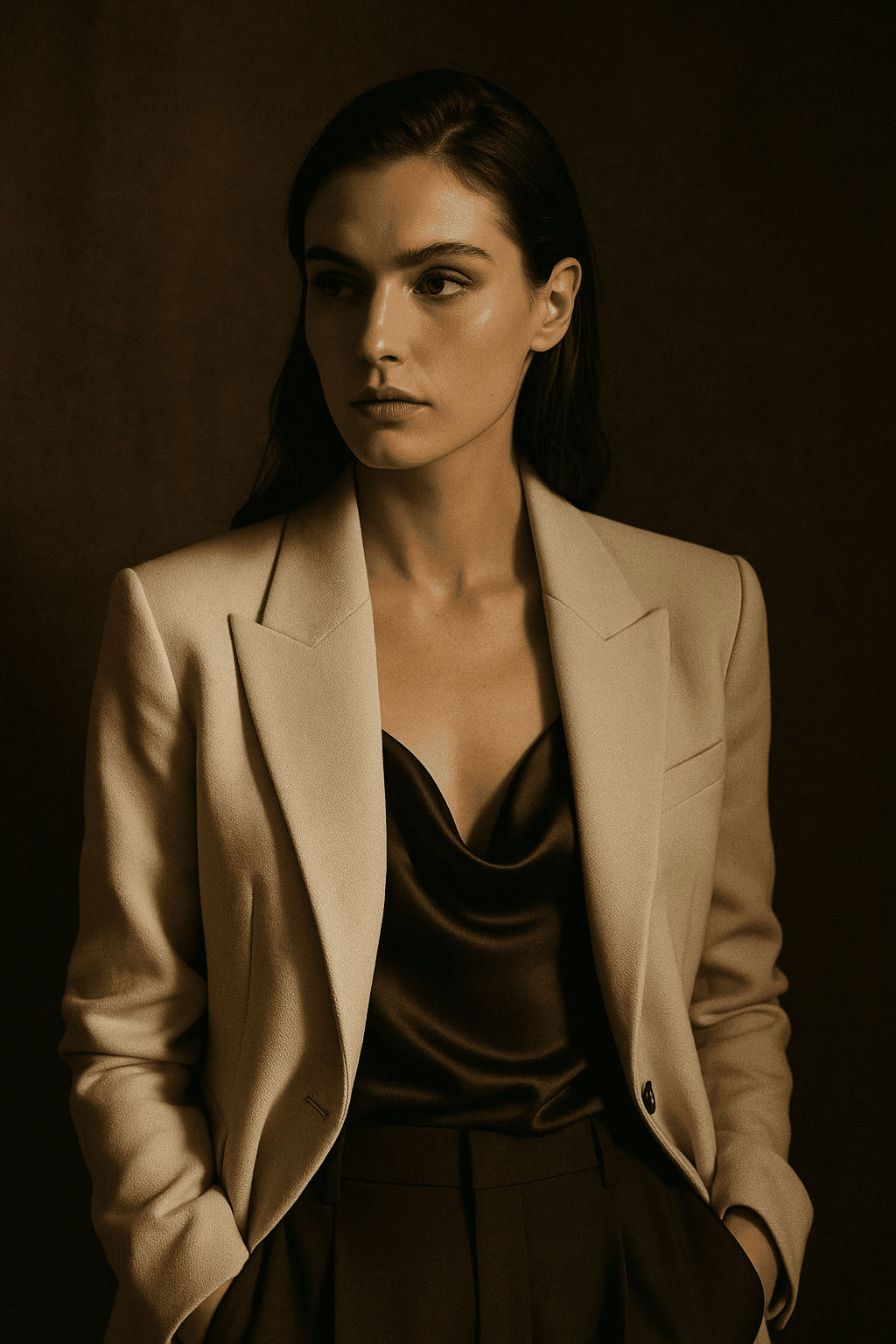
Why an AI headshot stops looking like you
Identity lives in subtle relationships: the exact distance between the eyes, the asymmetry of a mouth, how a nose meets the cheek. Those are precisely the cues a model smooths away when it is optimising for an attractive face rather than a specific one.
Give it several reference angles under different light and it has enough to hold those relationships. Give it one front-facing photograph and it infers the rest of the head generically, which is why single-photo headshots come back looking like a cousin.
Three ways in
What is the headshot for?
LinkedIn and company pages
The default case. Plain background, even light, tight crop, and enough resemblance that a colleague recognises you instantly at thumbnail size.
- Plain background with tonal separation.
- Even light beats a dramatic key here.
- Test it at 48 pixels before committing.
Consistency across many people
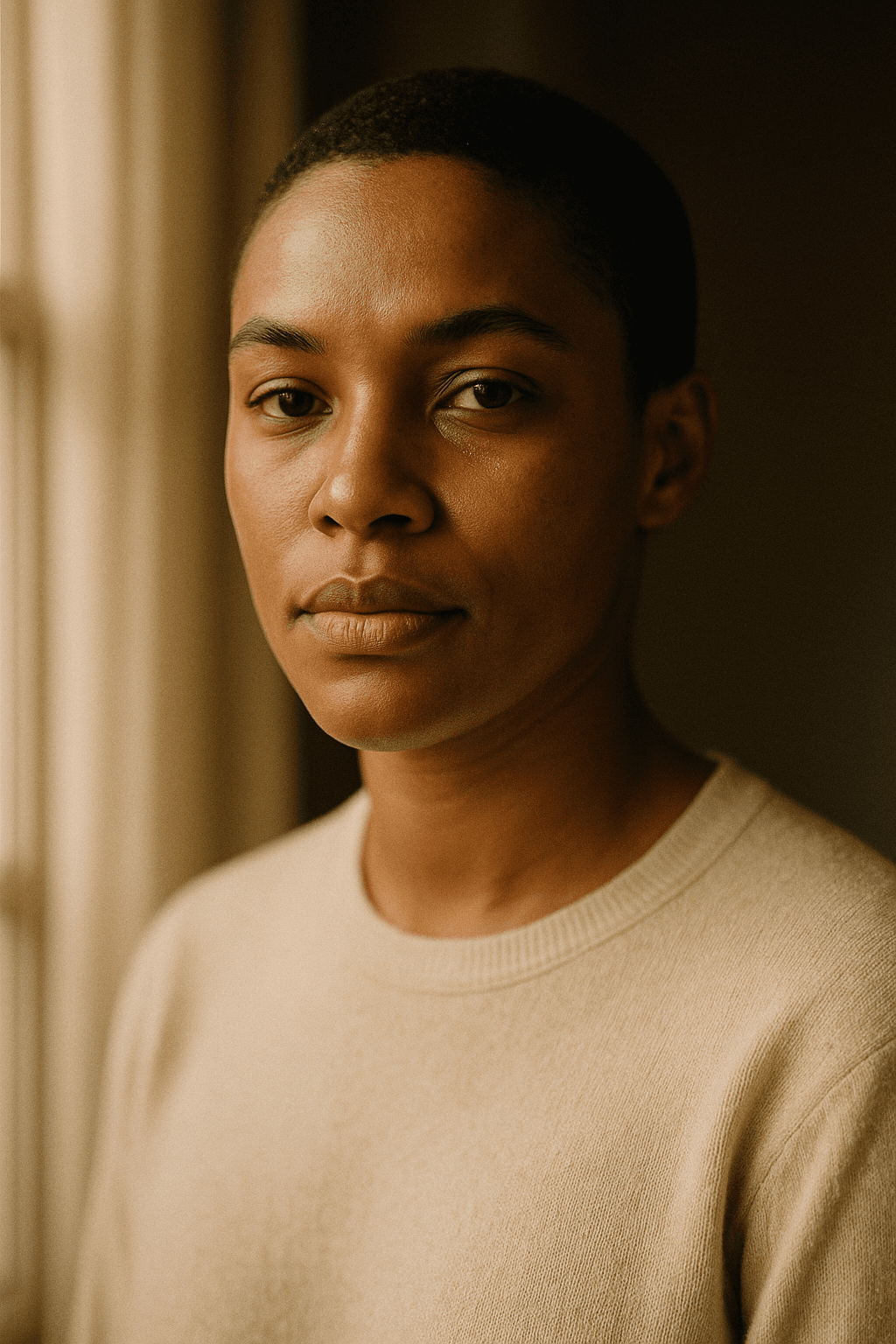
A team page looks deliberate when everyone shares a background, crop and light, and improvised when they do not. That consistency is easier to generate than to photograph.
- Fix background and light across every person.
- Keep crop and head size consistent.
- Generate everyone in one session.
Higher resolution, more range
Conference programmes and press kits often want print resolution and a couple of options rather than one crop.
- Generate at 1024 and upscale for print.
- Provide a horizontal and a vertical crop.
- Keep one neutral expression option.
Detail
What the headshot generator handles
The practical questions before you use one professionally.
What to wear
Whatever suits the meeting the photo is for. Solid mid-tones photograph better than tight patterns, which shimmer under regeneration.
Whether it is acceptable on LinkedIn
Widely used and not prohibited. The real test is whether a colleague would recognise you from it.
Why it does not look like you
Usually too few reference angles. One photo means the model infers most of the head generically.
Generating a headshot of someone else
Not supported without their involvement. Generating an identifiable real person from a supplied photograph is outside what this builds for.
Disclosing that it is AI-generated
Sensible wherever the context implies an unedited photograph, and required in some professional and legal settings.
Related
Tools that pair with headshots
Keep exploring
Every generator around headshots
Portraits are one register. These are the rest.
- resize an image
- image converter
- shrink a file size
- crop to a ratio
- pull colours from an image
- cut out a subject
- check EXIF data
- structure a prompt
- anime image style
- cartoonize a picture
- pixel art generator
- which generator to pick
- LaFoto vs Midjourney
- Leonardo AI alternative
- compared with Ideogram
- compared with Canva
- what is a seed
- denoise strength explained
- what is inpainting
- guides and explainers
AI Headshot Generator at a glance
- Runs in
- Your browser — nothing to install
- Account
- Not required to start
- Watermark
- None on the download
- Output
- PNG, JPEG or WebP
- Commercial use
- Permitted under plain-language terms
- Training
- Your images are never added to a training set
Keep exploring
Tools that work with the ai headshot generator
Every one runs on the same engine, so a result moves between them without re-uploading.
Further reading
Start creating today
Generate your first image with the best AI image generator.
Turn a sentence into a finished, photorealistic image in seconds — then refine every detail. No setup, no Discord, no GPU.
Join 4,200+ creators using LaFoto