Comparison
LaFoto vs Leonardo AI: volume workflows against photographic control
Leonardo AI is one of the most-used generators in the category, largely because its free tier is genuinely usable rather than a two-image demo. Daily renewing credits let you iterate without a subscription decision on day one, and that alone explains much of its adoption.
Its tooling leans toward asset production: element models, consistent-character workflows, and a canvas aimed at game and concept art. That is a different job from producing a photograph a client will print, which is where the comparison actually turns.
At a glance
Comparison facts are sourced and dated below. LaFoto is pre-launch; its column describes design intent.
| LaFoto | Leonardo AI | |
|---|---|---|
| Primary strength | Photographic output with editing built in | Volume asset generation and consistent characters |
| Free tier | Free to start, no watermark | Generous daily renewing credits (reported) |
| Editing model | Masked edits preserve the rest of the frame | Canvas and in-app editing tools |
| Best suited to | Portraits, products, real-world imagery | Game art, concept art, stylised assets |
| Setup | Browser, no install | Browser, no install |
| Status | Pre-launch, launching 2026 | Available today |
Where LaFoto fits
- Photographic defaults rather than stylised ones.
- Masked editing that leaves everything outside the selection untouched.
- Plain-language commercial terms with no credit accounting.
- One general-purpose generator rather than a set of asset pipelines.
Where Leonardo AI fits
- A genuinely generous free tier with daily renewing credits.
- Strong consistent-character and element workflows for game art.
- Available and proven today, with a large active user base.
- A canvas interface suited to iterating on many assets at once.
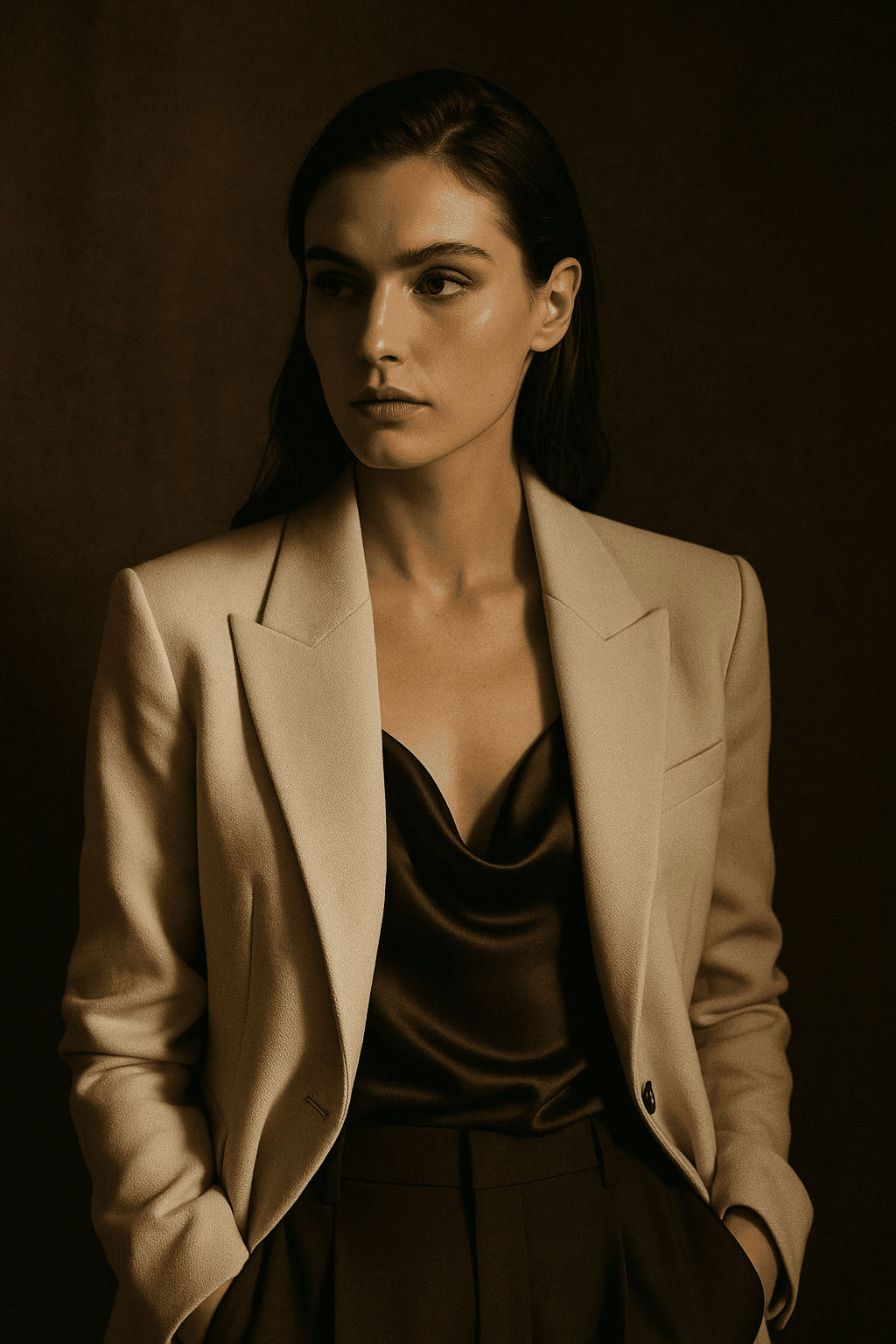
What LaFoto is built to make

The verdict
Choose Leonardo AI if you are producing volume — game assets, concept sheets, stylised characters — and want a free tier you can work in daily without a subscription decision.
Choose LaFoto if the output has to look like a photograph and you expect to fix details rather than regenerate. LaFoto is pre-launch, so Leonardo is the available choice today and this comparison describes design intent on our side.
Frequently asked questions
- Is Leonardo AI free?
- It has a genuinely usable free tier with daily renewing credits, which is more generous than most of the category. Exact allowances change, so check the current plan page rather than relying on a figure quoted elsewhere.
- Is Leonardo AI better than Midjourney?
- For volume asset work and consistent characters, many people prefer it. For pure aesthetic ceiling on a single image, Midjourney is still ahead. They optimise for different things rather than one being better.
- What is Leonardo AI best at?
- Game and concept art workflows — element models, consistent characters, and iterating on many assets quickly. That is a genuinely different strength from photographic realism.
- Does Leonardo AI do photo editing?
- It has canvas and in-app editing tools. The distinction worth checking is whether an edit preserves the untouched area exactly or regenerates the frame, because that decides how usable it is on a real photograph.
- Which is better for product photos?
- Product work needs the item to match what ships, which means editing around a real photograph rather than generating the product. Judge either tool on whether it supports masked editing on an uploaded image.
- Can I use Leonardo AI images commercially?
- Its paid tiers permit commercial use; free-tier terms have differed historically. Read the current terms before publishing, as with every tool in this category.
Sources
- 01Leonardo AI pricing and plans — Leonardo AI (accessed 2026-06-01)
- 02Leonardo AI feature overview — Leonardo AI (accessed 2026-06-01)
LaFoto and Leonardo AI side by side
- Leonardo’s focus
- Volume and asset production
- LaFoto’s focus
- Photographic control
- Leonardo strength
- Free tier, daily credits
- Audience
- Game and concept art
- Interface
- Many controls, more to learn
- Verdict
- Depends on what you produce
Volume against control
Built for people who need a hundred images, not one
Leonardo grew up around game and concept-art production, and the whole product reflects it: a generous free tier, credits that refill daily, saved model presets, and tooling aimed at producing a lot of related assets rather than one finished photograph.
If your week involves forty character variations, that shape is exactly right and a tool optimised for a single considered image will feel slow.

Decide by output shape
One image, or a hundred?
Volume is the requirement
Character sheets, environment concepts, item icons, variations on a theme — where the value is in the set rather than in any single frame.
Daily credits and preset management matter far more here than the last few per cent of photographic quality.
- The set is the deliverable.
- Credits and presets matter.
- Leonardo.
Quality is the requirement
A hero image, a product shot, a portrait — something that will be looked at on its own and judged as a photograph.
Prompt adherence and photographic detail decide this, not throughput.
- One frame, looked at closely.
- Photographic register is the test.
- A photography-first generator.
How much interface do you want?
Leonardo exposes a great deal, which rewards study and punishes casual use. A simpler surface gets a good result sooner and gives you fewer places to go wrong.
Neither is better in the abstract. It depends on whether this is your job or your afternoon.
- More dials, longer ramp.
- Fewer dials, faster start.
- Match it to how often you generate.
Leonardo questions
What people ask
Mostly about the free tier and whether volume or quality is the constraint.
Is the free tier really usable?
It is one of the more generous in the category and a genuine reason people choose it. Check current terms — credit policies move.
Is it better for game art?
It is built around that workflow, so for character sheets and environment concepts it fits the job more naturally.
Is it good at photorealism?
Capable, and not what the defaults are tuned toward. A photography-first model spends its capacity on skin, fabric and light instead.
Are there too many settings?
That depends on whether you want dials. Breadth of controls rewards study and slows down occasional use.
Can I use the output commercially?
Terms differ by plan and change. Read the current licence rather than a comparison page — including this one.
Which should I learn first?
Whichever matches what you produce most weeks. Prompt craft transfers between them; interface habits do not.
Keep exploring
Elsewhere on LaFoto
Whichever you pick, these are the concepts underneath.
- resize an image
- convert an image format
- shrink a file size
- image cropper
- image colour palette
- remove a background
- EXIF viewer
- build a prompt
- anime image style
- cartoon image style
- make pixel art
- the ranked comparison
- Midjourney alternative
- Leonardo AI alternative
- Ideogram alternative
- compared with Canva
- reproducing an image
- denoise strength explained
- what is inpainting
- guides and explainers
Start creating today
Generate your first image with the best AI image generator.
Turn a sentence into a finished, photorealistic image in seconds — then refine every detail. No setup, no Discord, no GPU.
Join 4,200+ creators using LaFoto