Free tool
AI Photo Prompt Generator — Better Prompts, Instantly
Turn a short idea into optimized AI image-generation prompts.
What this tool does
Want an AI photo prompt generator? Type a short idea and get several optimized, copy-ready prompts you can paste into any AI image generator - free and easy to use. You bring the concept; the tool turns it into prompts that are ready to produce a photo.
Not sure how to phrase a prompt to get the image you imagine? Just describe your concept in a few words, add an optional style if you have one in mind, and the tool returns multiple polished prompt variations. Each one expands your simple idea into clear, detailed wording designed to help an AI photo generator understand exactly what you want and produce a stronger result. It takes the guesswork out of prompt writing, which is often the hardest part of getting a good AI image.
Because you get several variations at once, you can compare different angles, moods, and levels of detail side by side, then pick the one that fits best - or try a few of them and see which gives you the image you want. This makes it easy to explore a concept from multiple directions without rewriting everything from scratch each time.
A quick note on privacy: this is the one tool here that is text-only. Your idea is processed on our server to craft the prompts, and no image is ever uploaded. That differs from our other tools, which run entirely in your browser, because this one works purely with the text you type rather than with a photo file. This prompt generator is also the one tool unique to LaFoto, built by the team behind our upcoming AI photo creation platform.
How to use it
How to generate AI photo prompts
- 01
Type your idea
Enter a short description of the photo or image you have in mind - a subject, a scene, or a concept.
- 02
Add an optional style
If you want a particular look, add a style such as cinematic, watercolor, or photorealistic. This step is optional.
- 03
Generate the prompts
The tool creates several optimized, copy-ready prompt variations based on your input.
- 04
Compare the variations
Read through the different prompts to find the wording that best matches your vision.
- 05
Copy your favorite
Copy the prompt you like with one click.
- 06
Paste it into an AI image generator
Use the prompt in any AI photo generator to create your image.
For AI photo creators
A great AI image starts with a great prompt. This generator helps you write that prompt, and it is built by the same team creating LaFoto - our upcoming AI photo generator.
When LaFoto launches, you will be able to take prompts like these and turn them directly into original photos. Generating from a prompt is free to start as soon as we go live.
Frequently asked questions
- What does the AI photo prompt generator do?
- You type a short idea and an optional style, and it returns several optimized, copy-ready prompt variations you can paste into any AI image generator.
- Is it free?
- Yes. Generating AI image prompts with this tool is free.
- Do I need to upload an image?
- No. This tool is text-only. You describe your idea in words - no image is uploaded at any point.
- Is my text private?
- Your idea is processed on our server to craft the prompts. Unlike our other tools, which run entirely in your browser, this one needs server-side processing because it works with text. No image is ever uploaded.
- Which AI image generators do the prompts work with?
- The prompts are written in plain, descriptive language, so you can paste them into any AI photo generator you use.
- Why do I get more than one prompt?
- Offering several variations lets you compare different moods, details, and phrasings so you can choose the one most likely to produce the image you want.
More free tools
AI prompt generator at a glance
- Runs in
- Server-side — this one calls a model
- Account
- Not required
- Cost
- Free
- Output
- A structured, editable prompt
- Retention
- Your input is not kept or trained on
- Works with
- Any image generator, not just LaFoto
Prompting as craft
A good prompt has an order, not just words
The reliable structure is subject, then setting, then light, then optics, then medium. Models weight earlier tokens more heavily, so burying the subject behind three clauses of mood is why an image comes back about the wrong thing.
Length past roughly fifty words rarely helps. Extra adjectives compete with each other and the model averages them, which is how very long prompts produce blander results than medium ones.
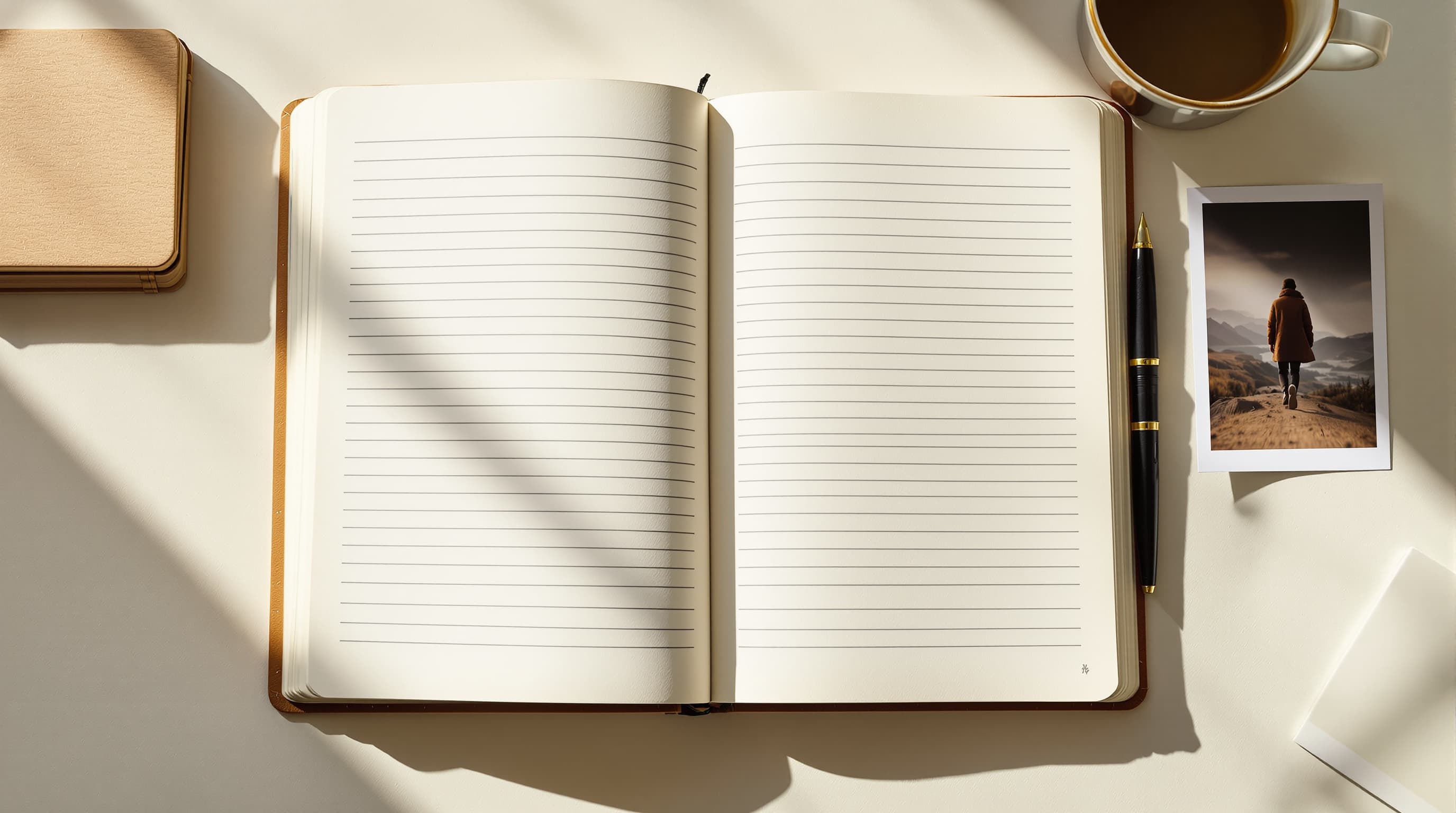
Three prompt shapes
What are you trying to generate?
Prompting in optical terms
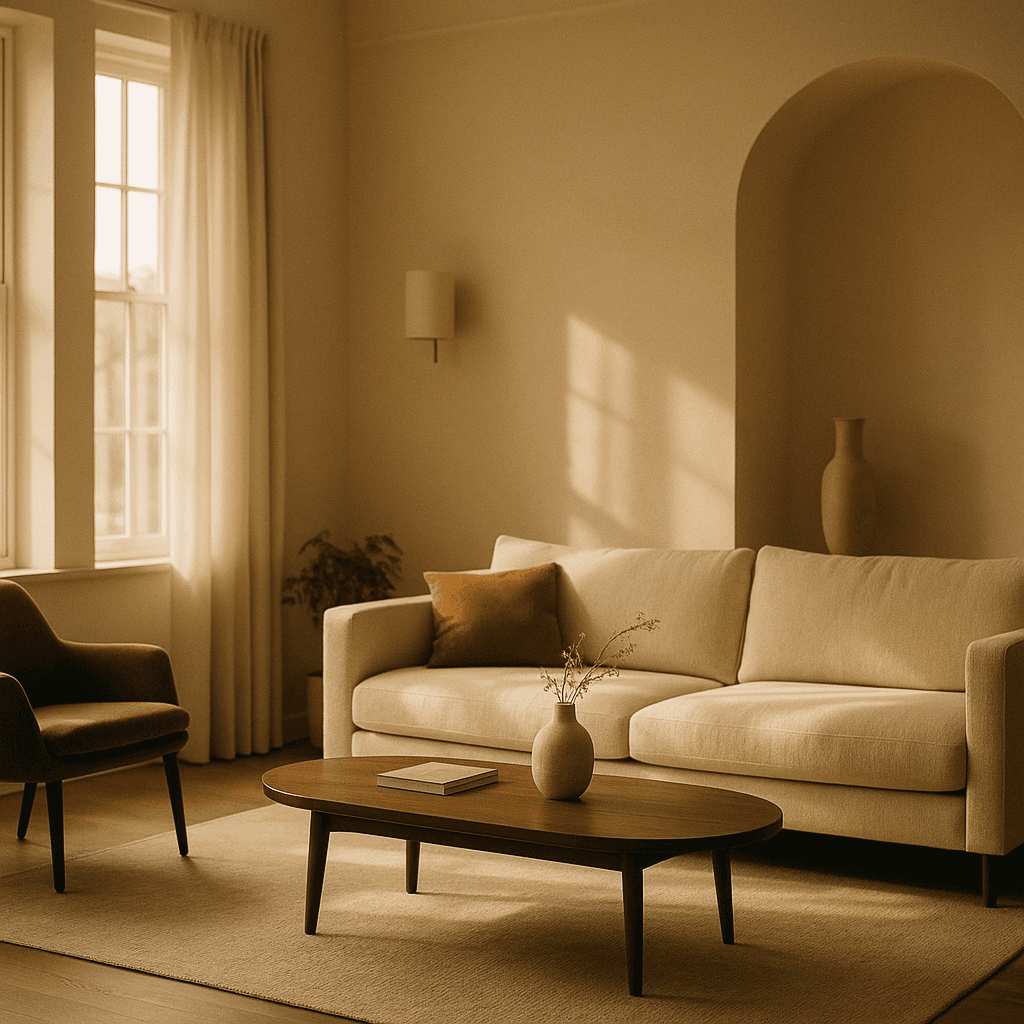
Photographic realism responds to camera vocabulary. Name a focal length and the framing follows; name an aperture and the depth of field follows; name a film stock and the colour response follows.
Add the light explicitly. Direction, quality and colour temperature do more for realism than any amount of "photorealistic, 8k, highly detailed".
- 35mm for context, 85mm for portraits, 200mm for compression.
- Name the light direction, not just its presence.
- Ask for visible skin texture or the result goes waxy.
Prompting in material terms
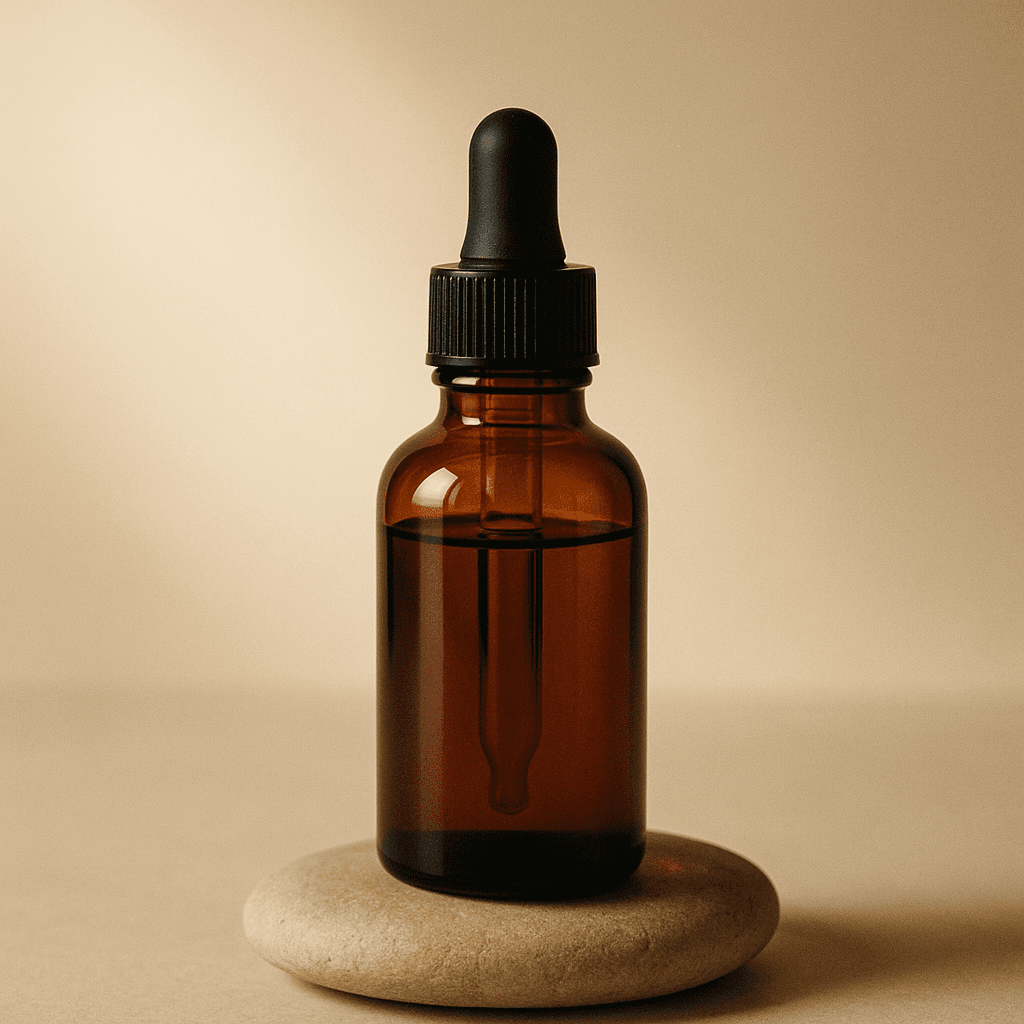
Illustration ignores optics entirely — a gouache painting has no aperture. What works instead is medium and mark-making: the surface, the tool, how the pigment behaves.
Palette is the strongest single lever. Naming three colours and their roles produces coherent work where naming a mood produces whatever the model associates with that word.
- Name the medium and the surface it sits on.
- Fix a palette by role: dominant, secondary, accent.
- State whether the image is flat and graphic or deep.
Changing one thing deliberately
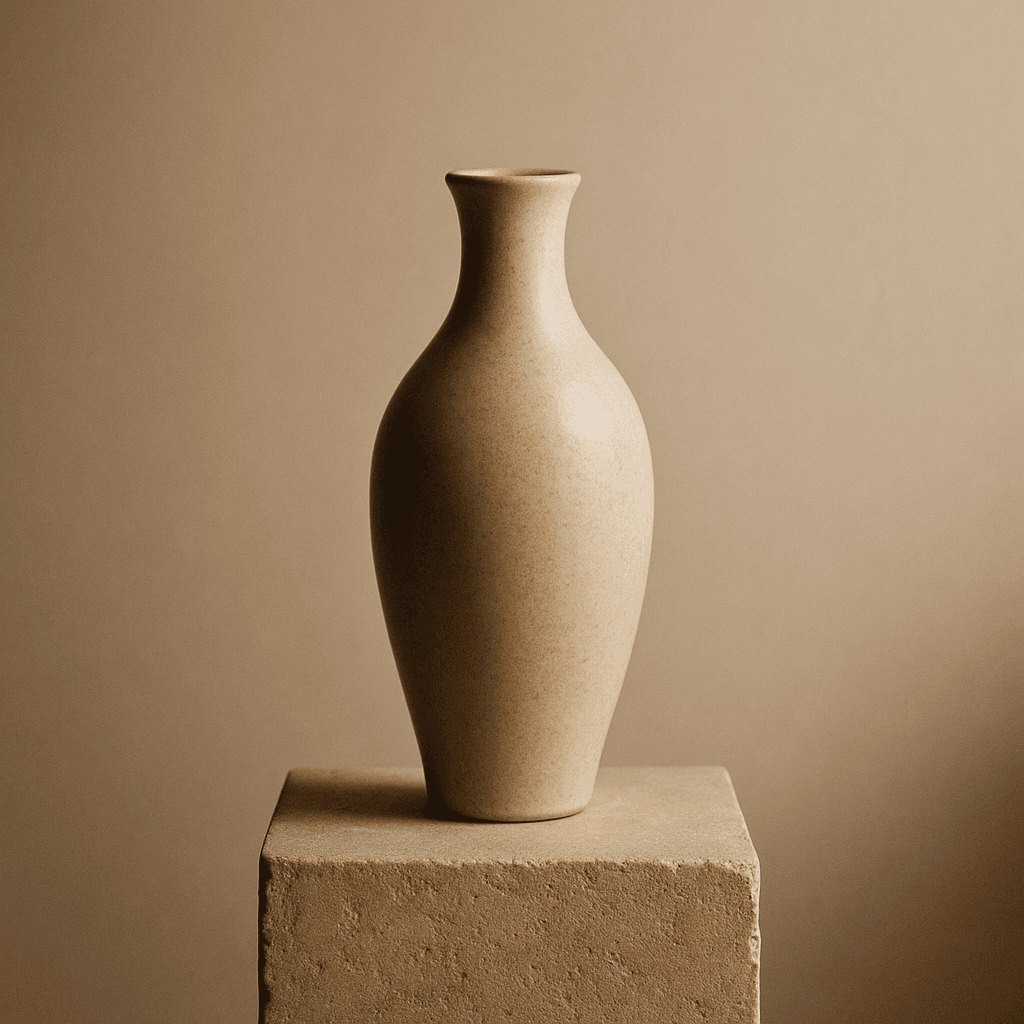
When you have a result that is nearly right, the mistake is rewriting the prompt. Fix the seed and change one clause, so the difference you see is caused by the word you changed.
Sweeping a single variable across three or four values teaches you more in a minute than an hour of rephrasing, because it isolates cause from noise.
- Fix the seed before changing anything.
- Change one clause at a time, never two.
- Keep a note of the seed with every result worth repeating.
Prompting problems
What the prompt generator helps with
The failures that come up constantly, and what causes each.
The image ignored half my prompt
Too many competing clauses. Models weight earlier tokens more, so cut to one subject, one setting and one light rather than listing everything you want.
Everything comes out looking the same
The prompt is probably all mood and no material. Swap the feeling words for physical ones and the outputs separate immediately.
Text in the image is gibberish
Most image models learn text as texture rather than symbols. Lettering needs a text-capable model, which is a routing decision rather than a prompt fix.
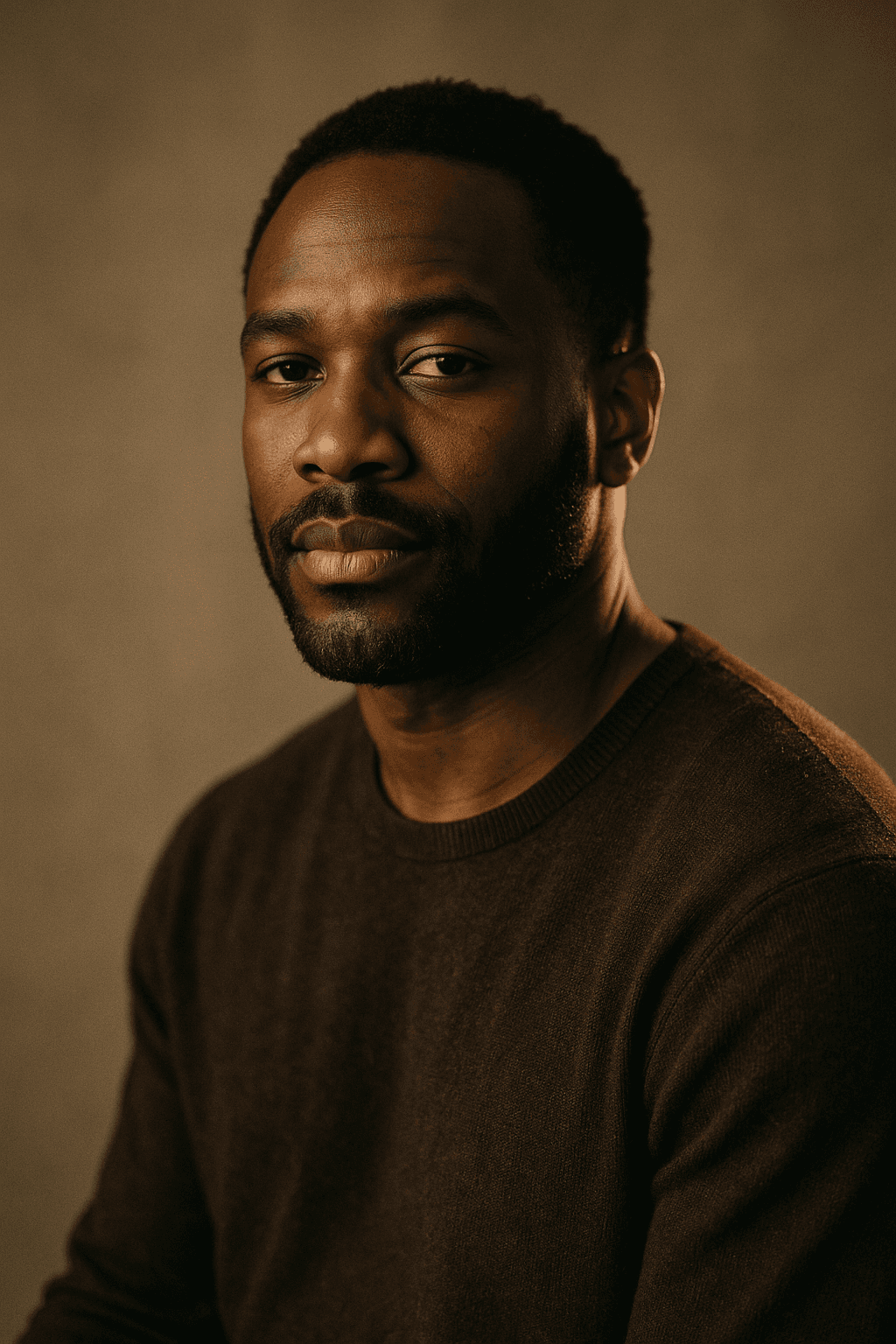
Faces look plastic
Ask explicitly for visible skin texture, pores and fine lines. Most models are tuned toward flattering skin and will smooth by default.
I cannot reproduce a result I liked
Without the seed you cannot. Record the seed alongside the prompt for anything you may want to return to.
Put a prompt to work
Where to use the prompt you just built
Generate from it
Every generator the prompt will work in
Prompt structure is portable — these are LaFoto's surfaces for it.
- free image resizer
- JPG, PNG and WebP
- shrink a file size
- image cropper
- colour picker from image
- background remover
- EXIF viewer
- build a prompt
- anime image style
- cartoon AI generator
- make pixel art
- best AI image generators
- LaFoto vs Midjourney
- Leonardo AI alternative
- Ideogram alternative
- Canva alternative for images
- seeds explained
- denoise strength explained
- editing inside a mask
- guides and explainers
Start creating today
Generate your first image with the best AI image generator.
Turn a sentence into a finished, photorealistic image in seconds — then refine every detail. No setup, no Discord, no GPU.
Join 4,200+ creators using LaFoto