AI Product Photos
AI Product Photos: catalogue-ready shots without a shoot
Start free — no credit card.
Product photography without the studio
Good product photography is expensive and slow: studios, lighting, props, and reshoots whenever something changes. For an online store with a large or seasonal catalogue, that overhead adds up fast.
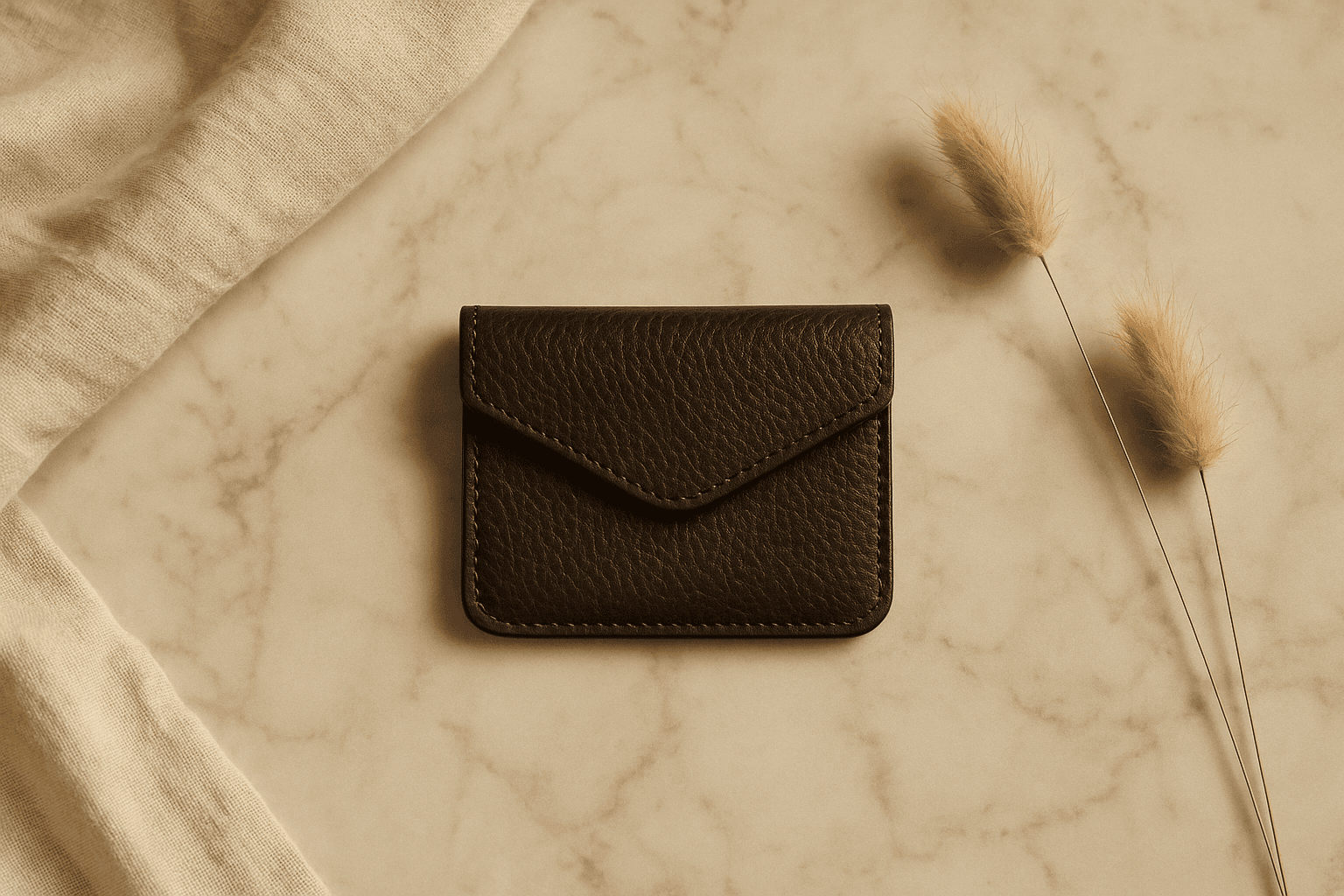
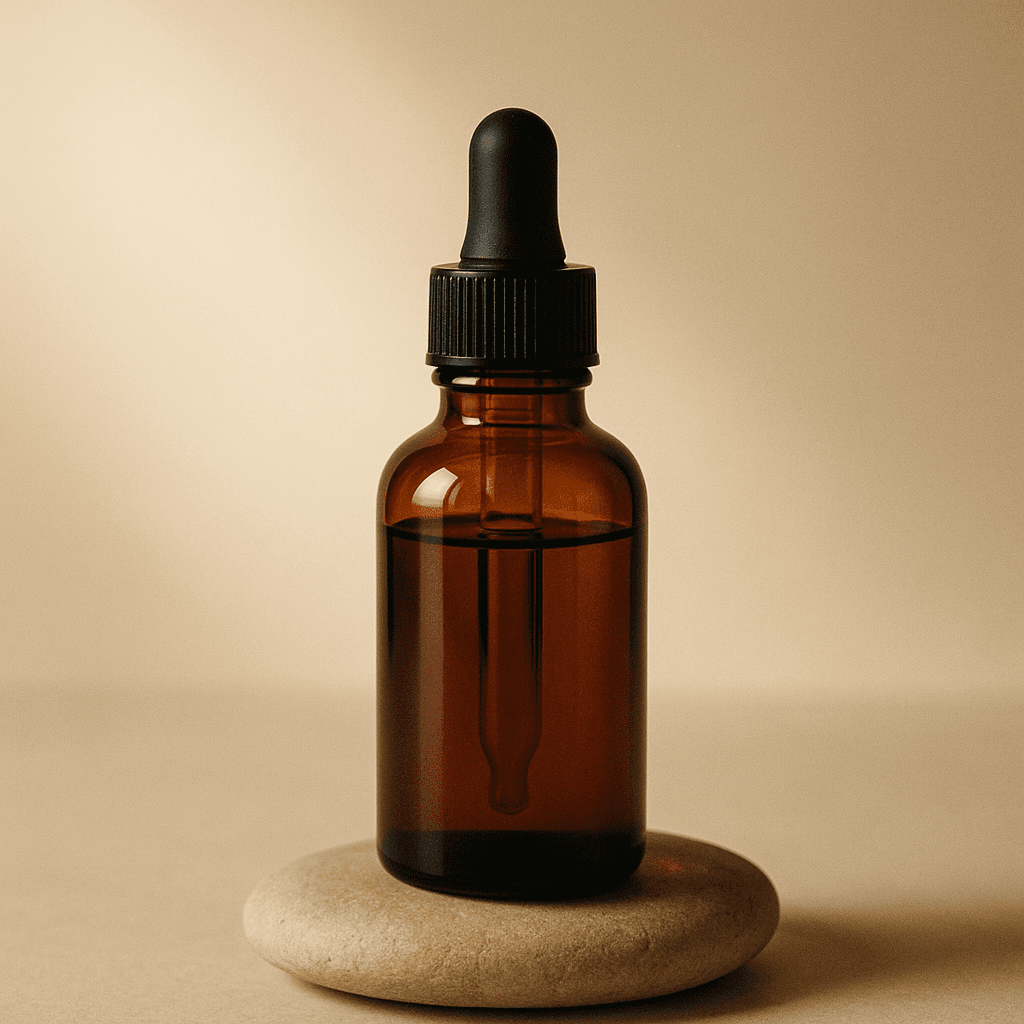
AI product photos change the economics. You describe the setting — a clean white background, a marble surface, a lifestyle scene — and generate consistent shots on demand. LaFoto is designed to make catalogue-ready imagery approachable, so you can keep product pages fresh without booking a shoot every time.
Keeping it accurate and honest
Product imagery carries a duty to represent the real item. Use AI product photos for clean backgrounds, lifestyle context, and presentation — while making sure the depicted product matches what customers actually receive in color, shape, and material.
Where exact fidelity matters, combine generation with editing: start from a real product photo and use AI editing to change the background or setting, rather than inventing the product itself. That keeps your store both efficient and trustworthy.
What is product photography, and where does AI fit?
Product photography is the discipline of photographing an item so a buyer can judge it without holding it — which means accurate colour, readable texture, a sense of scale and no distracting context. A traditional product photography setup is a light tent or a sweep, two diffused sources, a tripod and a grey card for white balance. None of that changes because a model is involved.
What AI changes is the middle of the process, not the ends. You still need an accurate photograph of the actual item. What you no longer need is a separate shoot for every background, season and marketing angle — those become edits of the same source frame.
How to shoot product photography for ecommerce, with AI after
Ecommerce product photography trends in 2026 point one way: fewer businesses book product photography services for every variant, and more shoot once and generate the rest. That is most of how to do product photography now. Shoot cleanly: the product square-on and at three-quarters, evenly lit, on a plain surface, in focus front to back. That single accurate capture is the asset everything else derives from, and no amount of generation compensates for getting it wrong.
Then generate around it. Replace the background for a marketplace listing that demands pure white, place the same shot on a marble counter for your own storefront, and extend the frame to whatever aspect ratio each channel wants. Because the product pixels are the original photograph, the listing still shows what actually ships — which is what every marketplace policy is really asking for.
How it works
AI Product Photos
- 01
Set the scene
Describe the background and setting — on-white, a surface, or a lifestyle scene — for your product.
- 02
Generate variations
LaFoto is designed to produce consistent shots across angles and settings so a catalogue stays cohesive.
- 03
Refine for accuracy
Edit details so the product matches the real item, then export for product pages and ads.
What people use the ai product photos for
Product detail pages
Fill PDPs with clean, consistent imagery across your catalogue.
Lifestyle context
Show a product in a real-world setting to help shoppers picture it in use.
Seasonal refreshes
Swap backgrounds and settings for holidays and campaigns without a reshoot.
Ads & social
Generate on-brand product creative for marketing and social channels.
Frequently asked questions
- What are AI product photos?
- AI product photos are product images created with AI — clean catalogue shots, lifestyle scenes, and variations — without a studio shoot. They use an AI image generator to place a product in different settings and lighting.
- Can AI product photos look professional?
- That is the goal. LaFoto is being built to produce clean, catalogue-ready product imagery with consistent backgrounds and lighting suitable for ecommerce product pages and ads.
- How do I keep the product accurate?
- For exact fidelity, start from a real product photo and use AI editing to change the background or setting rather than inventing the product. Always make sure the depicted item matches what customers receive in color, shape, and material.
- Is this an AI image generator or an editor?
- Both — and they work together. You can generate product scenes from a prompt and refine them with editing, or start from a real photo and edit only the background. LaFoto is designed to support either path.
- When can I use it for my store?
- LaFoto is pre-launch and launching in 2026. Product photo generation is free to start at launch, with no credit card.
- Can I generate photos of my actual product?
- Start from a real photograph and change the background or setting around it. Generating the product itself from a description produces something that resembles it rather than matches it, and a listing image must match what ships.
- What background works best for e-commerce product photos?
- Pure white for marketplace listings, because most require it and it composites cleanly. Contextual scenes convert better on your own storefront where the rules are yours. Generating both from one source shot costs nothing extra.
- Do marketplaces allow AI-generated product images?
- Policies vary and are tightening, and the common thread is accuracy rather than technique: the image must represent the actual item. Editing the background around a real product photo sits comfortably inside every policy we have read.
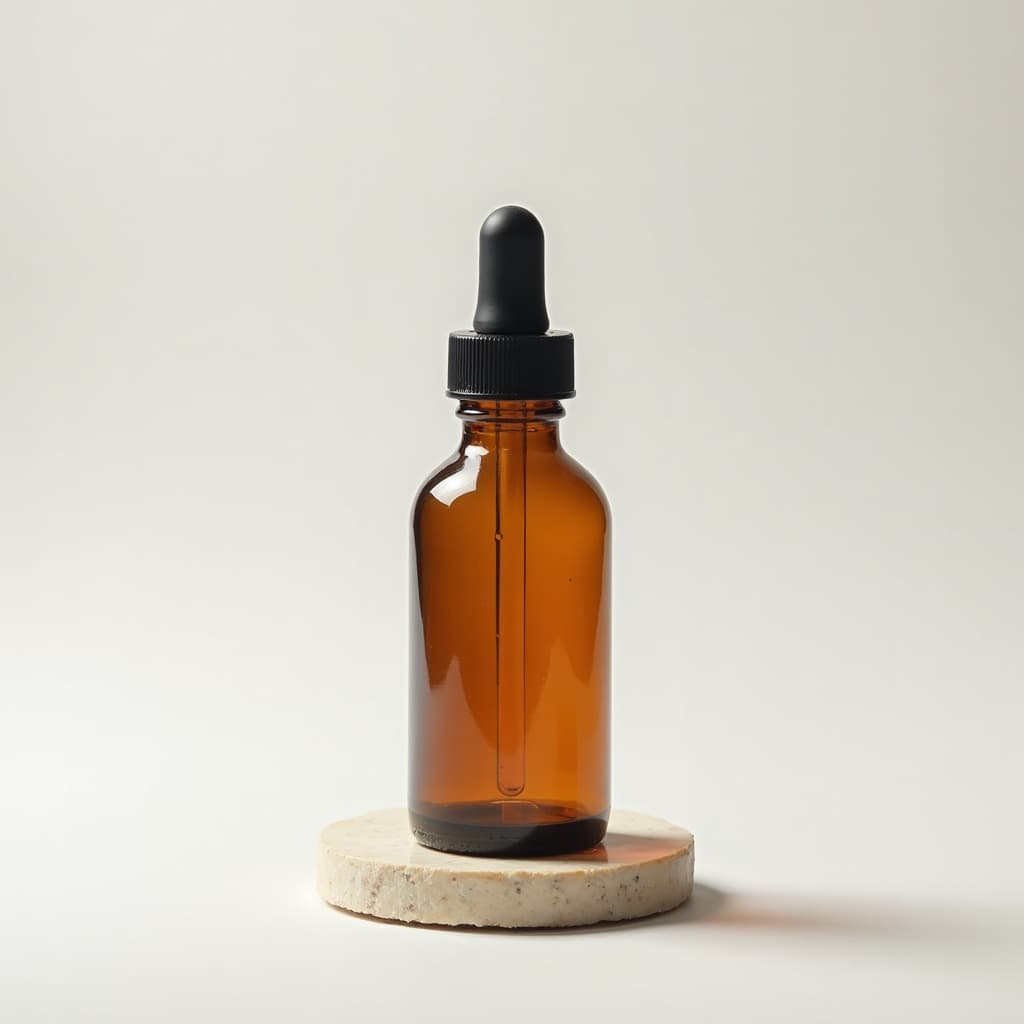
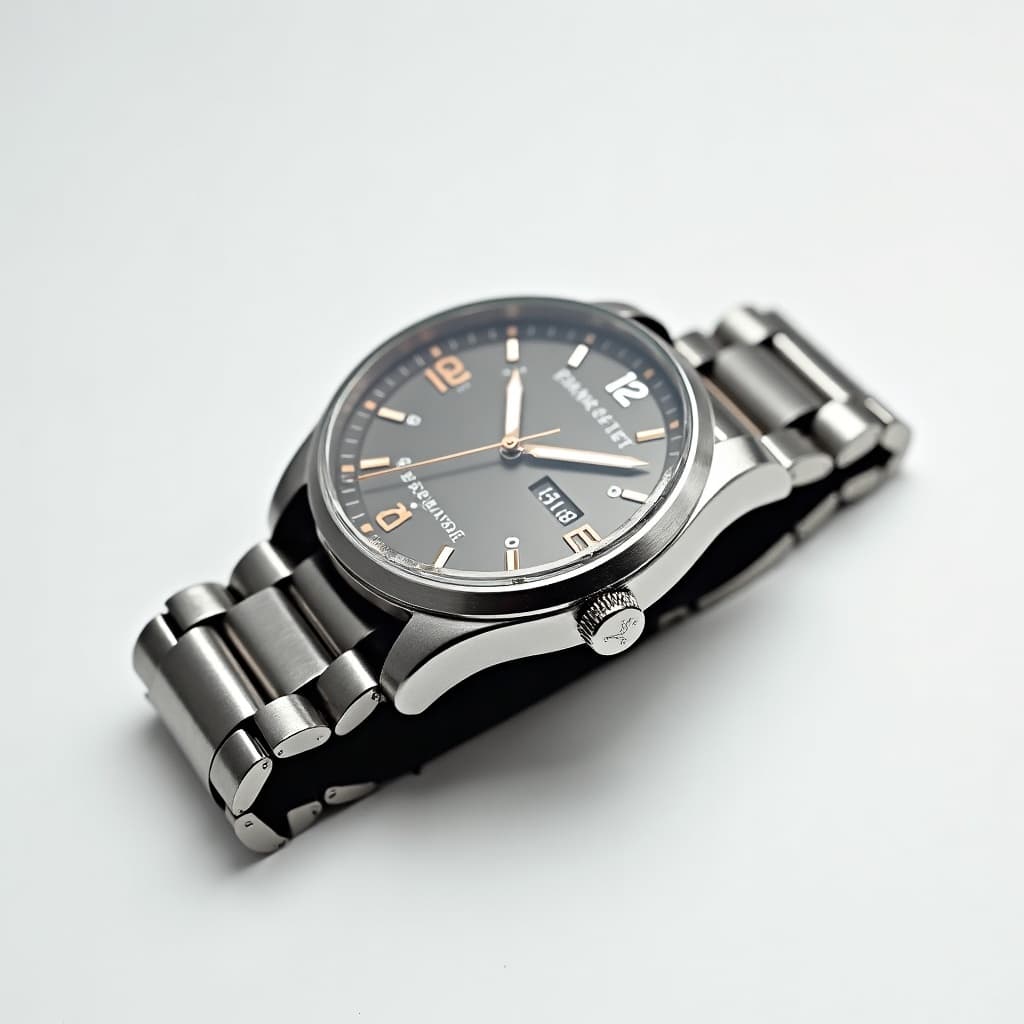
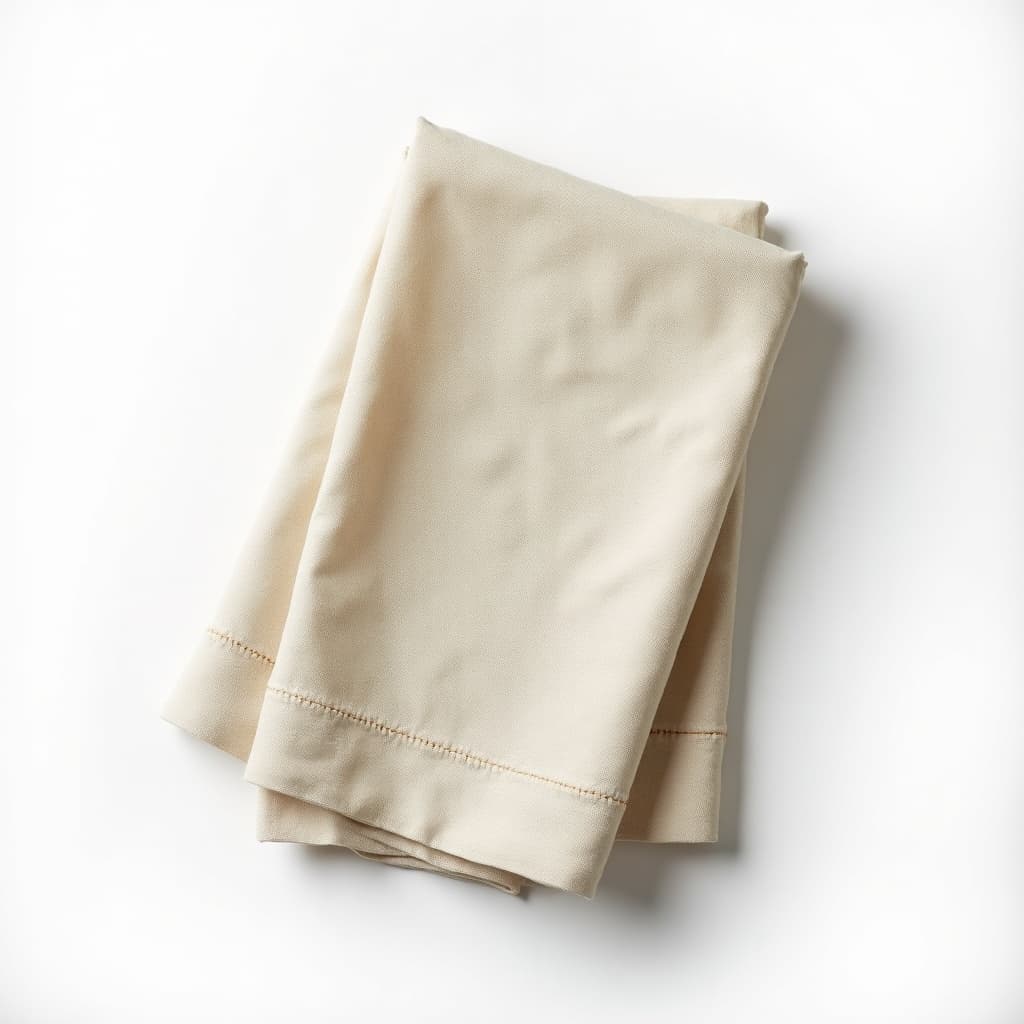
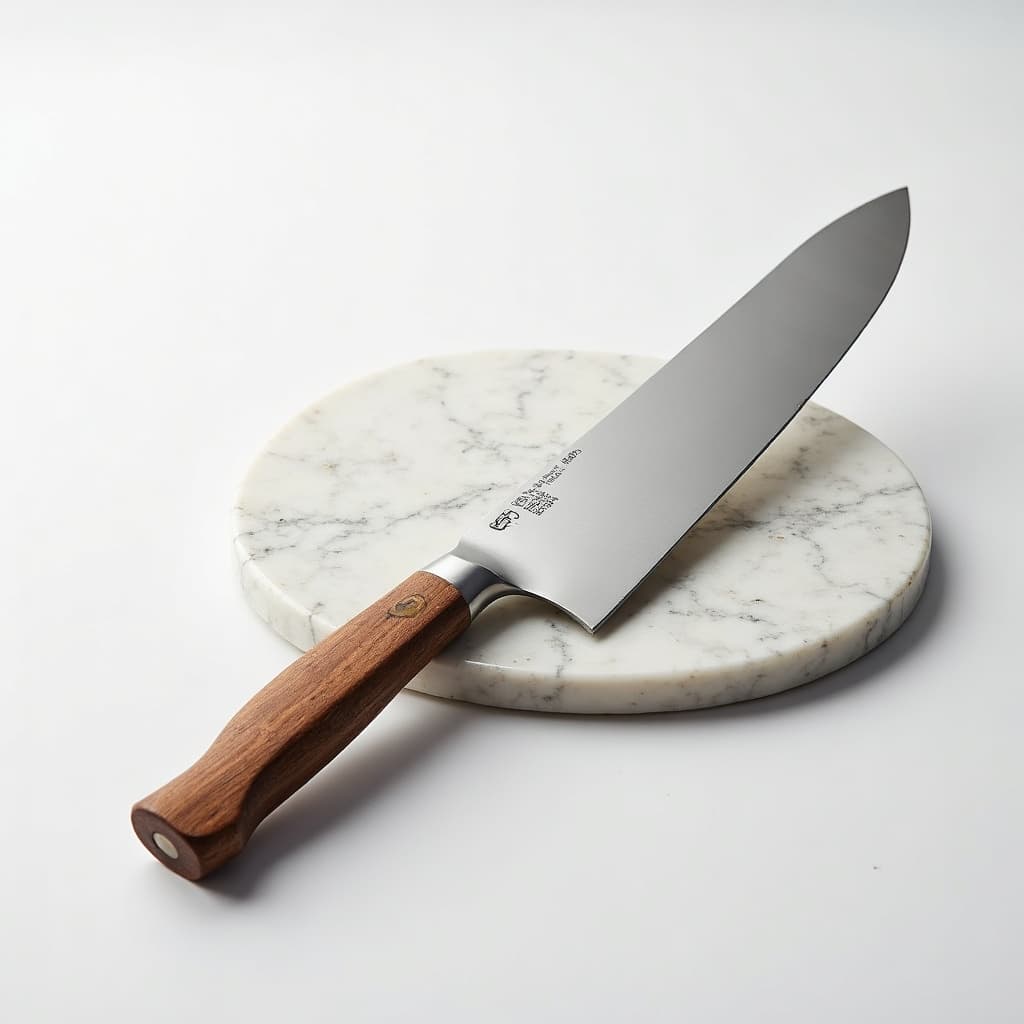
AI Product Photos in the gallery
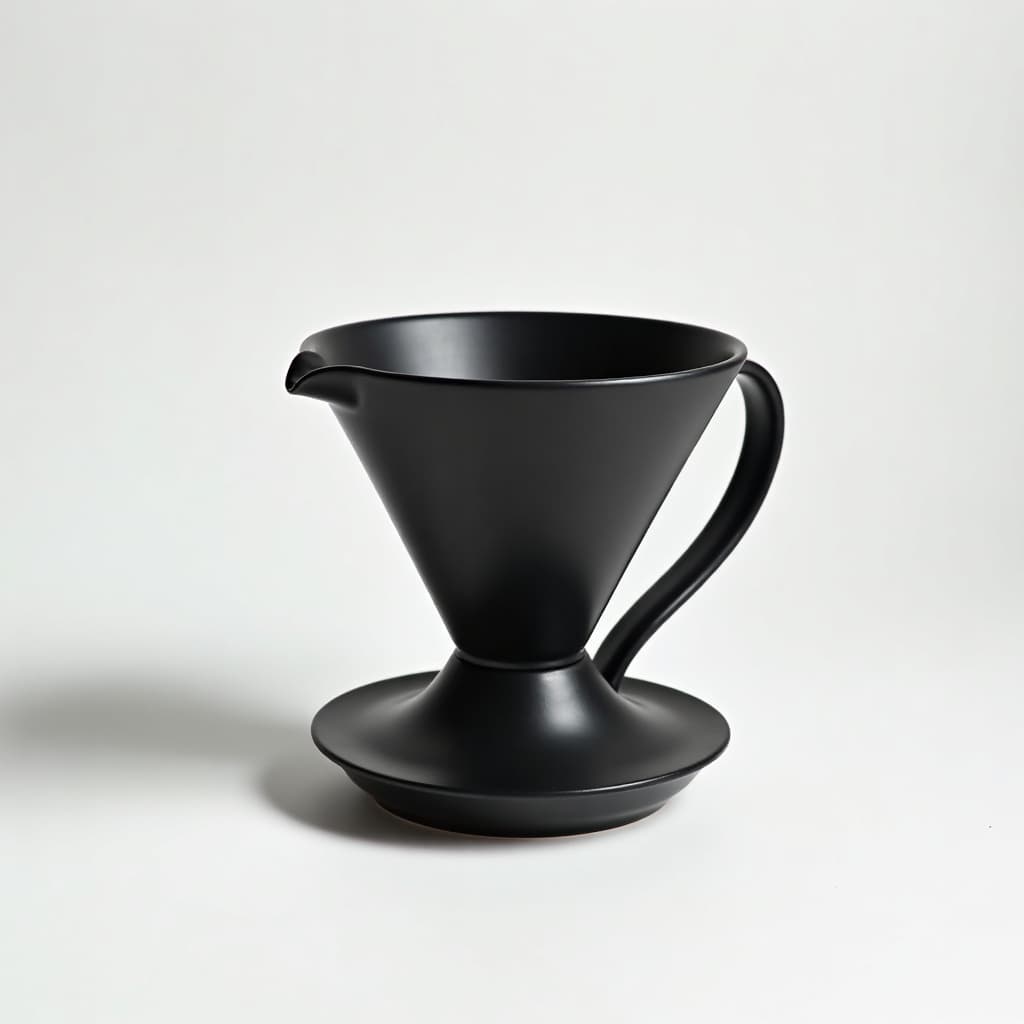
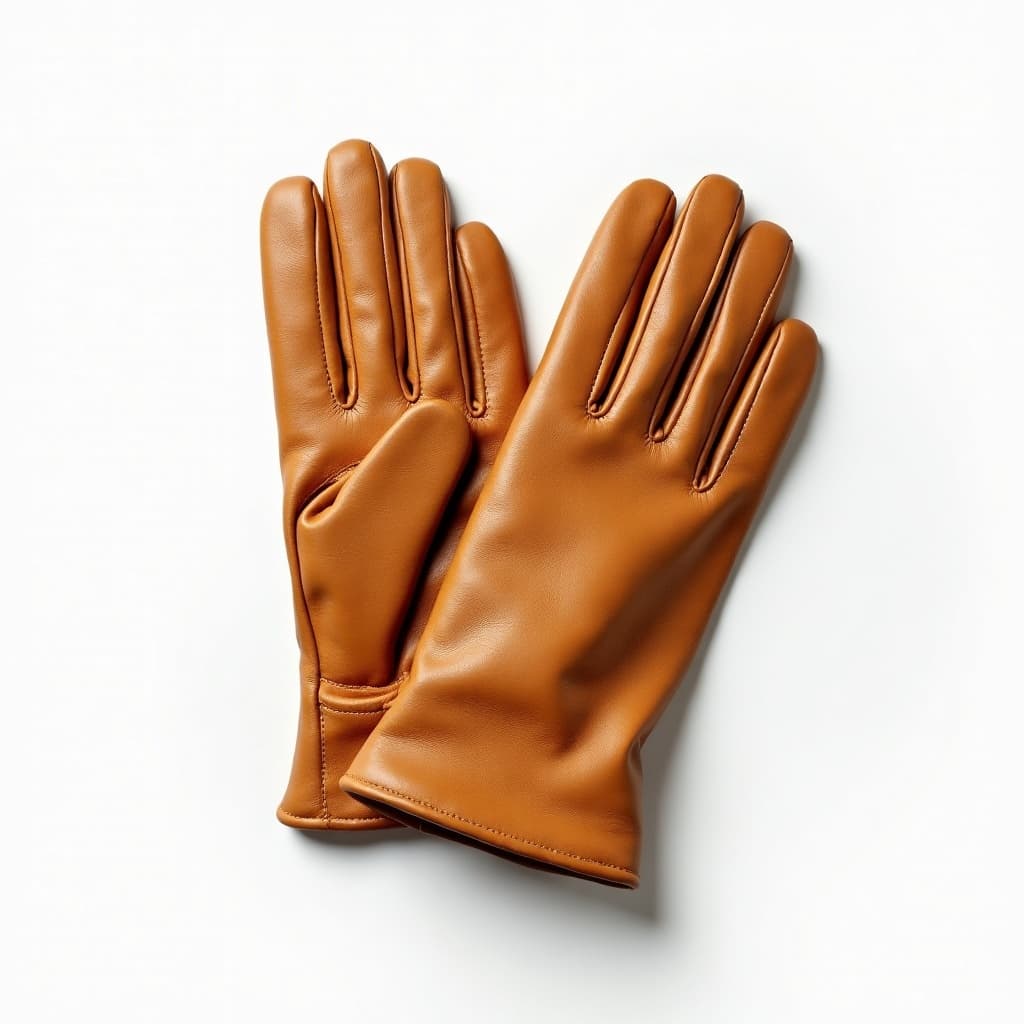
Real prompts, models and seeds — open any to see how it was made.
AI product photos at a glance
- Best method
- Edit around a real product photograph
- Backgrounds
- White sweep, contextual scene, or extended
- Accuracy
- The item must match what ships
- Watermark
- None on the download
- Marketplace rules
- Vary — accuracy is the common thread
- Free tier
- Yes
In practice
Shoot once accurately, then generate everything around it
The product pixels have to be real. A listing image is a representation of a specific object a customer will receive, and a generated approximation of your product is the one thing no amount of image quality excuses.
What generation replaces is the rest: the background, the surface, the props, the season, the aspect ratio. One accurate capture becomes twenty contexts without twenty shoots, and the item in every one of them is genuinely the item.
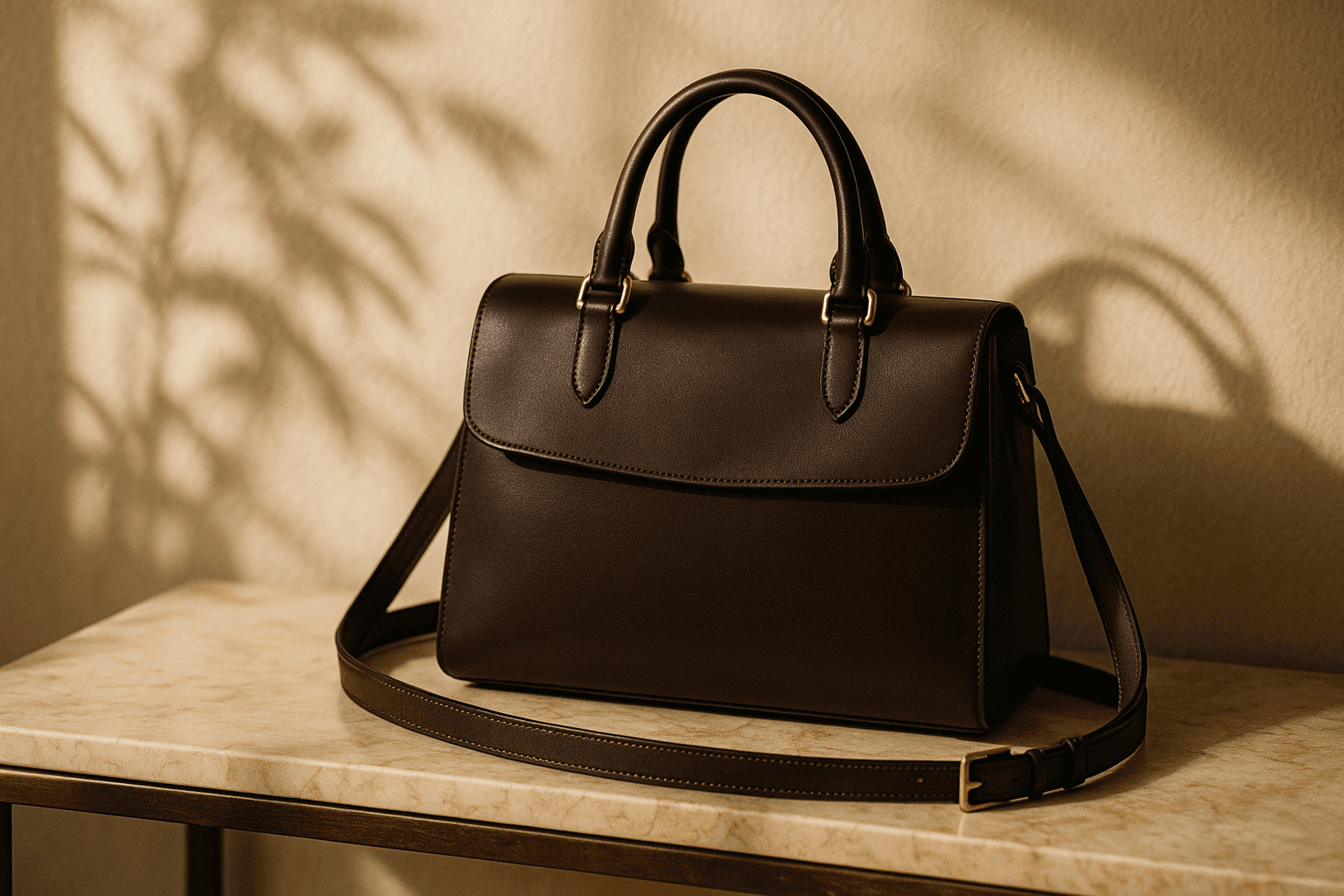
Three ways in
What does the listing need?
Pure white, strict rules
Most marketplaces require a pure white background and reject anything else, along with minimum pixel dimensions. This is the least creative and most rule-bound case.
- Check both minimum size and background rules.
- Keep or rebuild a natural contact shadow.
- Accuracy is a policy requirement, not a preference.

Context and lifestyle
On your own site the rules are yours, and contextual scenes convert better than cutouts. This is where generation earns its keep.
- Match the scene to the customer, not the product.
- Keep light direction consistent across a range.
- Generate several aspect ratios from one source.
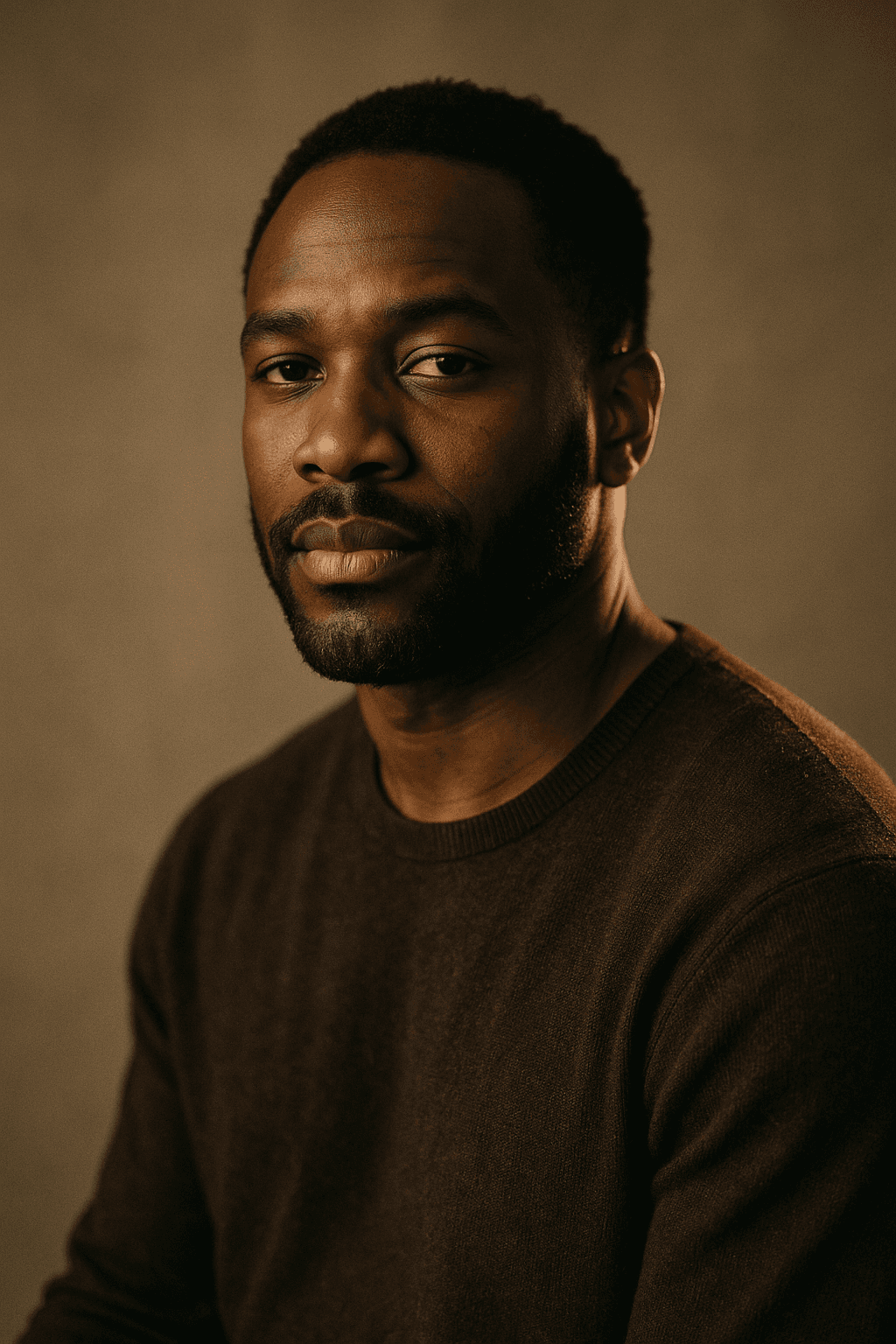
Aspect ratios and variants
Ad platforms want many crops of the same asset. Extending the frame beats cropping into it when the product is tightly framed.
- Outpaint rather than crop for wide formats.
- Leave clear space for copy overlays.
- Test the same product in several contexts.
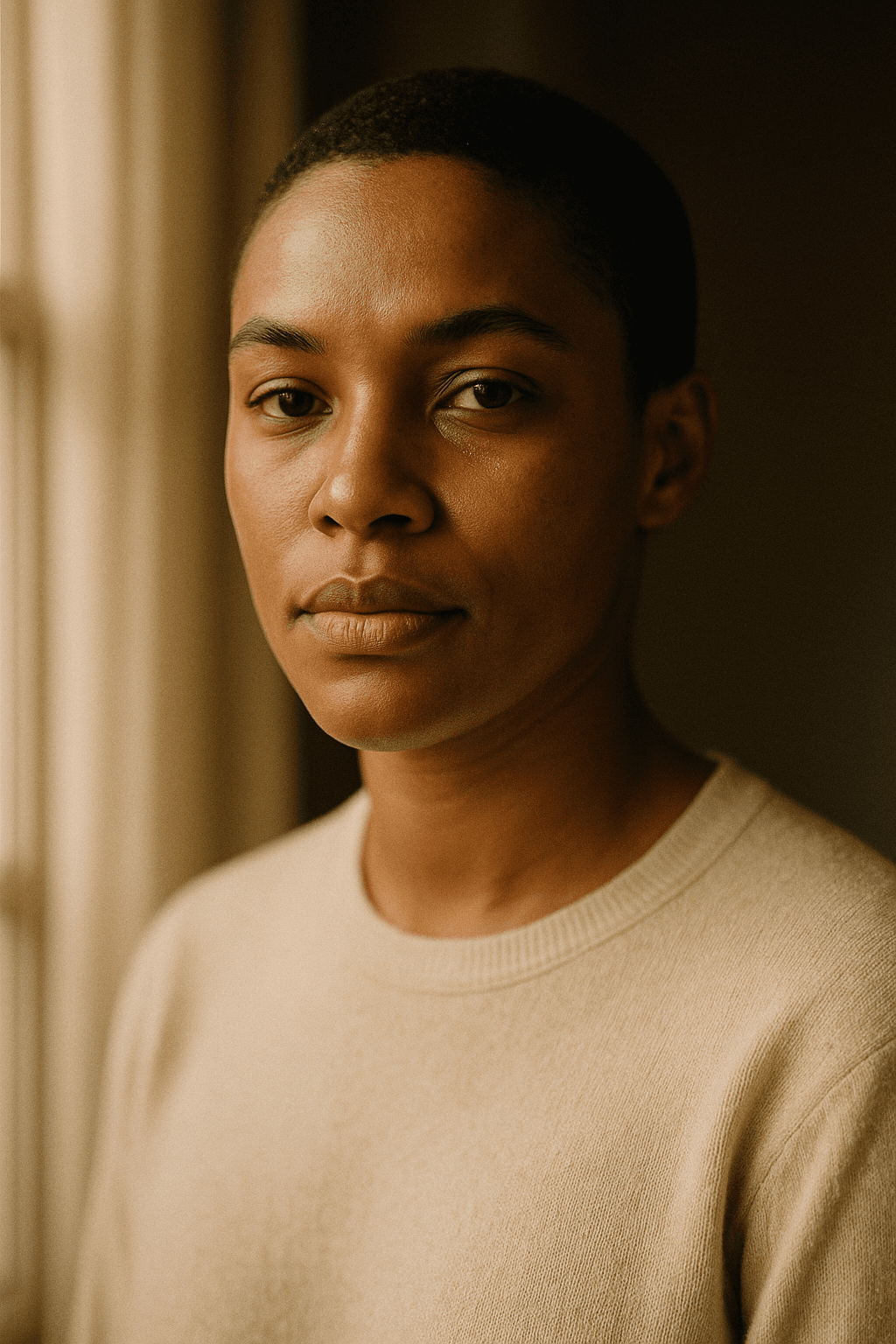
Detail
What product photo work handles
The rules and the practical limits.
Whether marketplaces allow AI images
Policies vary and are tightening, and the common thread is accuracy rather than technique. Editing around a real photograph sits inside every policy we have read.
Generating the product itself
Produces something that resembles your product rather than matches it. For a listing that is the difference between a sale and a return.
Keeping colour accurate
Shoot against a grey card and verify the render against the physical item. Background changes shift perceived colour.
Products with text or logos
Do not regenerate them. Symbolic content comes back subtly wrong; mask around it instead.
Reflective and transparent products
Glass and chrome are the hardest cases because they show the background. A background change means the reflections must change too.
Keep exploring
Every generator around product work
Commerce is one use. These cover the others.
- resize an image
- convert an image format
- compress an image
- image cropper
- image colour palette
- remove a background
- read photo metadata
- build a prompt
- anime image style
- cartoon image style
- pixel art style
- best AI image generators
- LaFoto vs Midjourney
- LaFoto vs Leonardo AI
- Ideogram alternative
- LaFoto vs Canva
- reproducing an image
- denoise strength explained
- inpainting explained
- guides and explainers
AI Product Photos at a glance
- Runs in
- Your browser — nothing to install
- Account
- Not required to start
- Watermark
- None on the download
- Output
- PNG, JPEG or WebP
- Commercial use
- Permitted under plain-language terms
- Training
- Your images are never added to a training set
Keep exploring
Tools that work with the ai product photos
Every one runs on the same engine, so a result moves between them without re-uploading.
Start creating today
Generate your first image with the best AI image generator.
Turn a sentence into a finished, photorealistic image in seconds — then refine every detail. No setup, no Discord, no GPU.
Join 4,200+ creators using LaFoto