Cartoon Style
Cartoonize a Picture: turn a photo into a cartoon that still looks like you
Start free — no credit card.
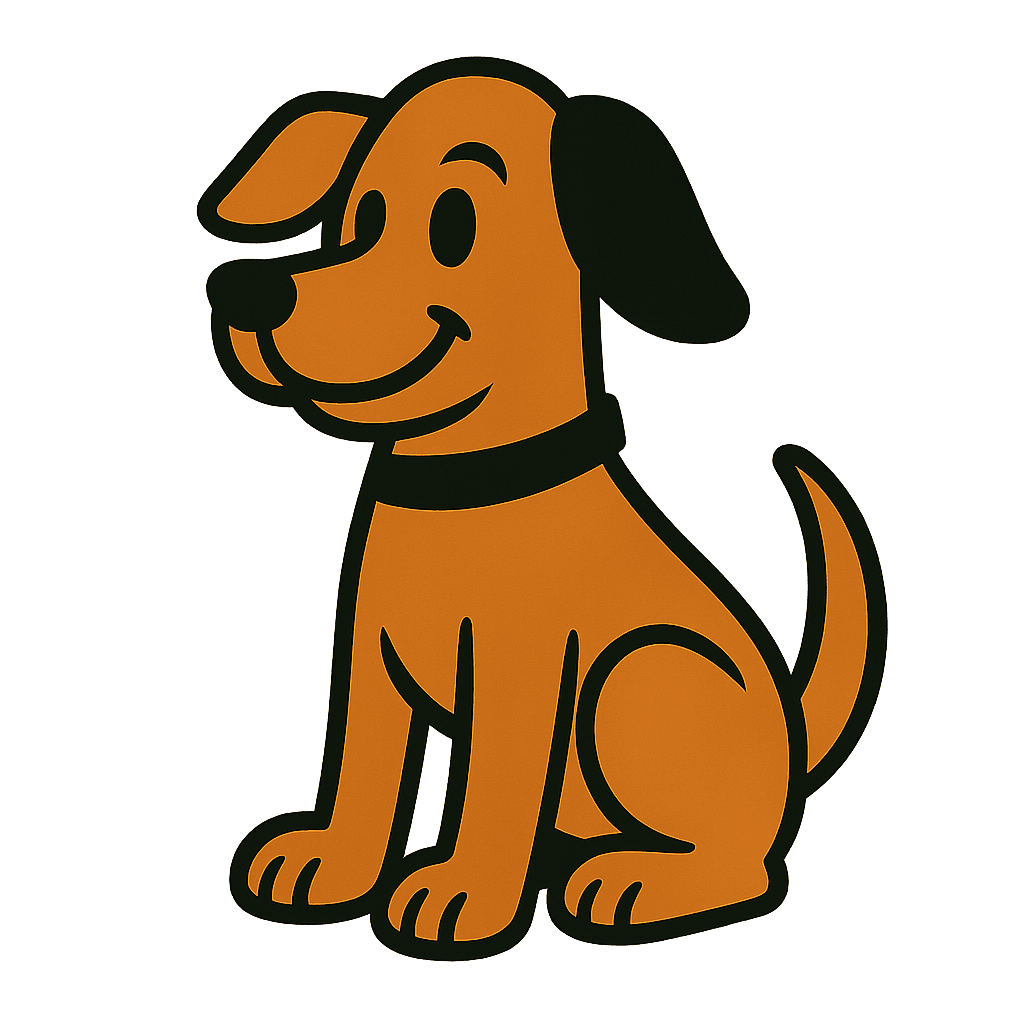
Why most cartoon filters lose the person
A cartoon simplifies. Simplification removes information, and the information that identifies a specific face is mostly subtle: the exact distance between the eyes, the asymmetry of the mouth, the particular way a nose meets the cheek. A filter that flattens uniformly deletes precisely those cues and keeps the generic ones.
Caricaturists solve this by inverting the process — they exaggerate the distinguishing features and simplify everything else. That is why a good caricature is more recognisable than a photograph at small size, and why "cartoonize" done well means selective, not uniform, stylisation.
Cartoon yourself: how far to push it
When people say they want to cartoon yourself or turn yourself into a cartoon, they usually mean one of three quite different results. Light stylisation keeps photographic proportion and adds line and flattened colour — this is the safest for profile pictures where being recognised matters. Mid stylisation moves proportion toward cartoon convention while keeping the distinguishing features, which is the classic illustrated-avatar look.
Full caricature exaggerates deliberately and is the most fun and the least safe; it works when the subject is in on it. Pick the level before prompting, because these are genuinely different outputs rather than points on one slider.
Cartoon traditions worth naming
Saturday-morning flat colour, thick uniform outline, limited palette. Newspaper comic strip: sparse line, halftone dots, lots of white. Mid-century UPA: geometric shapes, flat perspective, restricted colour. Modern vector: no outline at all, shape-defined edges, bold gradients.
These are distinct visual languages and naming one produces a far more coherent image than asking for "a cartoon", which averages across all of them.
How it works
Cartoonize a Picture
- 01
Start from a clear, front-lit photo
Cartoonization amplifies whatever the lighting did. Hard side light becomes a hard shape and reads as a mistake in flat colour.
- 02
Choose the level, then the tradition
Light, mid or full caricature first; then Saturday-morning, comic strip, UPA or modern vector. These two choices decide the result.
- 03
Check likeness at thumbnail size
Shrink it to avatar size. If you can still tell who it is, the stylisation kept the right features.
What people use the cartoon style for
Profile pictures
An avatar that is recognisably you without using an actual photograph of your face.
Team pages
A consistent illustrated look across a whole team, from photographs taken in wildly different conditions.
Gifts and prints
Cartoon portraits of people or pets, at print resolution.
Stickers and reactions
Expression sets built from one source photograph.
Frequently asked questions
- How do I cartoonize a picture?
- Upload a clear, front-lit photograph, choose how far to push the stylisation, and name a cartoon tradition — flat Saturday-morning, comic-strip halftone, UPA geometry or modern vector. The tradition matters more than the word "cartoon".
- Why does the cartoon not look like me?
- Because uniform simplification deletes exactly the cues that identify a face — eye spacing, mouth asymmetry, the way the nose meets the cheek. Good cartoonization exaggerates distinguishing features and simplifies the rest, the way a caricaturist does.
- Is it free to turn a photo into a cartoon?
- Yes, the standard path is free with no watermark on the download. Print-resolution output and batches sit in the paid tier.
- What photo works best?
- Front-lit, in focus, with the whole face visible and no heavy shadow across it. Cartoonization amplifies the original lighting, so a hard side-light becomes a hard flat shape that reads as an error.
- Can I cartoonize a photo of my pet?
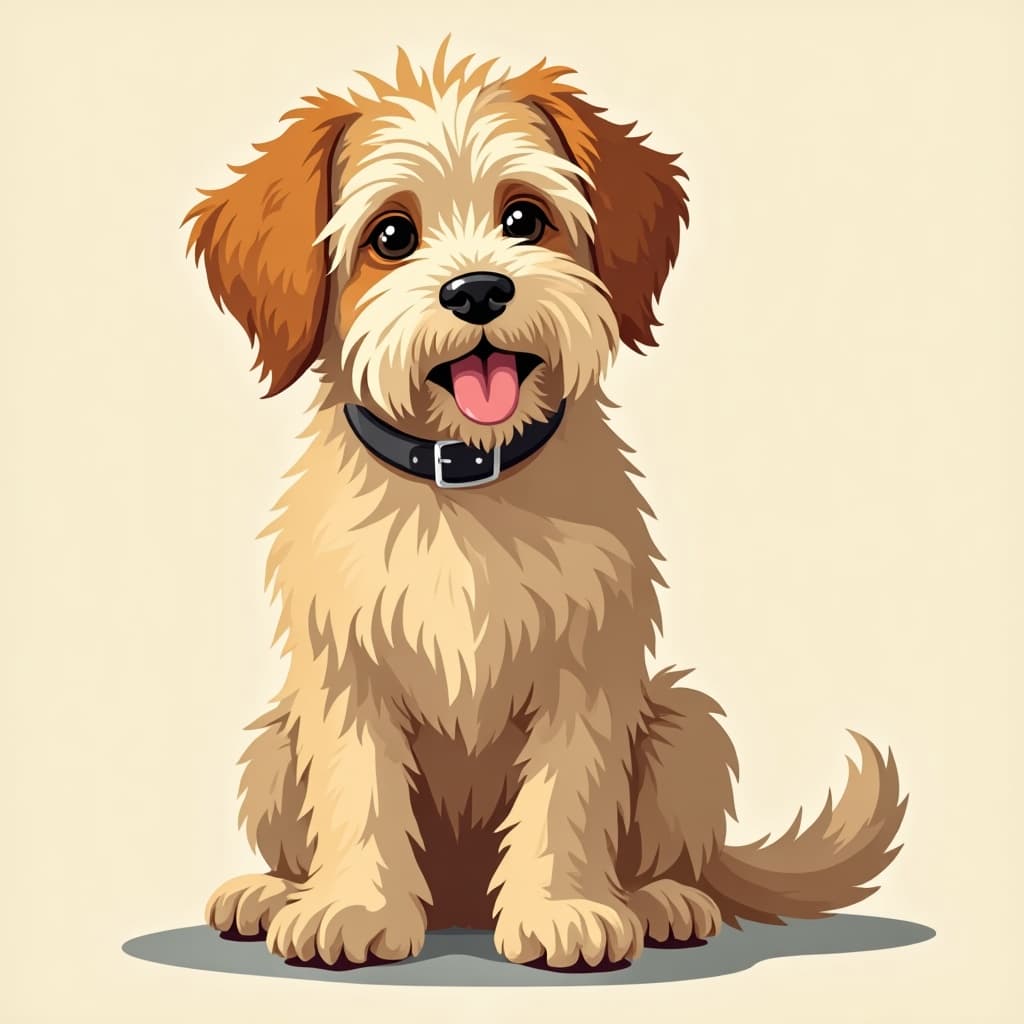
- Yes. Animals often work better than people, because likeness tolerance is wider — the features that identify a specific dog are coarser than the ones that identify a specific person.
- What is the difference between cartoon and anime style?
- They are separate traditions. Anime uses cel shading with a hard shadow terminator and specific proportion conventions; Western cartoon traditions use uniform outlines and flat fills with different proportion rules. Prompting one gets you a distinctly different image from the other.
- Can I use a cartoon portrait commercially?
- Yes under the licence — but if it depicts a real, identifiable person you also need that person's permission, which is a separate question from image rights and one no tool can grant you.
- Will it work on a group photo?
- It works, but quality drops per face as the faces get smaller in frame. For a group, cartoonizing each person from a separate crop and composing afterwards gives a much better result.
Keep exploring
More from LaFoto
Cartoon Style in the gallery
Real prompts, models and seeds — open any to see how it was made.
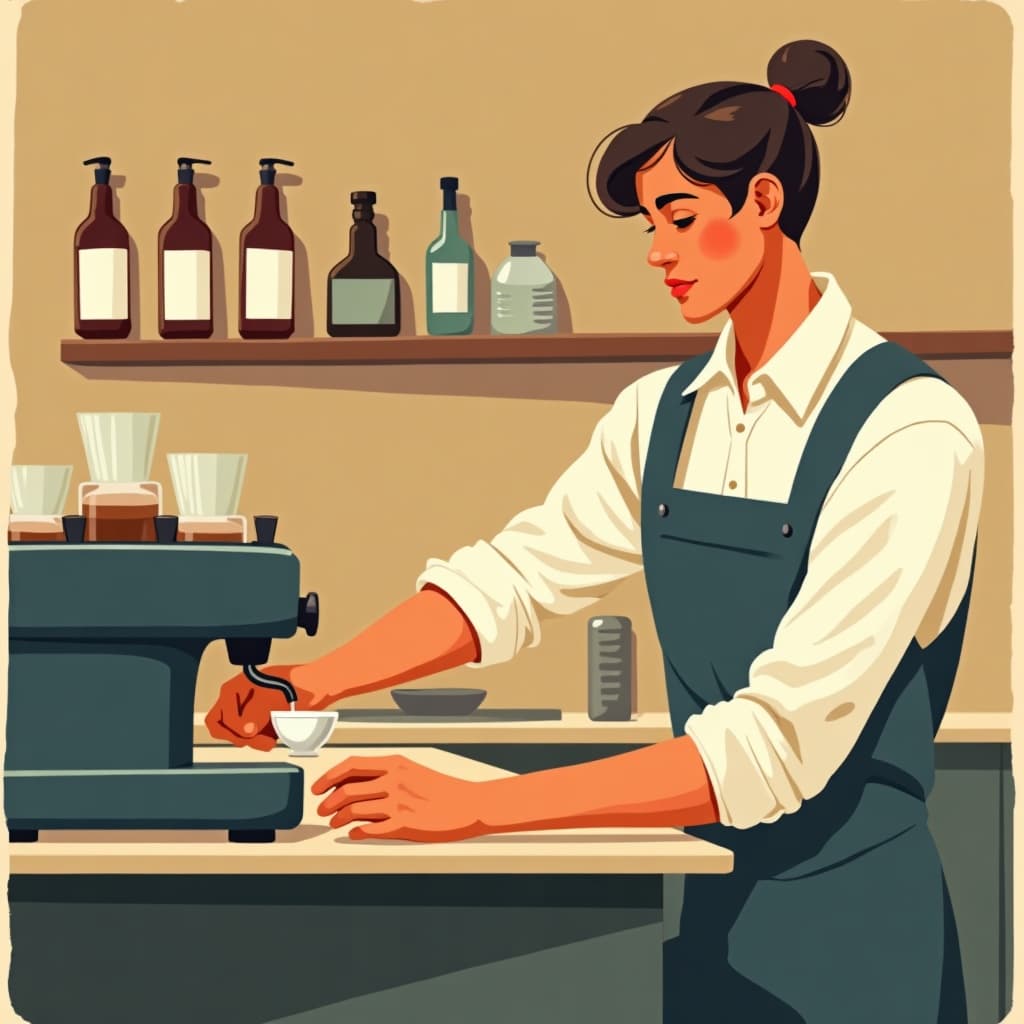
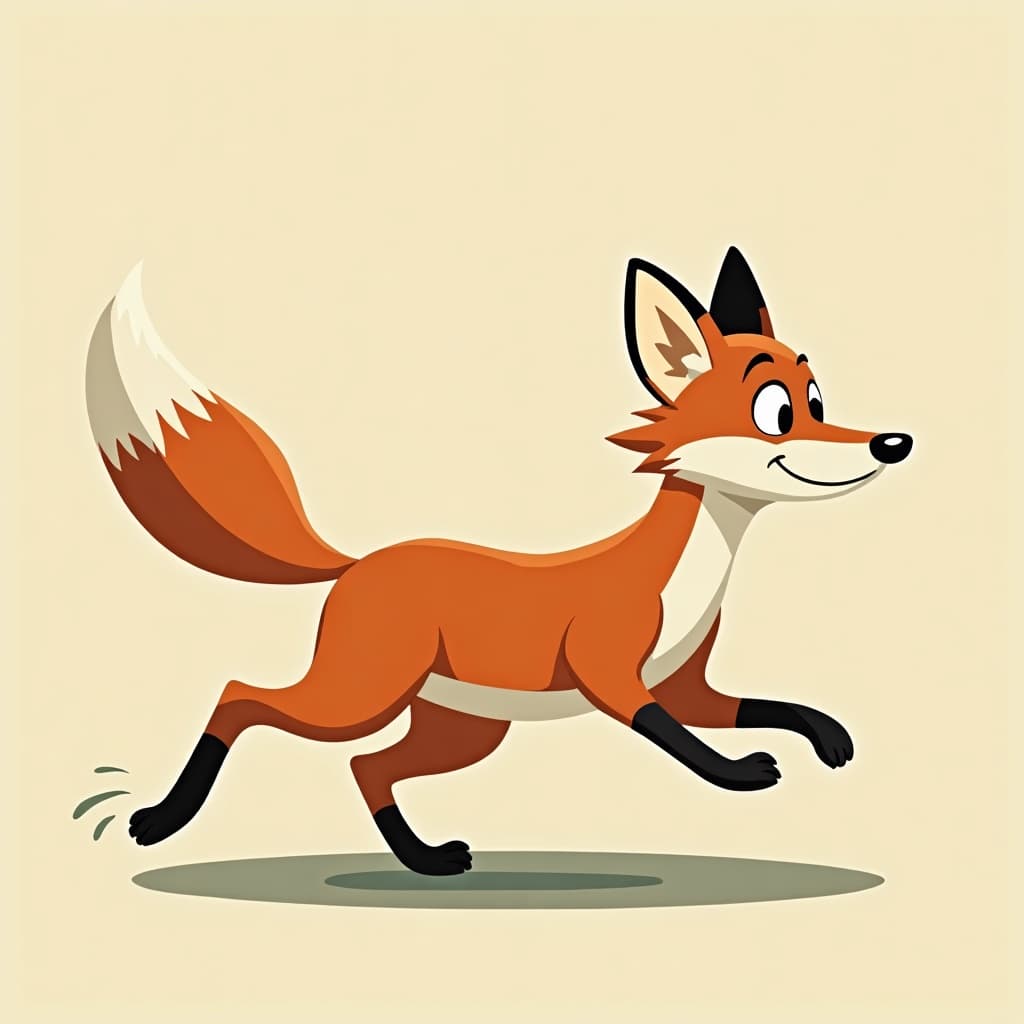
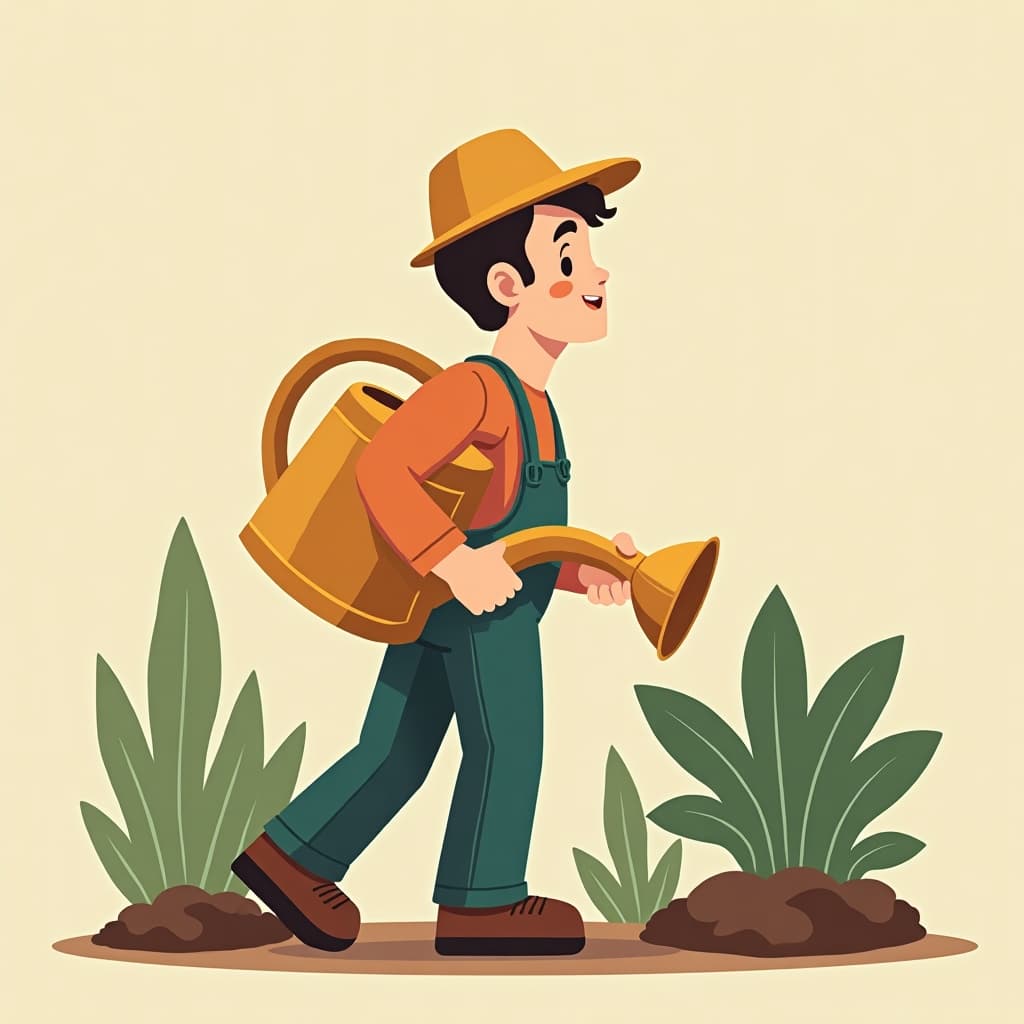
Cartoon conversion at a glance
- Input
- A clear, front-lit photograph
- Key decision
- How far to push stylisation
- Traditions
- Saturday-morning, comic strip, UPA, vector
- Watermark
- None on the download
- Works on
- People and animals
- Free tier
- Yes
In practice
Why cartoon filters lose the person
A cartoon simplifies, and simplification removes information. The information identifying a specific face is mostly subtle — eye spacing, mouth asymmetry, how the nose meets the cheek — so uniform flattening deletes exactly those cues and keeps the generic ones.
Caricaturists invert the process: exaggerate what distinguishes, simplify everything else. That is why a good caricature is more recognisable than a photograph at small size, and why useful cartoonisation is selective rather than uniform.
Three ways in
How far should it go?
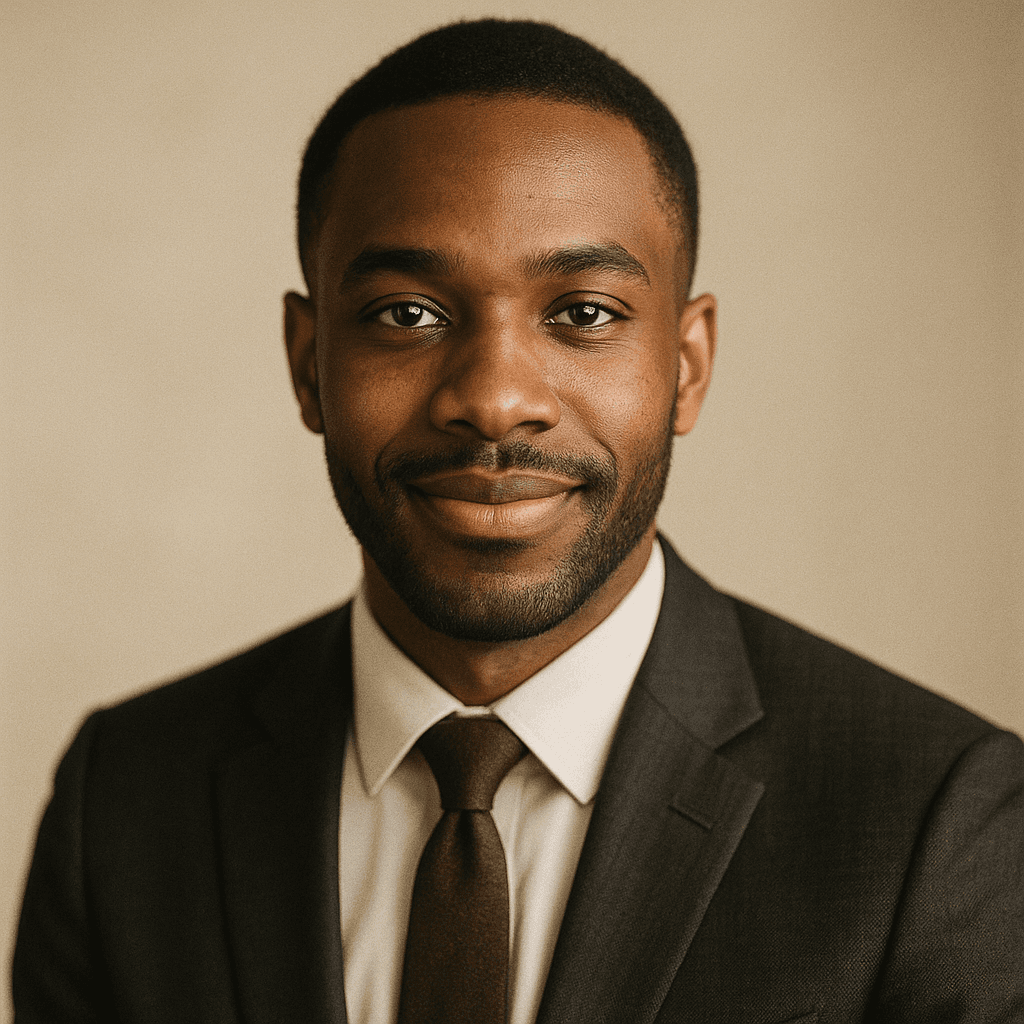
Recognisable above all
Photographic proportion with line and flattened colour added. If you are working out how to make a cartoon of yourself for a profile picture, this is the setting to start at, and it beats what a one-tap cartoon yourself app produces because you control how far it goes.
- Keeps proportion, adds line and flat fill.
- Best when people must identify you.
- Test it at avatar size.
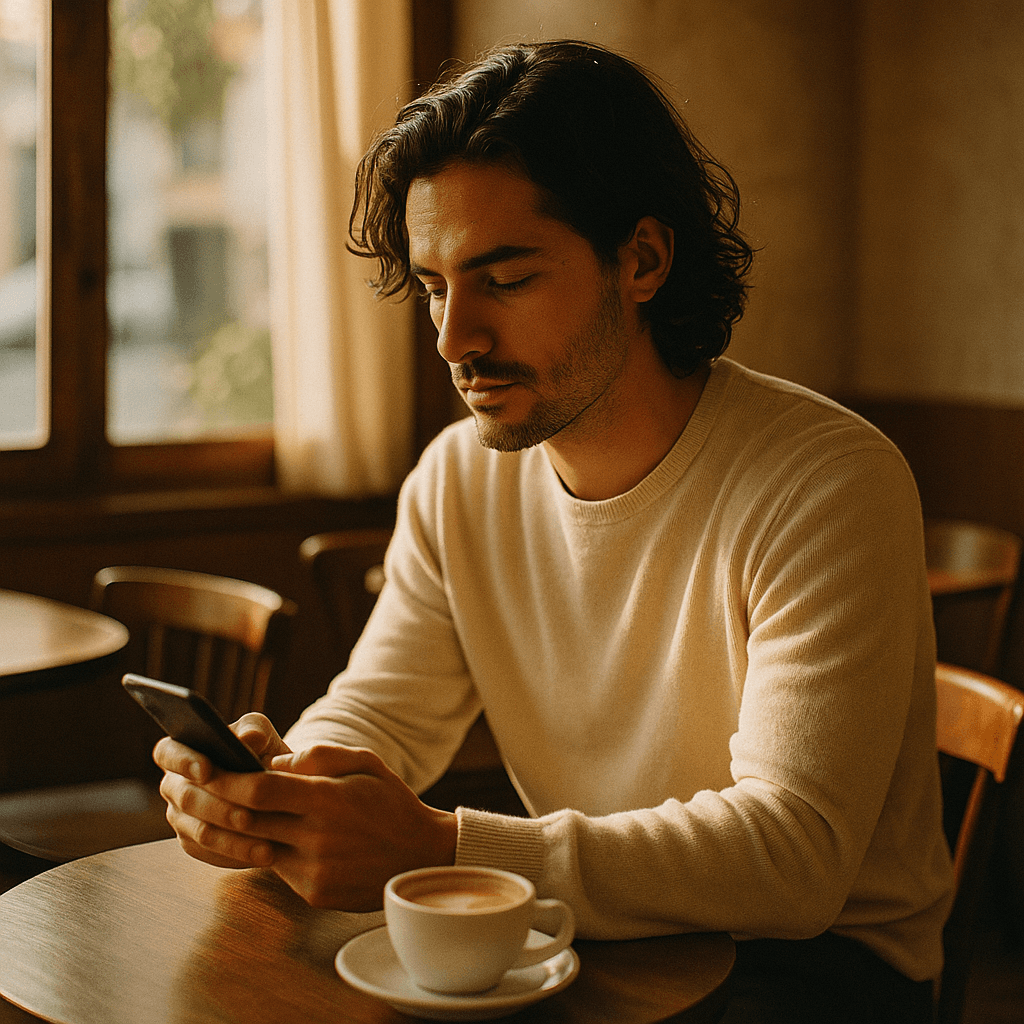
The illustrated avatar look
Proportion moves toward cartoon convention while distinguishing features are preserved. This is the classic illustrated portrait and the most common choice.
- Exaggerate what is distinctive.
- Simplify everything that is not.
- Works for teams if applied consistently.
Deliberate exaggeration
The most fun and the least safe. It works when the subject is in on it and fails badly when they are not.
- Only with the subject's agreement.
- Exaggeration must be affectionate, not cruel.
- Not suitable for professional profiles.
Detail
What cartoon conversion handles
The practical questions about turning photos into cartoons.
Why it does not look like you
Uniform simplification deletes the cues that identify a face. Selective exaggeration is what preserves likeness.
Which photo works best
Front-lit, in focus, whole face visible, no heavy shadow. Cartoonisation amplifies the original lighting.
Pets
Often better than people, because the features identifying a specific animal are coarser and survive simplification.
Group photos
Quality drops per face as faces get smaller. Convert each person from a separate crop and compose afterwards.
Commercial use
Permitted, but a cartoon of a real identifiable person also needs that person's permission — a separate question from image rights.
Related
Related styles and tools
Keep exploring
Every generator cartoon style applies to
Stylisation is a control across all of these.
- free image resizer
- convert an image format
- shrink a file size
- image cropper
- pull colours from an image
- cut out a subject
- EXIF viewer
- AI prompt generator
- anime image style
- cartoon AI generator
- pixel art style
- the ranked comparison
- LaFoto vs Midjourney
- LaFoto vs Leonardo AI
- Ideogram alternative
- compared with Canva
- what is a seed
- what is denoise strength
- what is inpainting
- the LaFoto journal
Cartoon Style at a glance
- Runs in
- Your browser — nothing to install
- Account
- Not required to start
- Watermark
- None on the download
- Output
- PNG, JPEG or WebP
- Commercial use
- Permitted under plain-language terms
- Training
- Your images are never added to a training set
Keep exploring
Tools that work with the cartoon style
Every one runs on the same engine, so a result moves between them without re-uploading.
Start creating today
Generate your first image with the best AI image generator.
Turn a sentence into a finished, photorealistic image in seconds — then refine every detail. No setup, no Discord, no GPU.
Join 4,200+ creators using LaFoto