Comparison
LaFoto vs Stable Diffusion
Choosing between an open-source toolkit and a hosted product usually comes down to one question: do you want to own the machinery, or do you just want the output? Stable Diffusion is an open AI image generator you can download, run locally, and customize endlessly. LaFoto is a hosted AI photo generator that aims to skip the setup entirely and run in your browser.
This comparison is honest about the tradeoffs. Stable Diffusion gives you control, openness, and the lowest possible per-image cost when self-hosted, at the price of a real setup and hardware learning curve. LaFoto is pre-launch (Launching 2026), so we won't quote specs or benchmarks it hasn't shipped; we'll only describe what it's designed to do and where Stable Diffusion is genuinely the better tool.
At a glance
Comparison facts are sourced and dated below. LaFoto is pre-launch; its column describes design intent.
| LaFoto | Stable Diffusion | |
|---|---|---|
| Best for | People who want finished photos and images without infrastructure | Developers, technical hobbyists, and businesses wanting self-hosting, privacy, fine-tuning, or unfiltered generation |
| Ease of use | Designed to run in your browser with no install or setup | Steep — a 10–20 hour learning curve is common, plus ecosystem tooling like ComfyUI or Automatic1111/Forge to learn |
| Setup / hardware | No GPU, no install, no setup (hosted) | Needs a capable GPU and meaningful VRAM; 'CUDA out of memory' errors are common |
| Runs locally / self-host | No — hosted product only, no local weights (a real tradeoff) | Yes — open model weights you can run locally or self-host |
| Customization & fine-tuning | Designed for refining and editing finished photos (Launching 2026) | Unmatched — LoRAs, fine-tuning, and a deep open ecosystem |
| Editing & refinement | Built to refine and edit finished photos | Possible through the ecosystem, but typically requires manual tooling and tuning |
| Cost model | Free to start | Open weights free to run locally (zero marginal cost self-hosted); hosted Stability API reported at roughly $0.03–$0.08 per image |
| Content filtering | Designed as a focused photo tool — terms not finalized pre-launch | No built-in content filters |
| Commercial license clarity | Commercial-use terms in plain language | Community License free under ~$1M annual revenue, paid enterprise license above; SD3.x license caused some confusion |
| Privacy | Hosted — images processed in the cloud | Local runs keep generation private on your own hardware |
Where LaFoto fits
- Runs in your browser with no GPU, no install, and no setup — designed for people who want results, not infrastructure.
- Photo-specialized AI photo and image generator, built specifically to produce finished photos rather than to be configured.
- Built to refine and edit finished photos, not just generate them from scratch.
- Commercial-use terms written in plain language, so you know what you can do with your output.
- Free to start — no credit card. Launching 2026.
Where Stable Diffusion fits
- Open model weights you can download, run locally, or self-host — full ownership and control.
- Zero marginal per-image cost when self-hosted, which is hard to beat at high volume.
- Local runs keep your generation private on hardware you control.
- No built-in content filters, giving technical users maximum latitude.
- An unmatched ecosystem — ComfyUI, Automatic1111/Forge, LoRAs, and fine-tuning for deep customization.
- The top choice for developers and technical users who want fine-tuned models and maximum customization.
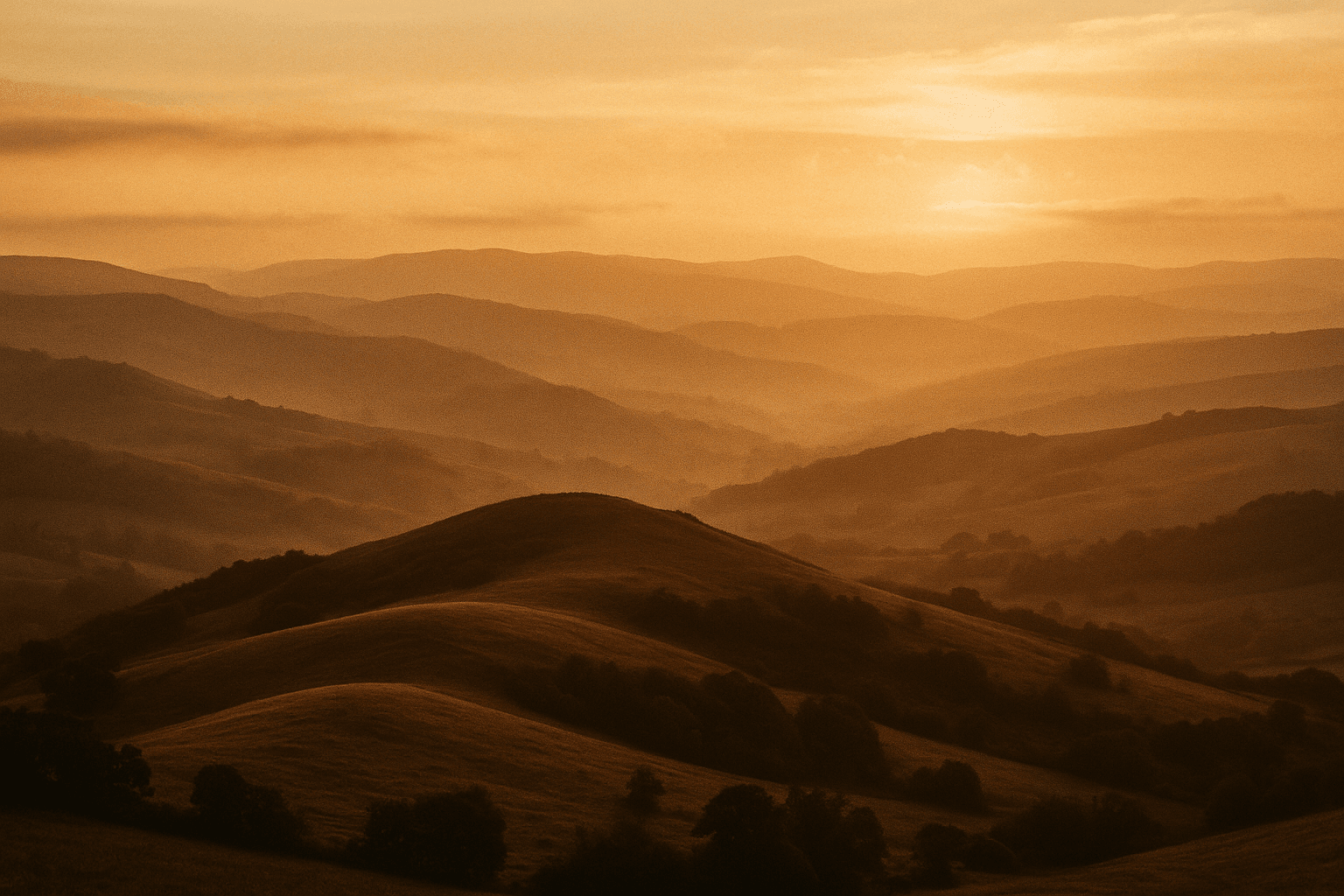
What LaFoto is built to make


The verdict
Pick Stable Diffusion if you're a developer or technical user who wants to own the stack. Its open weights, self-hosting, fine-tuning, LoRA ecosystem, and lack of built-in content filters make it the genuine winner for customization, local privacy, unfiltered generation, and zero marginal cost at volume. Just budget for the reality: a capable GPU with meaningful VRAM, occasional 'CUDA out of memory' errors, a 10–20 hour learning curve, and quality that often needs tuning to shine. Note too that SD3.x moved to a more restrictive Community License that has caused some confusion.
Pick LaFoto if you want finished photos without becoming an infrastructure engineer. It's designed to run in your browser with no GPU, no install, and no setup, with editing and refinement of finished photos and commercial-use terms in plain language. Be clear-eyed about the tradeoff: LaFoto is a hosted product, not open-source or self-hostable, and it does not offer local weights — so if local control and privacy are non-negotiable, Stable Diffusion is the better fit. LaFoto is pre-launch and free to start when it opens (Launching 2026).
Frequently asked questions
- Is LaFoto easier than Stable Diffusion?
- That's the core design goal. LaFoto is built to run in your browser with no GPU, no install, and no setup, so you can focus on results. Stable Diffusion is more powerful for technical users but comes with a steep setup and a 10–20 hour learning curve, including tooling like ComfyUI or Automatic1111/Forge.
- Can I run LaFoto locally or self-host it?
- No. LaFoto is a hosted product and does not offer local model weights or self-hosting — that's a real tradeoff. If running locally, self-hosting, or keeping generation on your own hardware matters to you, Stable Diffusion is the better choice, since its open weights can be downloaded and run locally.
- Which is cheaper?
- It depends on volume and how you run it. Stable Diffusion's open weights are free to download and run locally, giving you zero marginal cost per image when self-hosted — though you pay for the GPU and your time. Stability's hosted API is reported at roughly $0.03–$0.08 per image. LaFoto is free to try during early access; pricing will be confirmed at launch in 2026.
- Which one should developers and technical users choose?
- Stable Diffusion. It's the top choice for developers, technical hobbyists, and businesses that want self-hosting, privacy, fine-tuning, or unfiltered generation. Its open ecosystem — LoRAs, fine-tuning, ComfyUI, and Automatic1111/Forge — offers customization that a hosted AI image generator can't match.
- Does either tool have content filters?
- Stable Diffusion has no built-in content filters, which is part of why technical users choose it for unfiltered generation. LaFoto's content and usage terms are being finalized ahead of its 2026 launch, so we won't overstate them here.
- Can I use the images commercially, and can I copyright them?
- LaFoto is designed to offer commercial-use terms in plain language, and Stable Diffusion's Community License is free for entities under roughly $1M in annual revenue with a paid enterprise license above that. One thing applies to both: in the US, purely AI-generated output generally can't be copyrighted without meaningful human authorship.
Sources
- 01Stable Diffusion features, pricing & license — Merlio (accessed 2026-06-01)
- 02Stability AI API pricing update — Stability AI (accessed 2026-06-01)
- 03AI output & commercial-use rights (Thaler v. Perlmutter overview) — terms.law (accessed 2026-06-01)
LaFoto and Stable Diffusion side by side
- Weights
- Open — run locally, free
- Hosted API
- ~$0.03–$0.08 per image (reported)
- Content filters
- None when self-hosted
- Hardware
- GPU with substantial VRAM
- Learning curve
- Roughly 10–20 hours to productivity
- Licence
- Community License free under ~$1M revenue
Control against convenience
What open weights actually give you
The usual reason to look for a Stable Diffusion alternative is the setup, and the usual reason to stay is what the setup buys. Running the model yourself means no content filter, no per-image cost, no rate limit, and no possibility of the vendor deprecating what you built on. For anyone assembling a pipeline rather than making a few images, those four properties are decisive.
It also means the entire ecosystem is available: ComfyUI graphs, LoRAs trained on your own material, ControlNet for pose and composition, and full fine-tuning. Nothing hosted comes close to that surface area.
Choose by what you are building
Self-hosted control or no setup at all
When you need the pipeline itself
Product integrations, high-volume generation, work that content filters would block, or anything where prompts and images must never leave your hardware. Nothing hosted competes on any of those.
- Zero marginal cost once the hardware exists.
- No filters, no deprecation, full data control.
- Accept: real setup, tuning and maintenance.
When you want the image, not the infrastructure
Browser-based, no GPU, no install, and editing built in. The trade is honest: hosted product, no local weights, no self-hosting option.
- Nothing to install or maintain.
- Editing and generation in one place.
- Not open-source and not self-hostable.
The part that has confused people
The Community License is free under roughly $1M in revenue, and the SD3.x licensing generated enough confusion that reading the current terms before building a business on it is genuinely necessary rather than boilerplate advice.
- Revenue thresholds change your obligations.
- Terms have changed more than once.
- Check the licence for the specific version you run.

Practical differences
What changes day to day
The realities on both sides of this choice.
Hardware you actually need
VRAM is the binding constraint rather than raw speed. Below roughly 8GB you are limited on resolution and batch size regardless of the rest of the machine.
Quality out of the box
Default Stable Diffusion output does not match a tuned hosted model. The gap closes with checkpoints, LoRAs and sampler choices — which is the learning curve.
Keeping work entirely private
Self-hosting is the only option here where prompts and images never leave your machine. For sensitive commercial work that can outweigh everything else.
Reproducibility
Fixed seeds plus a pinned checkpoint make results exactly reproducible months later — something hosted models cannot promise across version changes.
Team adoption
One engineer can run it; a marketing team generally cannot. Match the tool to who will actually use it daily.
Other comparisons
How LaFoto compares with the rest
Try the alternative
The LaFoto tools referenced here
The specific surfaces behind the LaFoto column.
- resize to exact pixels
- image converter
- compress an image
- crop an image
- image colour palette
- remove a background
- EXIF viewer
- build a prompt
- make anime art
- cartoon AI generator
- make pixel art
- best AI image generators
- compared with Midjourney
- compared with Leonardo
- Ideogram alternative
- compared with Canva
- seeds explained
- denoise strength explained
- inpainting explained
- AI photography guides
Start creating today
Generate your first image with the best AI image generator.
Turn a sentence into a finished, photorealistic image in seconds — then refine every detail. No setup, no Discord, no GPU.
Join 4,200+ creators using LaFoto