Comparison
LaFoto vs Photoshop: generating against retouching
Photoshop has thirty-five years of tooling for manipulating an existing image — selections, layers, masks, curves, frequency separation, colour management. Generative Fill sits on top of that stack, which is why it is the strongest integrated AI editing experience available.
What it is not is a way to make an image from nothing without a source, and it is not free. Those two facts are what send people looking for alternatives, and being clear about which one you actually need matters more than any feature list.
At a glance
Comparison facts are sourced and dated below. LaFoto is pre-launch; its column describes design intent.
| LaFoto | Photoshop | |
|---|---|---|
| Primary purpose | Generating original images, with masked editing | Professional retouching, compositing and layout |
| Precision control | Prompt and mask driven | Layers, curves, channels, complete pixel control |
| Cost | Free to start, no credit card | Creative Cloud subscription |
| Install | Browser only | Desktop application |
| Learning curve | Minutes | Substantial — years to full command |
| Status | Pre-launch, launching 2026 | Available today |
Where LaFoto fits
- Runs in a browser with nothing to install and no subscription to start.
- Generates images that did not previously exist, from a description.
- Masked editing without needing to learn a layer stack.
- Free tier with no watermark on the download.
Where Adobe Photoshop fits
- Unmatched precision retouching and compositing control.
- Generative Fill inside a full professional editing stack.
- Colour management and print-accurate output.
- An ecosystem of plugins, actions and training decades deep.
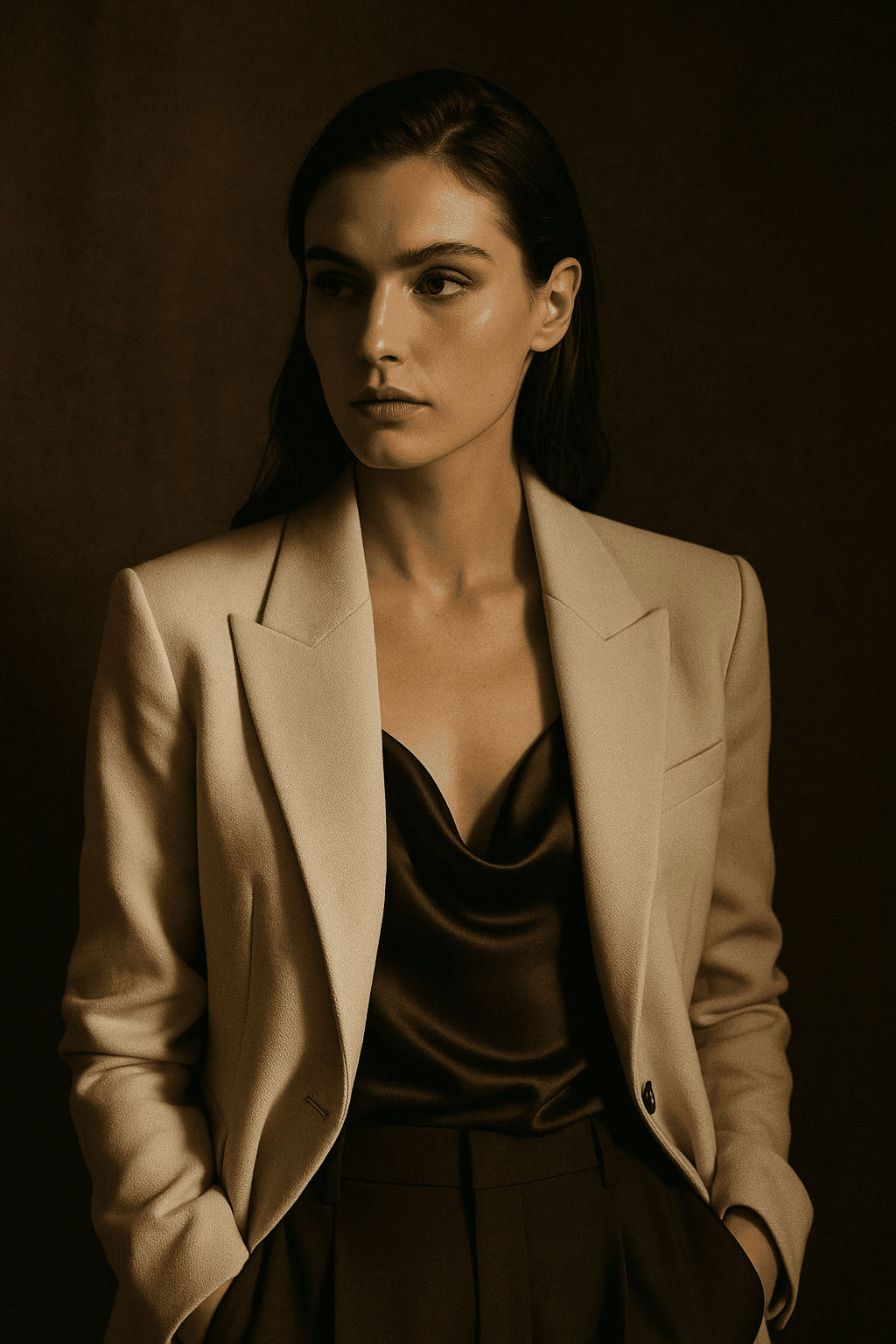
What LaFoto is built to make
The verdict
Choose Photoshop if you are retouching to a professional standard, compositing multiple sources, or need colour-managed output for print. Nothing in this category replaces it for that work.
Choose a generator if you need an image to exist at all, or if your editing is "change this region" rather than "manipulate these pixels precisely". For a large share of everyday image work that is genuinely the whole requirement.
Frequently asked questions
- Is there a free Photoshop alternative?
- For editing, Photopea and GIMP are the usual answers and both are genuinely capable. For generating original images, that is a different tool category entirely — an editor cannot make an image that has no source.
- Can AI replace Photoshop?
- Not for professional retouching and compositing, where precision control over specific pixels is the entire job. For "remove this object" or "change this background", a generator handles it in one step where Photoshop takes several.
- Does Photoshop have AI image generation?
- Yes — Generative Fill, powered by Adobe Firefly. It is the strongest integrated experience available, because the model sits inside a full editing stack rather than beside one.
- Which is better for removing objects?
- For a straightforward removal, a generator is faster and often cleaner. For a removal that must be pixel-exact against a complex background, Photoshop gives you control that prompting cannot.
- Do I need Photoshop if I use an AI generator?
- For most everyday work, no. For print production, professional retouching or colour-managed output, yes — and the two are complementary rather than exclusive.
- Is LaFoto a Photoshop alternative?
- For generation and simple masked edits, it covers the need without a subscription. For professional compositing it is not a replacement, and claiming otherwise would be misleading.
Sources
- 01Adobe Photoshop plans and pricing — Adobe (accessed 2026-06-01)
- 02Adobe Generative Fill overview — Adobe (accessed 2026-06-01)
LaFoto and Photoshop side by side
- What Photoshop is
- A retoucher, with generation added
- What LaFoto is
- A generator, from nothing
- Photoshop strength
- Pixel-level control
- LaFoto strength
- The blank page
- Learning curve
- Steep, versus a sentence
- Use both?
- The professional default
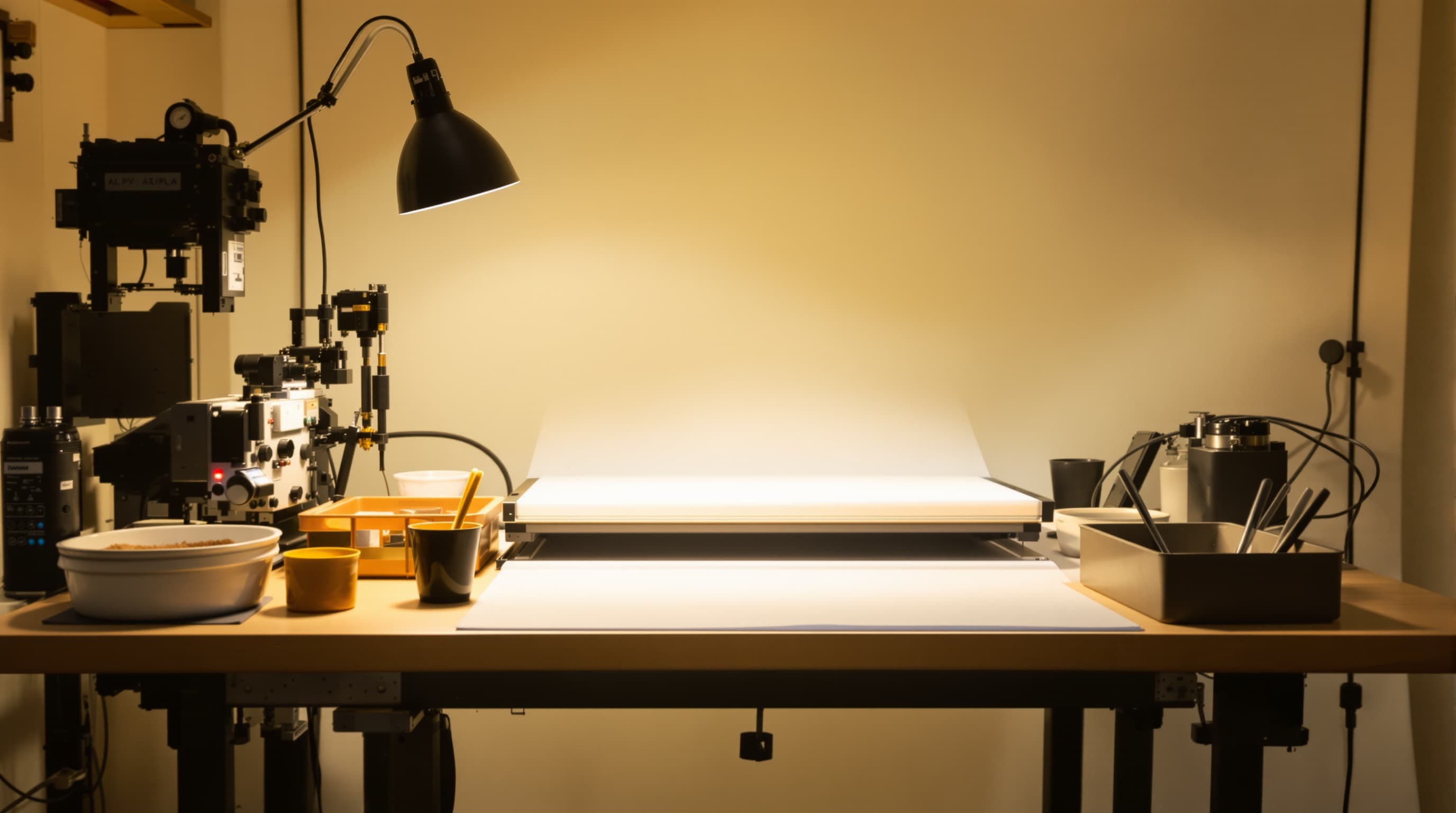
Retouching against generating
One starts from a photograph, the other from nothing
Photoshop is thirty years of tools for changing an image that already exists — selections, masks, curves, compositing, and now generative fill layered on top. Every one of those assumes a source.
A generator assumes the opposite. There is no source, and the entire interface is about describing something that has never been photographed. Those are different problems, and the tool that is excellent at one is structurally mediocre at the other.
Three tasks
Where each one belongs
No source image exists
A concept that has never been photographed, a product that has not been built, a scene nobody shot. Photoshop has no starting point here and a generator has nothing else.
This is the cleanest division between the two and it accounts for most of the disagreement about which is better.
- No photograph to open.
- Describe rather than select.
- A generator.
A real image needs changing
Colour correction, a blemish removed, a background replaced, a composite assembled from three shoots with matched light.
Masks and curves beat a prompt whenever the requirement is "this exact area, this exact amount".
- Exact regions, exact amounts.
- Non-destructive layers.
- Photoshop.

Generate, then finish
The common professional route: generate a base image, take it into an editor for the last ten per cent — crop, grade, type, and the small fixes a model will not land reliably.
Neither tool resents the other. The handoff is a file.
- Generate the base.
- Finish where precision lives.
- Set real type in the editor.

Photoshop questions
The questions this comparison actually raises
Including the ones where the answer is "use Photoshop".
Is generative fill the same as a generator?
No. It generates into a masked region of an existing image, conditioned on what surrounds it. That is inpainting, and it needs a source to work from.
Do I still need Photoshop if I generate images?
For professional output, usually yes. Final crop, colour grade, type and small corrections are all faster and more exact in an editor.
Which has the steeper learning curve?
Photoshop, by a wide margin, and that is a fair trade for what it does. A prompt takes a sentence; masks and curves take years.
Can I edit a generated image in Photoshop?
Yes, and that is the normal workflow. A generated PNG or JPEG opens like any other file.
Is Photoshop better at removing objects?
For precision work, yes — the mask is yours to draw. Our own object-removal page describes where a prompt-driven approach is enough.
What does a generator do that Photoshop cannot?
Produce an image where no photograph exists. That is the whole of it, and it is a large whole.
Keep exploring
Elsewhere on LaFoto
Generation first; the editor still finishes the job.
- free image resizer
- image converter
- compress an image
- crop an image
- pull colours from an image
- cut out a subject
- EXIF viewer
- build a prompt
- make anime art
- cartoonize a picture
- pixel art generator
- which generator to pick
- compared with Midjourney
- Leonardo AI alternative
- compared with Ideogram
- Canva alternative for images
- reproducing an image
- how far a result may drift
- editing inside a mask
- AI photography guides
Start creating today
Generate your first image with the best AI image generator.
Turn a sentence into a finished, photorealistic image in seconds — then refine every detail. No setup, no Discord, no GPU.
Join 4,200+ creators using LaFoto